01
Your design. Your gift card values.
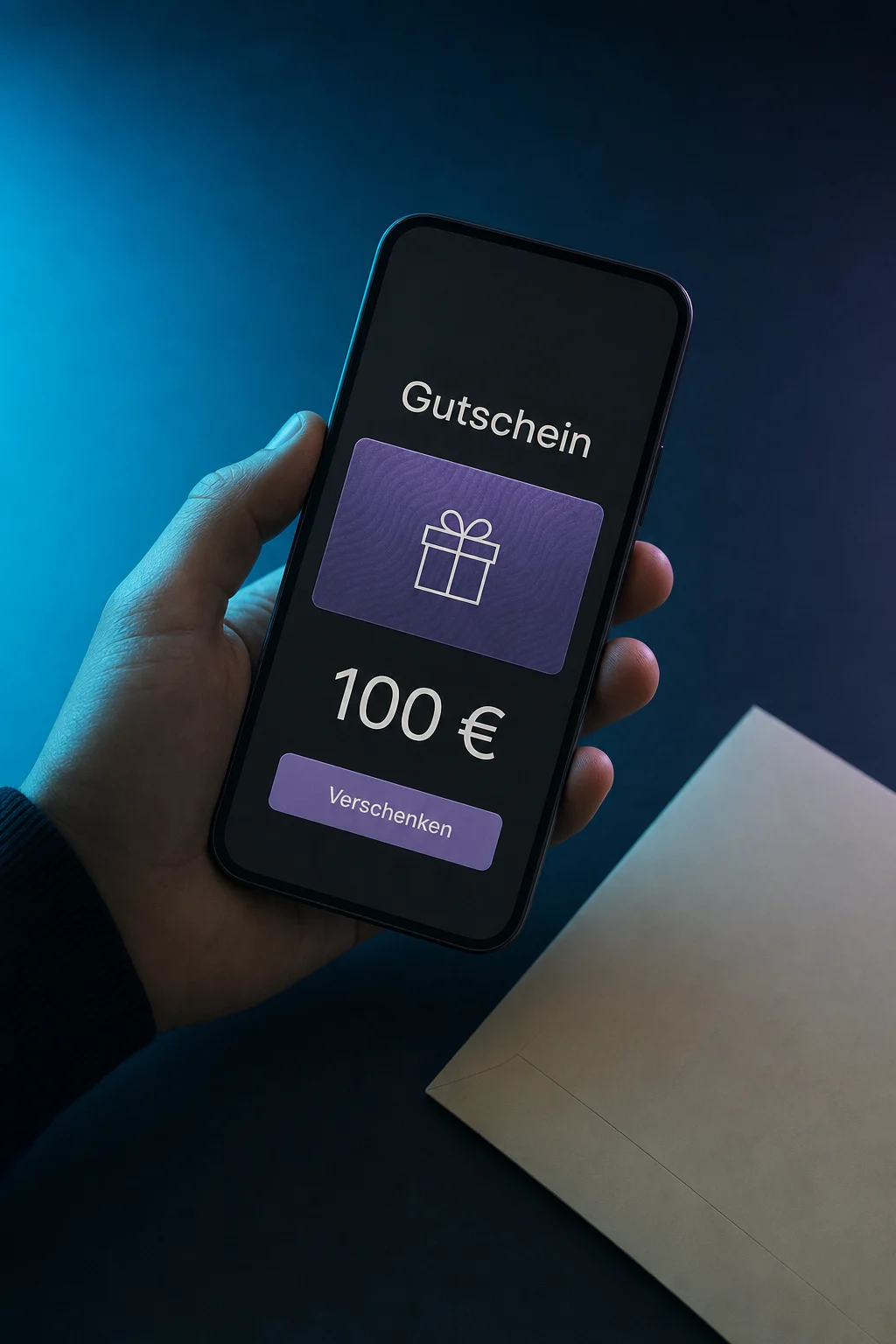
Choose artwork and fixed values. The example offers 50, 100 and 150 euros. Set validity and terms to match your offering.

Gift Cards
Sell digital gift cards in your own design. Customers choose a value, send it as an email gift and use the balance at checkout.
Three examples show how you can use Gift Cards.
Choose artwork and fixed values. The example offers 50, 100 and 150 euros. Set validity and terms to match your offering.
When buying for someone else, customers add a recipient, message and delivery date. After successful payment, the gift card arrives by email at the chosen time.

The gift card overview shows the recipient, status and remaining balance. In the example, 60 of 100 euros have been redeemed, leaving 40 euros for another purchase.

The practical benefits of Gift Cards.
Share the gift card’s dedicated purchase link in an email or behind a website button.
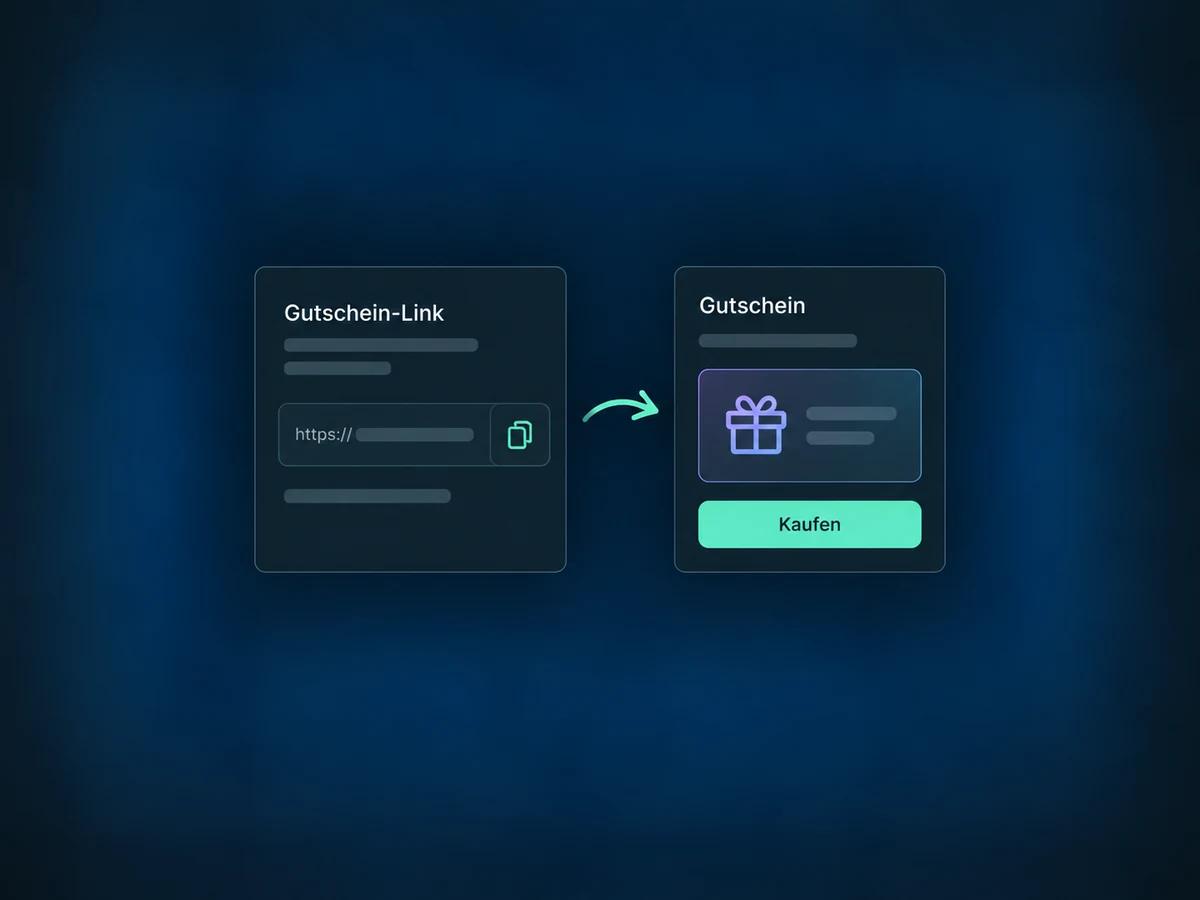
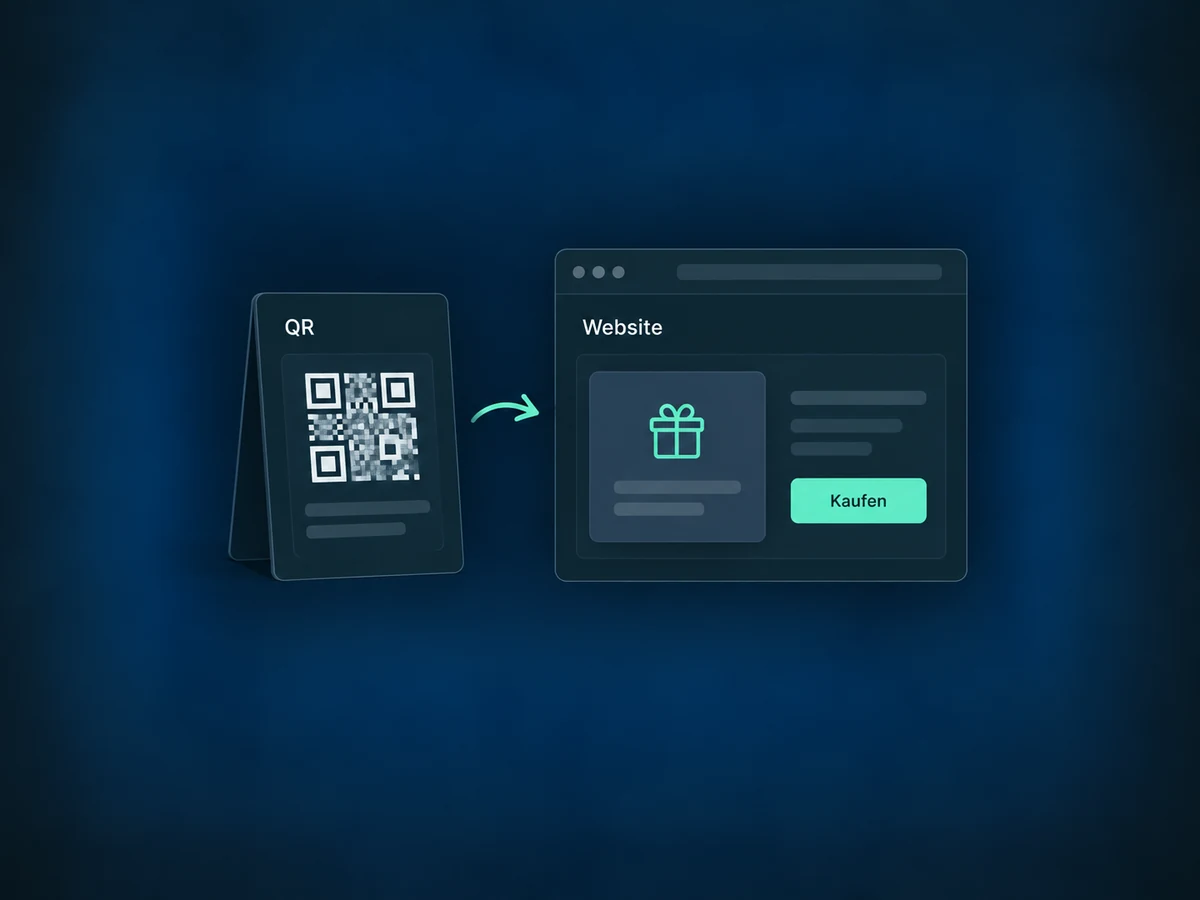
Embed the gift card checkout. A QR code can also take customers from a printed display to checkout.
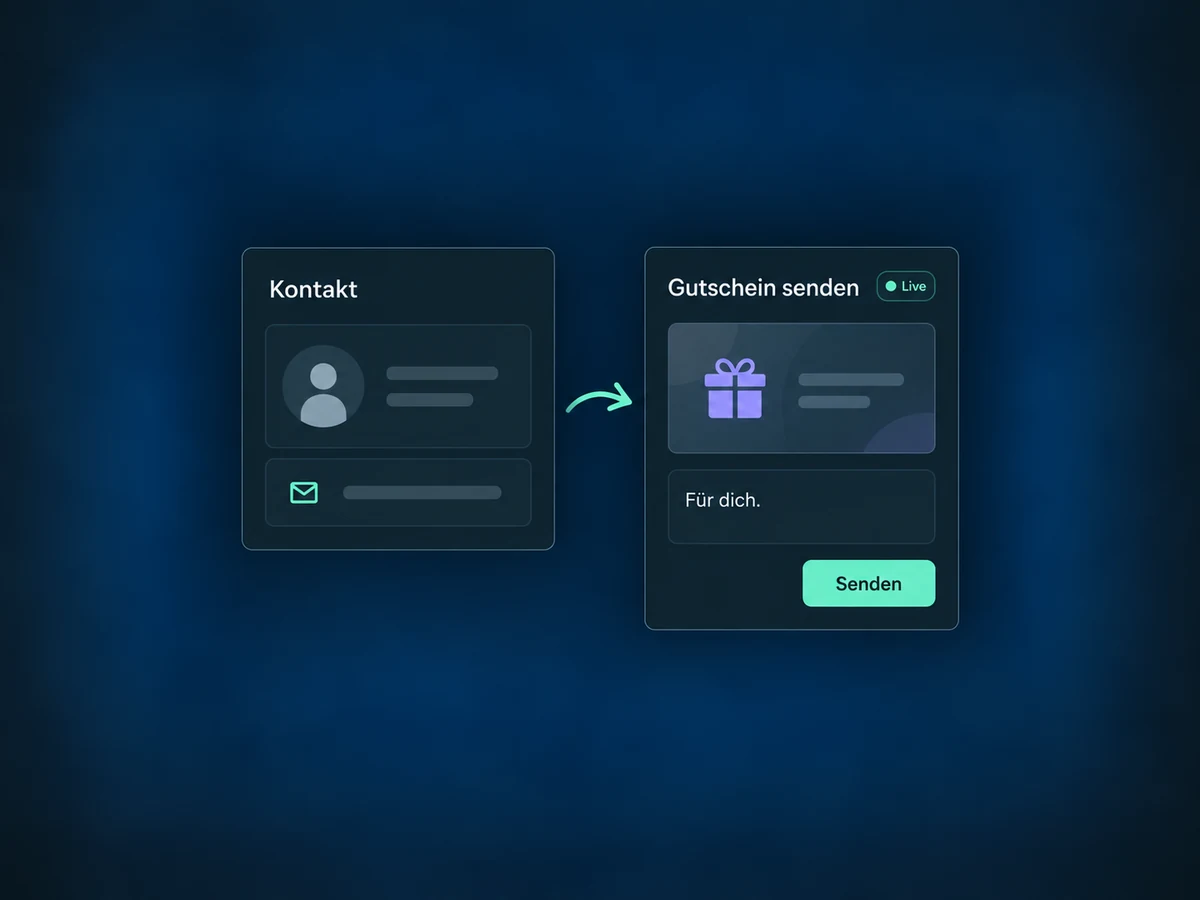
Issue a gift card to one contact without a purchase. This creates real credit and works in live mode only.
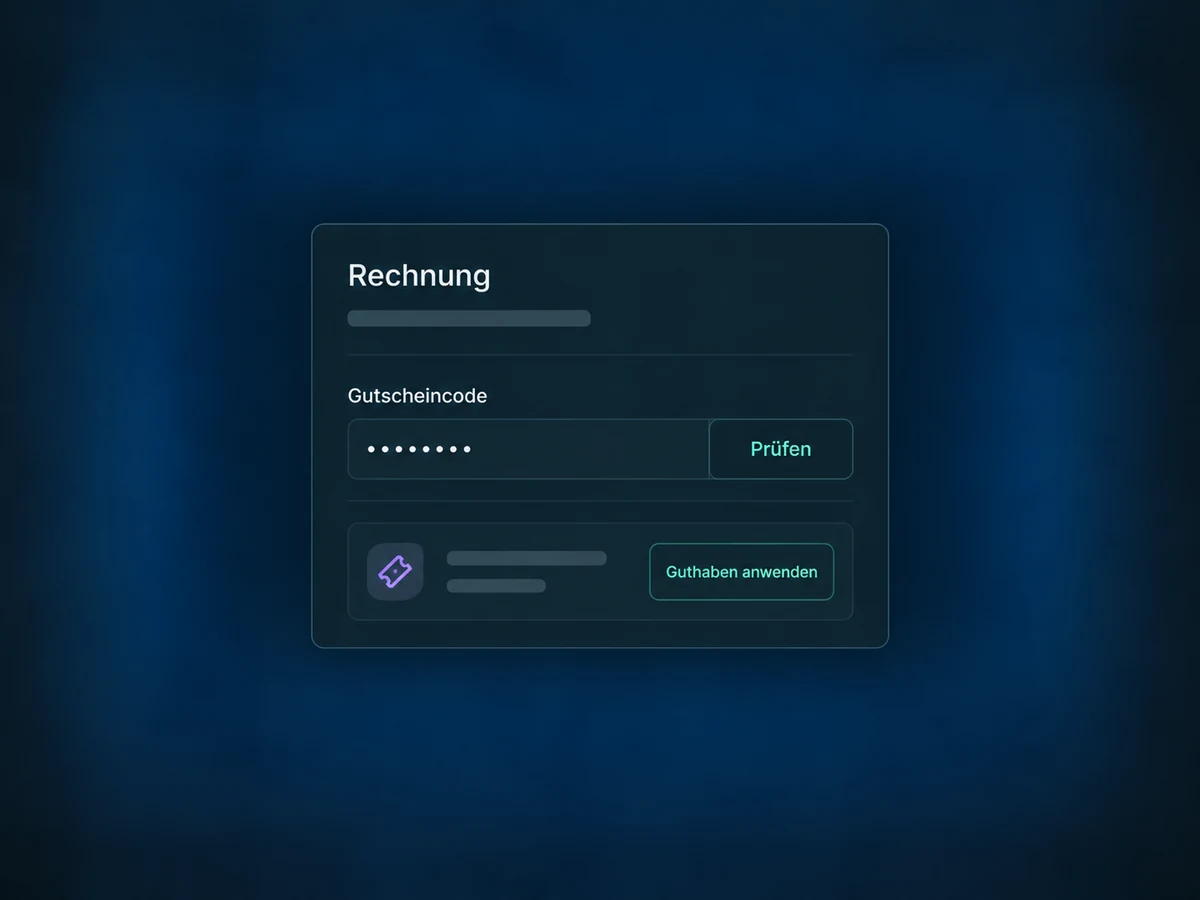
Your team can also redeem a gift card when collecting supported invoice or order payments.
See sold and complimentary gift cards in one view. The general order list shows paid purchases only.
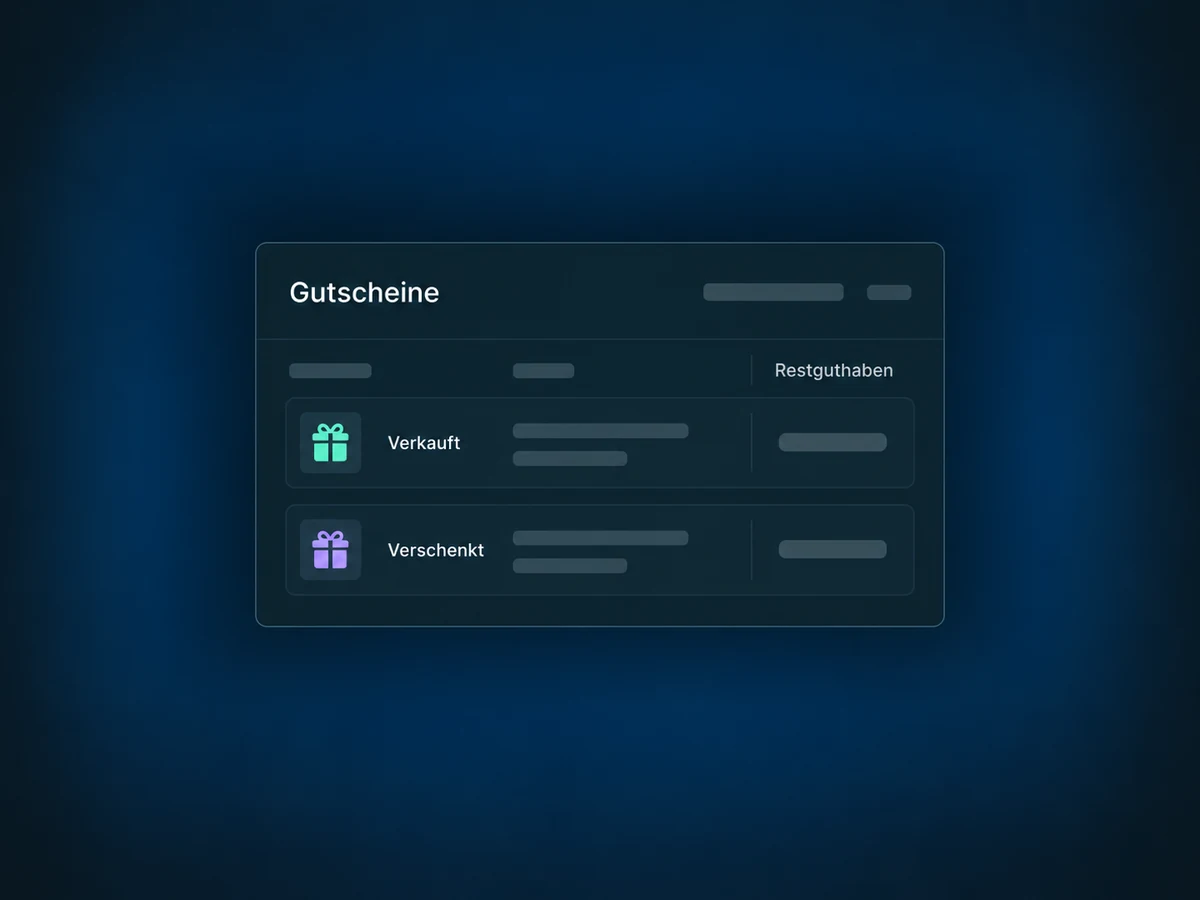
Simplified examples, not live account data.
Before launch, we check availability, the payment provider and your redemption flow. Validity, terms and tax treatment need to suit your offering.
Gift cards can be redeemed through supported payment links, invoices and store purchases, for example. They do not automatically work in every checkout or external till system.
Availability and any add-on or usage costs are confirmed for your ONE LOOP account before implementation.
Supported payment providers can collect the remainder separately. Some providers only allow gift cards to cover a one-time purchase in full. We test your payment flow before launch.
Purchases have separate test and live links. Test cards only work in test checkouts. Sending a card without a purchase is not a test: it always creates real credit in live mode.
For supported subscription payments, it can cover the initial payment. Later charges do not use the gift card balance and require the stored payment method.
Open an issued card to review its recipient, status, delivery and remaining balance. Scheduled delivery is shown as such; it does not mean a new payment has occurred.
Let’s explore your use case and what the setup requires.
Book a demo