01
Find search terms that fit your offer
Start with a service or topic. Review related search terms and select those you can genuinely address. Search volume and difficulty help you compare opportunities, but they are estimates.


SEO
Find relevant search terms, spot problems on your pages and review suggested improvements. We confirm access to the advanced SEO tools and their scope before setup.
Three examples show how you can use SEO.
Start with a service or topic. Review related search terms and select those you can genuinely address. Search volume and difficulty help you compare opportunities, but they are estimates.
Review a specific page address: is the title missing, the description incomplete or the heading structure unclear? A page audit turns broad SEO questions into specific findings.

For supported ONE LOOP pages, AI can suggest a missing page title, for example. Review the wording before applying it, then check the published page. A suggestion is not yet an applied change.

The practical benefits of SEO.
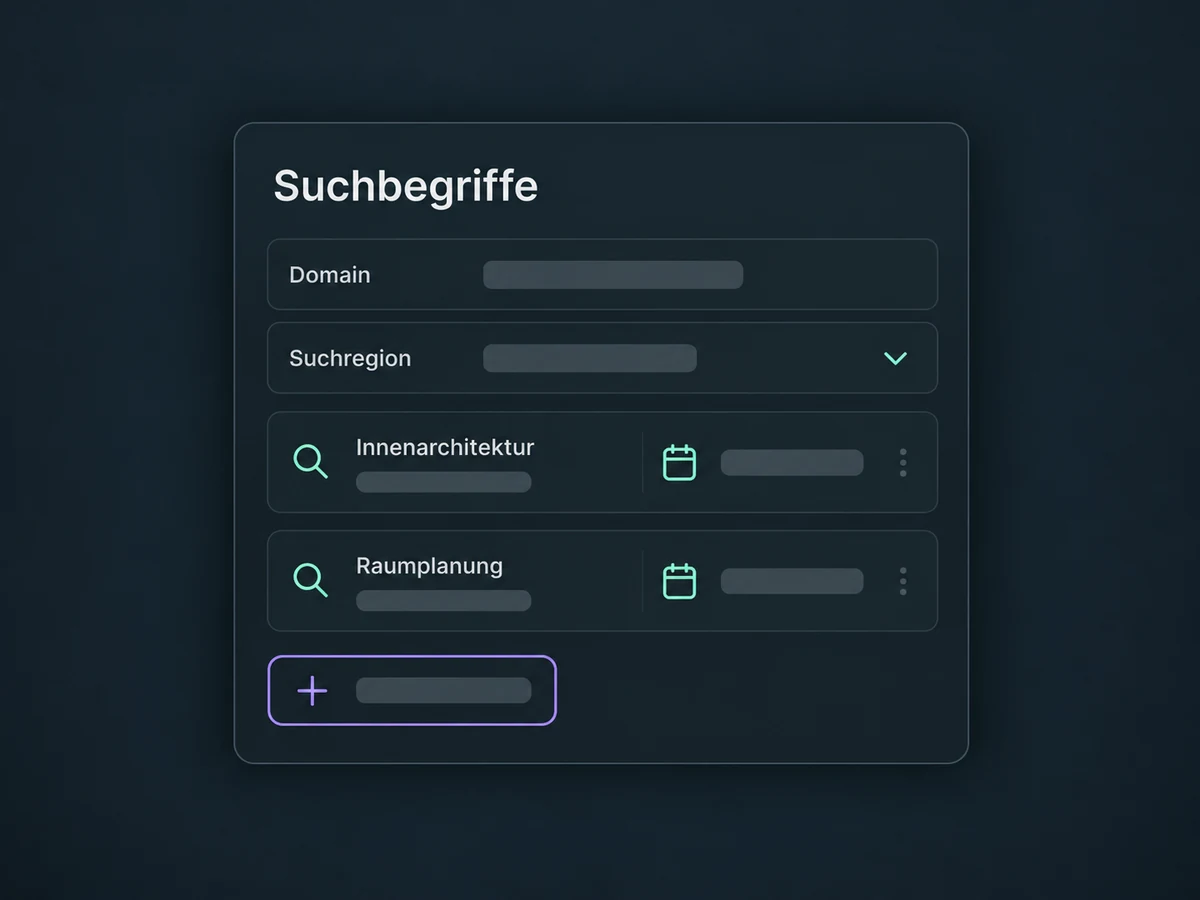
Set the domain, keywords and search location for rank tracking. Follow the same selection over time rather than relying on one search you run yourself.
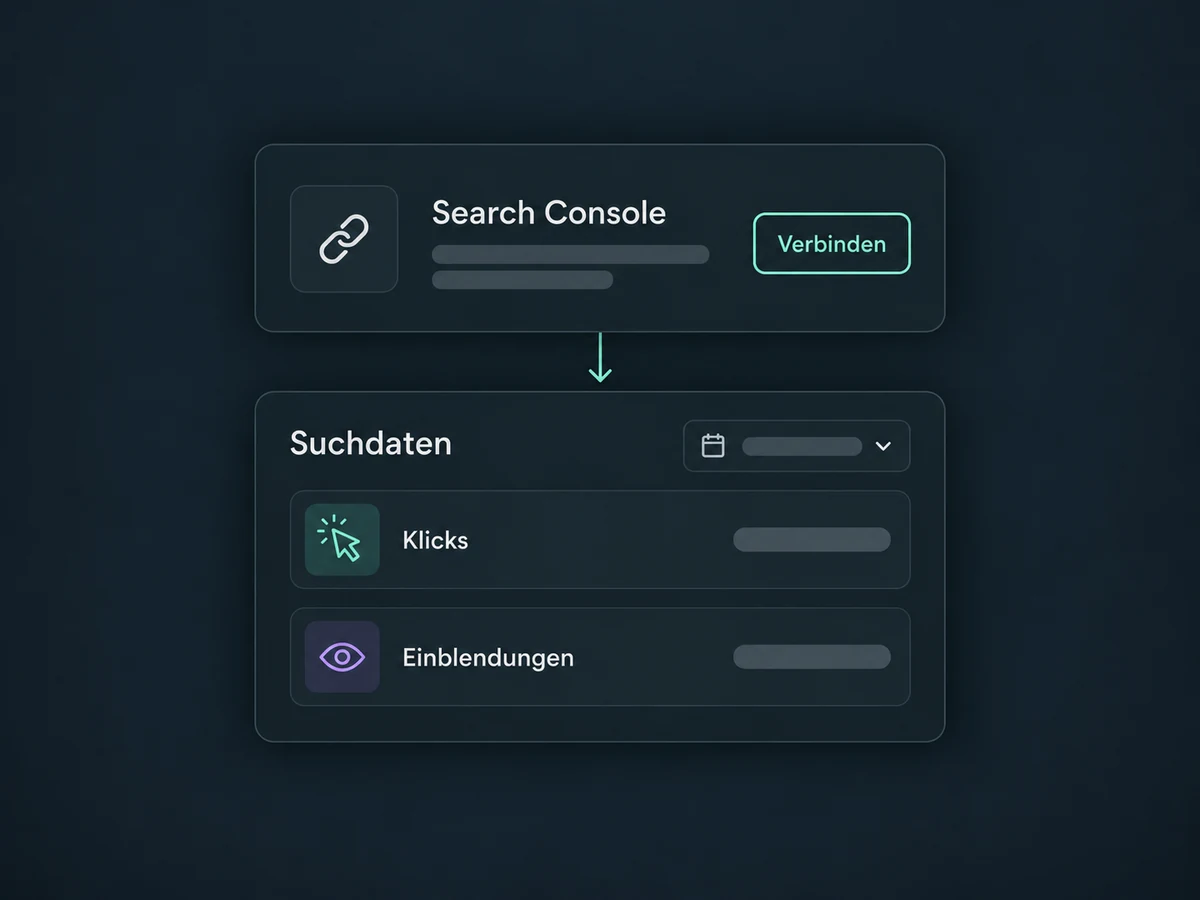
Connect your verified Google Search Console property. Review its recorded clicks and impressions by period or page, separately from estimated search traffic.
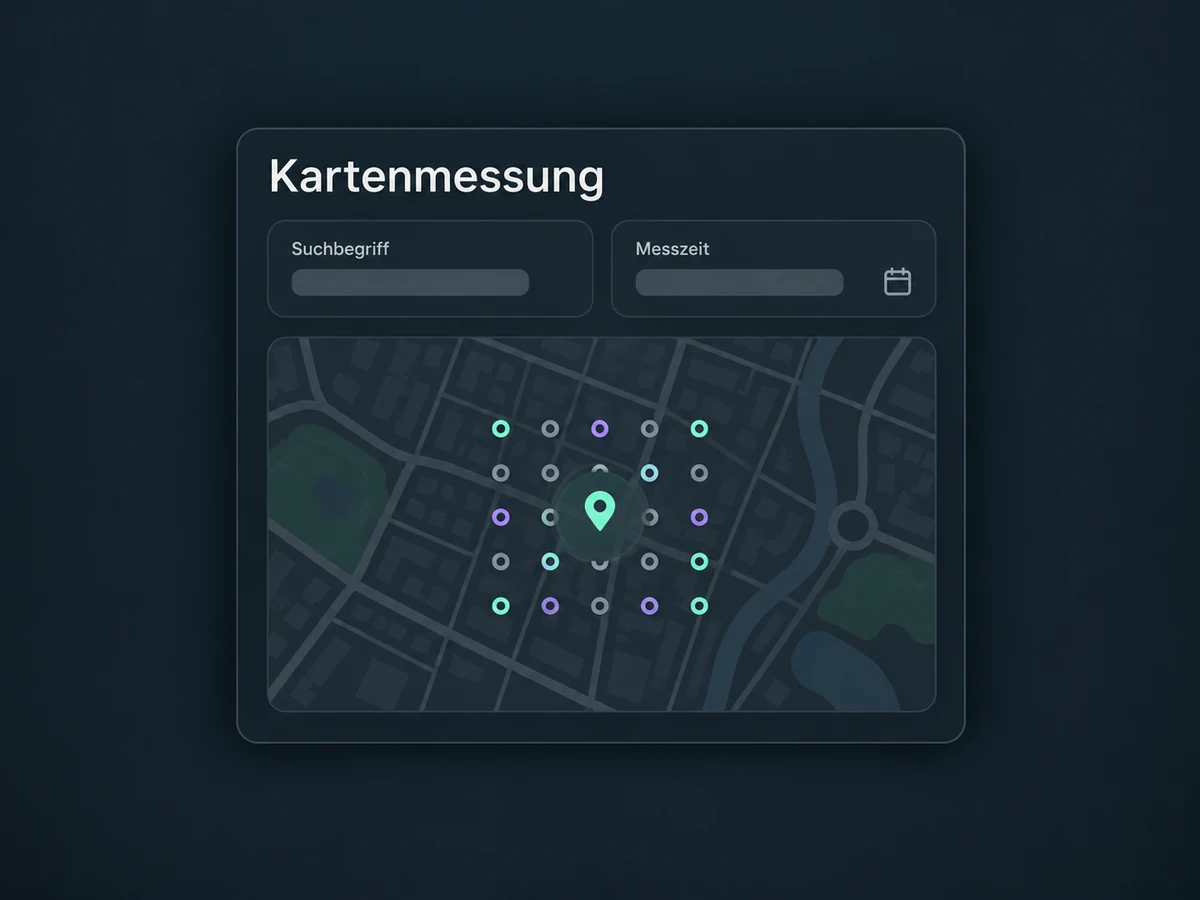
With Local SEO configured, a map shows measured rankings around your business. The keyword, map area and scan time define what you are comparing.
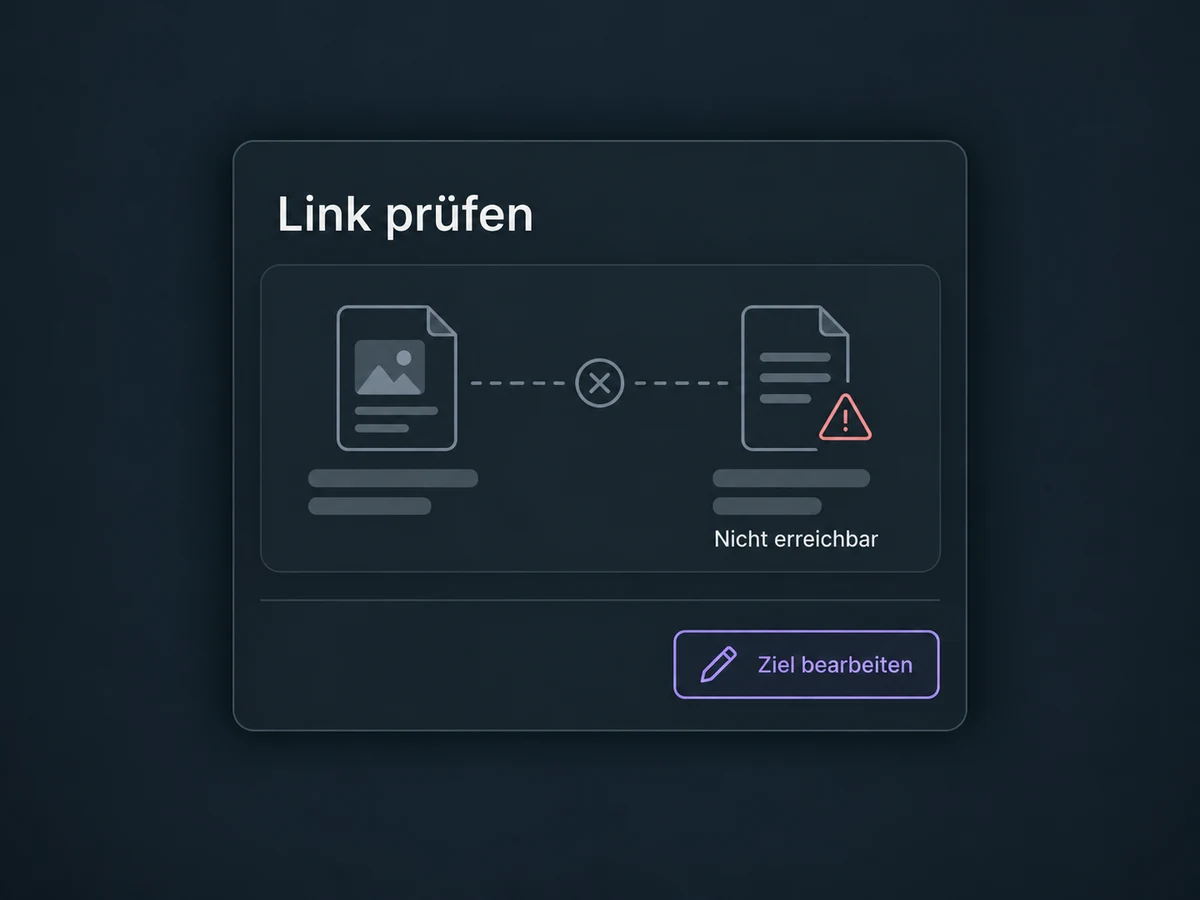
A site audit can uncover broken links and unavailable pages. It helps you locate a link or page that needs fixing; the finding itself does not repair it.
Choose which pages to crawl and how often. Relevant exclusions and a suitable schedule keep checks focused on important content and help manage your allowance.
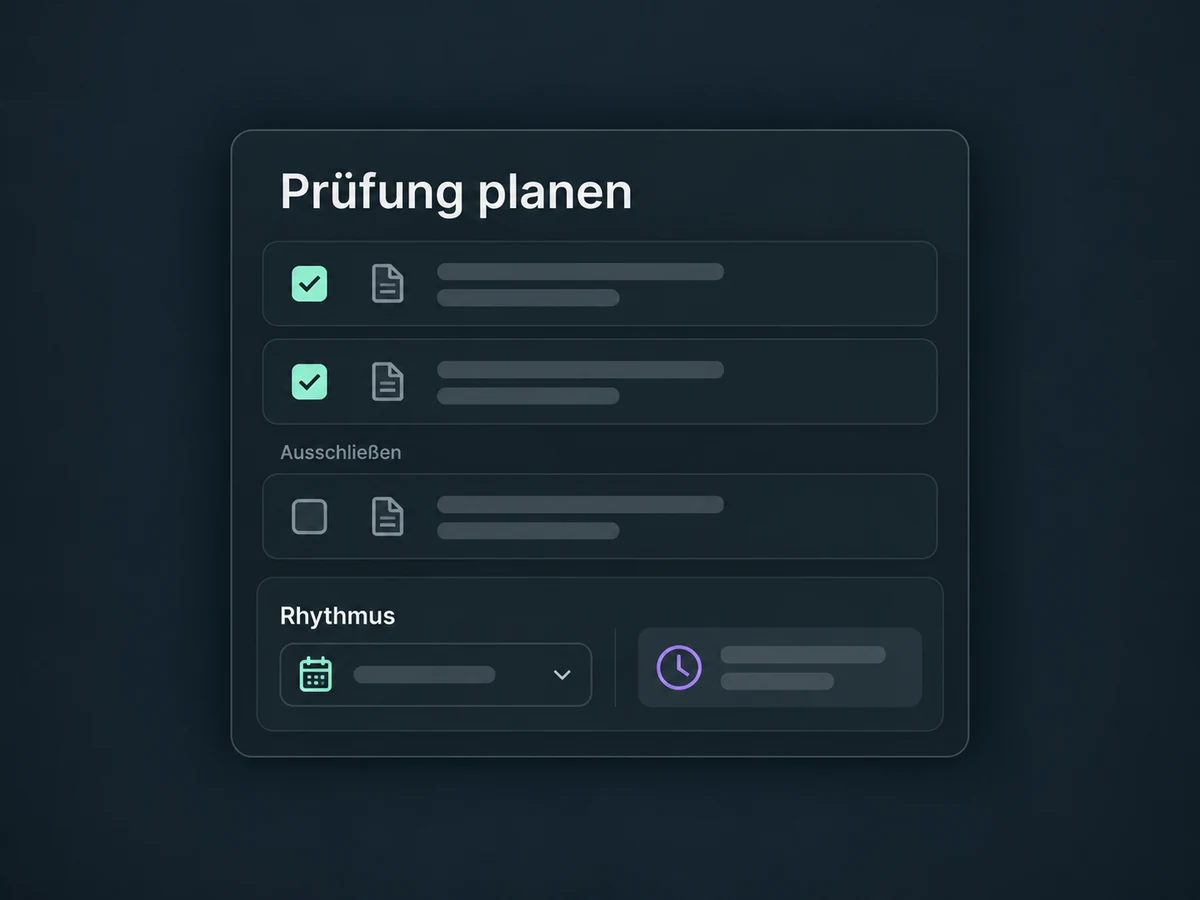
Simplified examples, not live account data.
Before setup, we confirm access, additional costs and allowances for projects, audits and AI suggestions. We select the correct domain and check permissions. Search Console and your Business Profile are connected separately when needed. Effective SEO also needs relevant content and ongoing maintenance.
Use reviewed findings to improve your websites, funnels or blog posts. Better rankings are not guaranteed, and a search click is not an enquiry. Visitors still need a clear contact path and a properly configured form or booking link.
Availability and any add-on or usage costs are confirmed for your ONE LOOP account before implementation.
No. You edit titles and descriptions in your page settings. The advanced SEO tools add keyword research, audits and rank tracking. They require separate access and have usage allowances. We confirm the functions and costs included in your ONE LOOP offer before setup.
An external website can be analysed as a domain project if it is accessible to the audit. However, the AI recommendations with direct application shown here are not available for WordPress or external websites. Make those changes in the relevant website system. Even for supported ONE LOOP pages, compatibility and each suggestion need review before application.
Rank tracking checks a keyword under specific conditions. Search Console also reports average positions across actual impressions. Time period, location and device affect the comparison. A missing position does not automatically mean zero visitors. Neither a good audit score nor an applied recommendation guarantees rankings or new enquiries.
No. Local rank scans show where your business appears for a keyword at selected map points. They need a connected Business Profile and suitable scan settings. Listings manages business details in supported directories. A map scan does not change opening hours or directory entries; the two functions are configured separately.
Let’s explore your use case and what the setup requires.
Book a demo