01
From your offer to an enquiry.
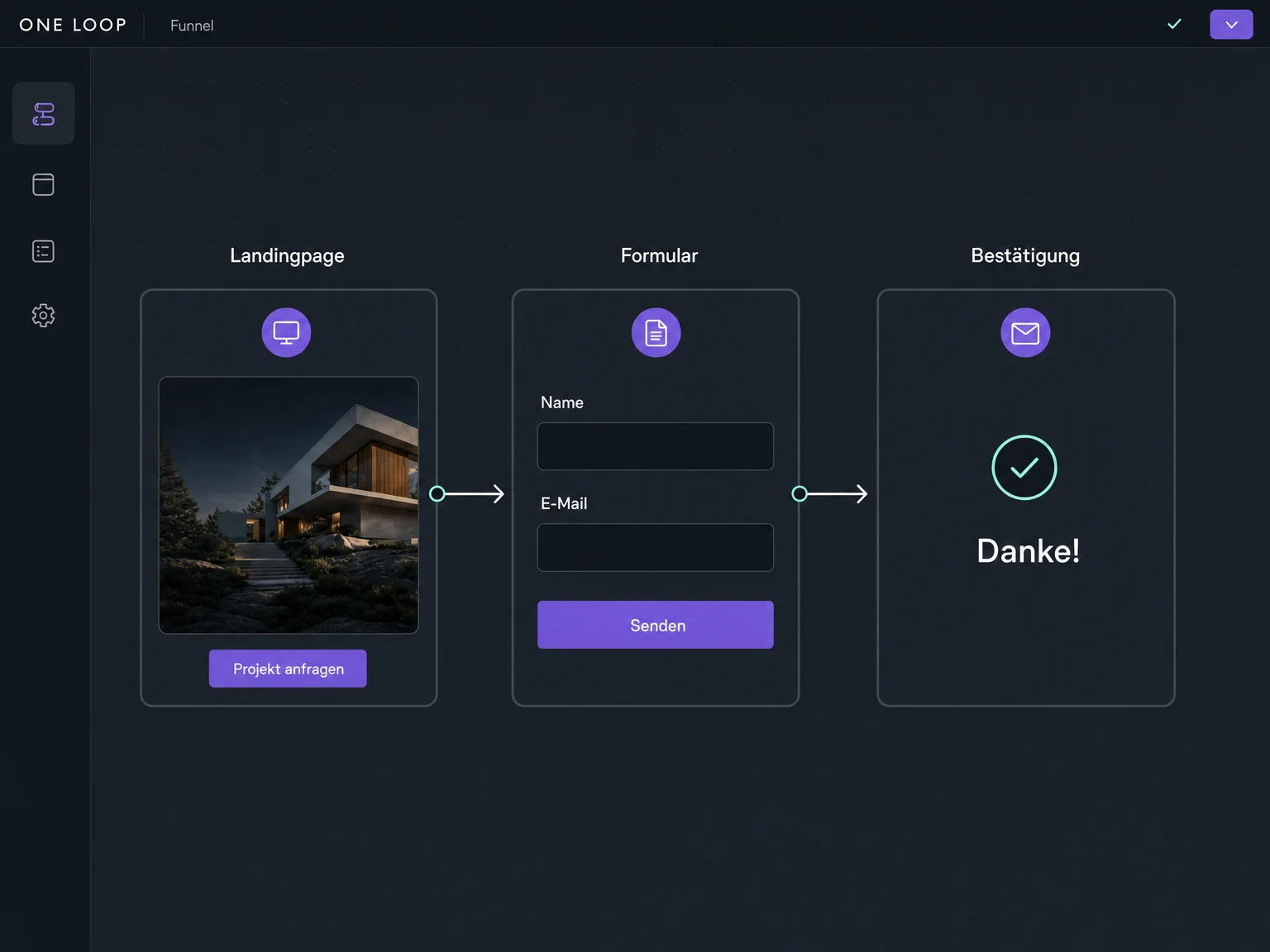
A funnel is a sequence of pages: view an offer, complete a form, receive confirmation. You choose where each button and form takes the visitor.

Funnels
Connect an offer page, form and confirmation into a focused journey. A funnel guides visitors towards the action that matters.
Three examples show how you can use Funnels.
A funnel is a sequence of pages: view an offer, complete a form, receive confirmation. You choose where each button and form takes the visitor.
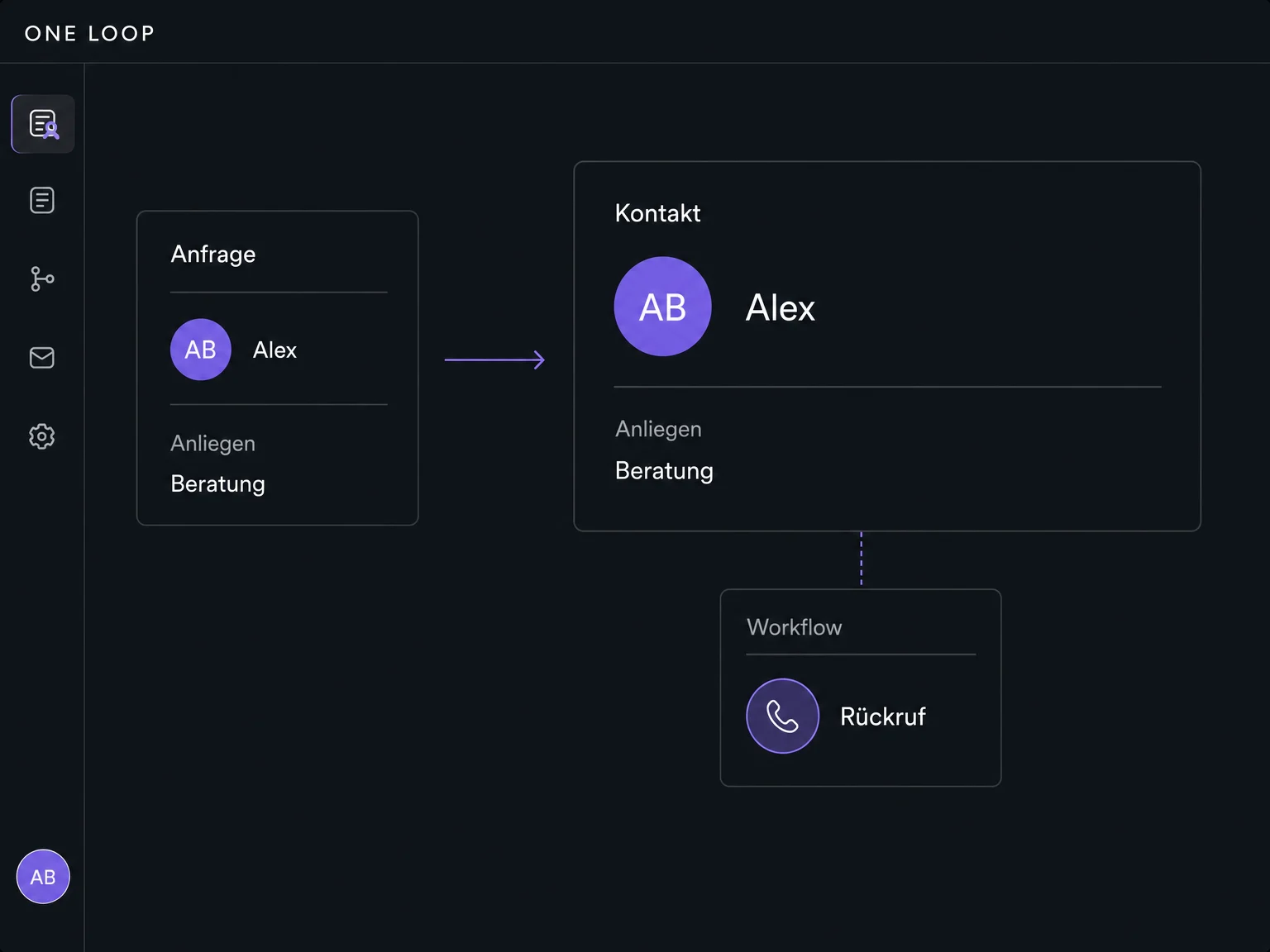
Create a form with the details you need for this offer. Define which confirmation page opens after submission.
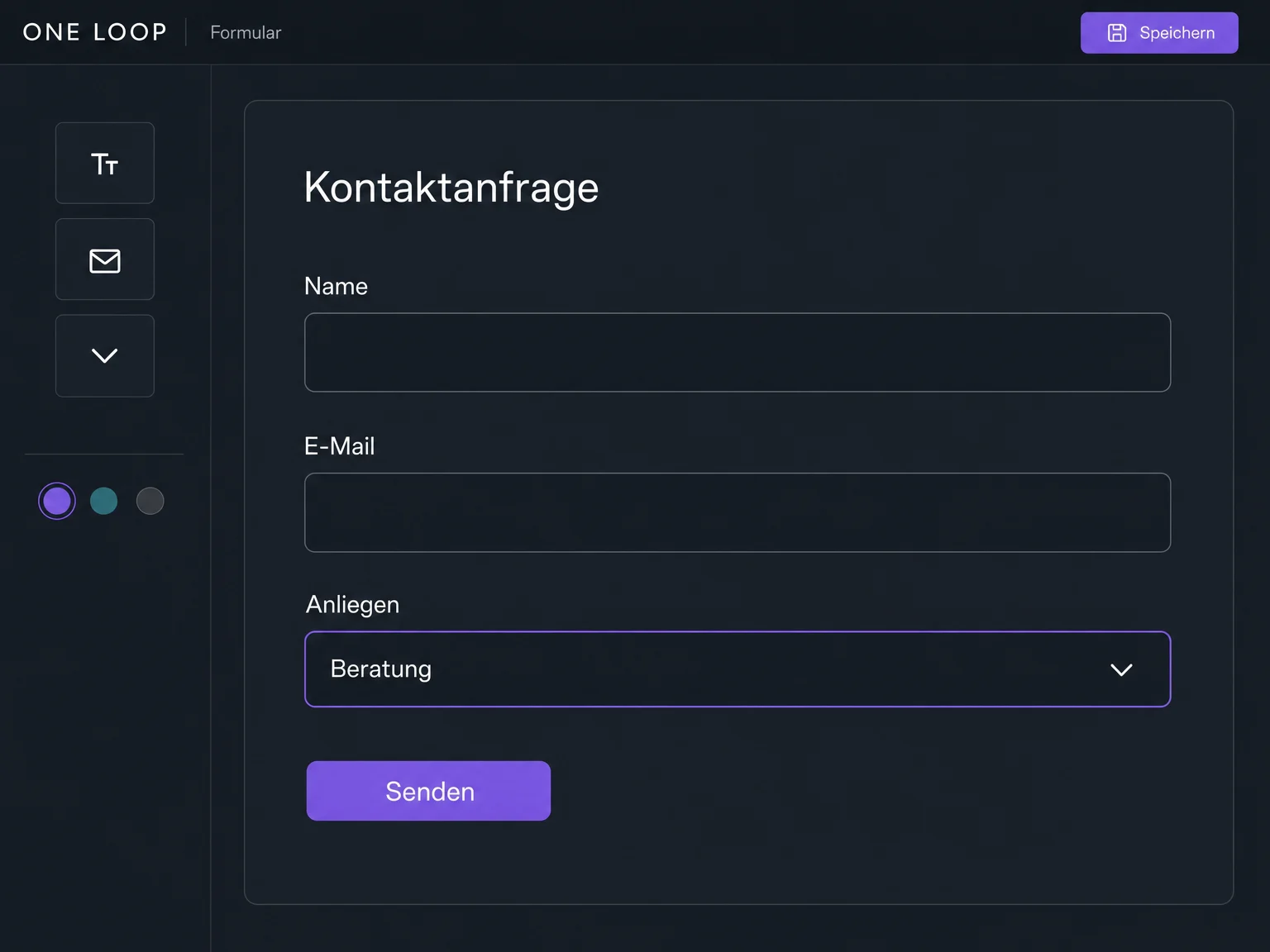
The enquiry adds to the contact. Configure a callback task or confirmation message as a separate workflow and test it before the campaign launches.
The practical benefits of Funnels.
A dedicated offer page focuses attention on the action you want: an enquiry or a booking.
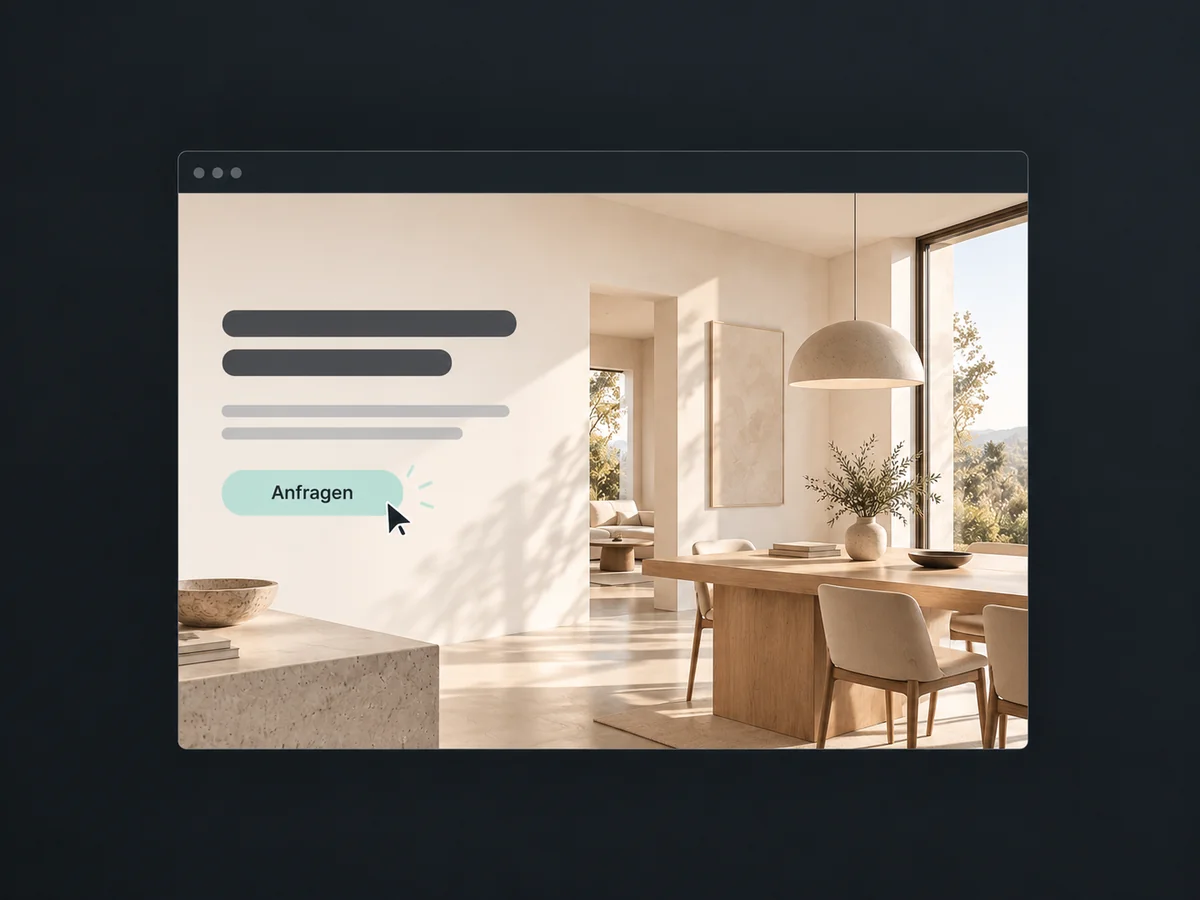
Take visitors straight from your offer to an enquiry. Link your buttons to the right form so they know what to do next.
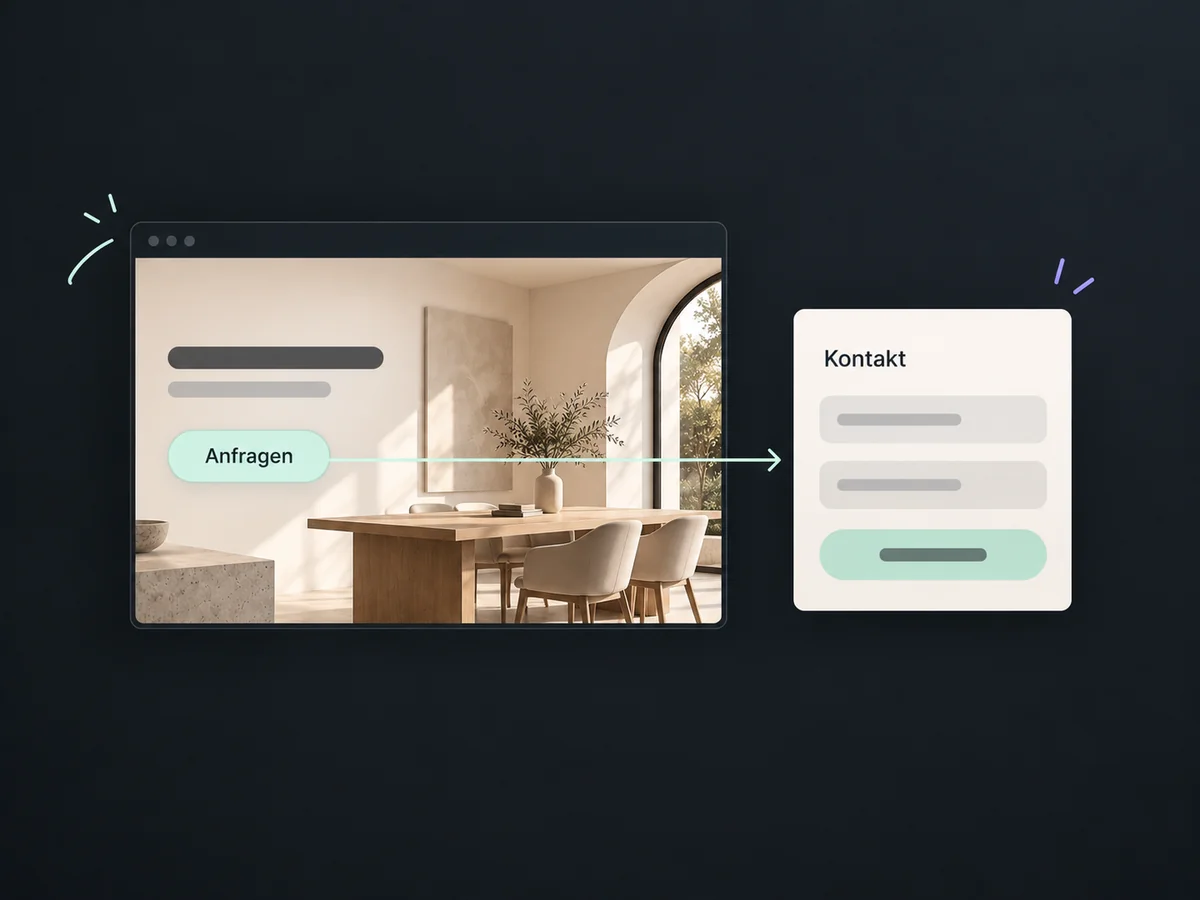
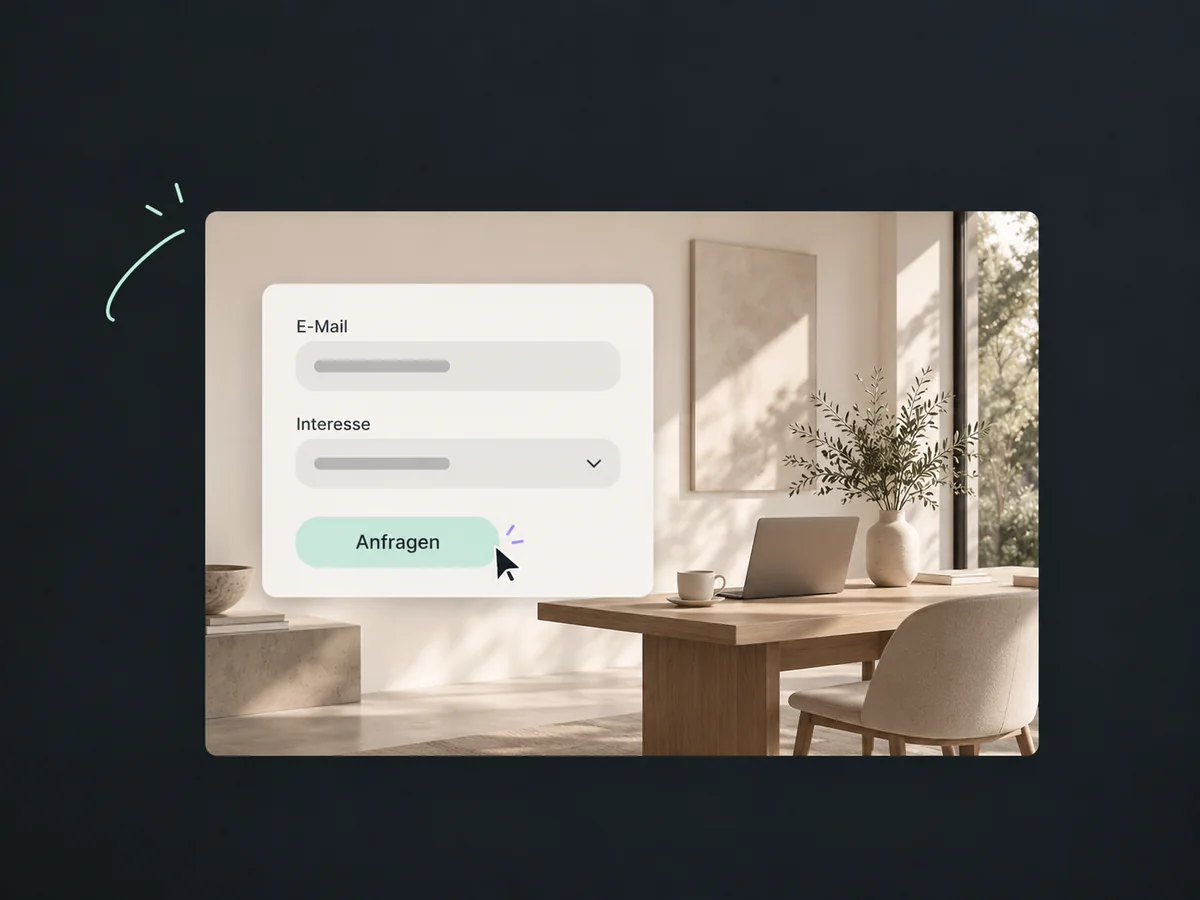
Tailor the form to your offer. A short, clear form makes the submission decision easier.
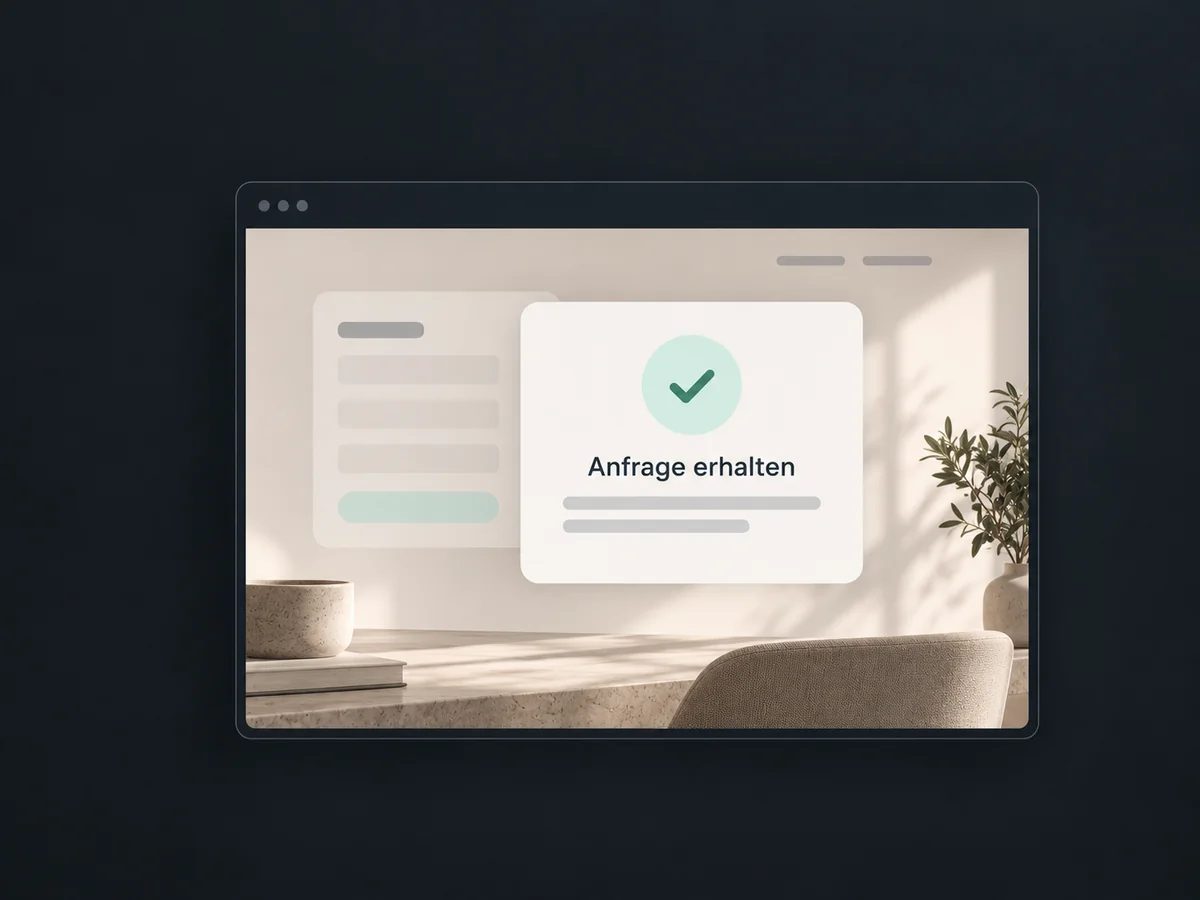
A suitable confirmation page explains that the enquiry was received and what happens next.
Preview the offer, form and confirmation, including on a smartphone. Spot missing links or unclear steps before visitors use your funnel.
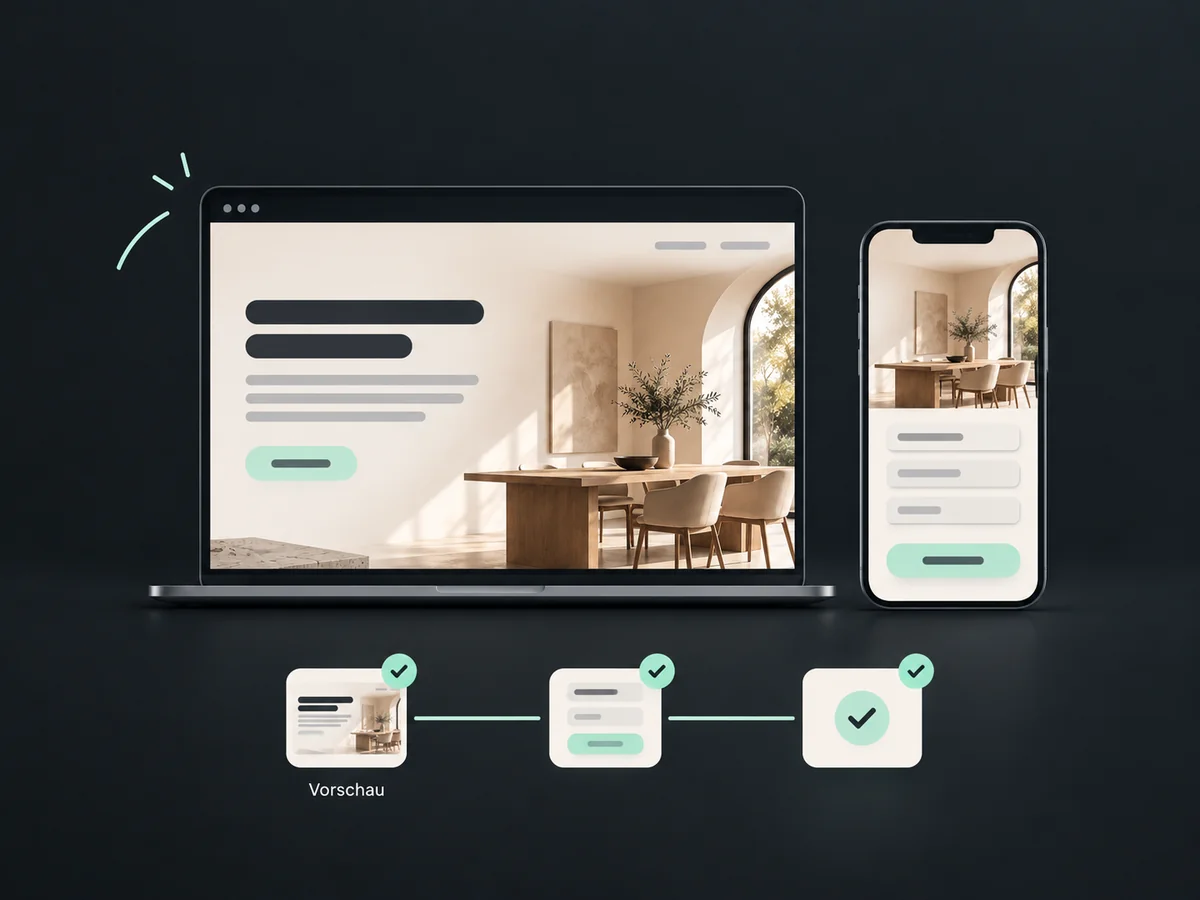
Simplified examples, not live account data.
Define the goal, page sequence, domain and form. Check redirects, tracking and separately configured follow-up. Publishing a funnel does not guarantee enquiries or revenue.
A website lets visitors choose between pages; a funnel offers a focused sequence. Contacts, messages and sales tasks connect through suitable forms and workflows.
Availability and any add-on or usage costs are confirmed for your ONE LOOP account before implementation.
On a website, visitors choose between pages such as services, team and contact. A funnel guides them through a set sequence towards one goal, for example from an offer page to a form and then a confirmation.
No. A funnel can aim for an enquiry, registration or booking. To accept payment, configure a suitable checkout and supported payment provider.
Not through the form alone. Define the confirmation page and configure any messages or tasks separately. Test the process with your own enquiry before launch.
Yes. Connect a suitable domain or subdomain using access to its settings, then define page paths and redirects. Take care not to unintentionally replace an existing website.
Let’s explore your use case and what the setup requires.
Book a demo