01
Give interested visitors a way to register
Tailor the registration, confirmation and webinar pages to your topic. Your chosen form captures contact details; preview the journey your guests will take.

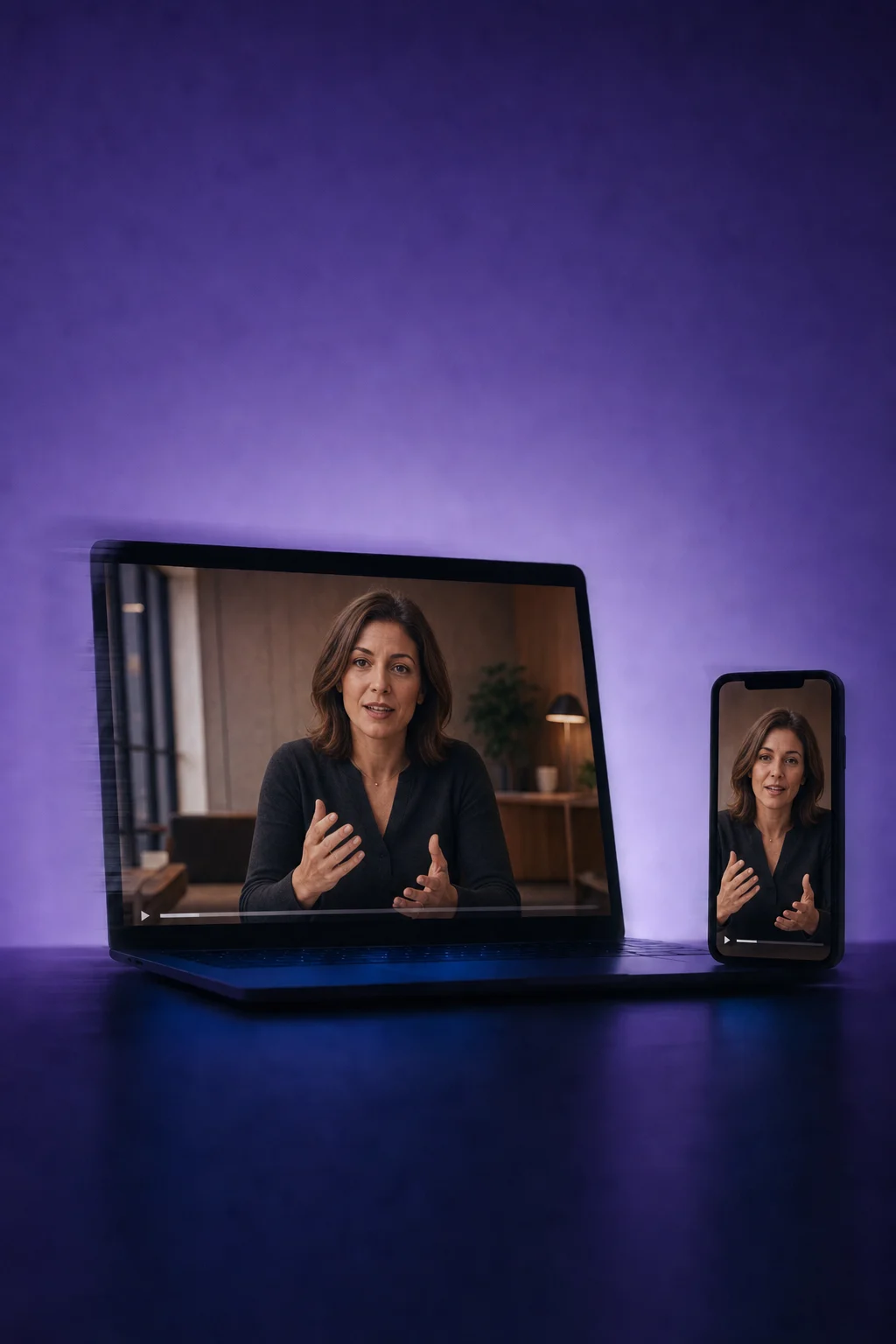
Webinars
Create a registration page, connect your live webinar or recording, and plan confirmations and reminders in ONE LOOP.
Three examples show how you can use Webinars.
Tailor the registration, confirmation and webinar pages to your topic. Your chosen form captures contact details; preview the journey your guests will take.
For a live session, set the time, timezone and streaming link. For an on-demand webinar, use a recording. The illustration shows an on-demand viewing page.

A registration can start your configured workflow: a confirmation first, then a reminder before the live session. Set the sender, message, access link and timing, and test them before activation.

The practical benefits of Webinars.
Duplicate an existing webinar, then review its date, content, links and messages for the new session.
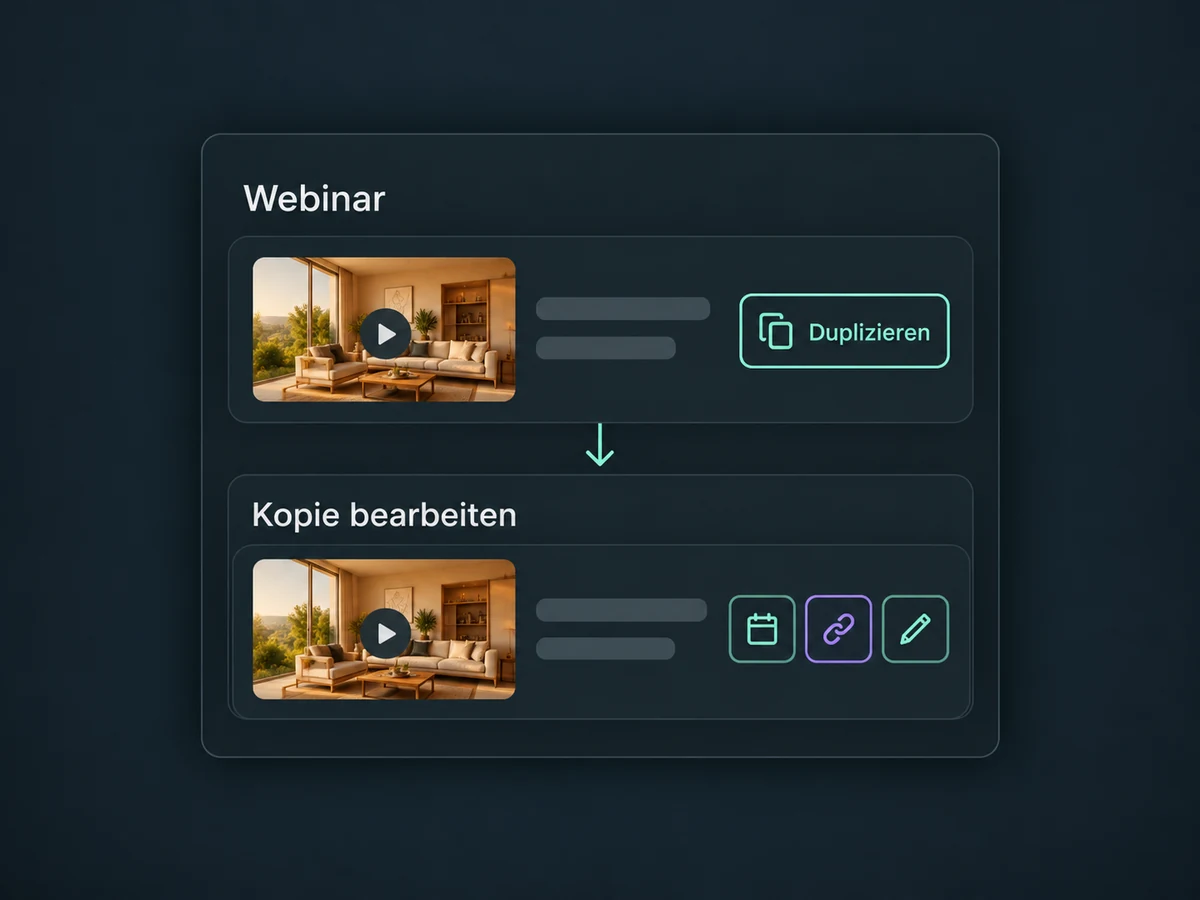
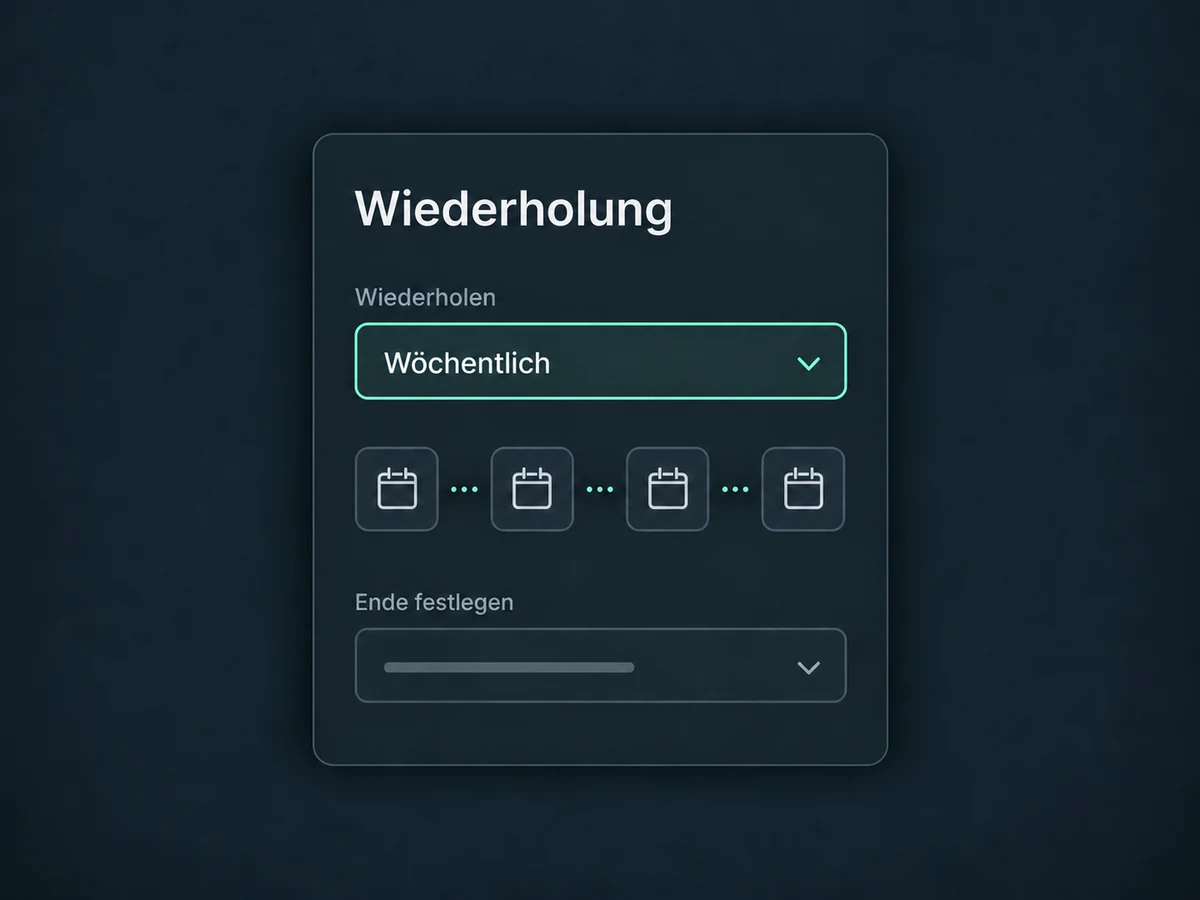
Set daily, weekly or monthly repeats and an end condition. Live and on-demand content are not mixed within the same webinar.
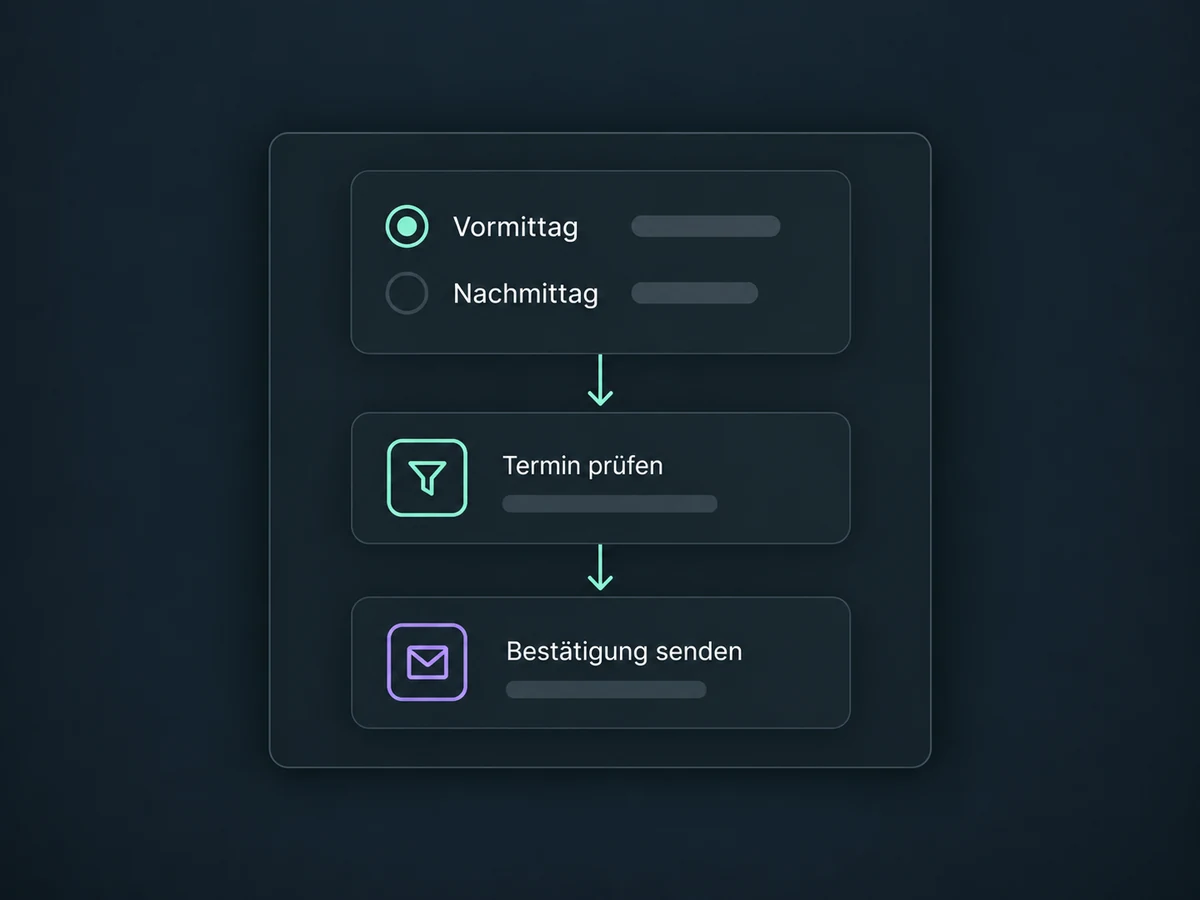
Offer preset sessions as a form field. A matching workflow sends the right confirmation; selecting a session alone does not send an email.
A webinar without a fixed time can be viewed after registration. Review the recording, playback and supporting materials before release.
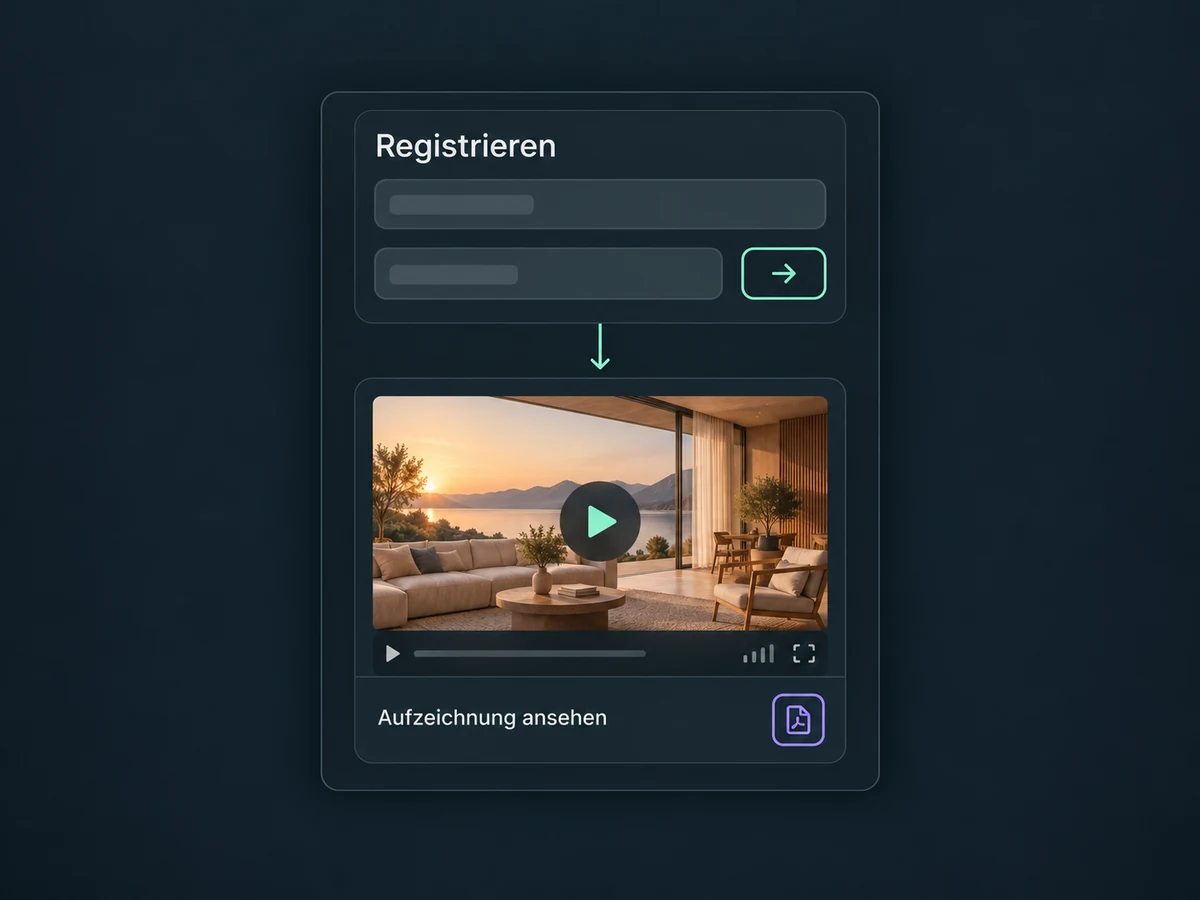
Review available plays, watch time and drop-off points. Registrations and actual views are different measures; external players do not all provide the same data.
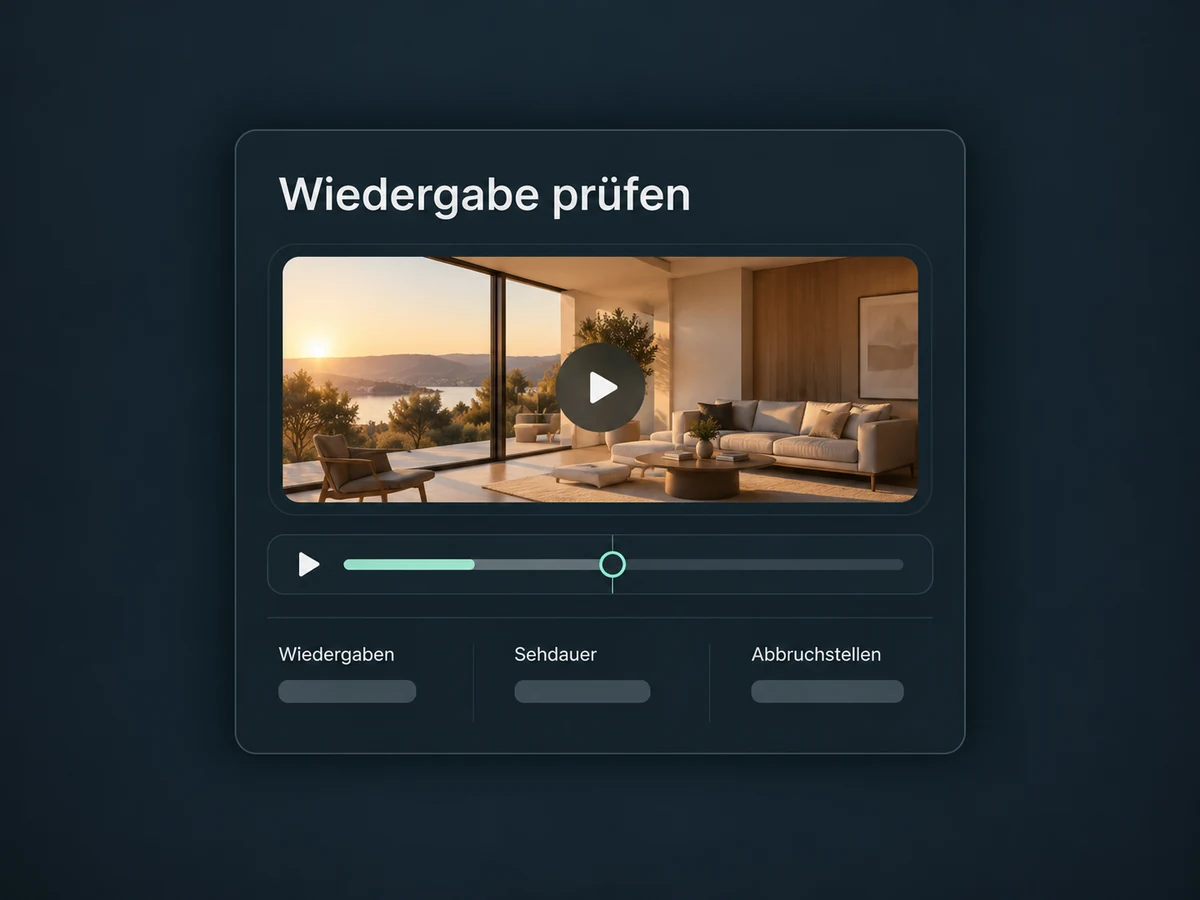
Simplified examples, not live account data.
Before launch, confirm access, video source, domain, timezone and messaging setup. External live services and messages may have separate costs. Test the entire journey with a sample contact before promoting real registrations.
Form registration brings a contact into your configured process. Follow up with materials, a recording or a conversation link. Attendance-based messages need a recorded attendance signal — registration or a link click alone does not prove attendance.
Availability and any add-on or usage costs are confirmed for your ONE LOOP account before implementation.
For live broadcasting, connect a suitable streaming or meeting service. ONE LOOP handles the pages and registration process; this does not automatically include a video conferencing service. On-demand content uses an existing recording. We check the supported video source and access first.
An on-page confirmation is not a sent email. Messages need a matching workflow that has been configured, tested and activated. For multiple sessions, the selection, timezone and message must align. Check recipients, sender and permission to send before launch.
No. Registration shows interest, not whether someone watched. Webinar reporting separates available registrations and playback data. The signals that can be linked to a person depend on the format, player and contact identification. A repeat view does not automatically mean a new person.
With a properly prepared hosted video, a video-tracking workflow can respond to the portion watched. The viewer must already exist as a contact. Video, page and threshold filters narrow the process; data is passed when the video is closed or completed. This is not a universal real-time connection for any external video.
Let’s explore your use case and what the setup requires.
Book a demo