01
A newsletter that looks like your brand.
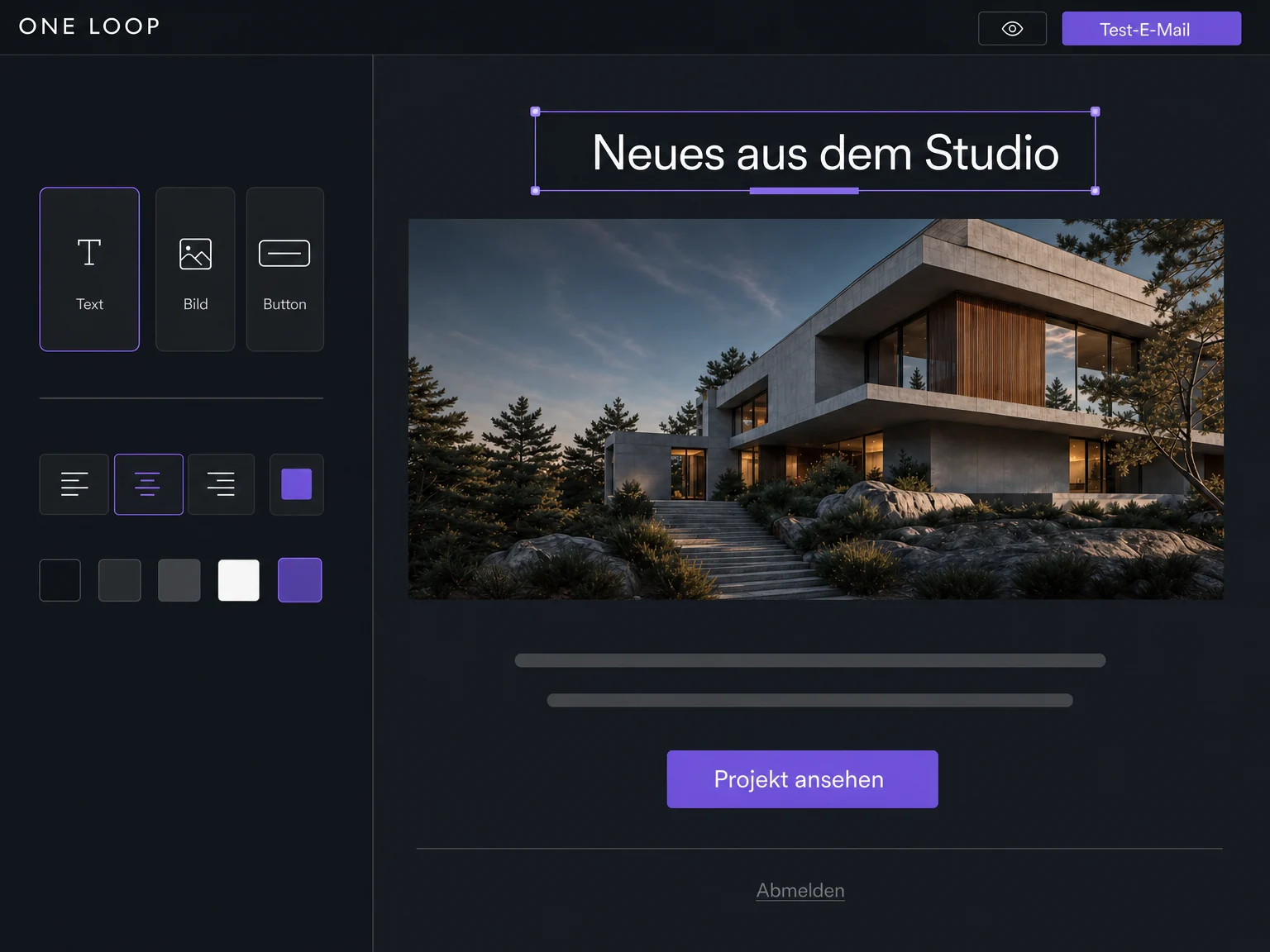
Arrange text, images and buttons in the visual editor. Adjust colours and spacing to match your brand and see how your email comes together as you work.

Email Marketing
Design newsletters and offers, choose your recipients and schedule the send. Work with the contacts you already manage in ONE LOOP.
Three examples show how you can use Email Marketing.
Arrange text, images and buttons in the visual editor. Adjust colours and spacing to match your brand and see how your email comes together as you work.
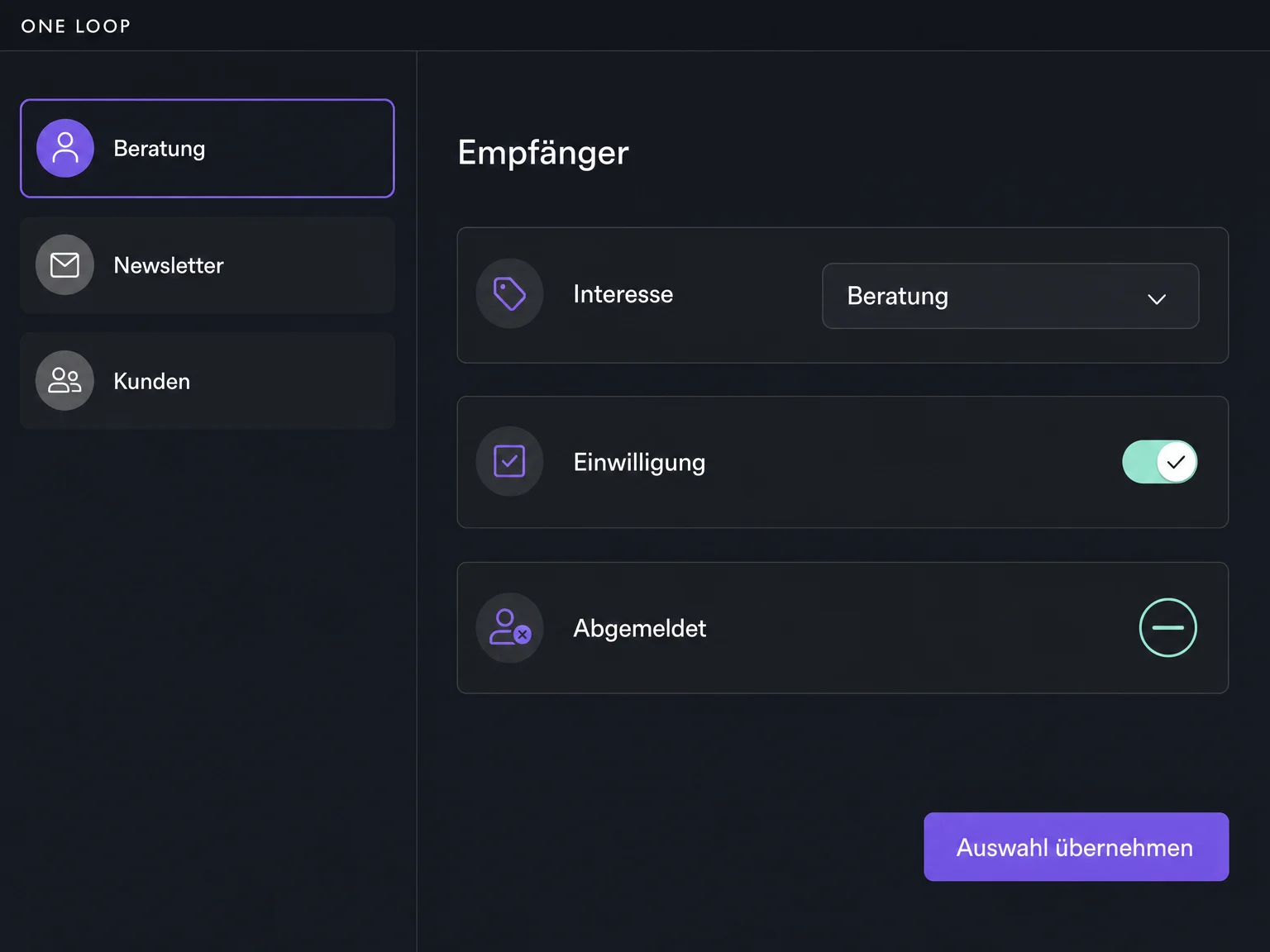
Choose recipients using recorded interests, contact fields or tags. Send a consultation offer to the relevant group, for example. Check consent and exclude contacts who have unsubscribed.
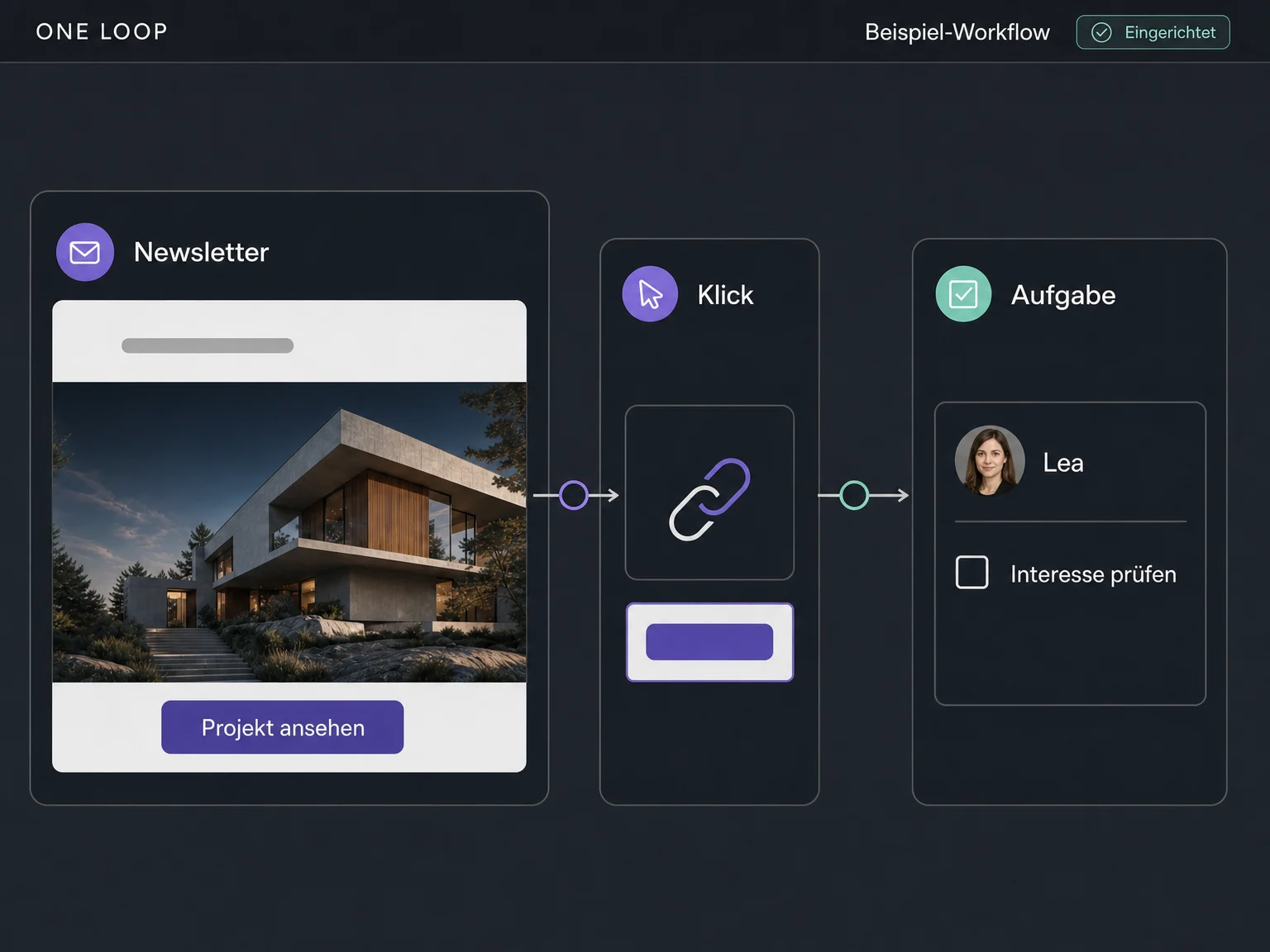
A tracked click can start a configured workflow, such as a task for your team to check the contact’s interest. You choose which campaign and event should start the flow.
The practical benefits of Email Marketing.
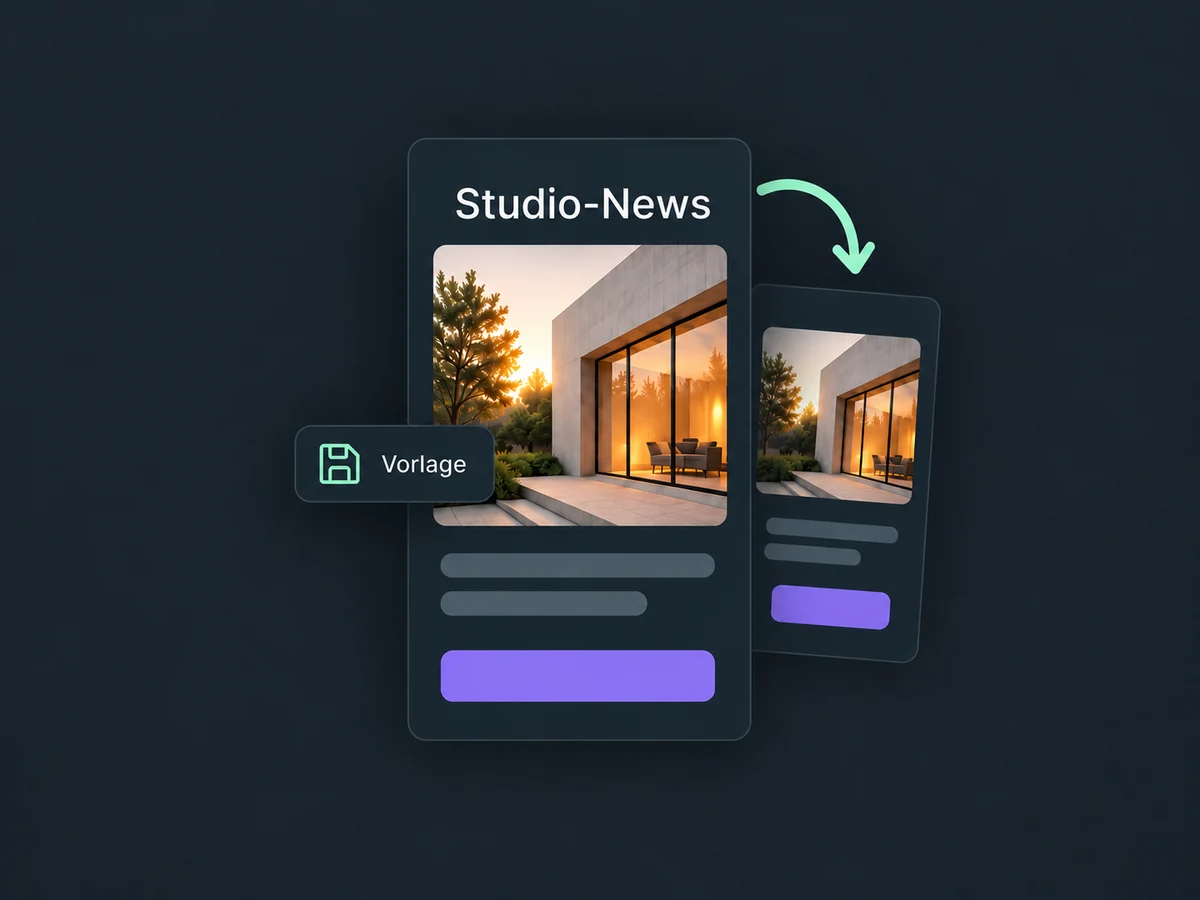
Save your email design as a template. Swap in new content for the next edition instead of rebuilding the logo, colours and layout.
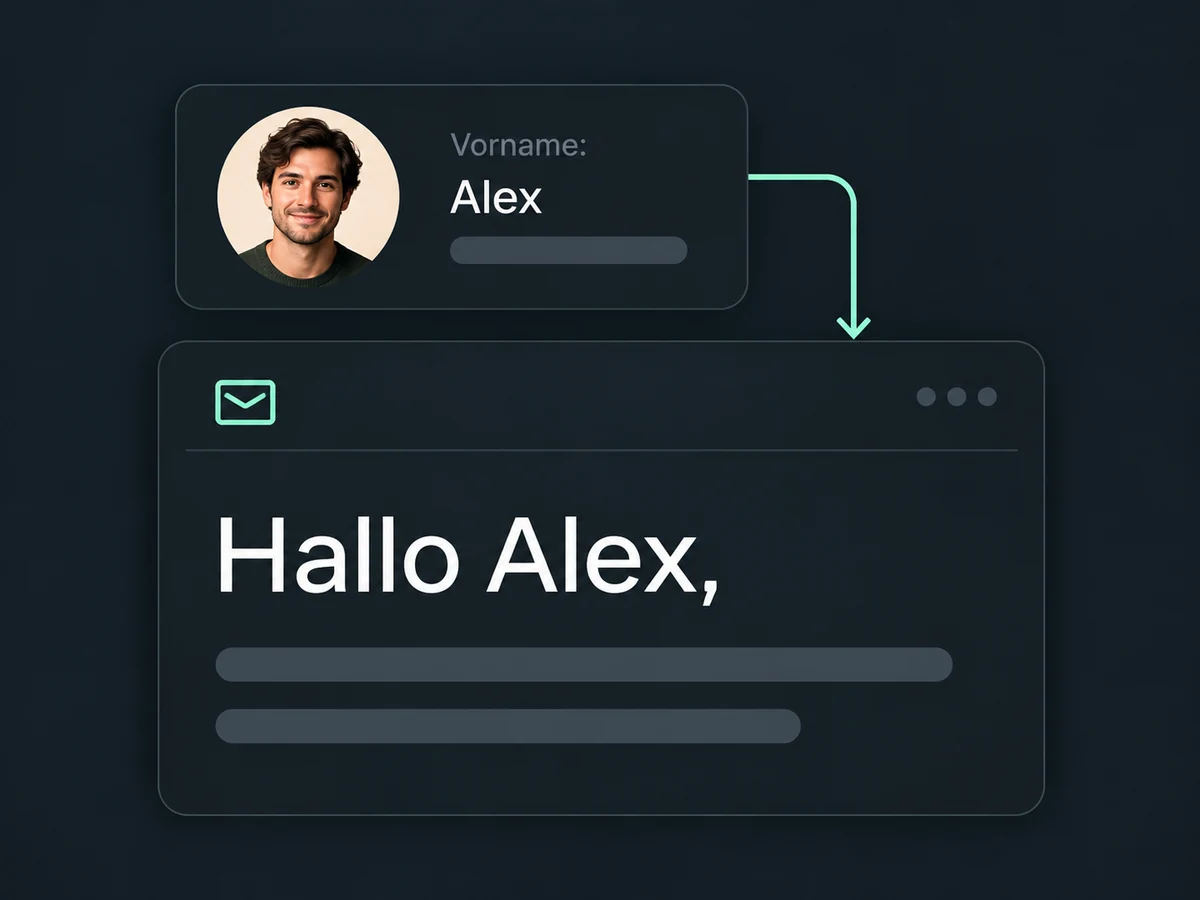
Use a merge field for the contact’s saved first name. Check the preview and plan a neutral greeting for contacts whose name is missing.
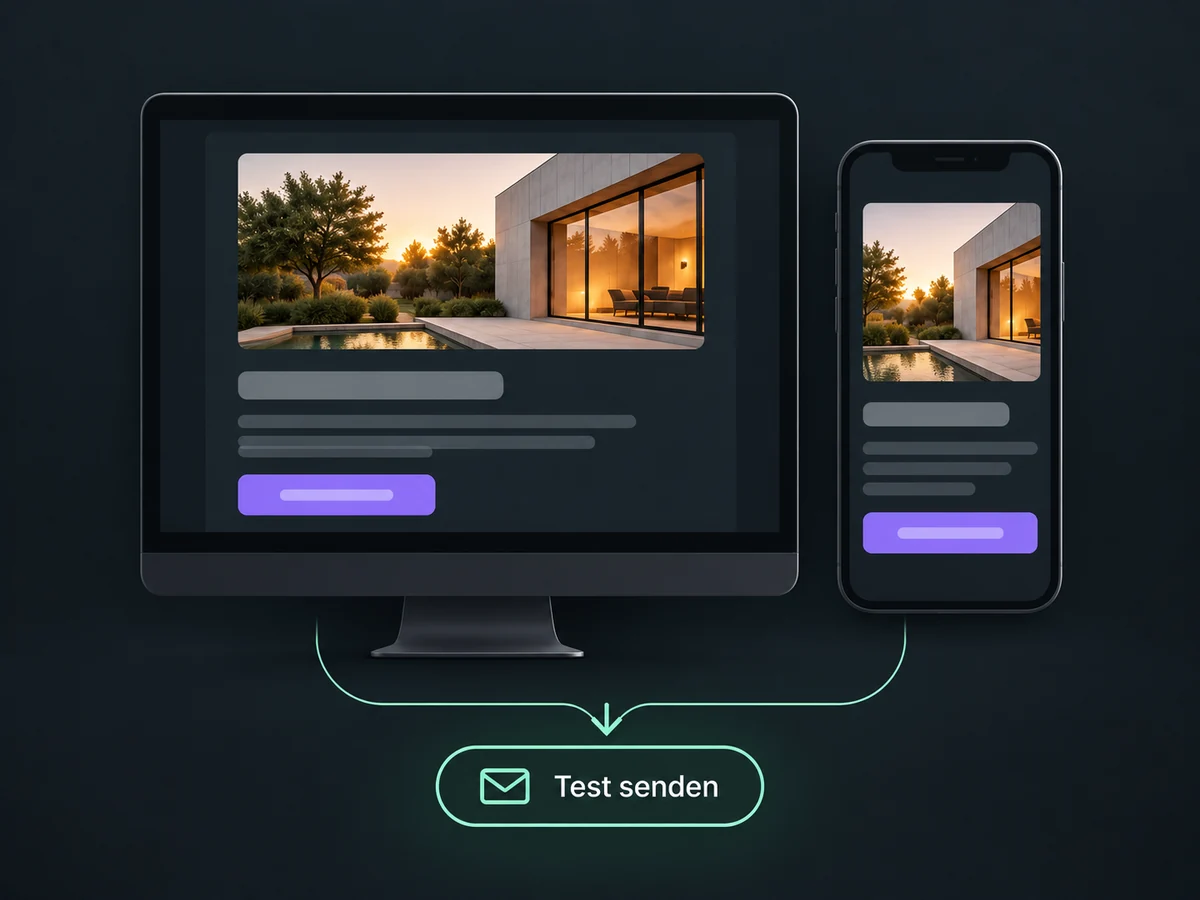
Review the desktop and mobile previews, then send yourself a test email. Check the layout, links and personalisation before launching the campaign.
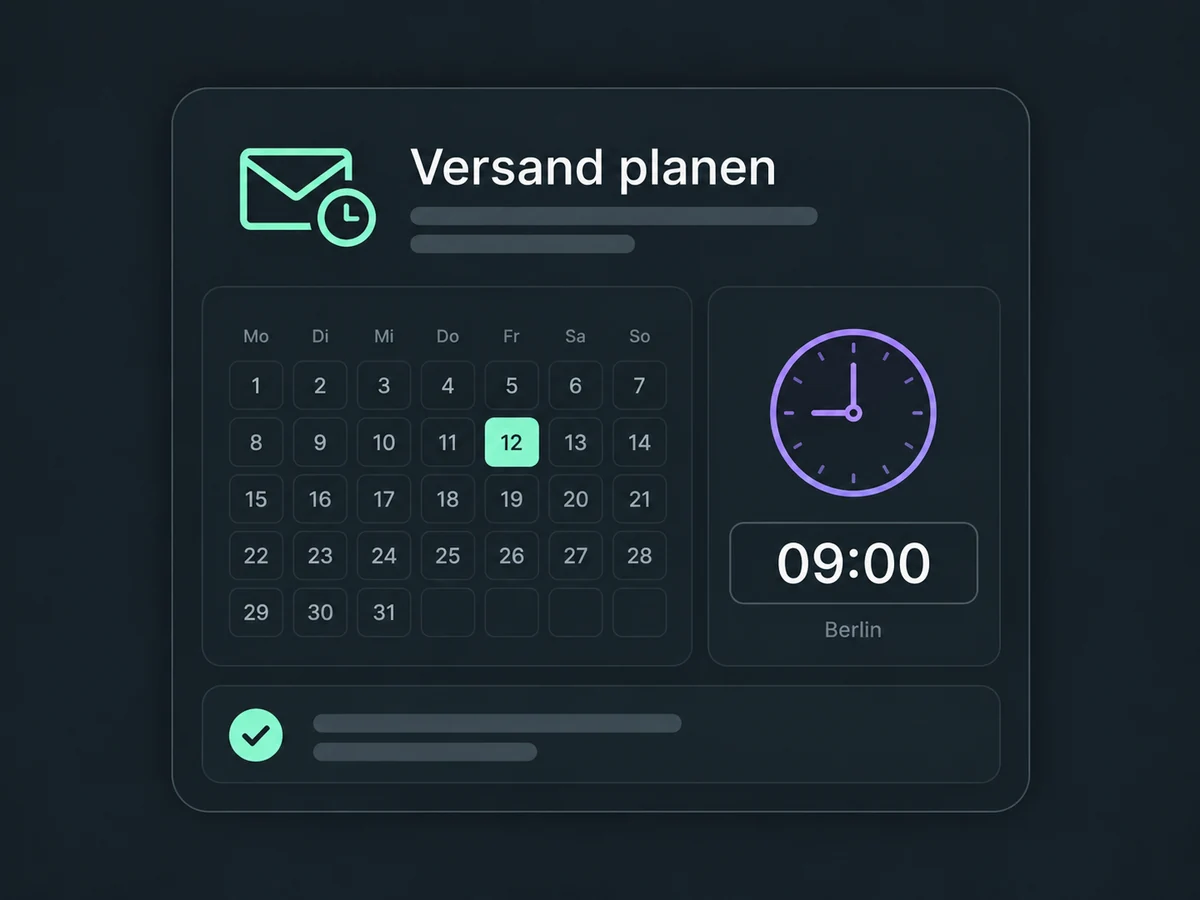
Set a date and time for your campaign and check the displayed time zone. You don’t need to be at your computer when the send begins.
Review tracked clicks, unsubscribes and available delivery data. Use them as signals to improve the content and recipient selection for your next email.
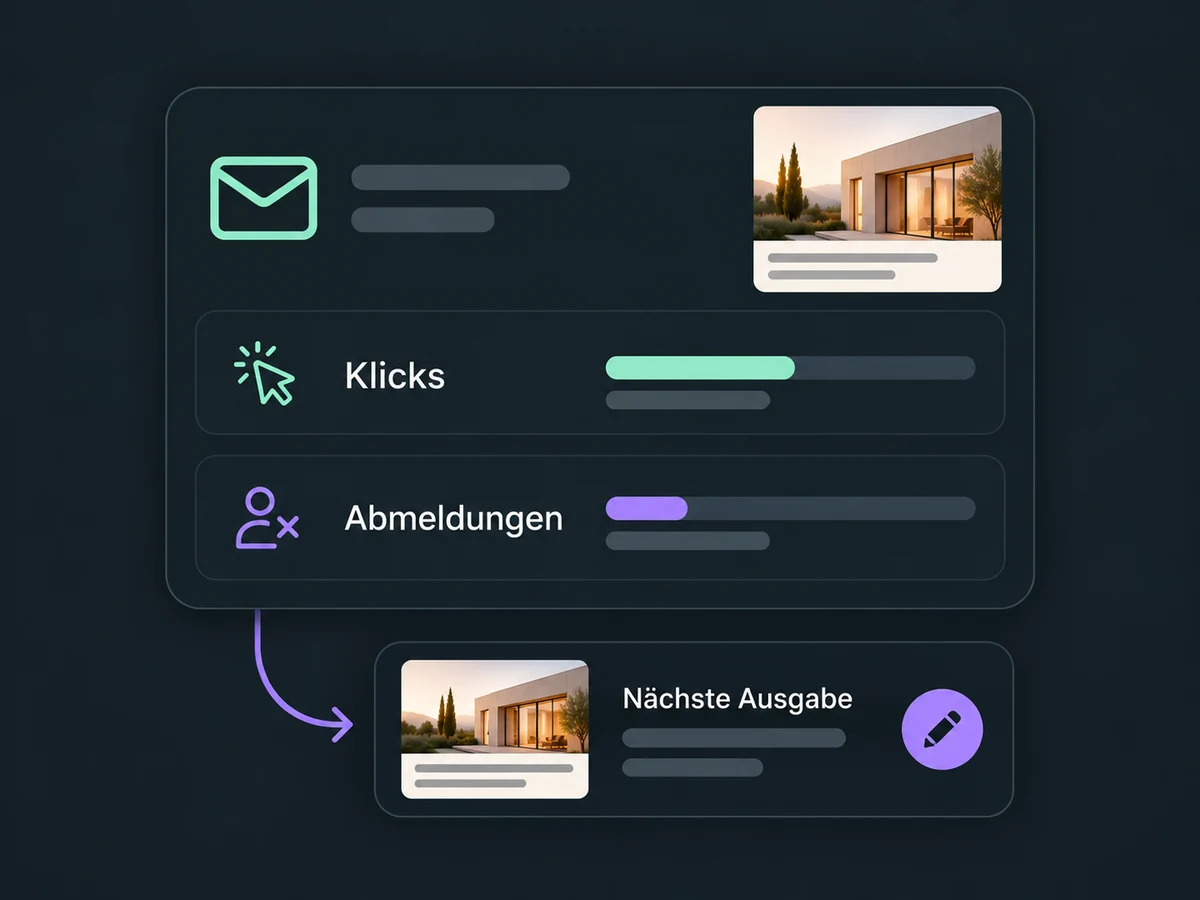
Simplified examples, not live account data.
Set up your sender and sending domain, then check recipients, consent and the unsubscribe link. Before the first send, we confirm the sending allowance and any usage costs for your account.
Use campaigns for individual newsletters and workflows for multi-step email sequences. Configure triggers, delays and conditions to fit the reason for contacting someone. Test tracking and follow-up actions together before launch.
Availability and any add-on or usage costs are confirmed for your ONE LOOP account before implementation.
A configured sender address, a correctly authenticated sending domain and a checked recipient list. Add your content, subject line and a working unsubscribe link. A test email helps you check the content, but its unsubscribe link is inactive and needs separate verification. We confirm the sending allowance and costs for your account.
Yes. Select contacts in ONE LOOP using recorded details such as interests or tags. Being in a recipient group is not consent to receive emails. Check the permissions and unsubscribe records; adding a tag or removing a sending block does not replace valid consent.
A campaign sends an email to your chosen group, either now or at a scheduled time. A workflow connects several steps, such as an email, a delay and a team task. You configure its triggers and conditions, then activate it. Sending a campaign does not set up these follow-up actions by itself.
They are signals, not proof of interest or intent to buy. Automated email-system checks can generate opens and clicks. Available data and filters depend on the sending and tracking setup. Review replies and actual enquiries too, rather than judging a campaign only by its open rate.
Let’s explore your use case and what the setup requires.
Book a demo