01
Turn your text into an article
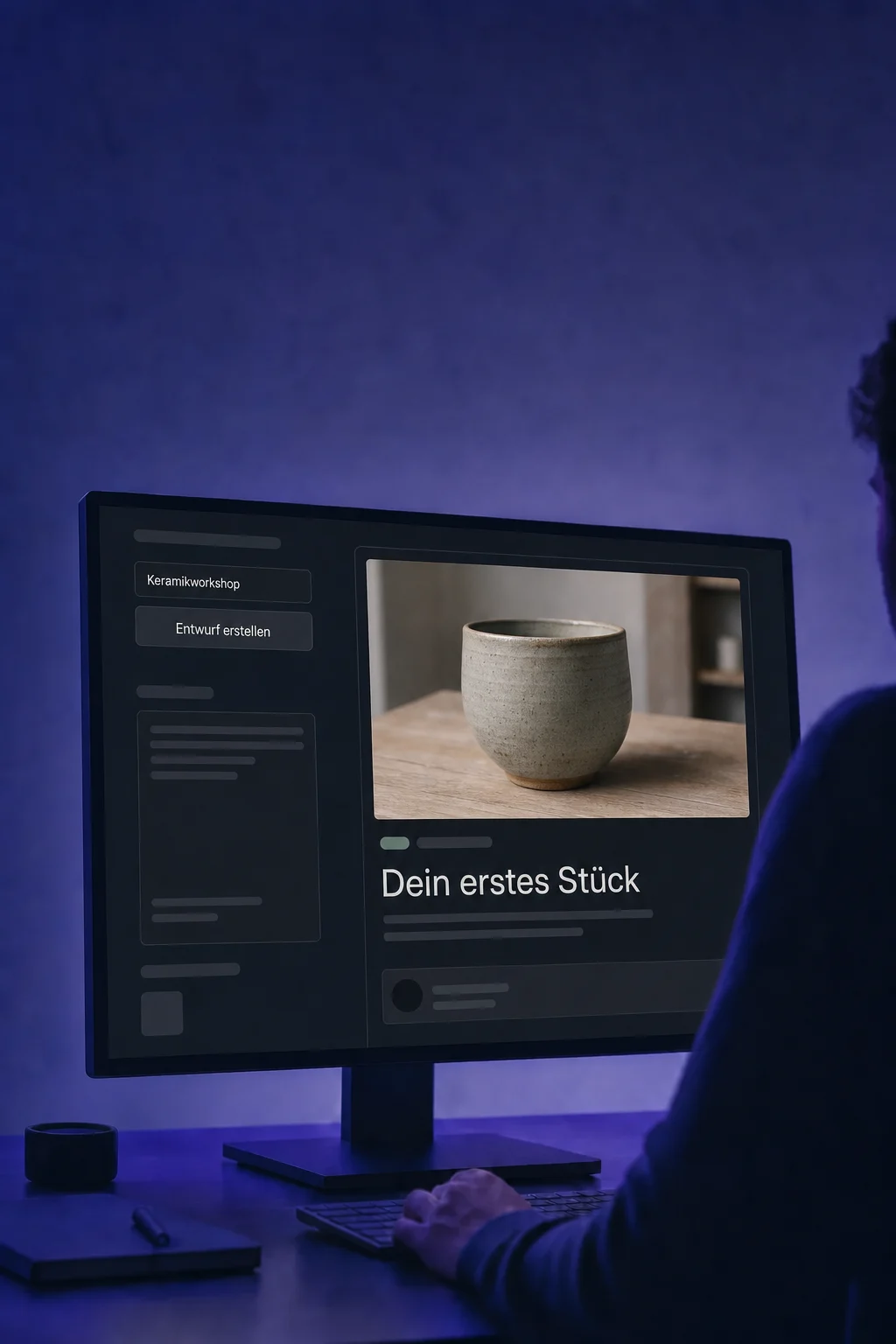
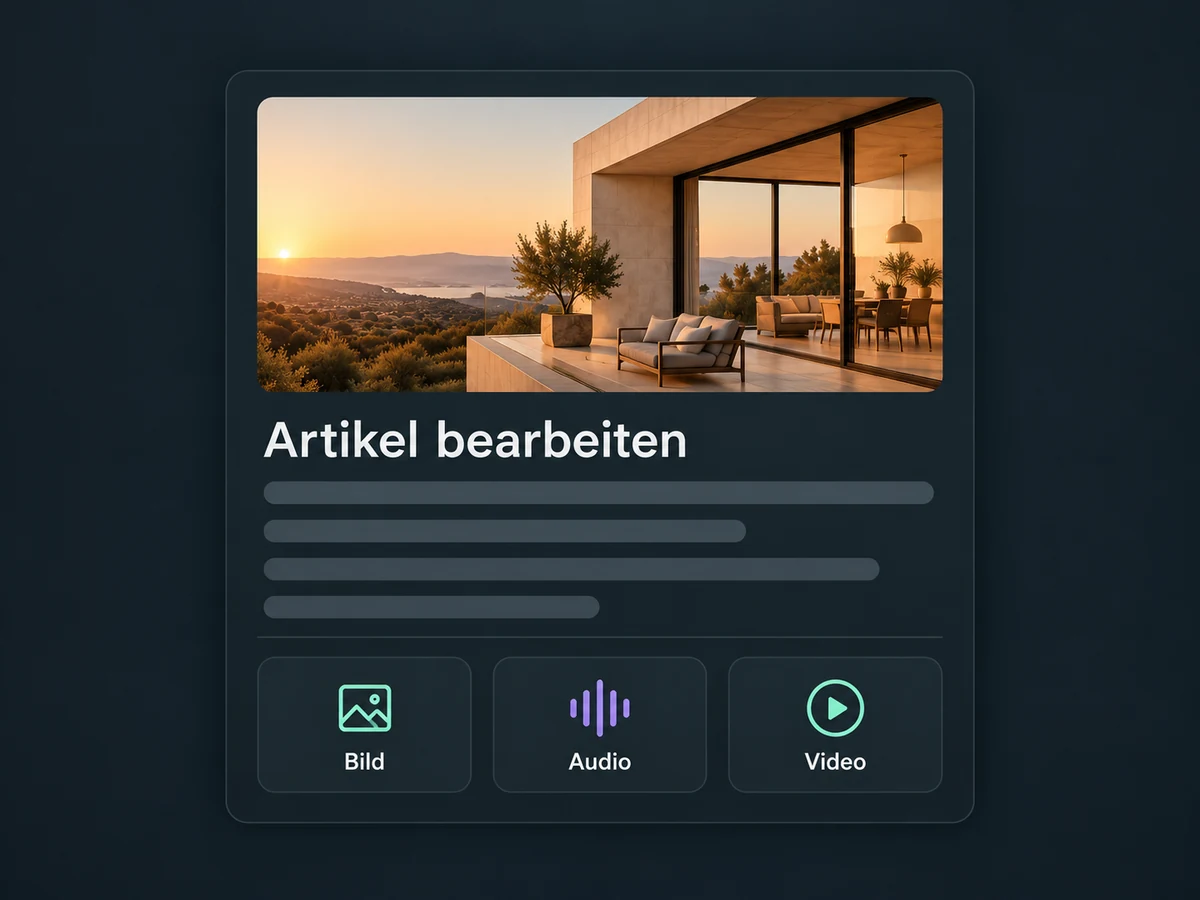
Add headings, insert images and link relevant pages in the editor. Check the article in preview before publishing it.

Blog
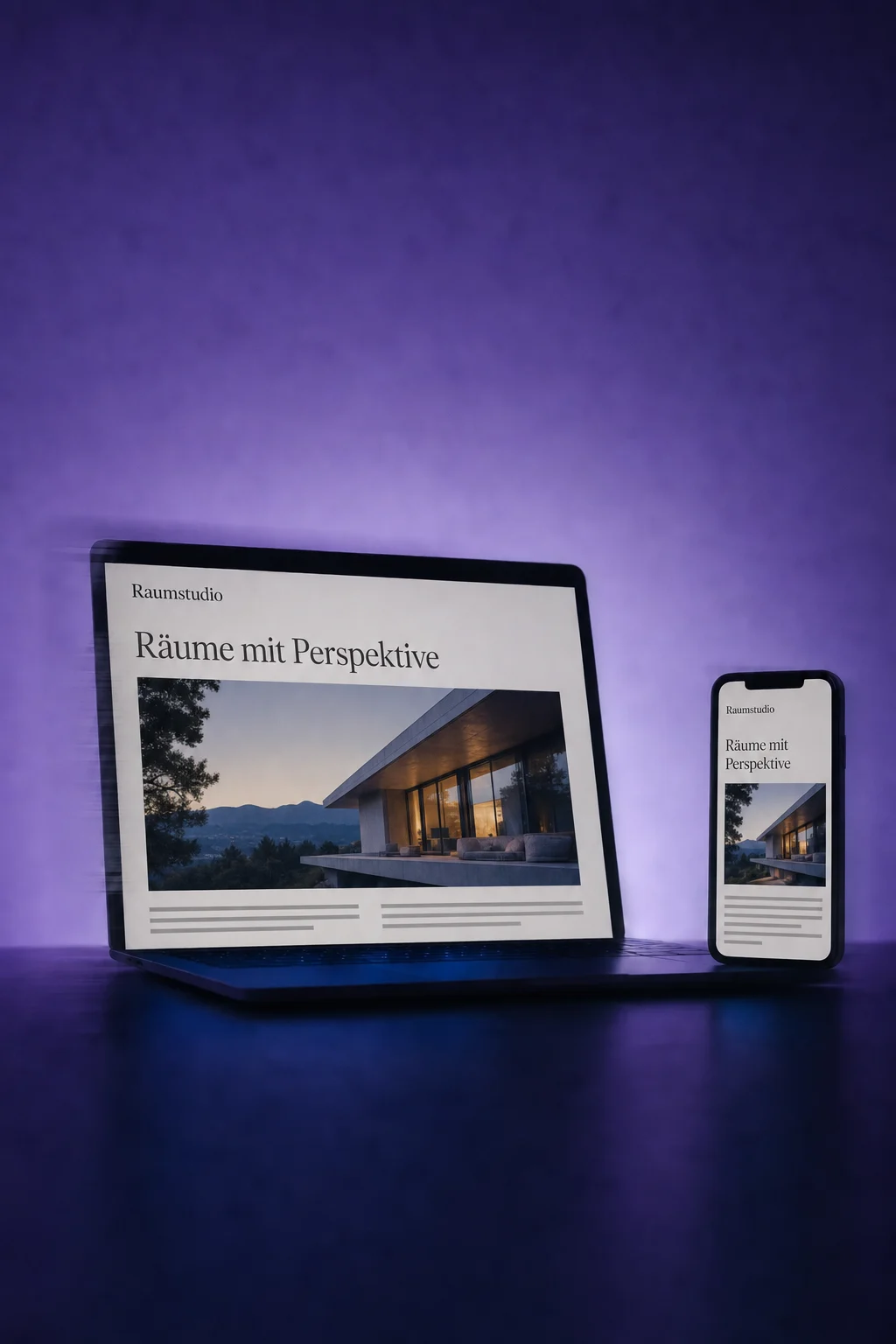
Write articles, add images and schedule publication. Give customers one place to find your explanations, insights and news.
Three examples show how you can use Blog.
Add headings, insert images and link relevant pages in the editor. Check the article in preview before publishing it.
Assign a category, relevant tags and an author. Turn individual articles into a blog with recognisable topics and contributors.

Keep the post as a draft, publish it now or choose a future date and time. After scheduling, check its status in the post list.

The practical benefits of Blog.
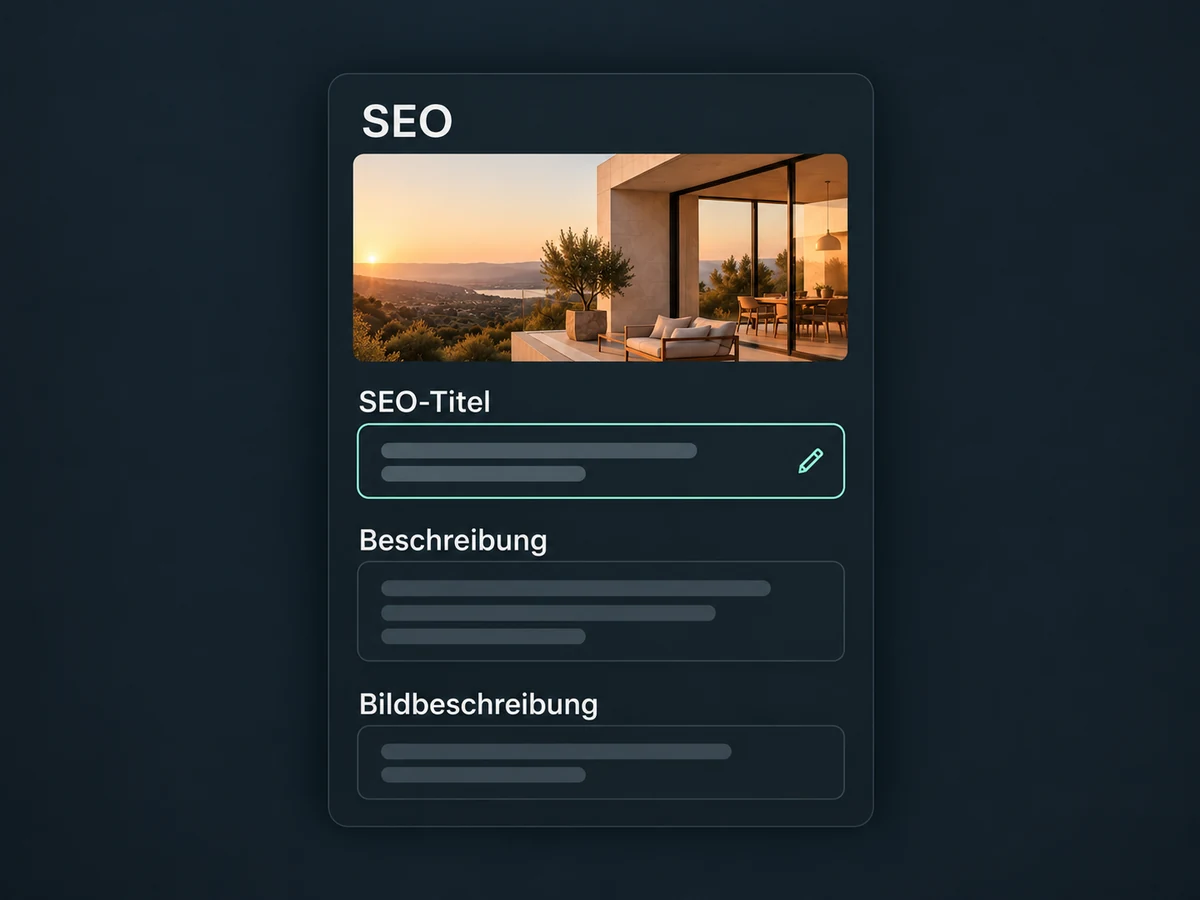
Set the SEO title, description and cover-image alt text. These are useful details, not a guarantee of a Google ranking.
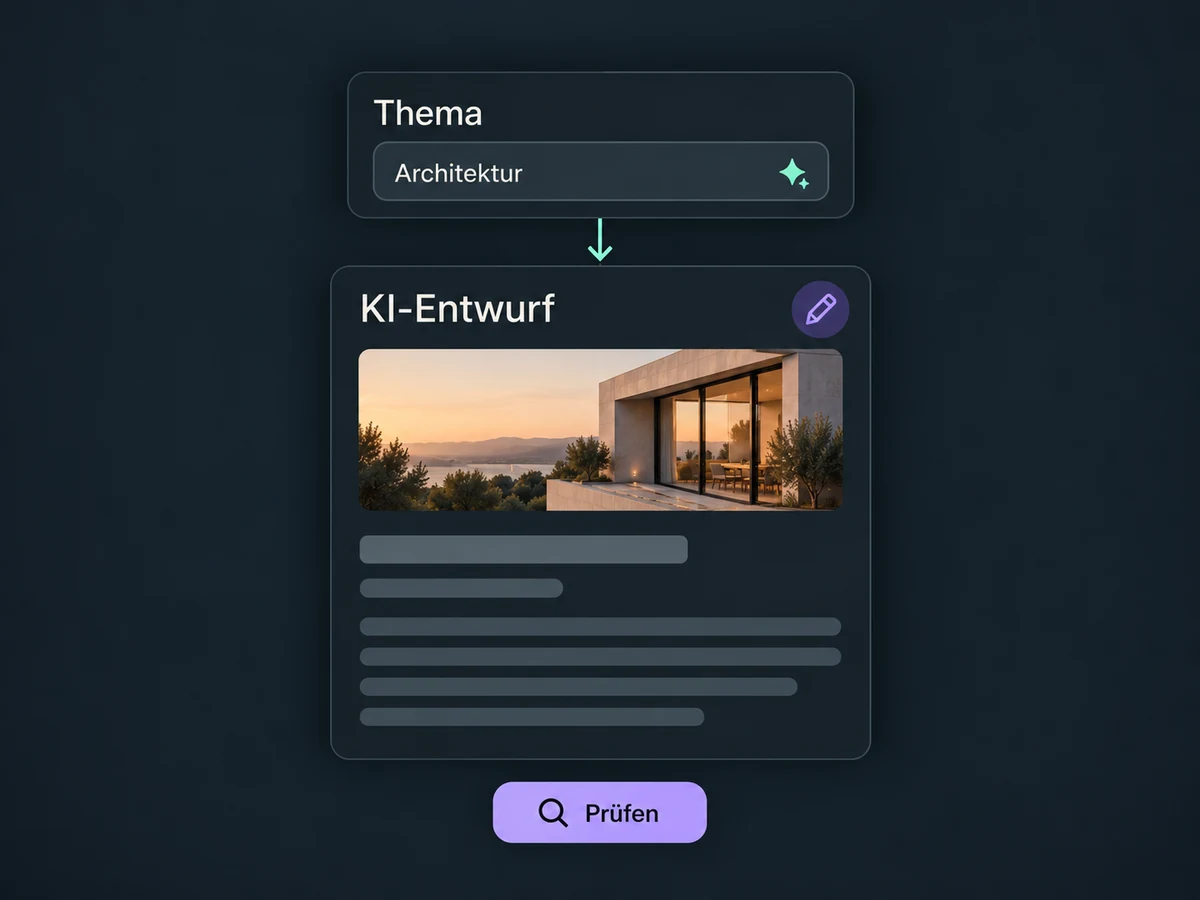
With Blog AI enabled, describe your topic and refine the draft in the editor. You still review the facts and tone.
Add relevant images, audio or video, such as a product explanation. Check the media and your rights to use it before publishing.
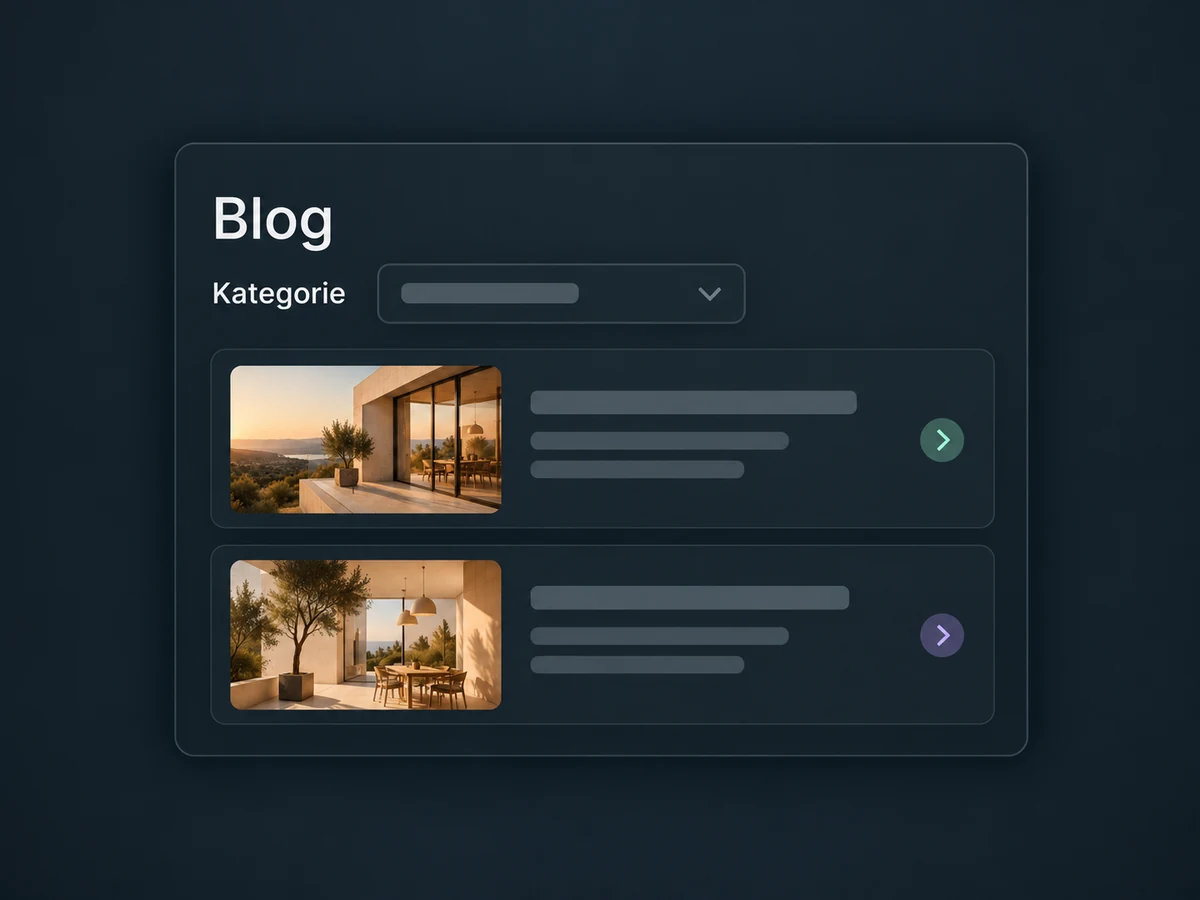
Add a post list to a ONE LOOP website or funnel. Select your blog and, if needed, filter by category or author.
Link the relevant service, contact page or booking page from your article. Make the next step easy for readers to find.
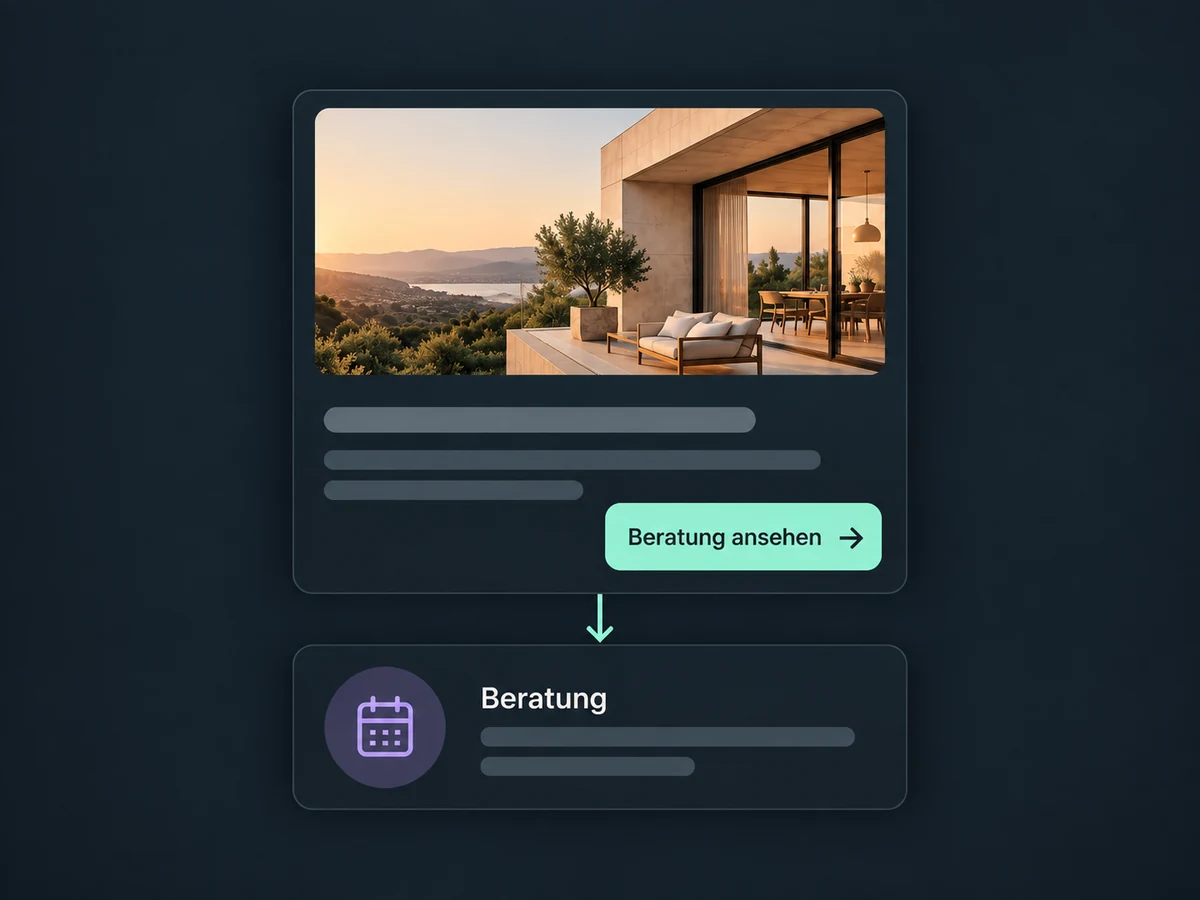
Simplified examples, not live account data.
Set up your blog address, authors and categories, then connect the domain. Review links, image rights and presentation before launch. Your team decides who approves and maintains content; this does not configure an automatic editorial approval process.
The blog adds editorial content to websites and funnels. An article view alone does not create a contact. Forms, bookings, tracking and follow-up workflows each need the appropriate setup.
Availability and any add-on or usage costs are confirmed for your ONE LOOP account before implementation.
You can create the blog first and connect a domain later. We configure the domain and blog path for your public address. When moving an existing blog, old URLs and required redirects need a separate review; creating a blog does not migrate them.
The post list displays published articles. Check the status, selected blog and category or author filters. A draft or a post scheduled for later is not yet published. The website page containing the list also needs to be saved and published.
Optional Blog AI can draft posts and rewrite individual sections. It must be enabled for your account; we confirm access and costs first. Sources, claims, image rights and language still need editorial review. An AI draft is not a fact-checked expert article.
No. Useful content and suitable SEO details can support your website, but do not guarantee rankings or enquiries. Linking to your offer gives readers a next step. Whether they enquire depends on the content, offer and a working way to contact you, among other factors.
Let’s explore your use case and what the setup requires.
Book a demo