01
Turn your brief into an email layout
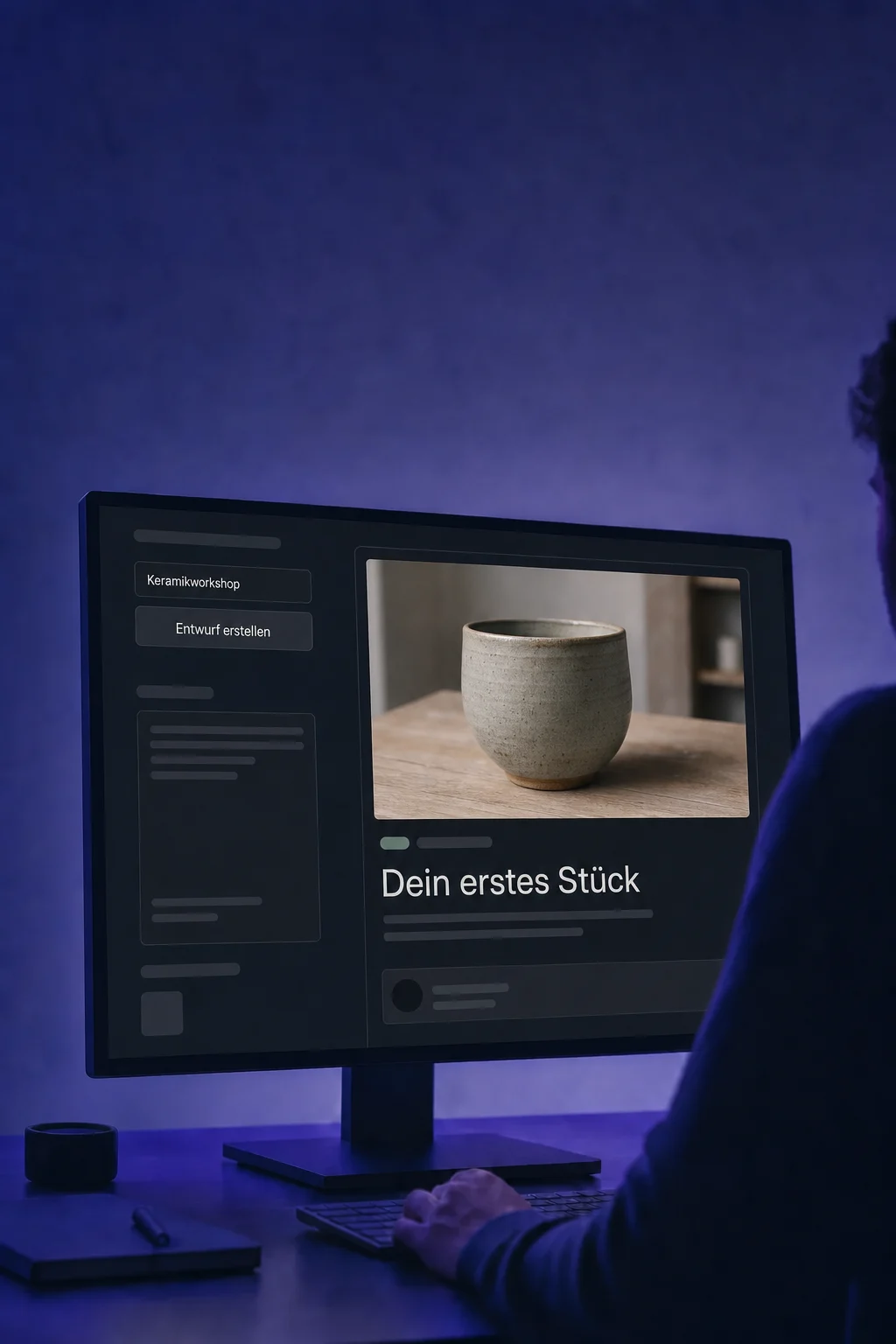
Describe the occasion, offer and audience. Email AI prepares copy and structure as an editable draft, not a sent message.

Email AI
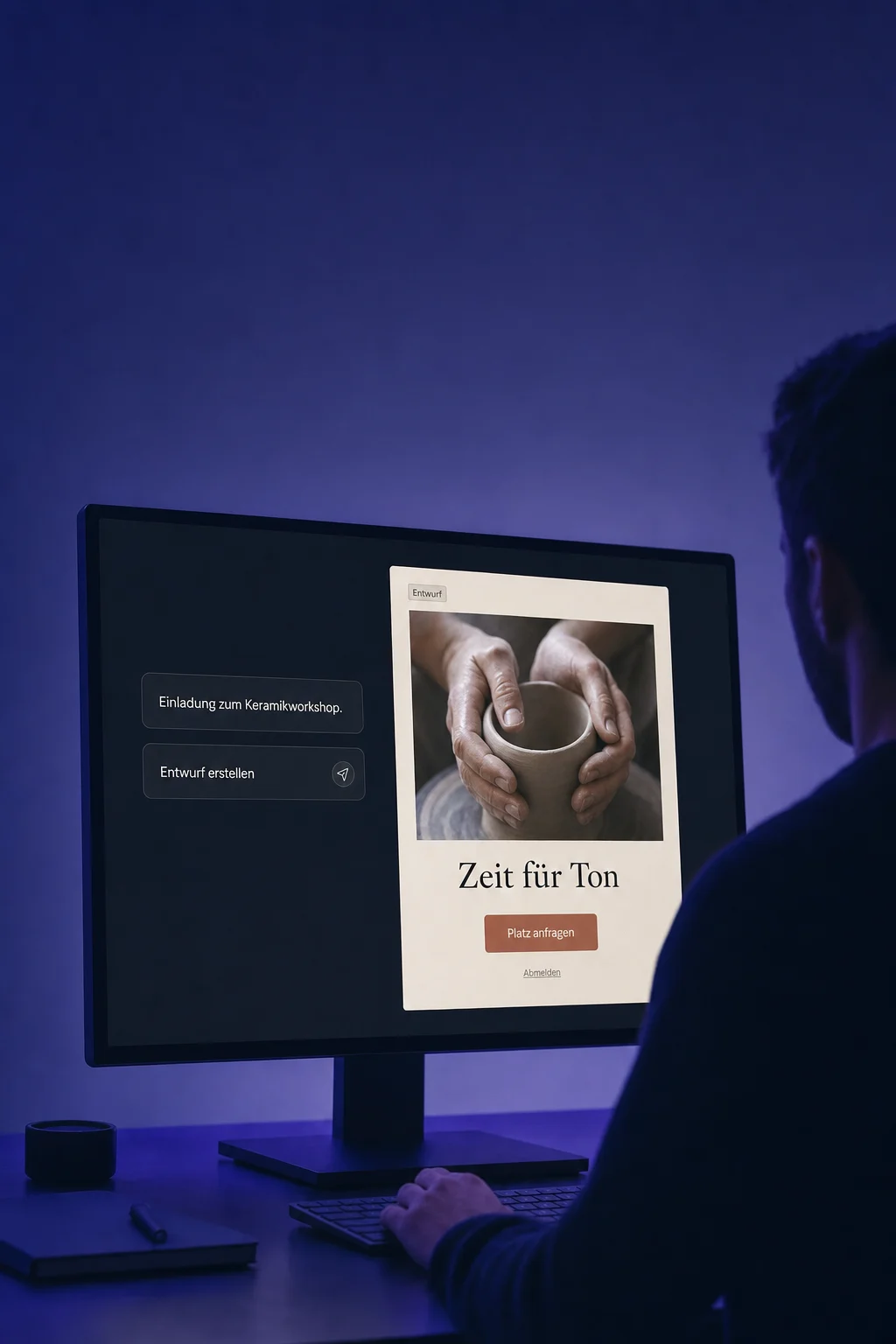
Describe your message. AI creates a designed draft you can refine in chat and in the editor.
Three examples show how you can use Email AI.
Describe the occasion, offer and audience. Email AI prepares copy and structure as an editable draft, not a sent message.
Ask for a shorter opening or another section. The change appears in your draft, with details still editable directly in the builder.

Compare desktop and mobile previews, then send yourself a test email. Check images, links and placeholders. Choose recipients and delivery separately in the campaign.

The practical benefits of Email AI.
Saved Brand Boards provide colours and typography. Override them in your draft; later Brand Board changes do not automatically restyle existing emails.

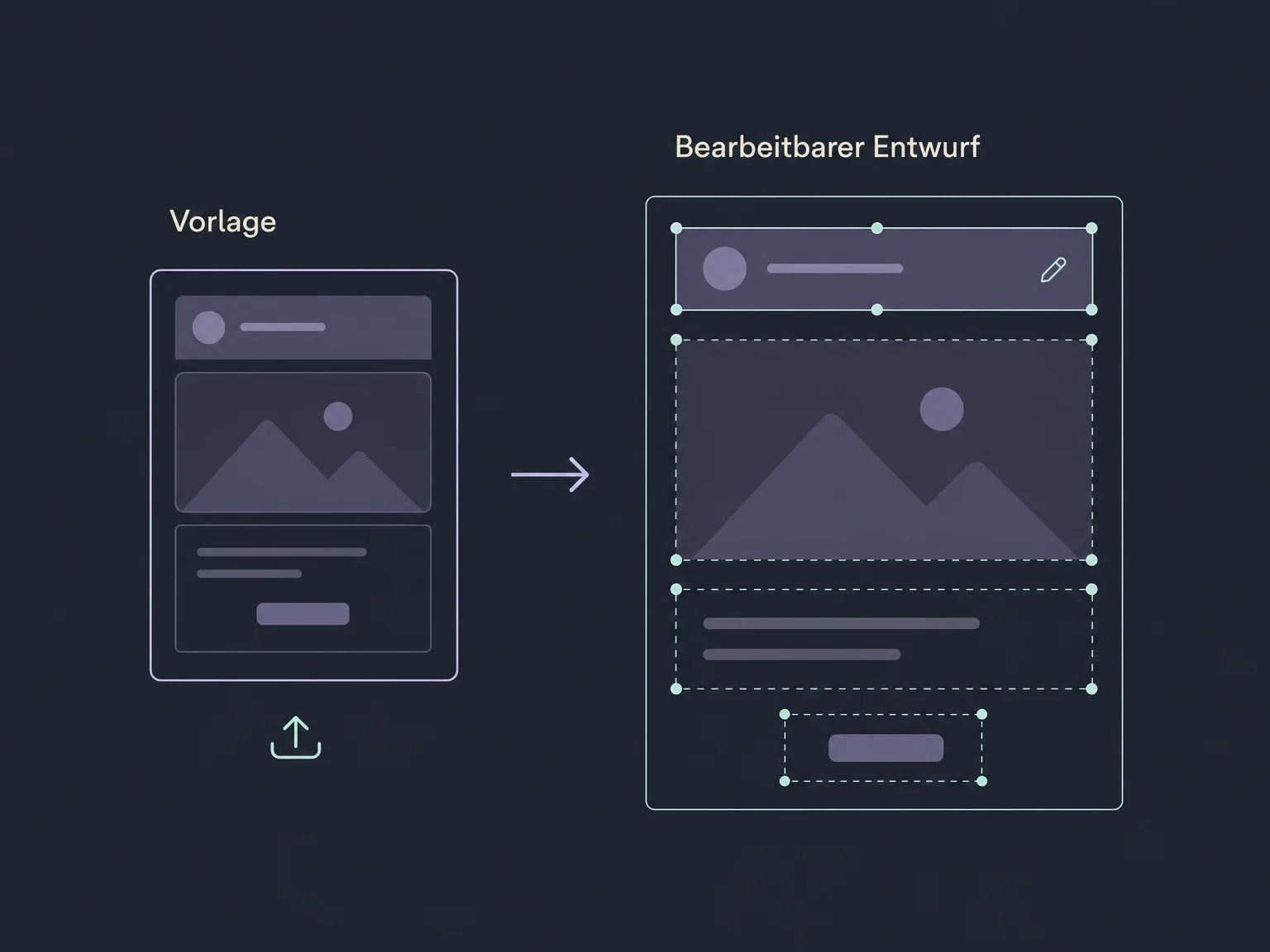
Use a suitable image or URL reference to create a new, editable layout. AI does not copy the original code.
Open version history and restore a saved draft. Review the restored version before continuing.

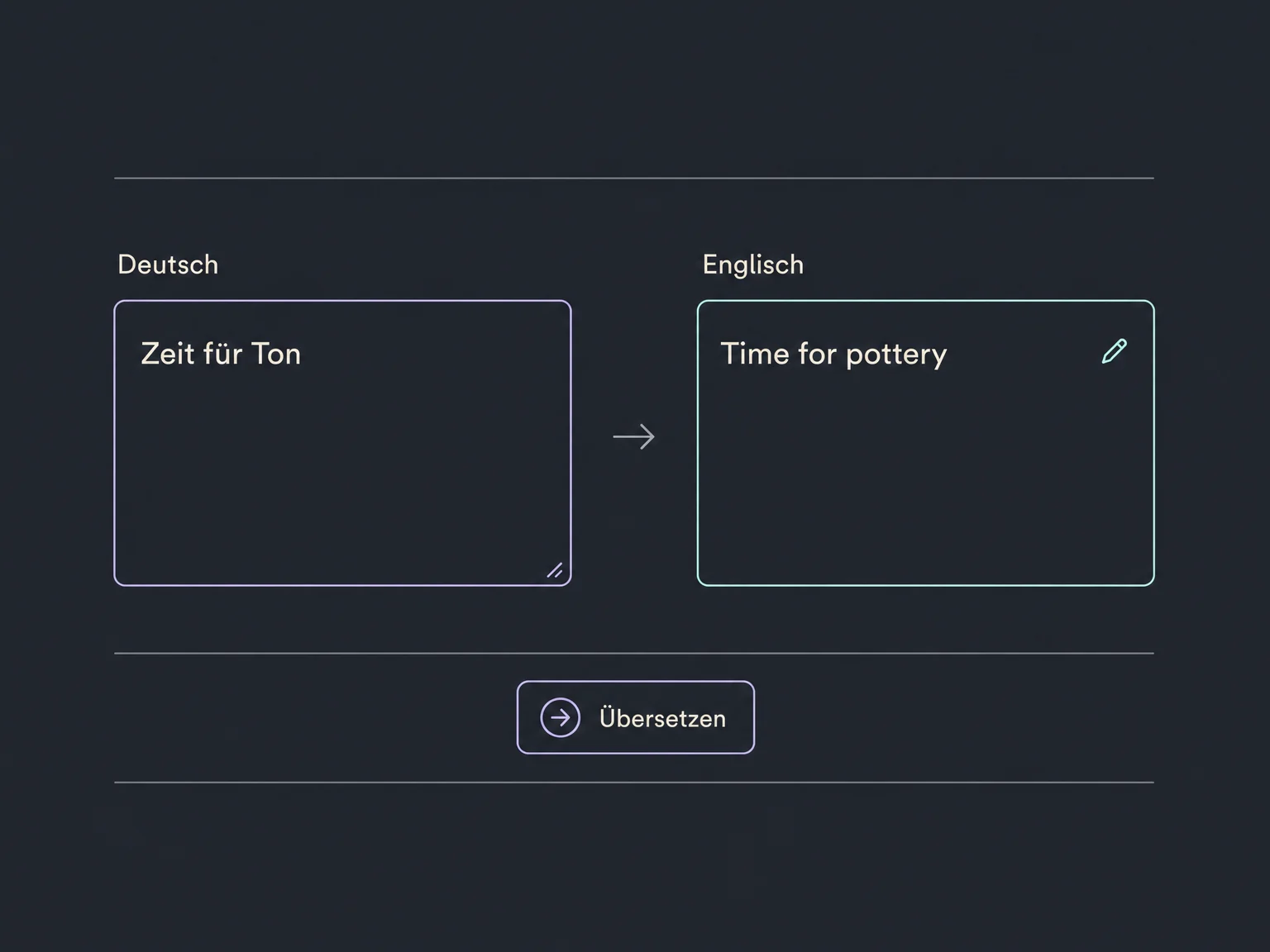
Ask for a translation in chat. Have a fluent speaker review tone, terminology and the offer.
Edit copy, image placement and buttons in the visual editor. Set the correct link destinations and replace sample images with suitable assets.

Simplified examples, not live account data.
We check Email AI access, user permissions and any required beta or Labs settings. Brand settings, sender domain and recipient lists are prepared separately; we confirm your usage scope first.
Email AI designs your message. Email Marketing uses the draft in a campaign. Content AI supports individual pieces of content; configured workflows control automated sequences.
Availability and any add-on or usage costs are confirmed for your ONE LOOP account before implementation.
No. A template starts as a draft. For a campaign, choose recipients and a sending time, then review the delivery settings. A test goes only to the addresses entered for it.
Check claims, images, subject line, links and placeholders. Review the mobile layout and a test email in a real inbox. Unsubscribe links are intentionally inactive in tests, so a test alone does not validate the whole sending process.
A reference informs the design; it is not an identical HTML copy. Custom code and tracking do not transfer. Only use templates and images you have the right to use.
Access depends on enabled features, permissions and the available editor. We check your account with you. AI creation and email delivery have different requirements; sending costs and consent need separate consideration.
Let’s explore your use case and what the setup requires.
Book a demo