01
Turn a brief into a post
Describe your topic, audience and objective. In Social Media Planner, guided questions help you create an initial draft for the selected channel.

Content AI
Create copy and images for your content, refine the wording and add your own finishing touches.
Three examples show how you can use Content AI.
Describe your topic, audience and objective. In Social Media Planner, guided questions help you create an initial draft for the selected channel.
Select a passage and ask AI to shorten, simplify or rewrite it. Compare the suggestion with your original before applying it.

Describe a specific scene in Social Media Planner’s image tool and choose a style. Review the generated image before adding it to your post.

The practical benefits of Content AI.
Choose a saved brand voice with your tone and audience. Its details inform the draft, and you can adjust them for individual posts.

Generate alternatives in supported editors. Choose the wording that fits your message without starting the entire piece again.
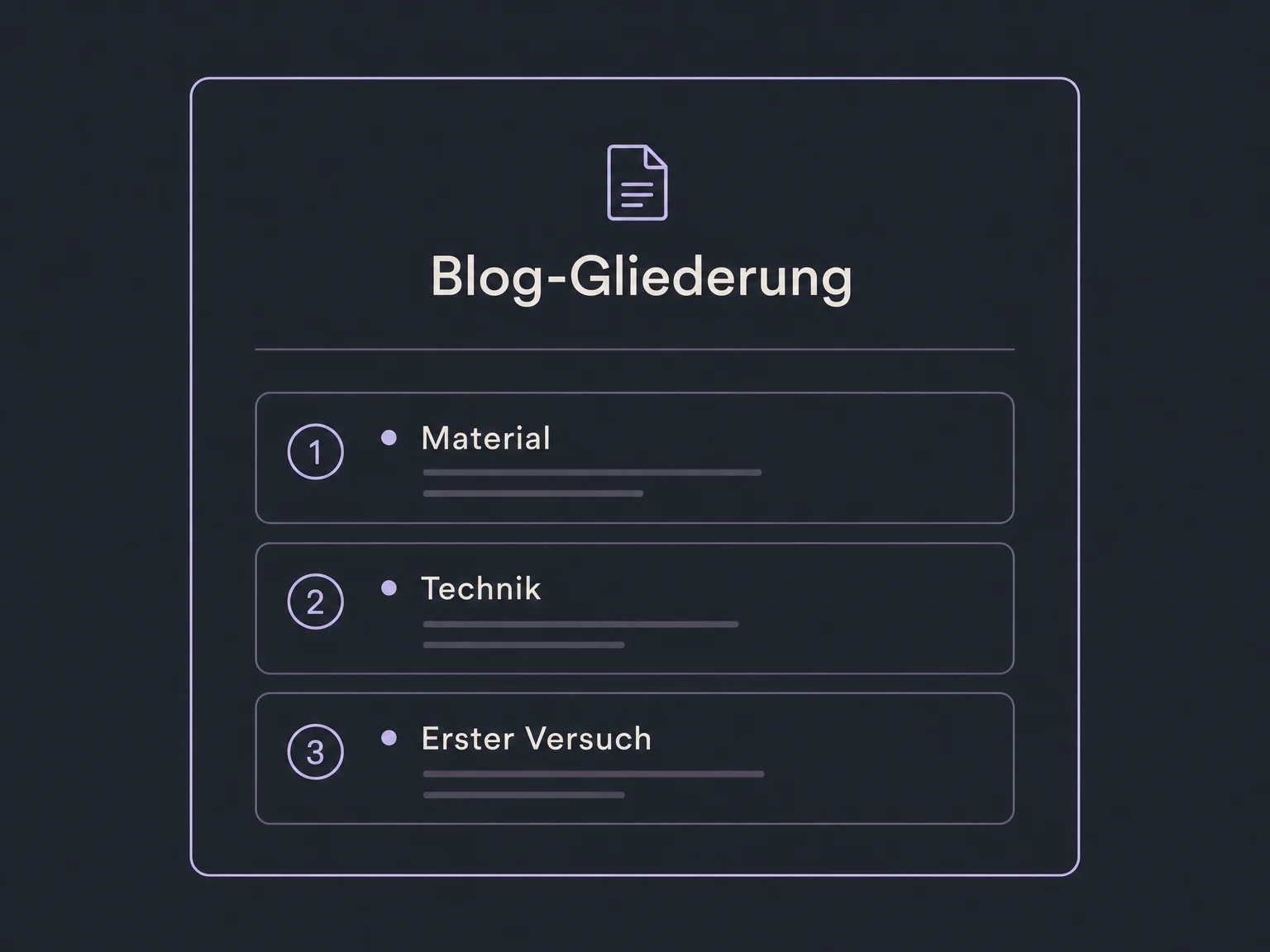
Use the blog editor to draft an outline, introduction or section. Add your experience and reliable information instead of publishing generated paragraphs unchanged.
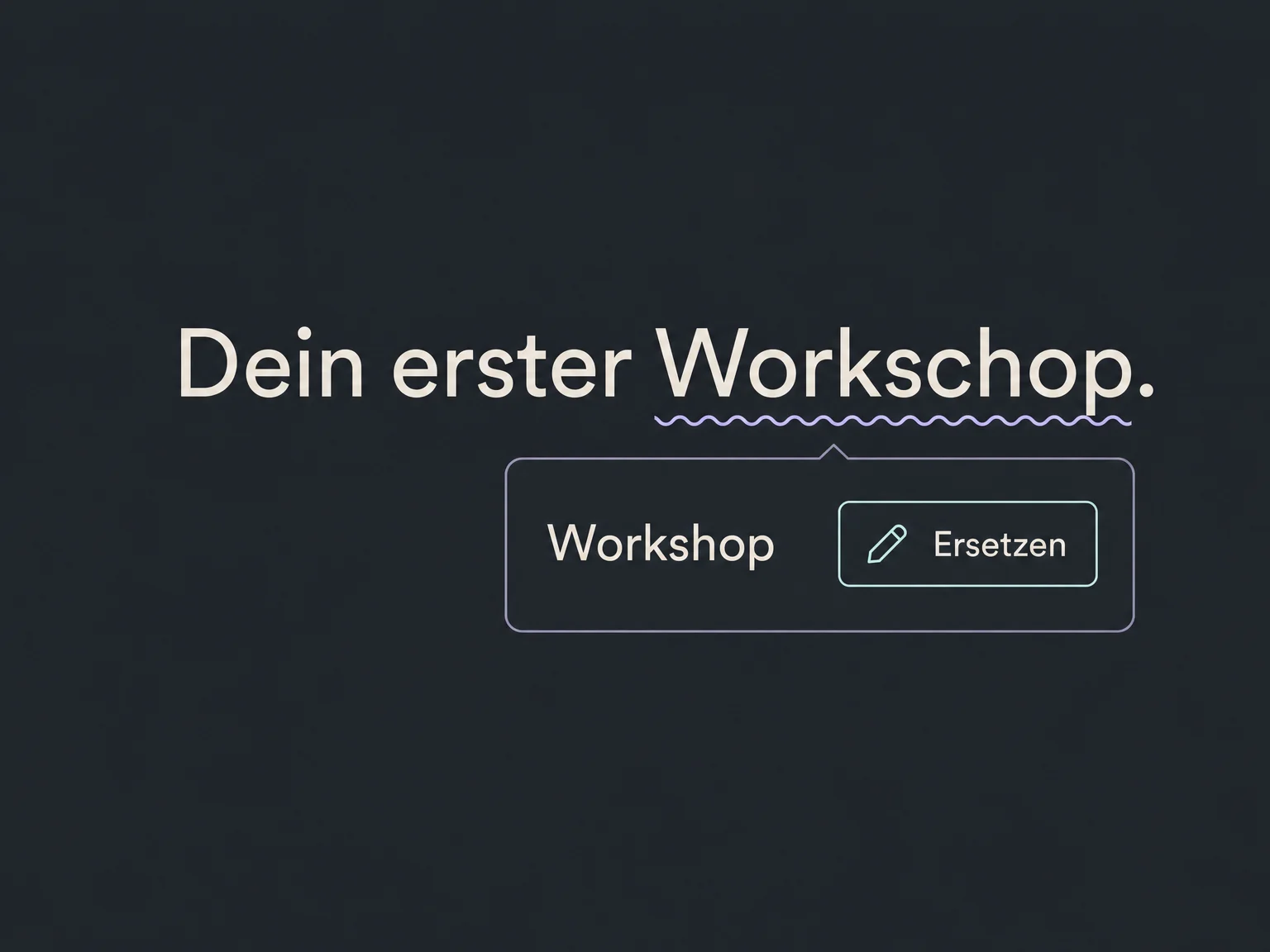
Apply available spelling and grammar tools to selected copy. Check names, specialist terms and the meaning of the sentence as you review the suggestion.
Reopen and copy generated content and alternatives from Content AI’s history. Check that offers and details are still current before reusing them.
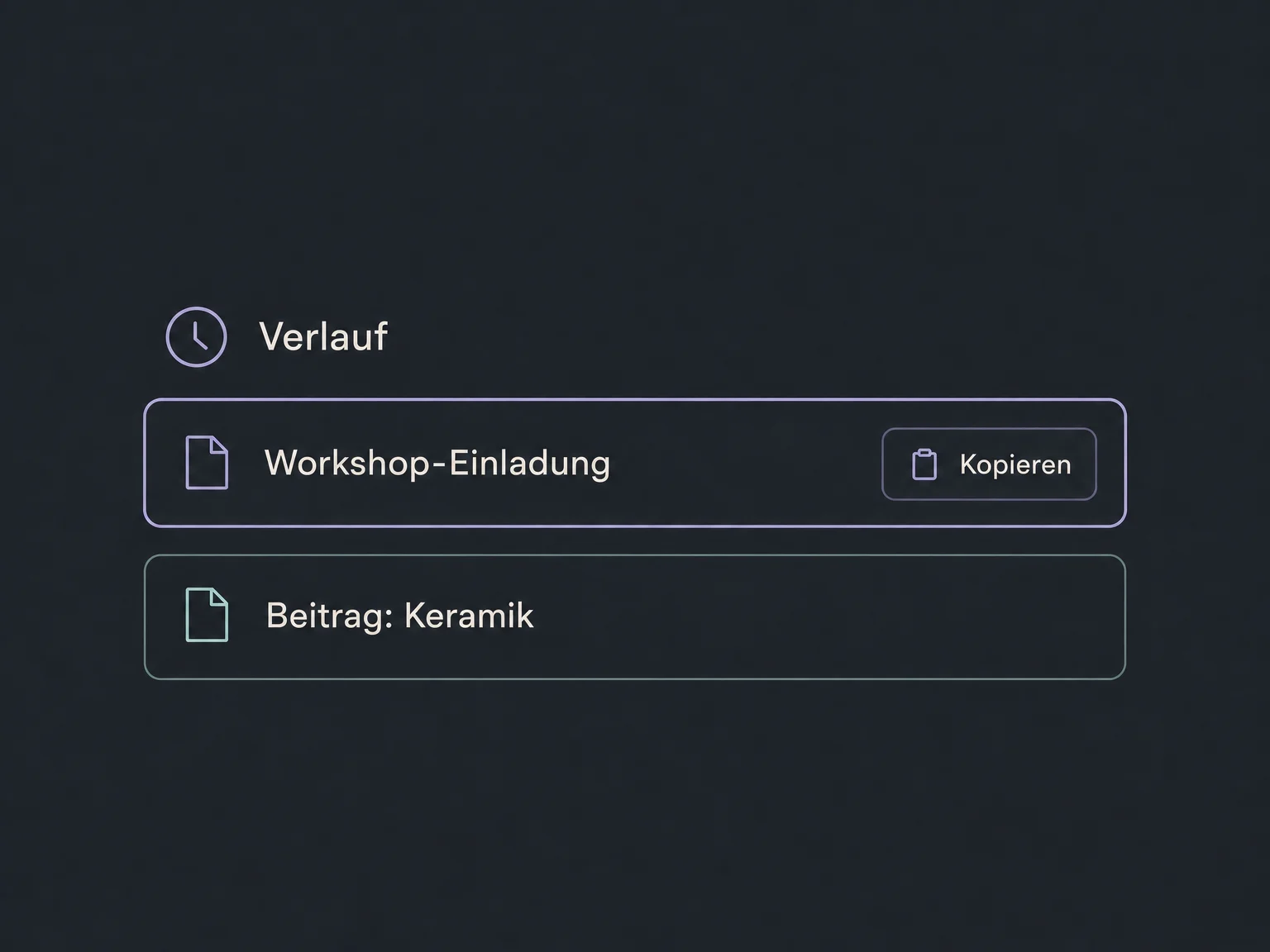
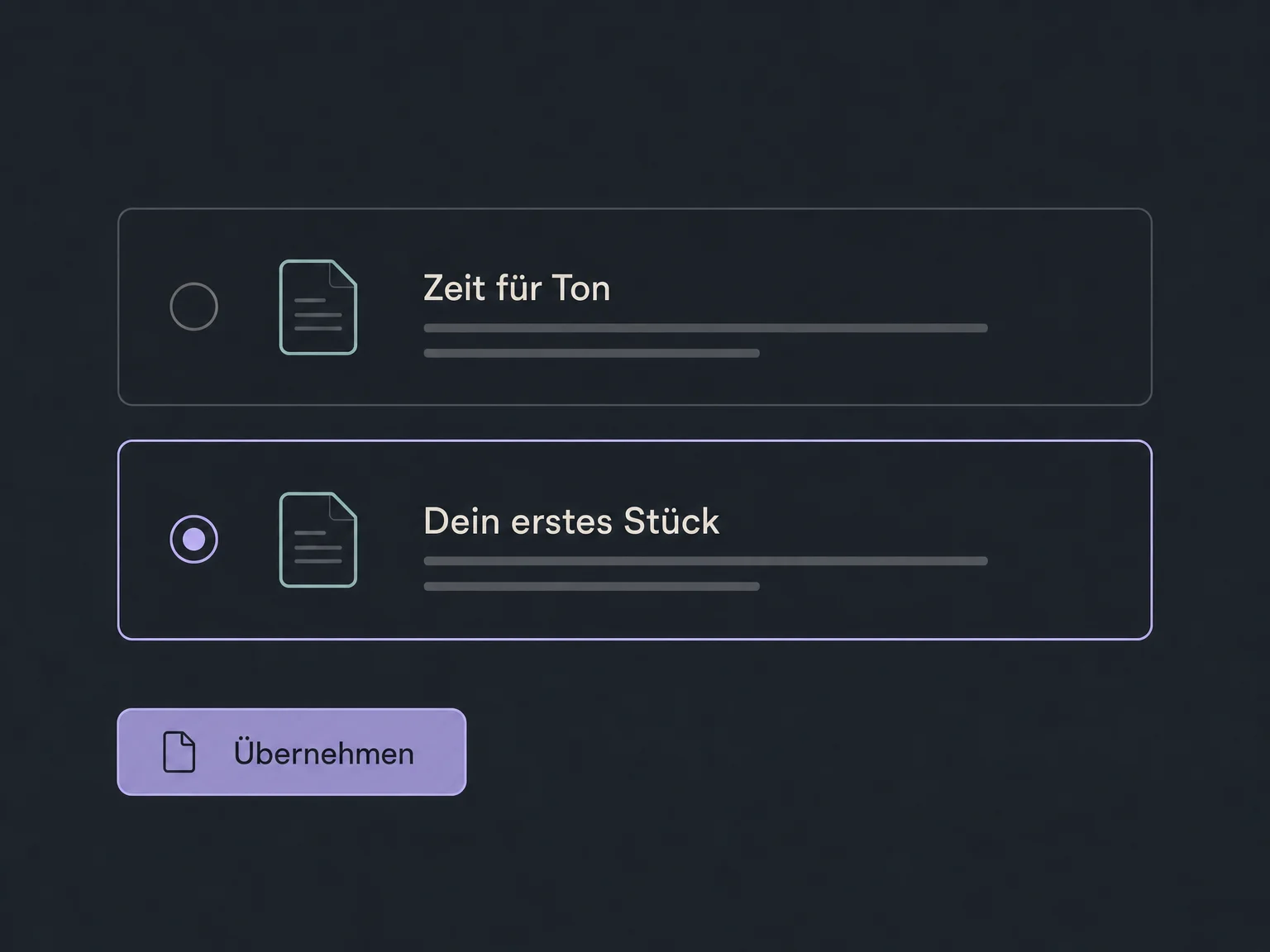
Simplified examples, not live account data.
We check enabled access, user permissions and available tools in your account. Publishing social posts requires connected accounts. Text and image generation may incur usage-based costs; we clarify your agreed scope first.
Content AI helps create copy and images in supported editors. Social Media Planner handles publishing, while Brand Boards supply your tone. Complete email layouts and websites use their dedicated AI builders.
Availability and any add-on or usage costs are confirmed for your ONE LOOP account before implementation.
No. Generating copy is a separate step. You review and edit the draft, then decide whether to save, schedule or publish in the relevant editor. Check links, specific offers and any images too.
No. You can start with your own brief. A saved brand voice adds information such as audience and tone. Select it deliberately and adjust details when needed; the output still needs editorial review.
No. Content AI supports copy and available image tools. A complete website draft with page structure belongs to AI Website Builder; a full email layout belongs to Email AI. Available AI tools depend on the editor and account.
That depends on your agreed scope. Text and image generation can be billed differently, and new alternatives also create usage. We check access and costs before setup. AI output does not guarantee factual accuracy or suitable image rights.
Let’s explore your use case and what the setup requires.
Book a demo