01
Choose the offer. Set the commission.
Choose the website, funnel or store and the products for your programme. Set a fixed amount or percentage as commission, along with the term that determines when it becomes due for payout.


Affiliate Manager
Give partners their own referral links, set commissions and keep track of payouts. Manage your partner programme in ONE LOOP.
Three examples show how you can use Affiliate Manager.
Choose the website, funnel or store and the products for your programme. Set a fixed amount or percentage as commission, along with the term that determines when it becomes due for payout.
Assign partners to a campaign and set up their portal access. They can copy their referral link and review attributed referrals, commissions and payout statuses there.

Review pending commissions before approving them. Approved does not mean paid: payment uses a configured payout method. If you pay outside the system, record it as paid afterwards.

The practical benefits of Affiliate Manager.
Make images and other campaign media available in the partner portal. Partners can copy or download the resources you provide.

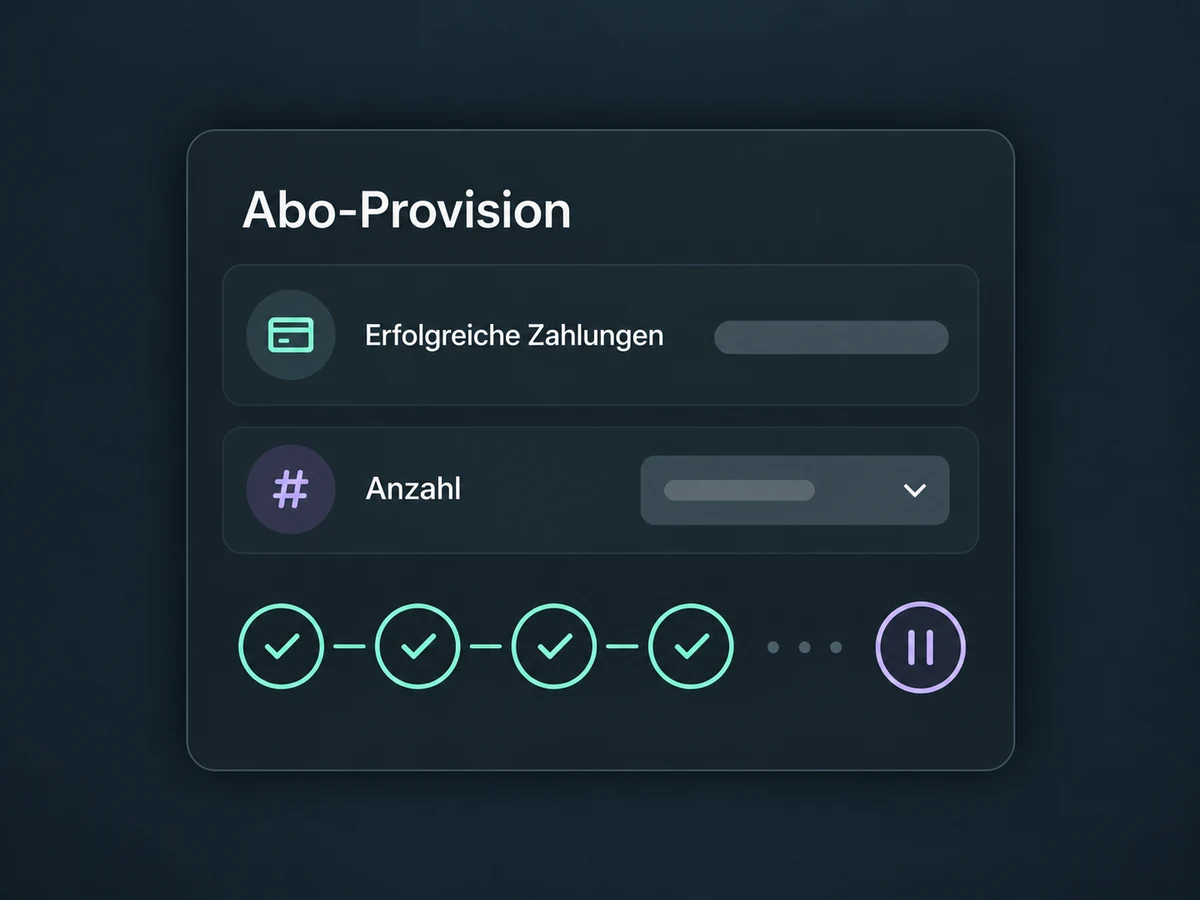
For recurring products, limit commissions to a chosen number of successful charges. The limit counts payments, not calendar months.
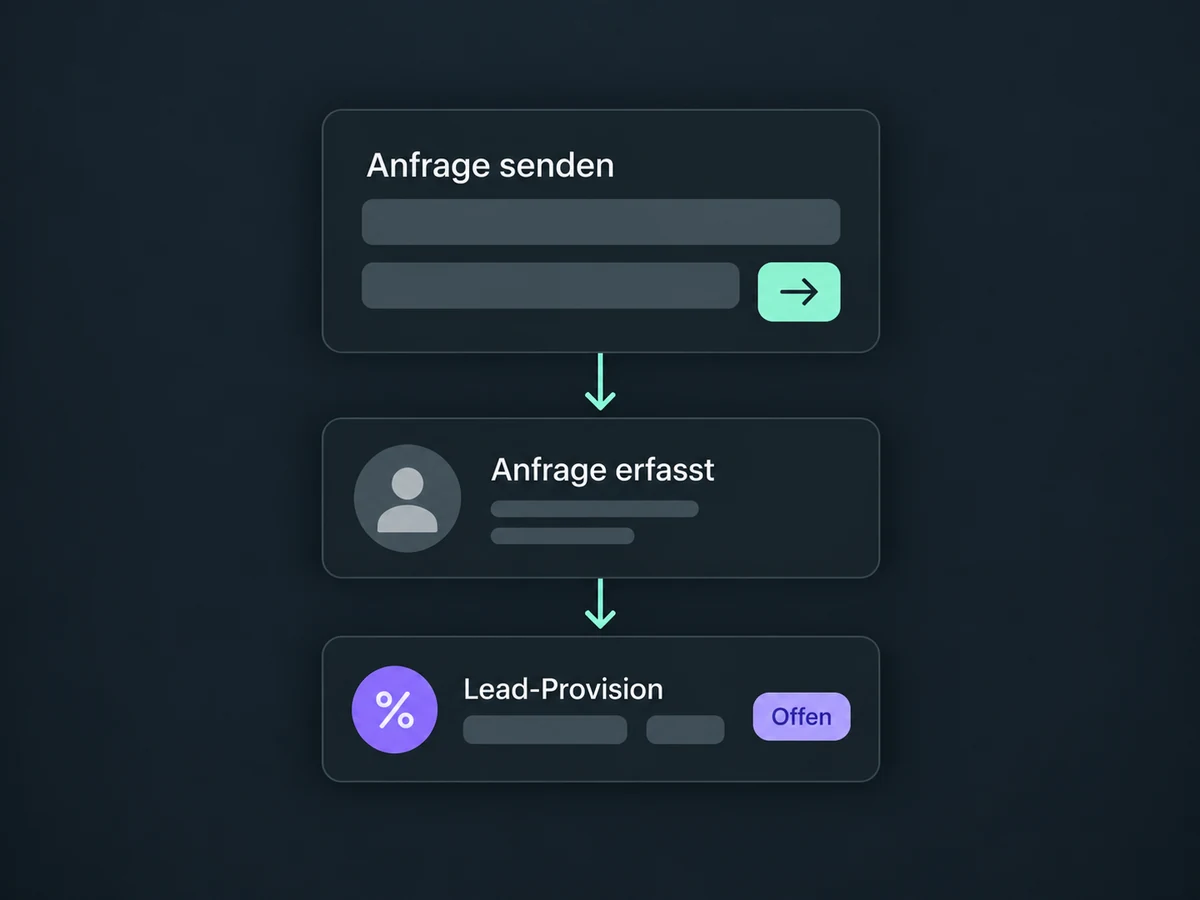
Configure pay-per-lead for supported forms, surveys or calendars. A link click alone does not earn this commission.
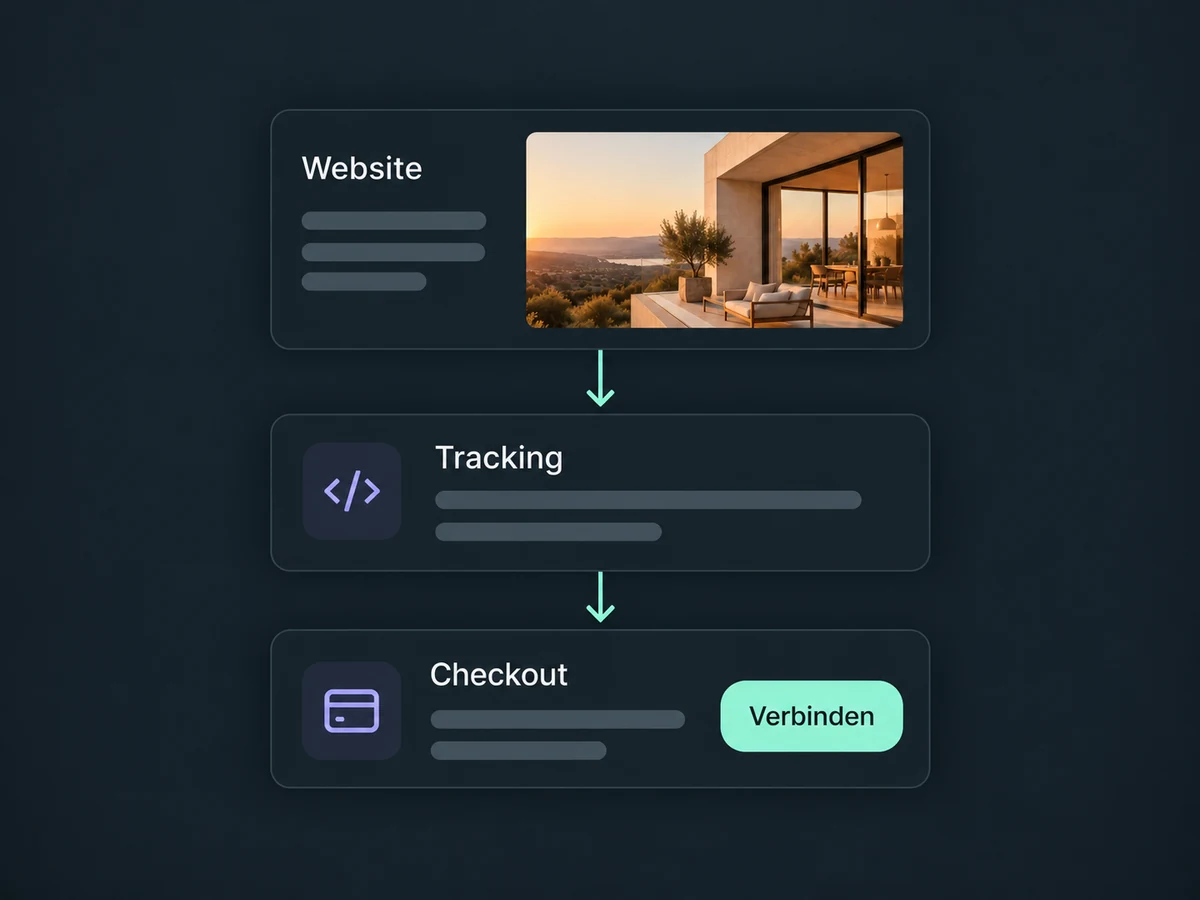
Connect external websites using a tracking script. This integration tracks supported products through a connected Stripe account, so the checkout must be compatible.
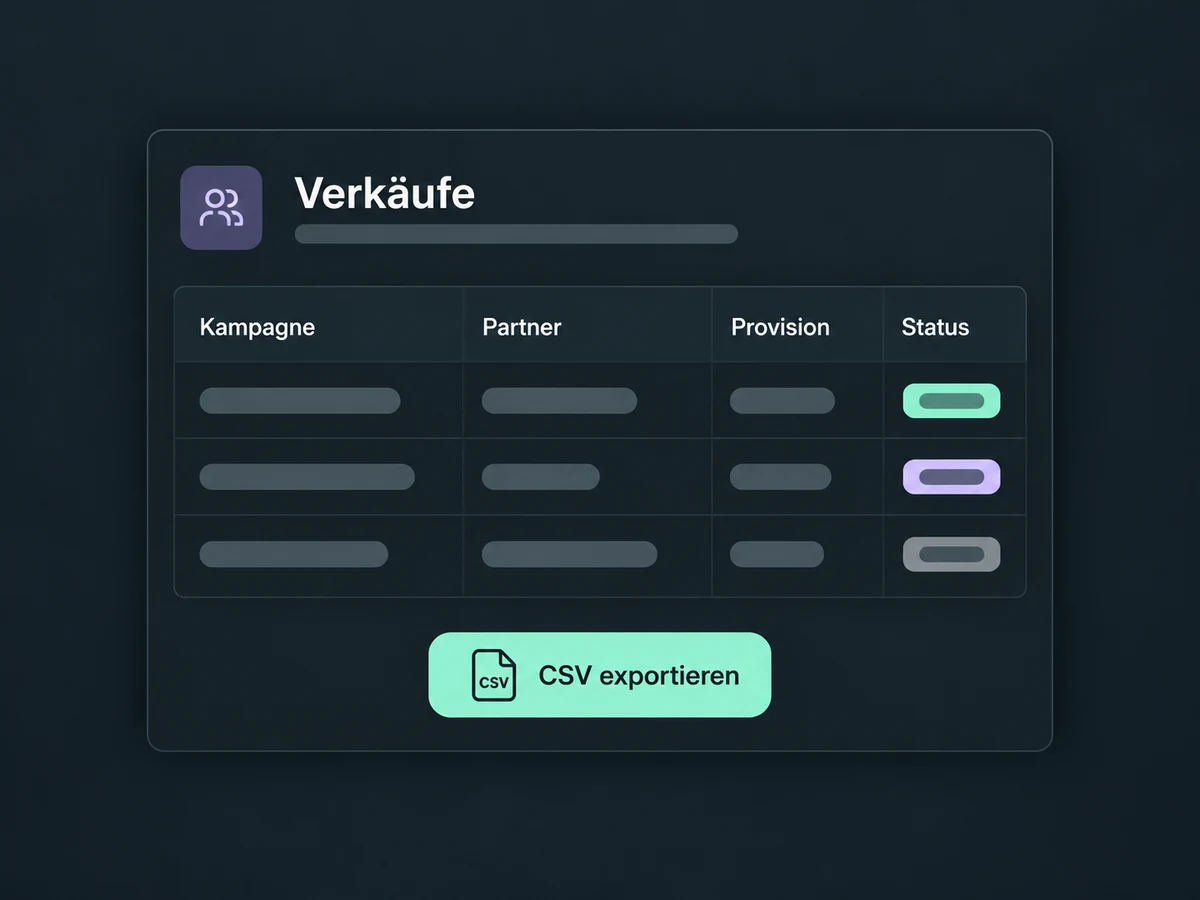
Export recorded affiliate sales as CSV, including campaign, partner, commission and status. Review and reconcile the records beyond the dashboard.
Simplified examples, not live account data.
Confirm access, plan coverage and costs for your ONE LOOP account. Configure the campaign, tracking, commission terms, partner access and payouts. Test a referral link through to attribution; address legal and tax requirements separately.
Your partners share the links. You manage the offers and review recorded referrals. Attribution depends on working tracking; the programme does not guarantee additional sales.
Availability and any add-on or usage costs are confirmed for your ONE LOOP account before implementation.
Yes, with configured pay-per-lead for supported forms, surveys or calendars. Add these as native components in a website or funnel; custom code embeds and iframes do not support this lead tracking. Set the reward and test capture. A click alone is neither a lead nor a purchase.
No. Review, approval and payment are separate steps. Direct PayPal payouts need their own setup, valid recipient details and the required permission. For a manual bank payment, transfer the money outside ONE LOOP, then mark it as paid. Changing the status alone does not transfer funds.
Commission payouts do not automatically account for refunds, including subscription refunds. Check refunds and chargebacks before approval. The configured payout term gives you time for that review; it does not perform it for you.
Check the personal referral link, campaign assignment and configured checkout. The ordinary website URL without partner tracking is not enough. Changing a campaign’s source also changes its referral links: old links stop tracking new referrals. Give partners the new links and test them before use.
Let’s explore your use case and what the setup requires.
Book a demo