01
Look up contacts in chat
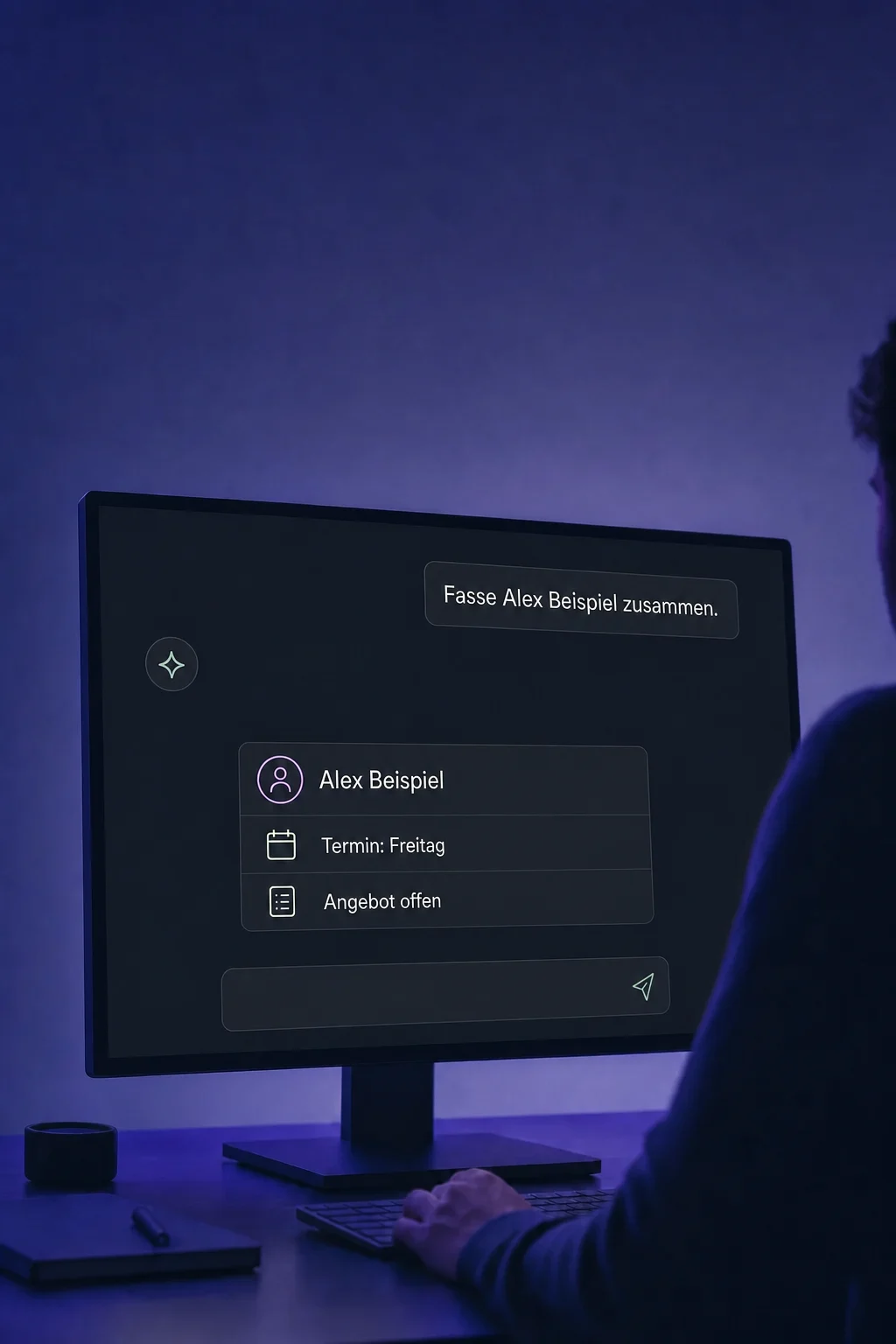
Ask your connected AI for a contact in ONE LOOP. With the permitted search tool, it can retrieve the matching record without you copying the details into the chat.

MCP & AI Tools
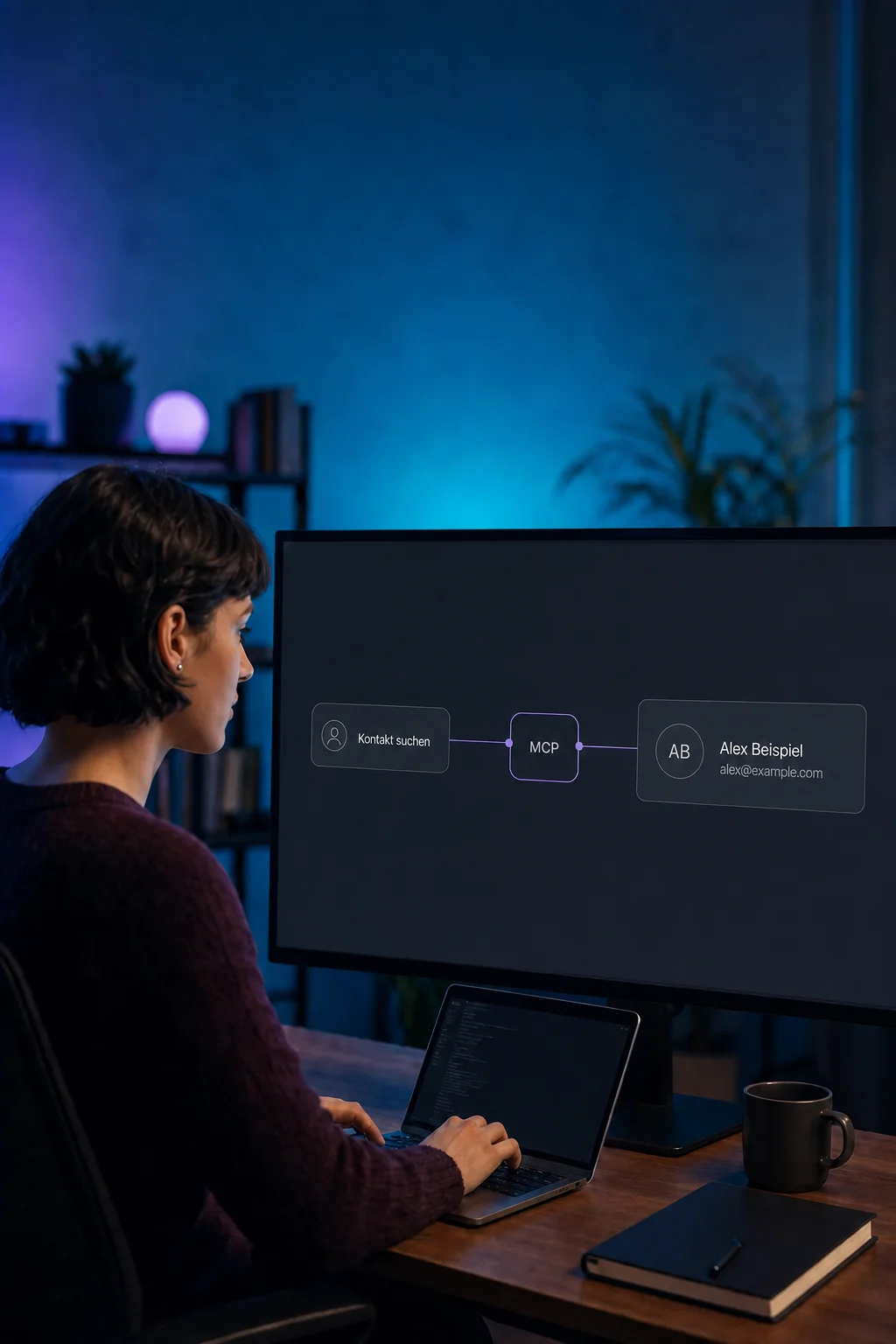
Look up contacts, make specific updates or retrieve information from other software. MCP connects compatible AI applications to the tools you authorise for the job.
Three examples show how you can use MCP & AI Tools.
Ask your connected AI for a contact in ONE LOOP. With the permitted search tool, it can retrieve the matching record without you copying the details into the chat.
For example, add Consultation as the interest on the correct contact. The AI can perform the supported update when the contact is unambiguously identified and the connection has the required write permission.

The reverse direction is possible too: an agent in ONE LOOP can read a project status from a connected table. It needs the appropriate external tool and clear instructions on when to use it.

The practical benefits of MCP & AI Tools.
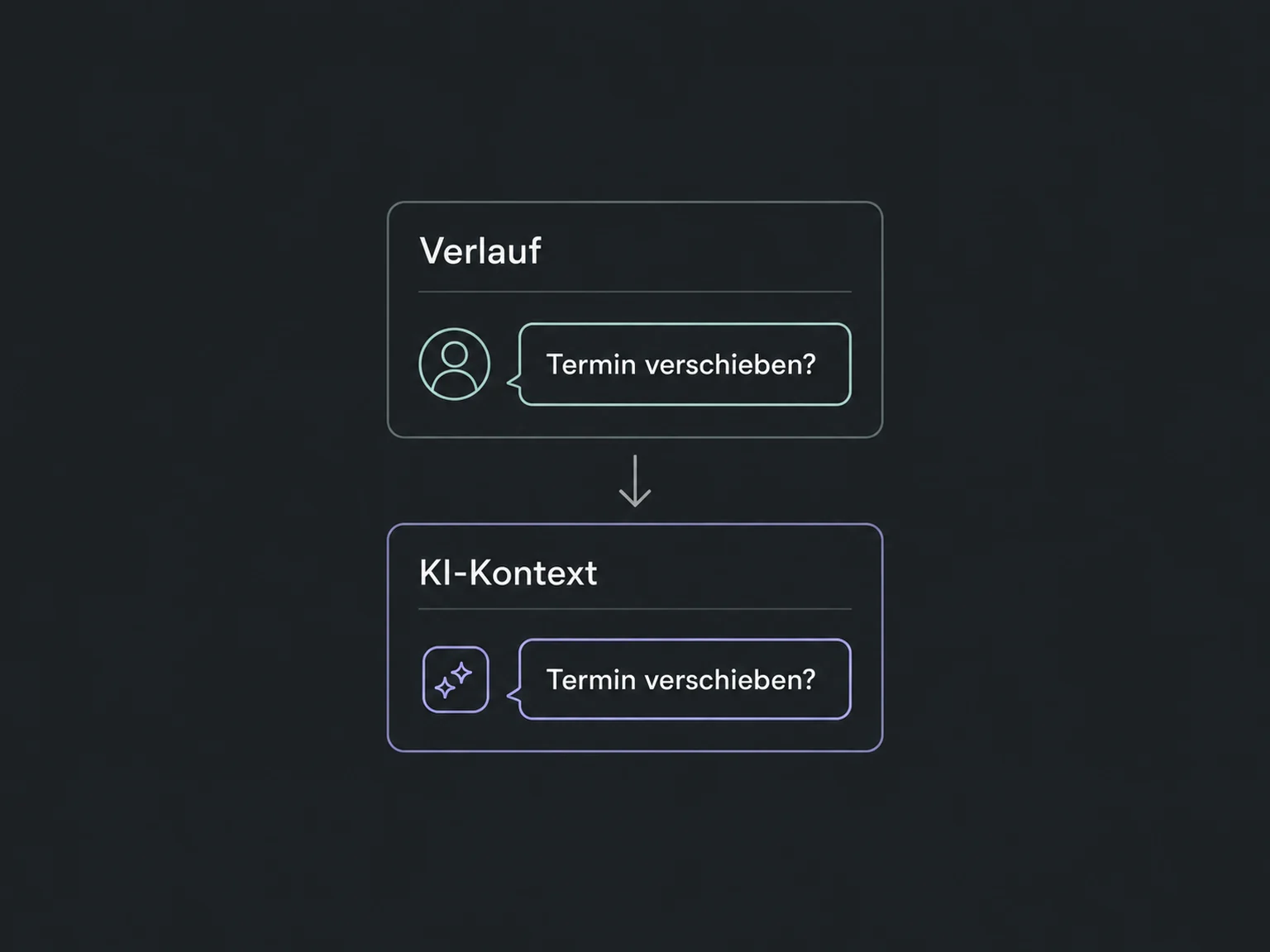
A permitted messaging tool can retrieve the history for the correct contact. This gives the AI existing context instead of asking you for it again.
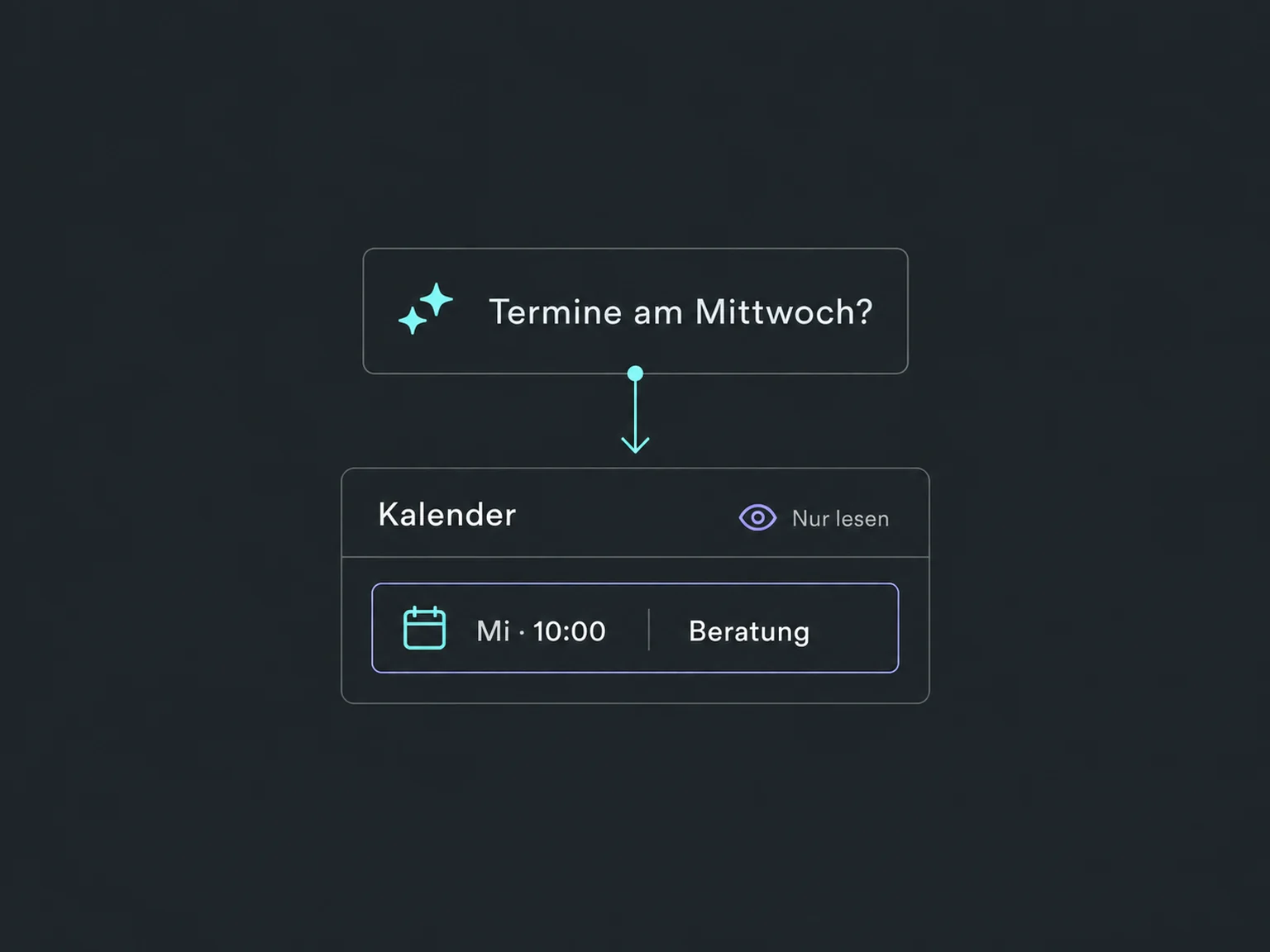
With permitted calendar access, the AI can retrieve relevant appointments. Reading an appointment does not reschedule or book it.
Give an agent only the external tools it needs. A project-status reader, for example, does not need a record-deletion tool.
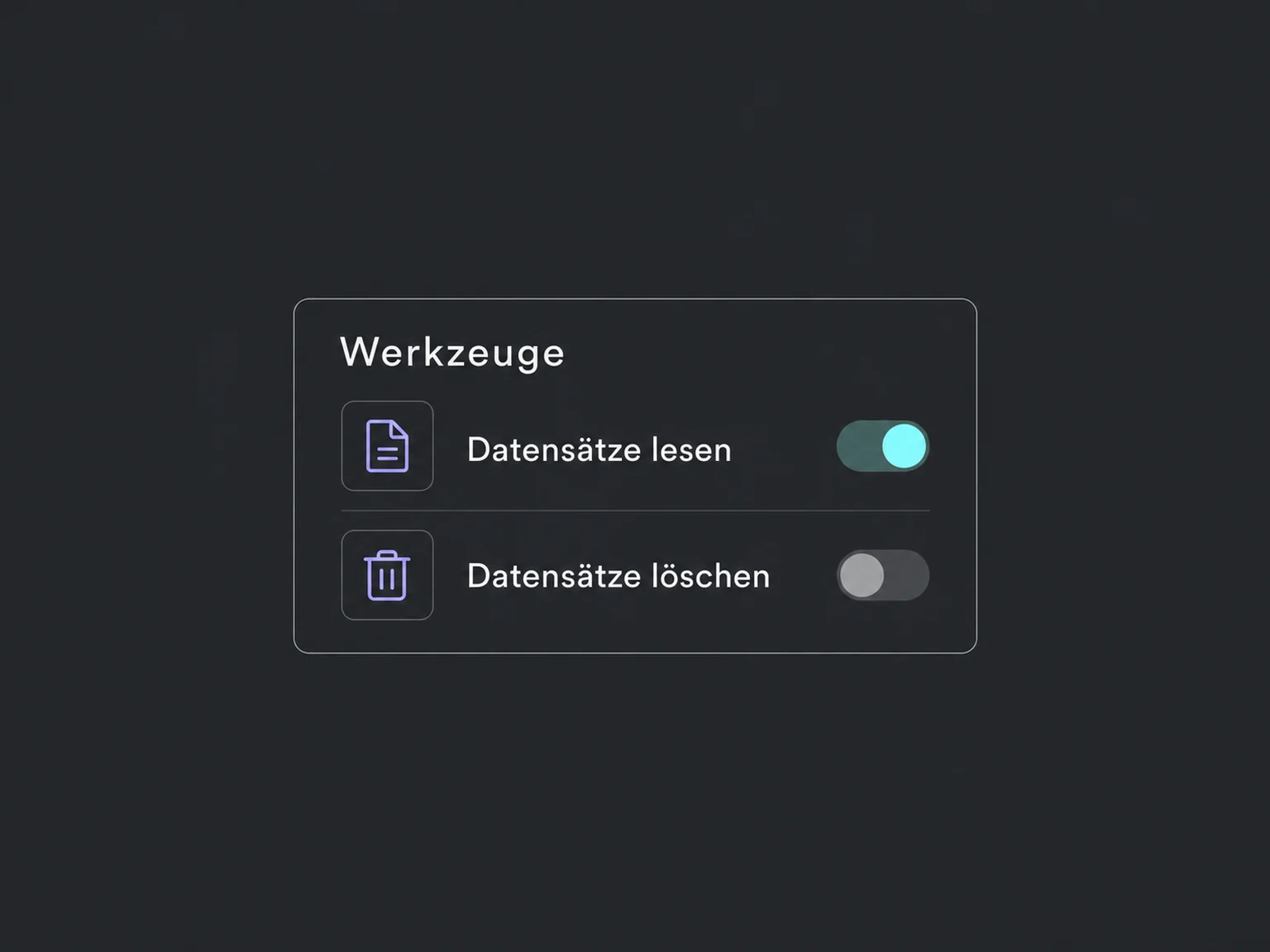
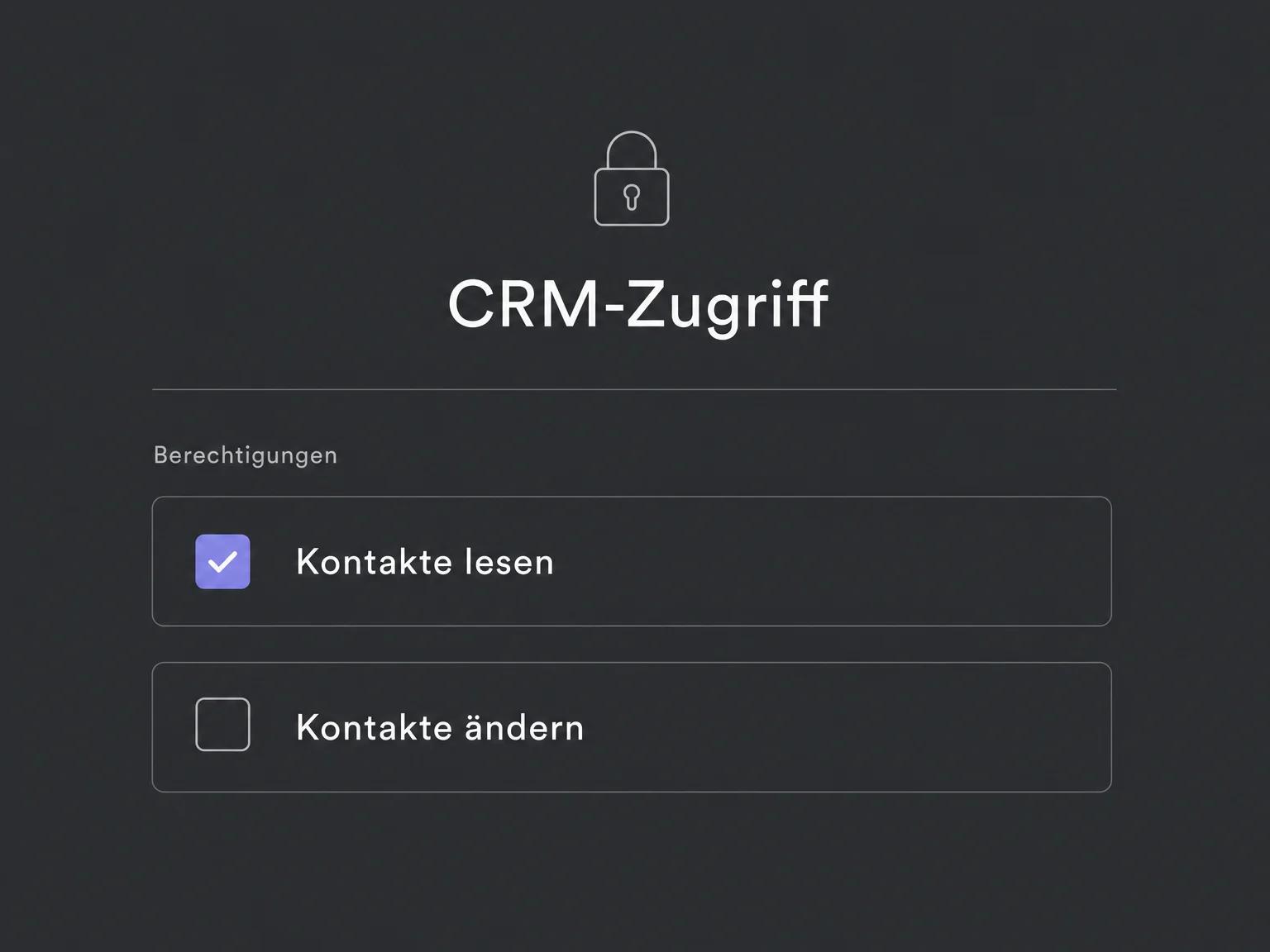
Read and write permissions for the CRM connection are granted deliberately. For sensitive actions, we also check the confirmation options provided by the AI environment.
Using sample data, we check which tool is called and what reaches the target system. Incorrect results, missing permissions and ambiguous requests are included in testing.
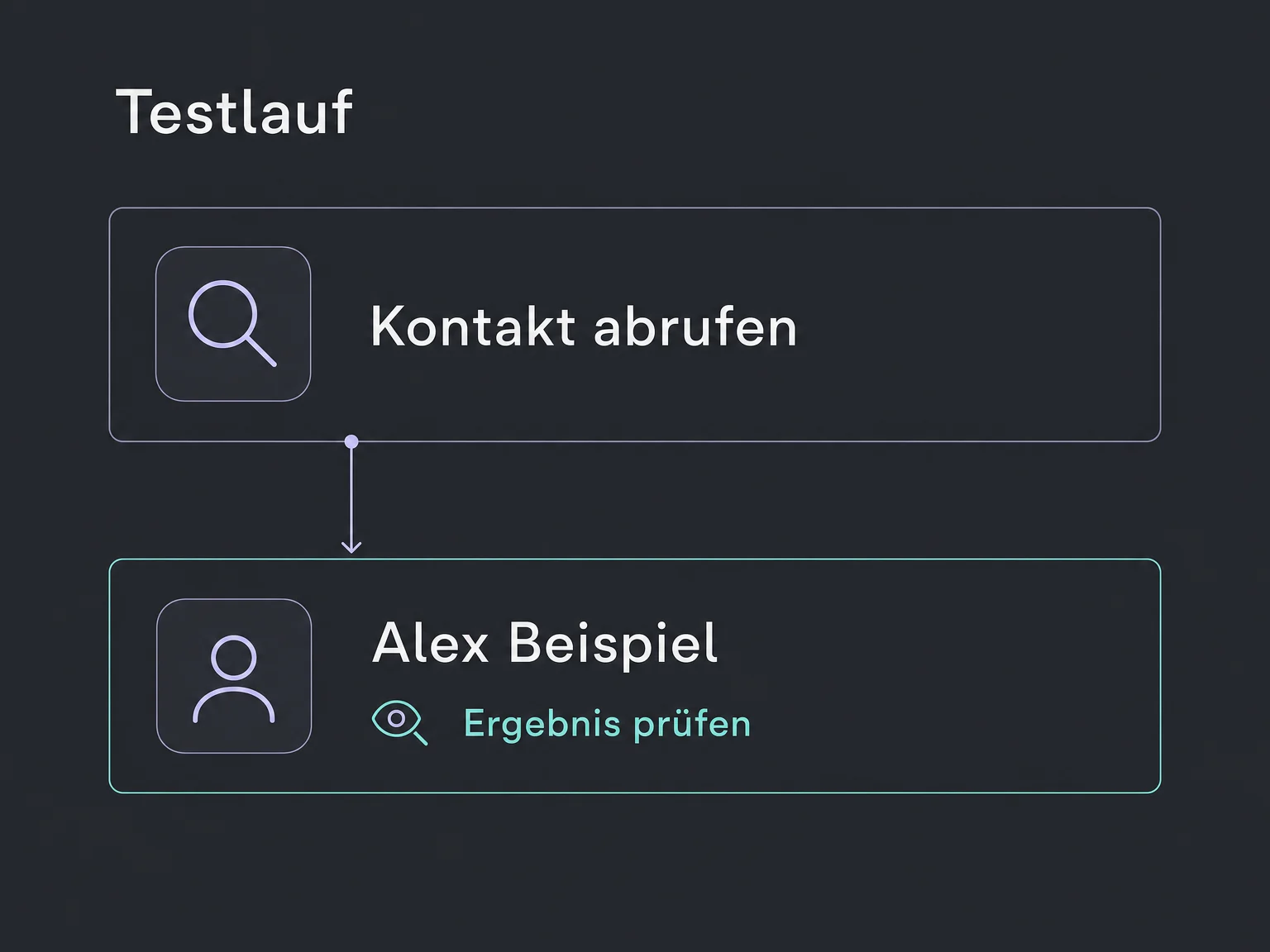
Simplified examples, not live account data.
We check the AI environment, available MCP access, account permissions and required tools. External services may need separate contracts and incur charges. Credentials belong in the connection configuration, not in chat or public website code.
Two separate connections: an external AI accesses permitted ONE LOOP data, or an agent in ONE LOOP uses permitted tools from other software. MCP provides access; the task, trigger and oversight still need to be defined.
Availability and any add-on or usage costs are confirmed for your ONE LOOP account before implementation.
MCP stands for Model Context Protocol. It is a common way for a compatible AI to retrieve information from connected systems or call supported actions. The connection needs setup; MCP is not the agent itself.
No. The AI client, server, authentication and required tools must be compatible. Prebuilt connectors and custom MCP connections have separate setup paths. What matters is the actual tool list available to your account, not a headline integration count.
No. Account permissions, allowed tools and the configured connection limit access. Agent instructions supplement these rules but do not replace technical permissions. We review writes, deletions and messaging separately; confirmations also depend on the AI client.
Not simply because it is connected. A Managed Agent also needs a suitable trigger and instructions. Chat-based use starts with your request instead. Both are tested before being put into production.
Let’s explore your use case and what the setup requires.
Book a demo