
01
A message starts the conversation.
People message your connected WhatsApp number. The owner answers their question alongside the contact.
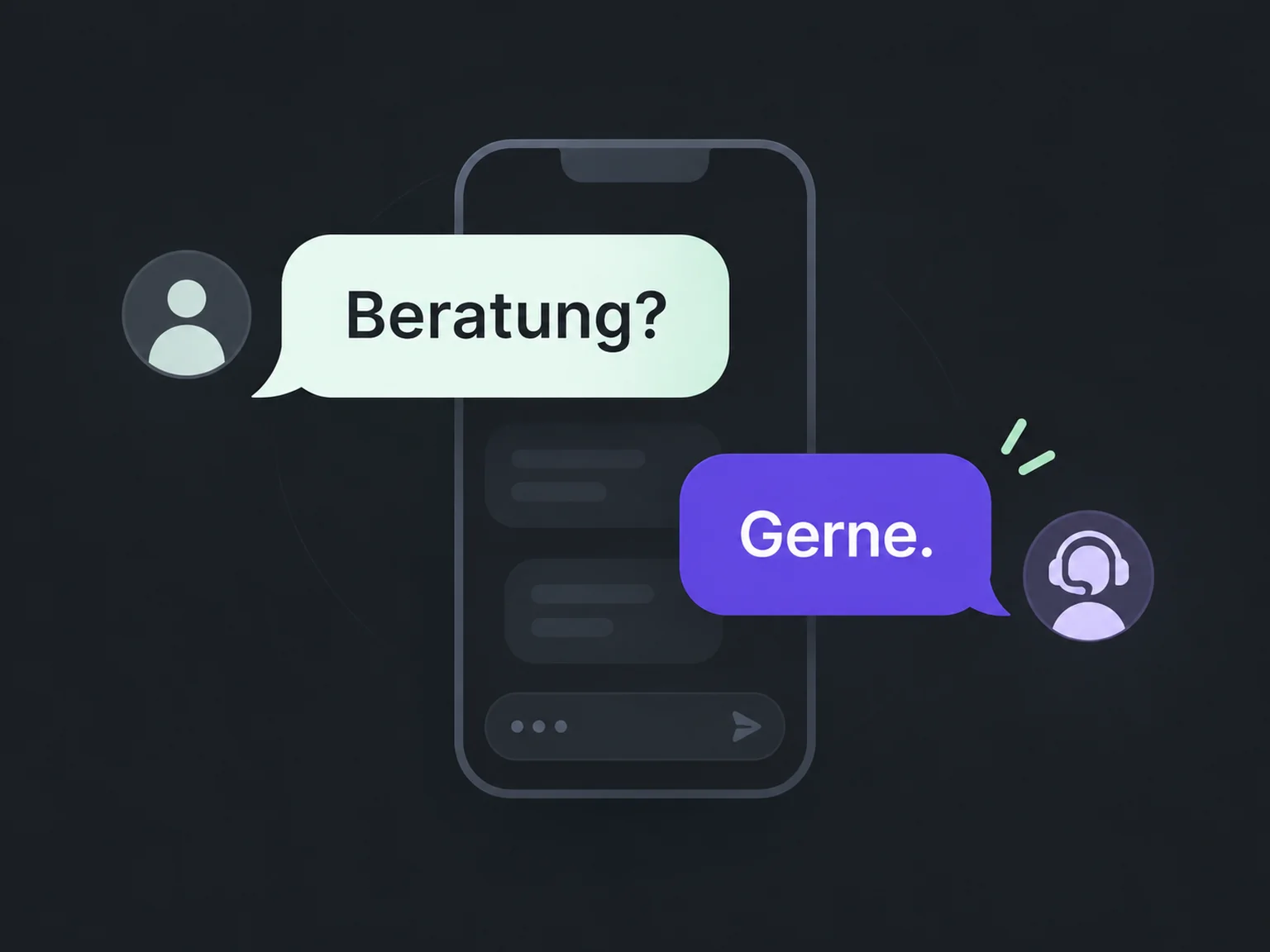

Start conversations on WhatsApp
Respond where people like to message you. ONE LOOP connects WhatsApp with your team and helps guide the conversation towards advice or an appointment.
Research on timely responses and relevant customer care.
Survey of 14,300 consumers and business buyers worldwide · 2023.
Customer expectations study (opens in a new tab)McKinsey Next in Personalization · US consumer survey, 2021.
Personalisation study (opens in a new tab)People message your connected WhatsApp number. The owner answers their question alongside the contact.
Your team sees associated messages from connected channels. It can build on earlier details instead of starting from scratch.
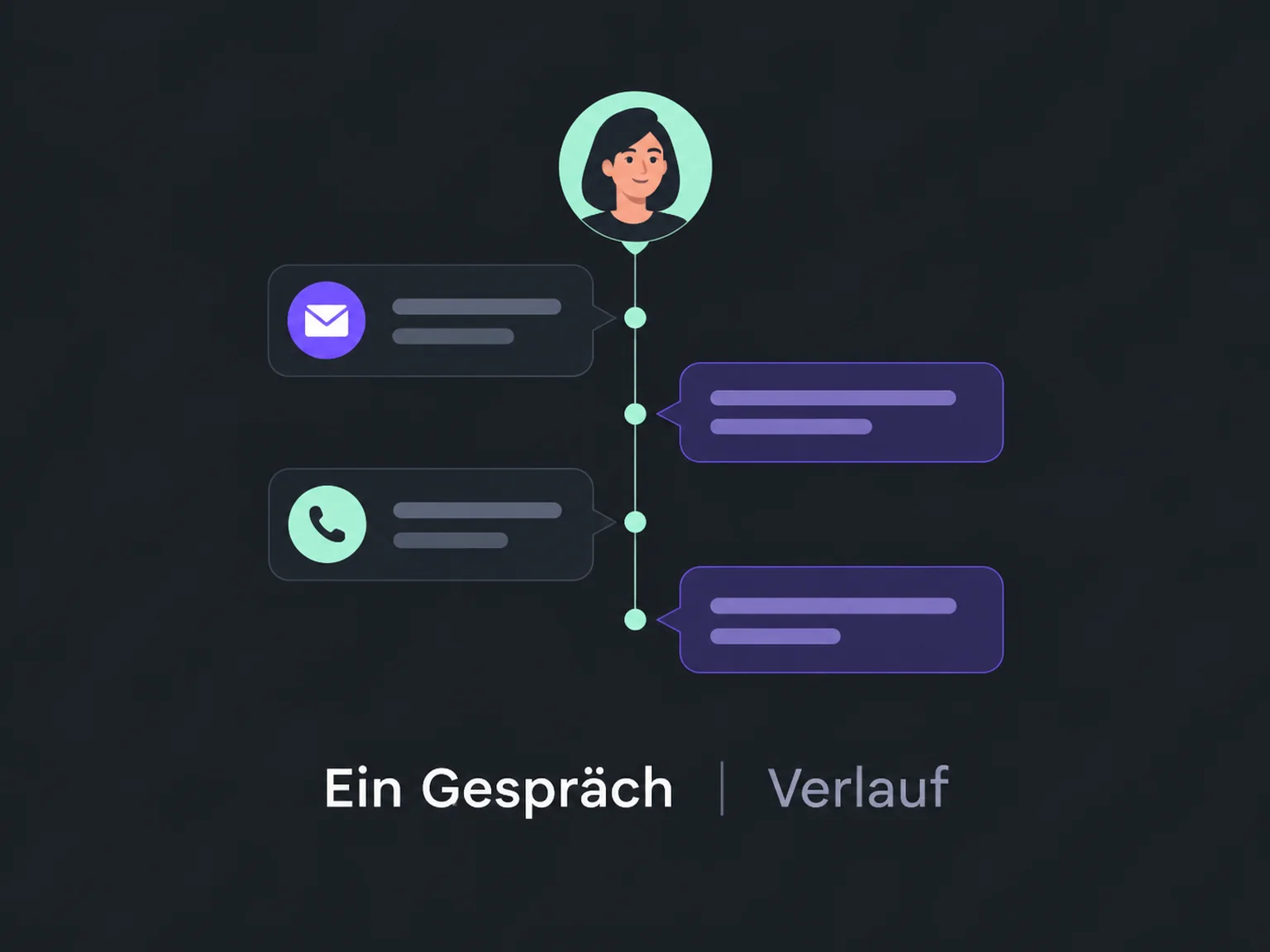
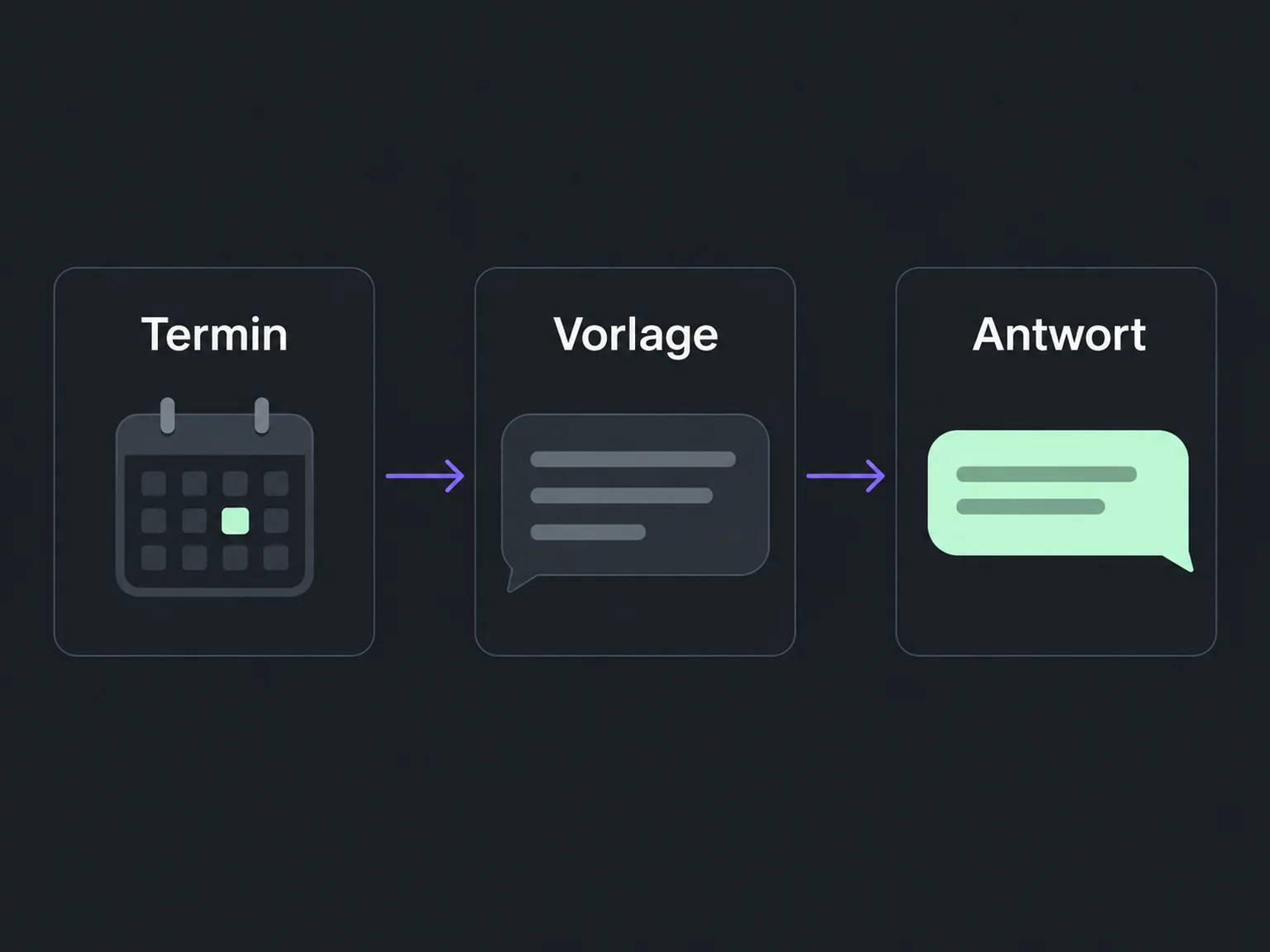
Share appointment details and helpful messages through a configured workflow. Outside the reply window, use approved templates.
Prospects message your connected WhatsApp number and your team picks up their questions.
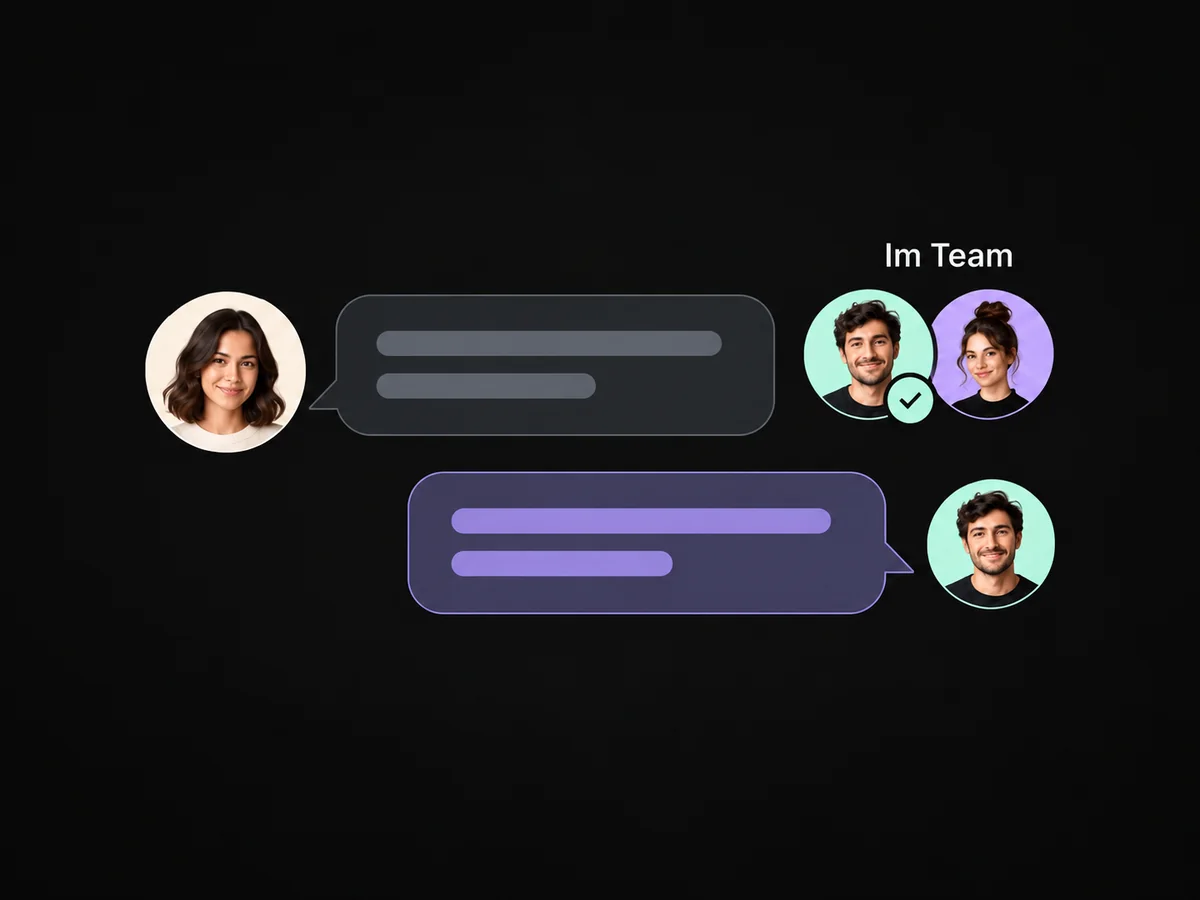
Assigned messages and notes show your team what the person has already shared.
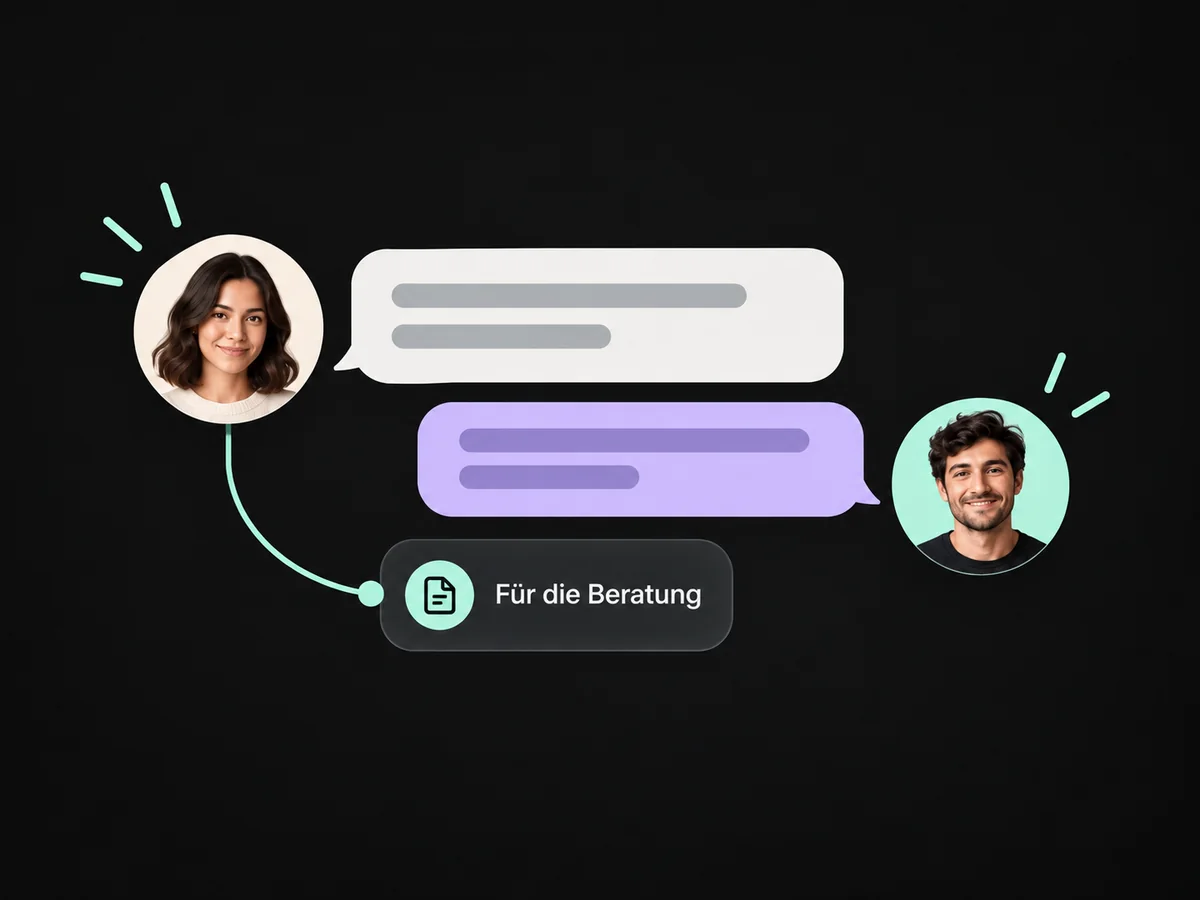
Share your booking link in WhatsApp so prospects can choose an available slot.
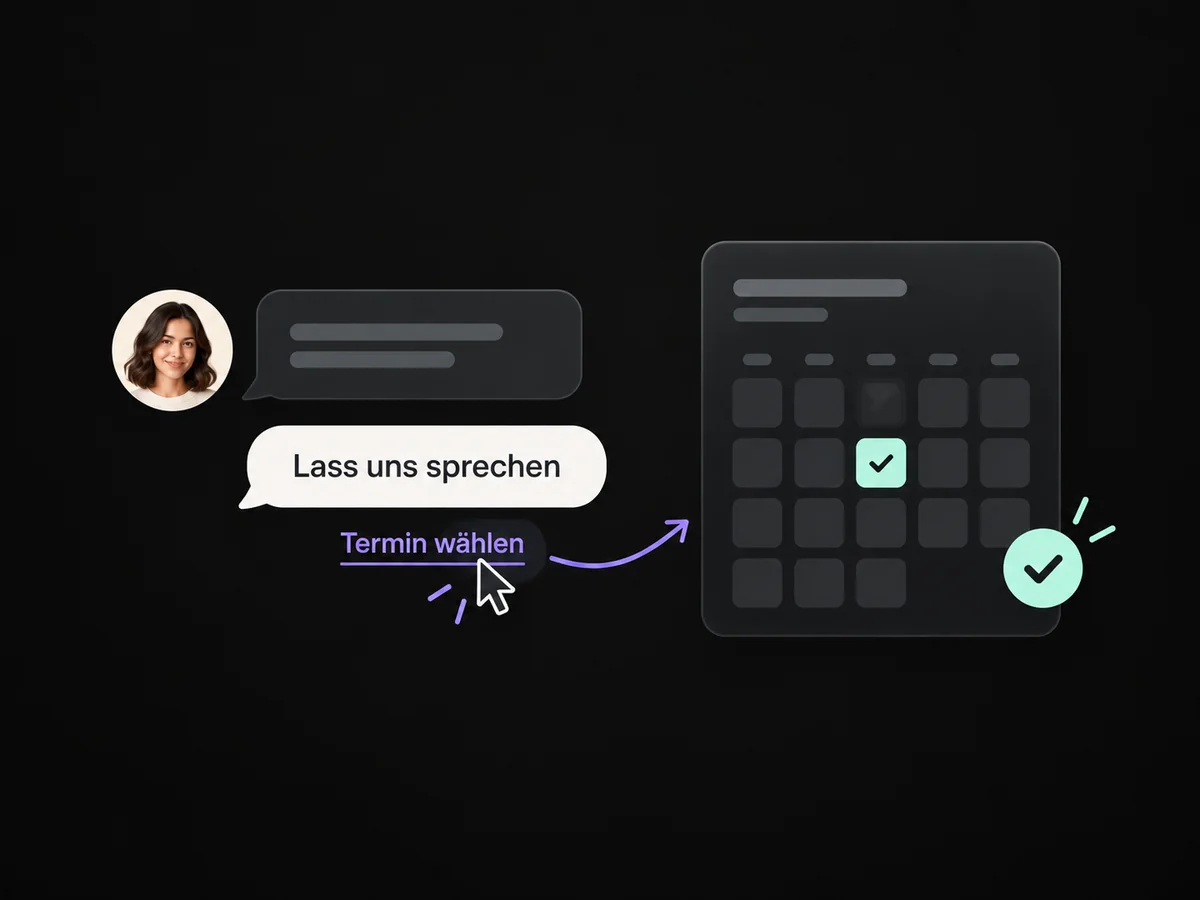
A task with an assigned owner records when you will continue the WhatsApp conversation.
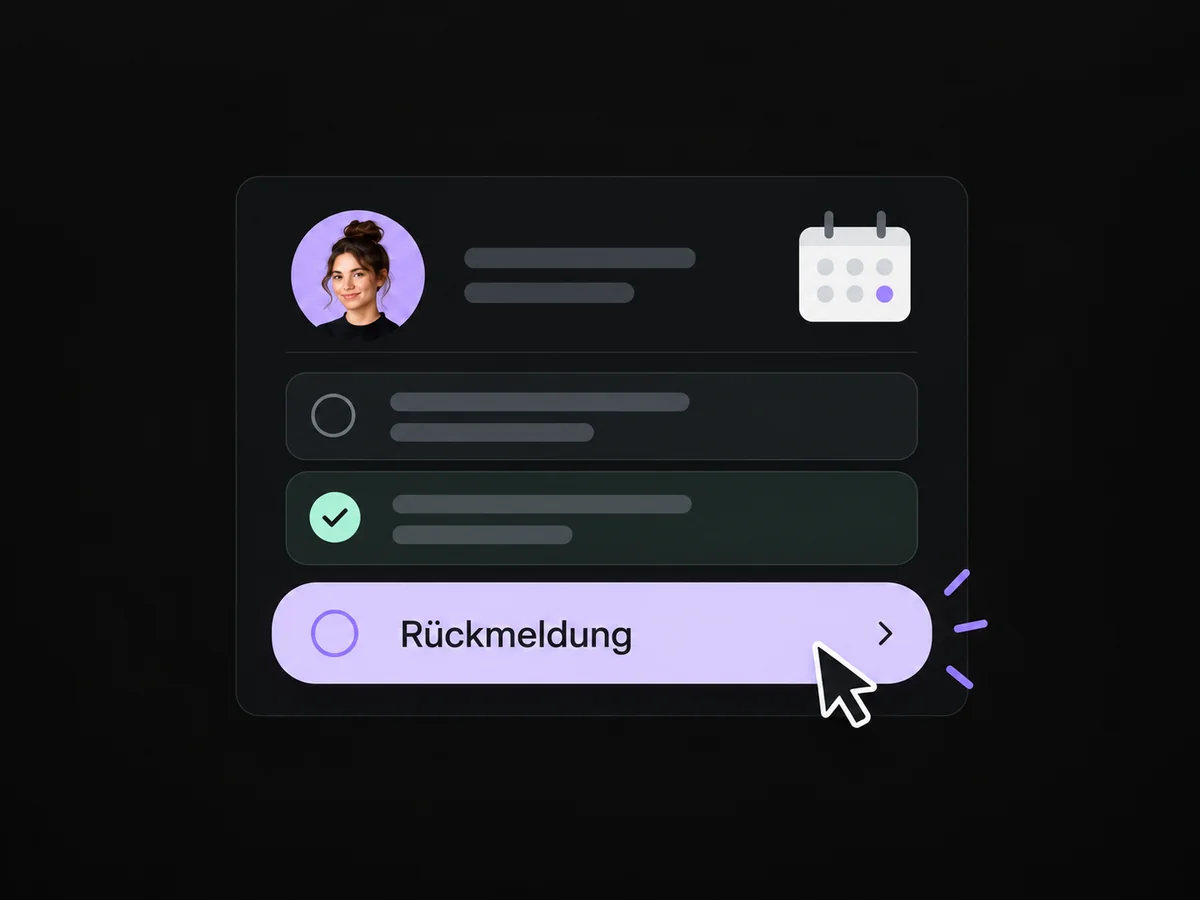
A configured WhatsApp reminder keeps the appointment in mind. Outside the reply window, use an approved template.
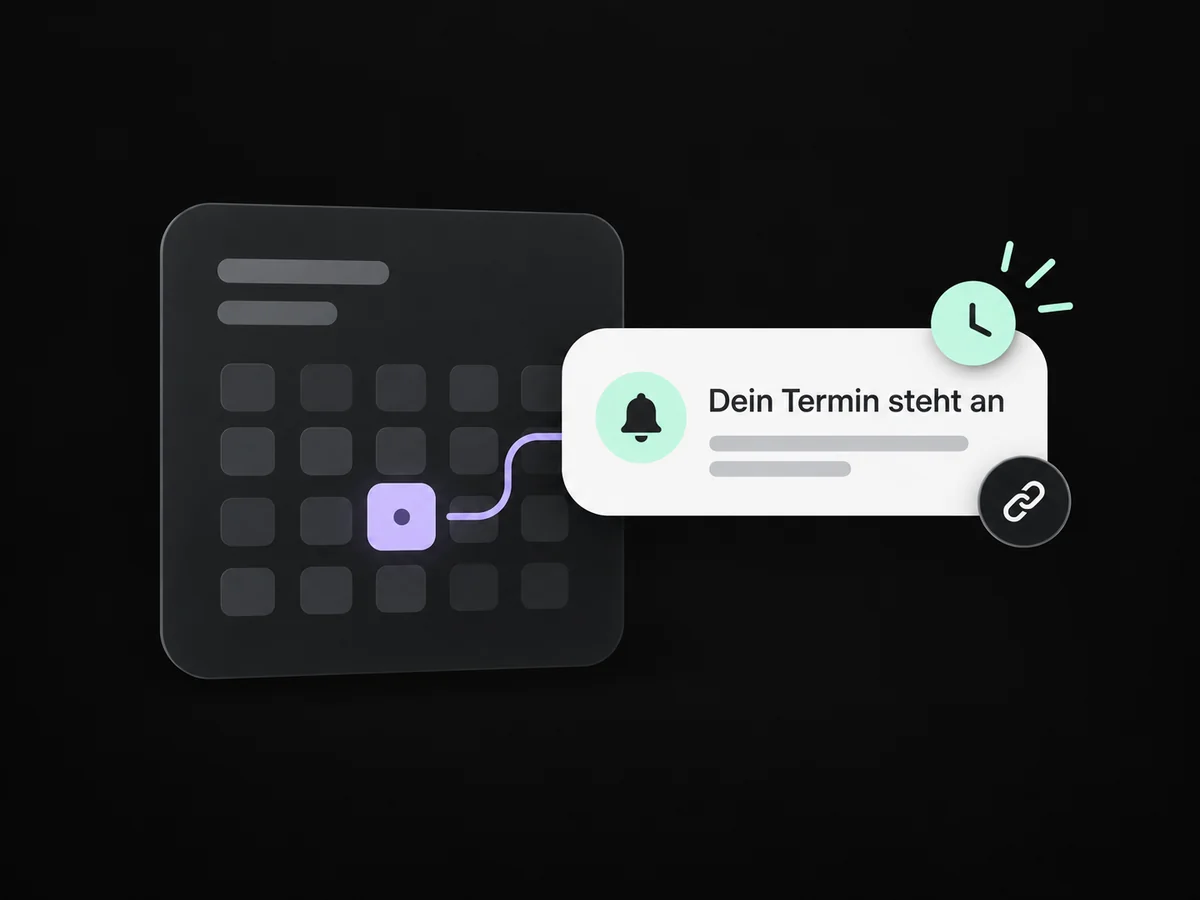
Simplified examples, not live account data.
We connect your eligible WhatsApp number and set up ownership. For later messages, we check reply windows, templates, permissions and usage costs.
Free-form replies are available within 24 hours of a customer message. After that, you need a suitable approved template and the required conditions. We account for these rules in the workflow.
We connect your eligible WhatsApp number and set up ownership. For later messages, we check reply windows, templates, permissions and usage costs.
Yes. We agree who handles each request and which details that person needs. Messages, tasks and ownership are configured to fit. Your team remains responsible for personal advice and decisions.
We check the required features and connections in your account. Together, we review permissions, message templates and any usage costs. Then we test the complete journey with a sample contact.
We’ll show you how this solution fits your business and your team.
Discuss this solution