
01
The enquiry is assessed using your rules.
You decide which offer, region or request belongs to each team. Unclear enquiries can go to manual review.
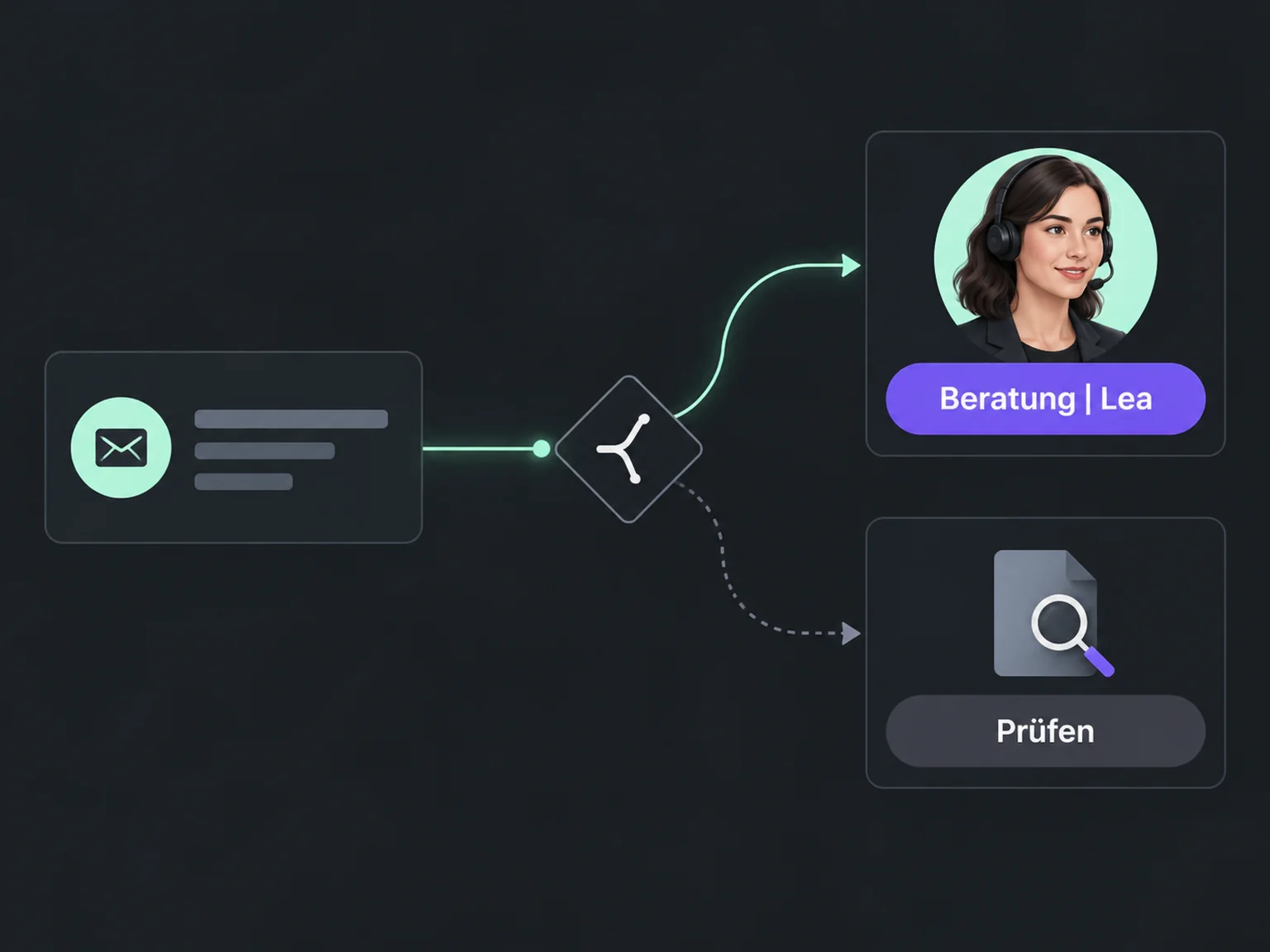

Reply to new enquiries sooner
Get new enquiries to the relevant team without constantly passing them around. ONE LOOP supports assignment by your rules and alerts the right person.
Research on timely responses and relevant customer care.
1.25 million online enquiries, US · 2011. A conversation with a buying decision-maker.
Lead response study (opens in a new tab)Survey of 14,300 consumers and business buyers worldwide · 2023.
Customer expectations study (opens in a new tab)You decide which offer, region or request belongs to each team. Unclear enquiries can go to manual review.
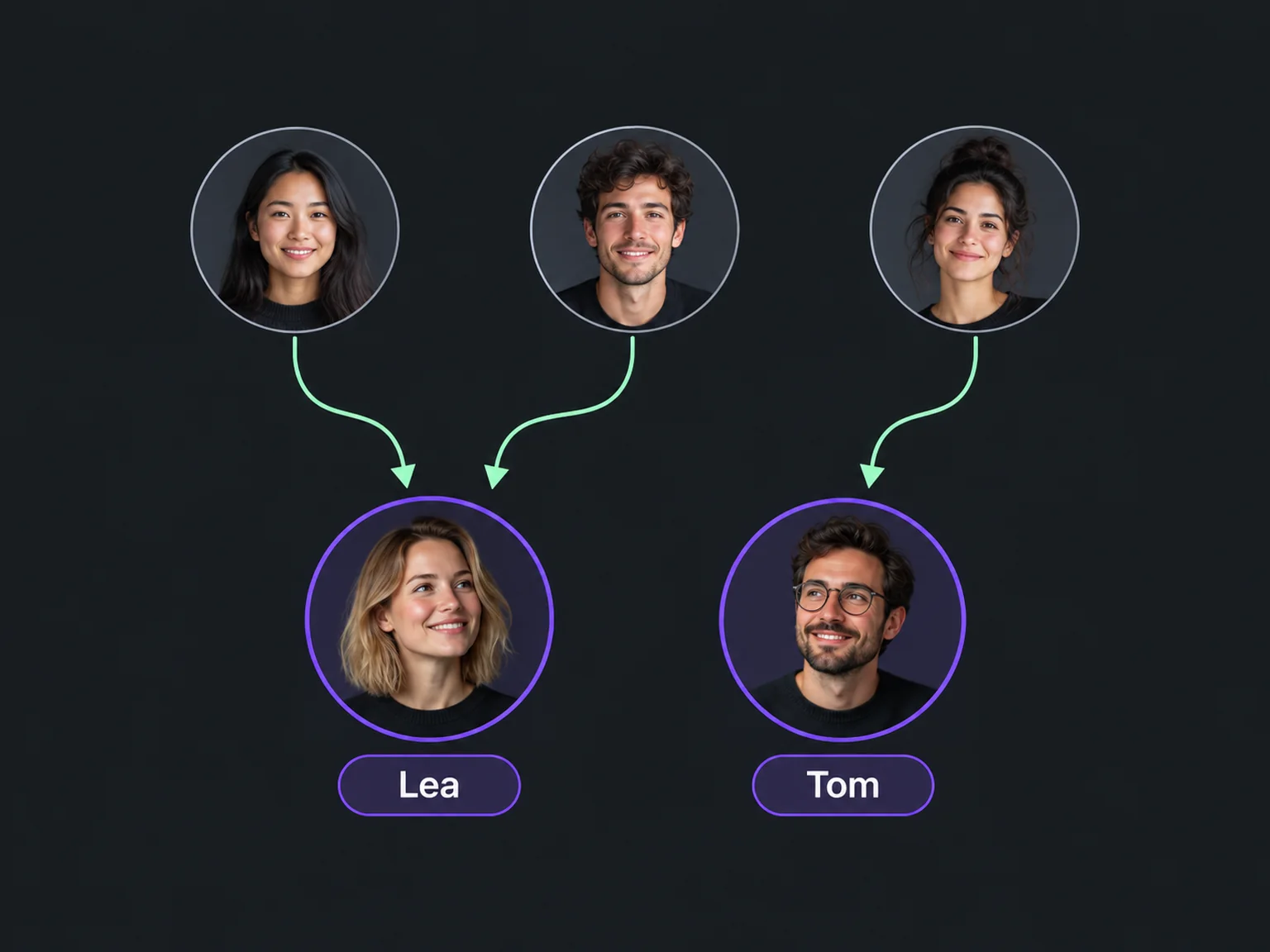
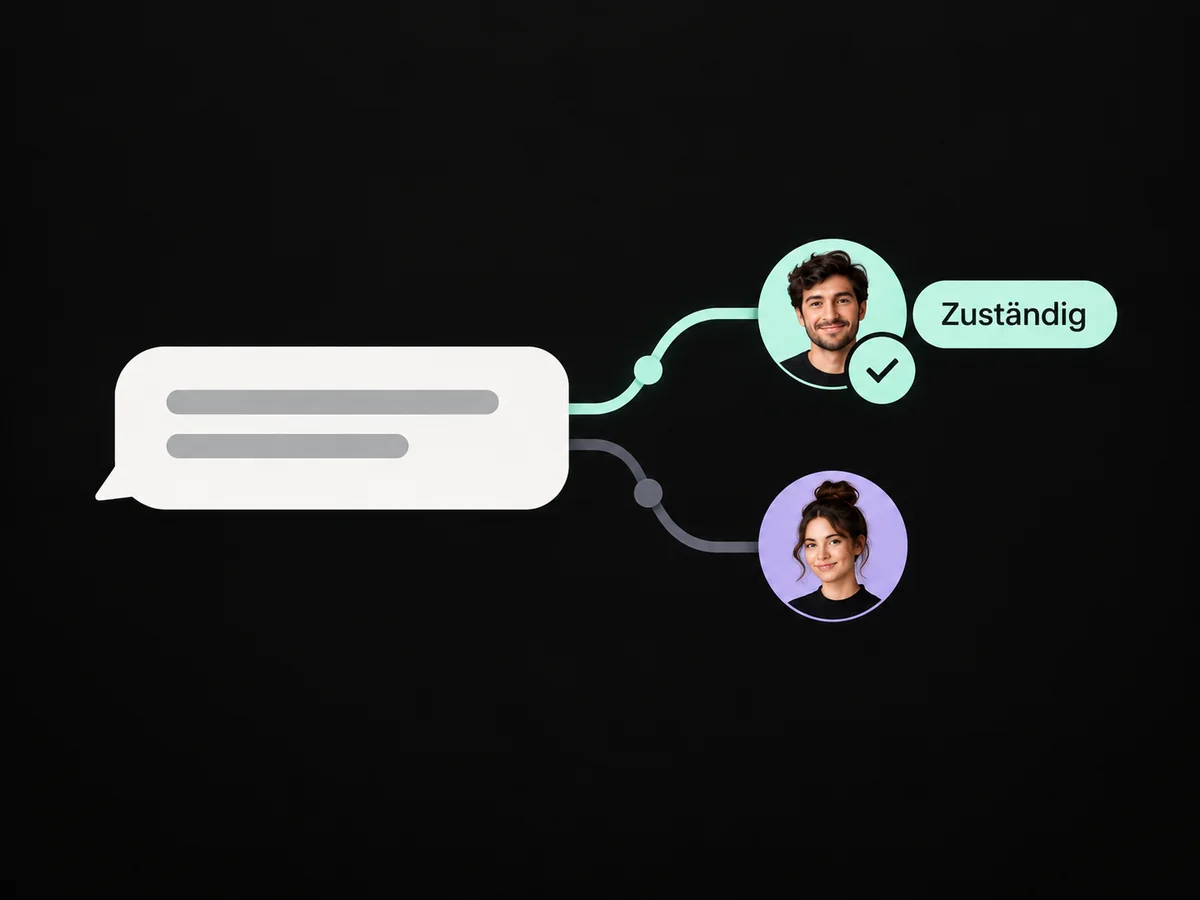
A configured workflow can assign relevant contacts or distribute them among team members. Existing ownership is handled according to your rules.
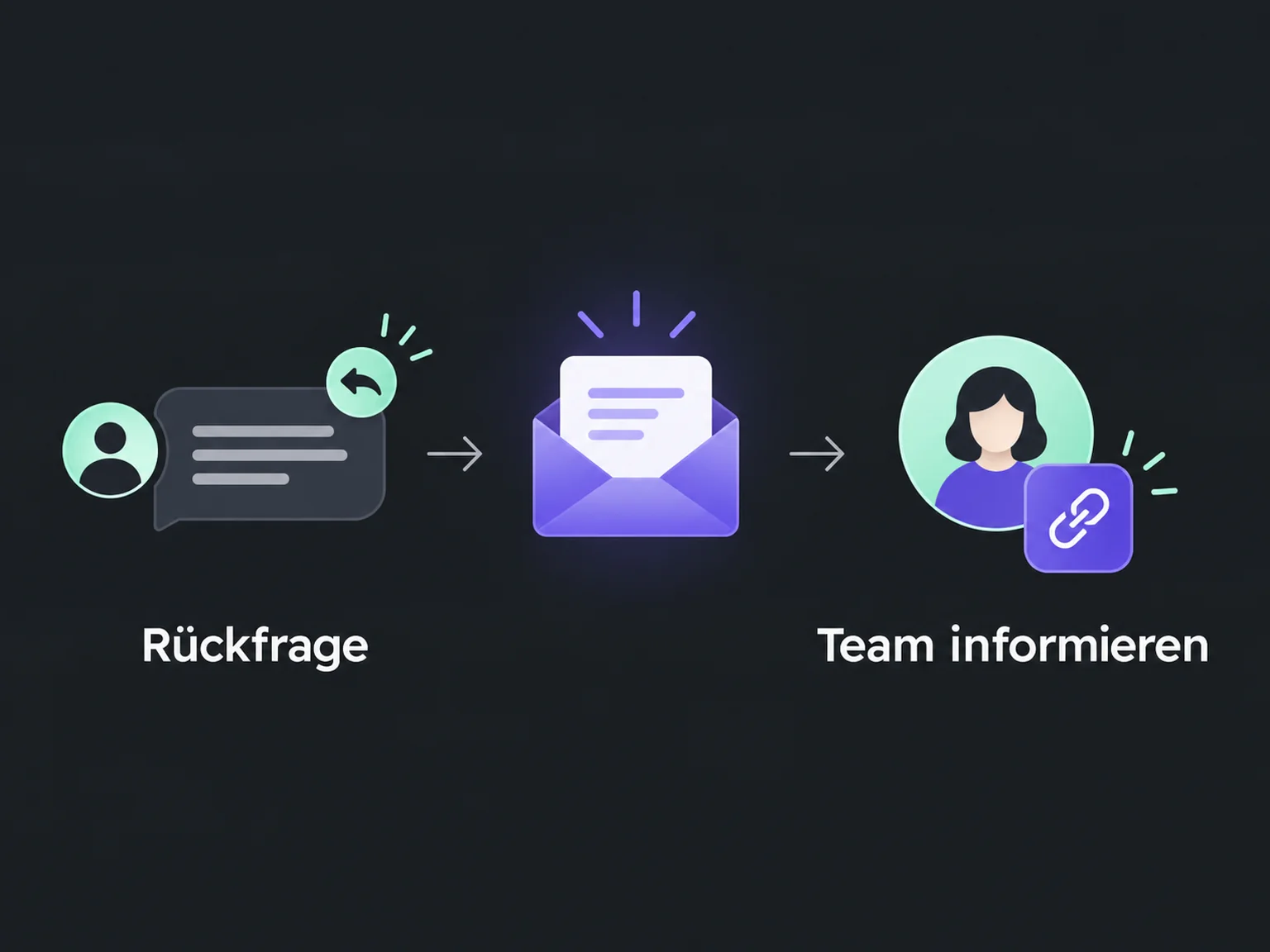
A separate internal notification highlights the new enquiry. The contact link gives the owner the details needed to reply.
A configured workflow assigns new enquiries to the relevant team by offer, region or request.
A separate internal notification flags the new enquiry and links straight to the contact.
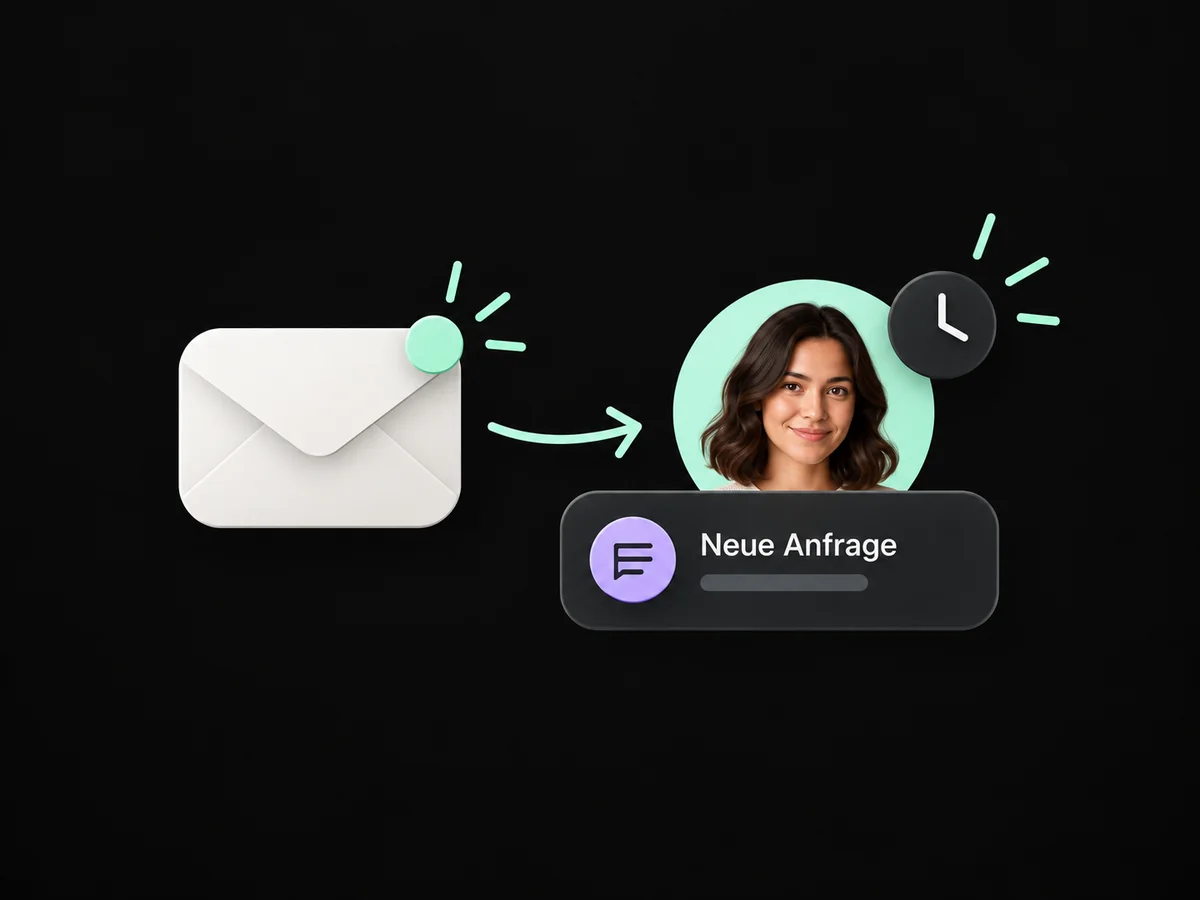
The assigned person sees contact details and the enquiry before starting the response.
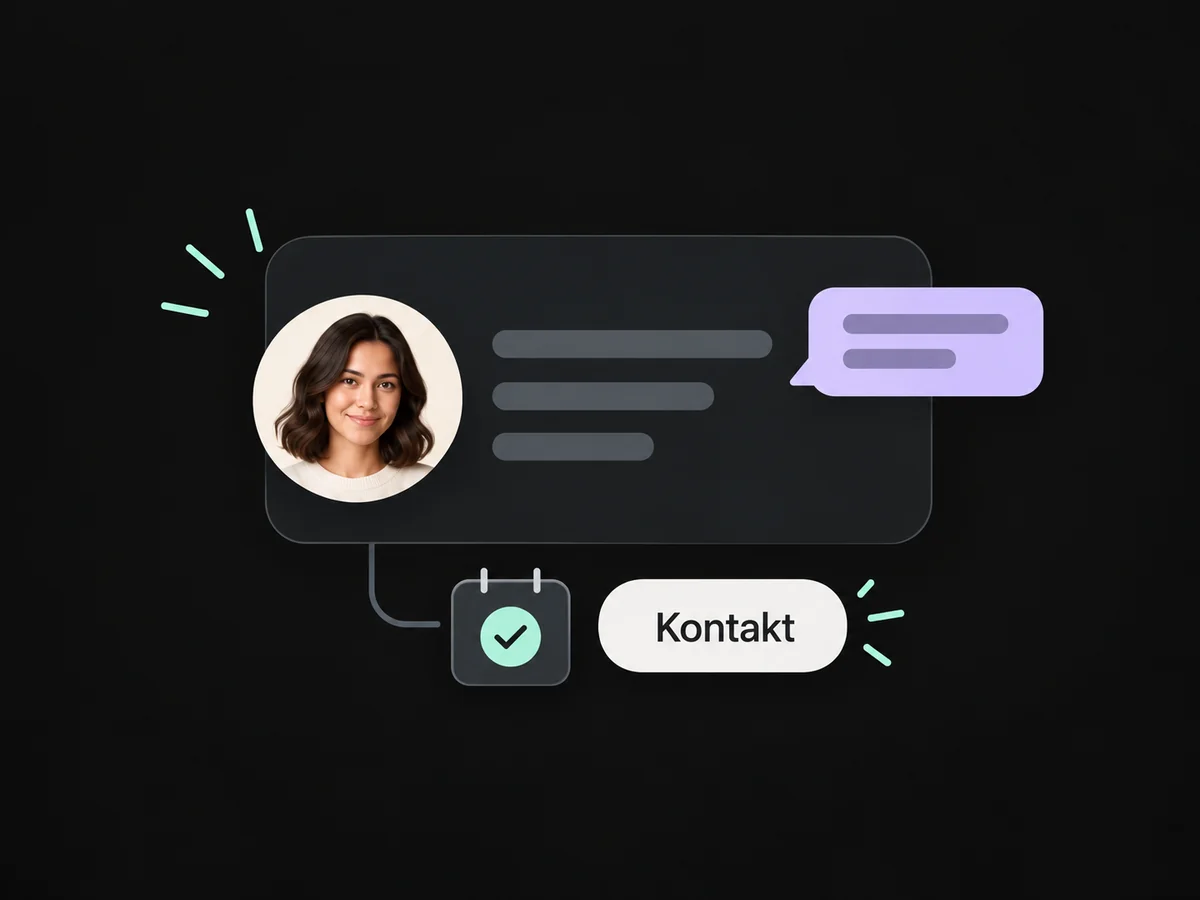
Configure team distribution to account for existing ownership and your selection rules.
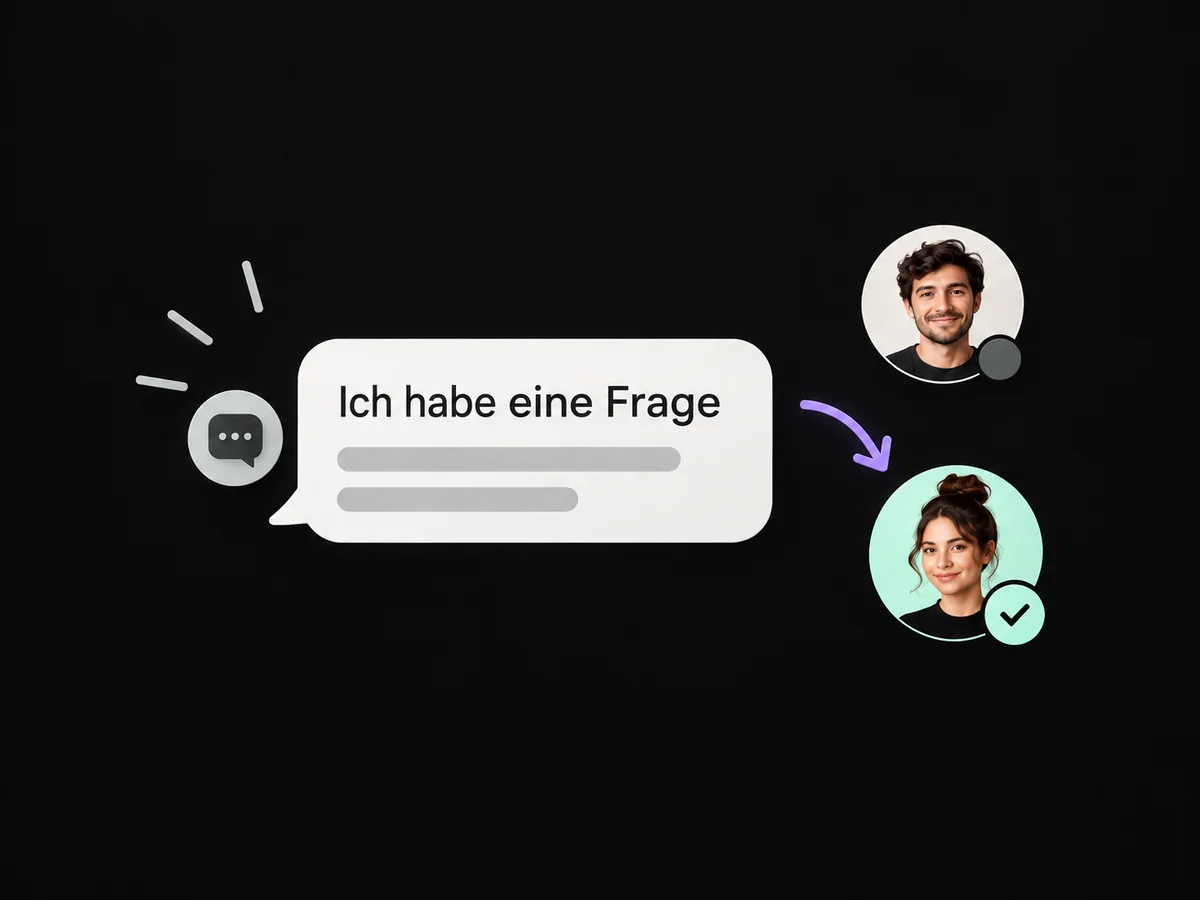
For enquiries without a matching route, plan a manual review by an assigned person.
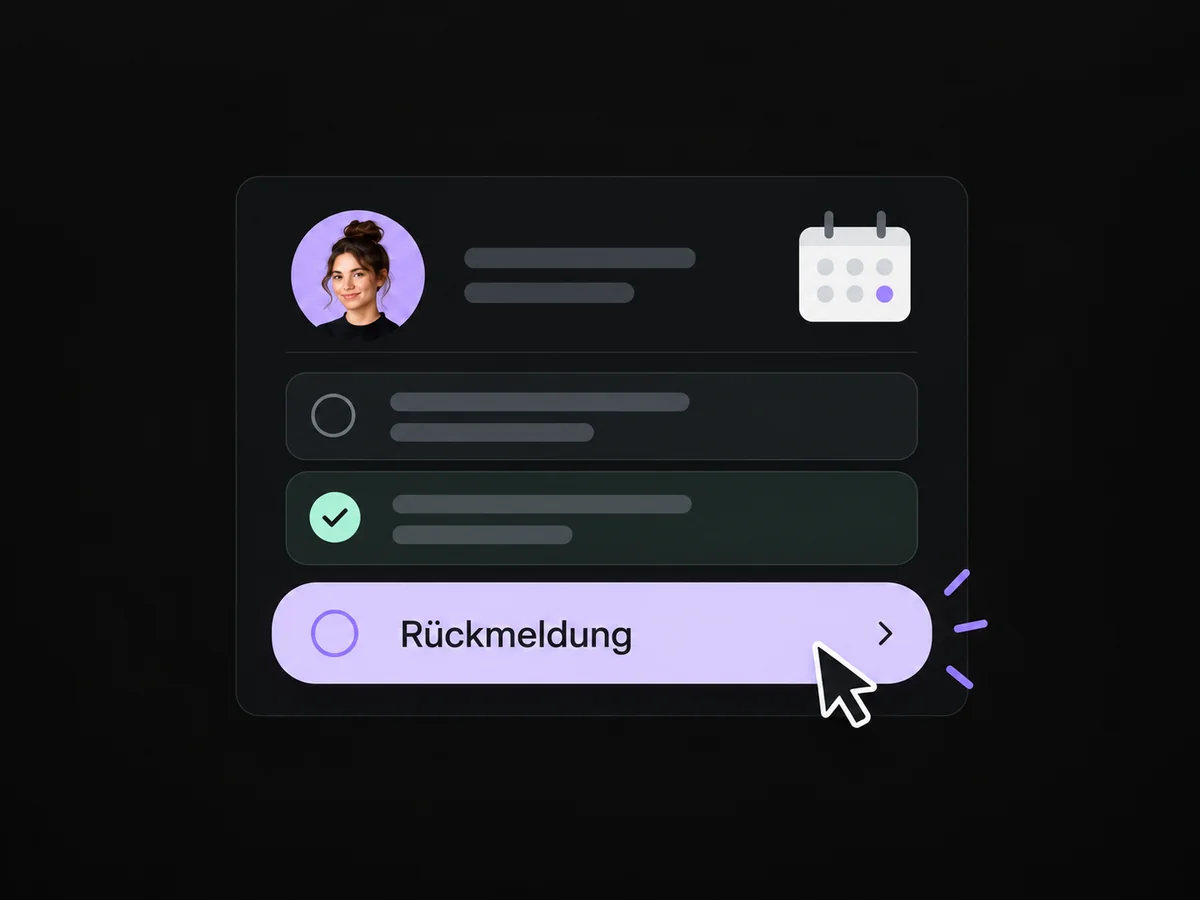
Simplified examples, not live account data.
We define routing rules, backup ownership and the route for unclear cases. Test enquiries check assignment and internal notification separately before launch.
Assignment alone does not send a customer reply. We can separately configure a confirmation, team task or supported AI chat. Personal advice stays with your team.
We define routing rules, backup ownership and the route for unclear cases. Test enquiries check assignment and internal notification separately before launch.
Yes. We agree who handles each request and which details that person needs. Messages, tasks and ownership are configured to fit. Your team remains responsible for personal advice and decisions.
We check the required features and connections in your account. Together, we review permissions, message templates and any usage costs. Then we test the complete journey with a sample contact.
We’ll show you how this solution fits your business and your team.
Discuss this solution