
01
Your team sees opportunities by stage.
Organise enquiries into your sales stages. The overview shows where conversations and offers remain open.
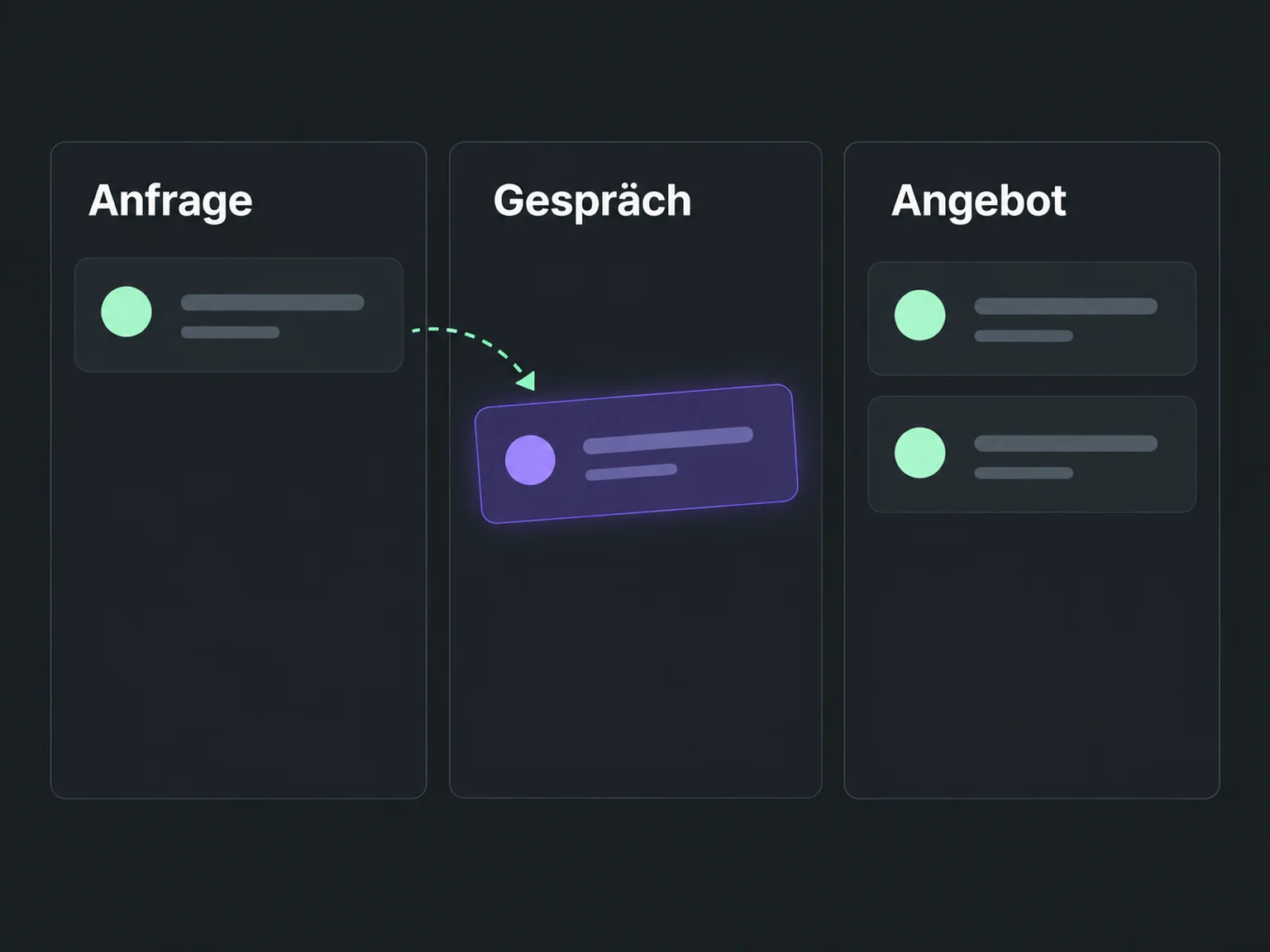

Move sales opportunities towards a sale
See where each enquiry stands and what remains before a decision. ONE LOOP connects your maintained sales stages with ownership and next tasks.
Research on timely responses and relevant customer care.
McKinsey Next in Personalization · US consumer survey, 2021.
Personalisation study (opens in a new tab)1.25 million online enquiries, US · 2011. A conversation with a buying decision-maker.
Lead response study (opens in a new tab)Organise enquiries into your sales stages. The overview shows where conversations and offers remain open.
Keep the stage and owner current. Notes and tasks help your team know what needs doing next.
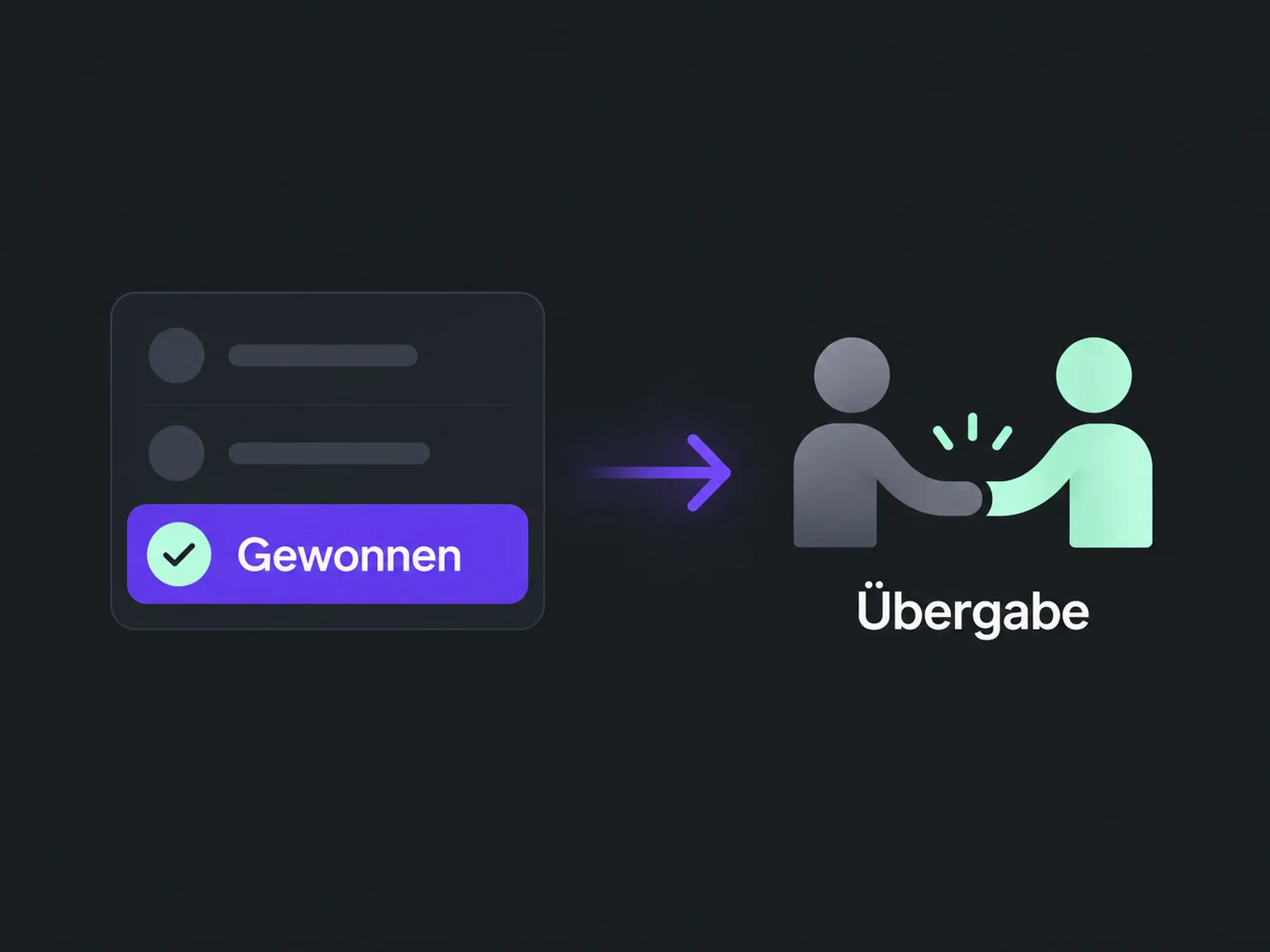
Record a won or lost opportunity once the decision is clear. A configured workflow can then prepare customer handover.
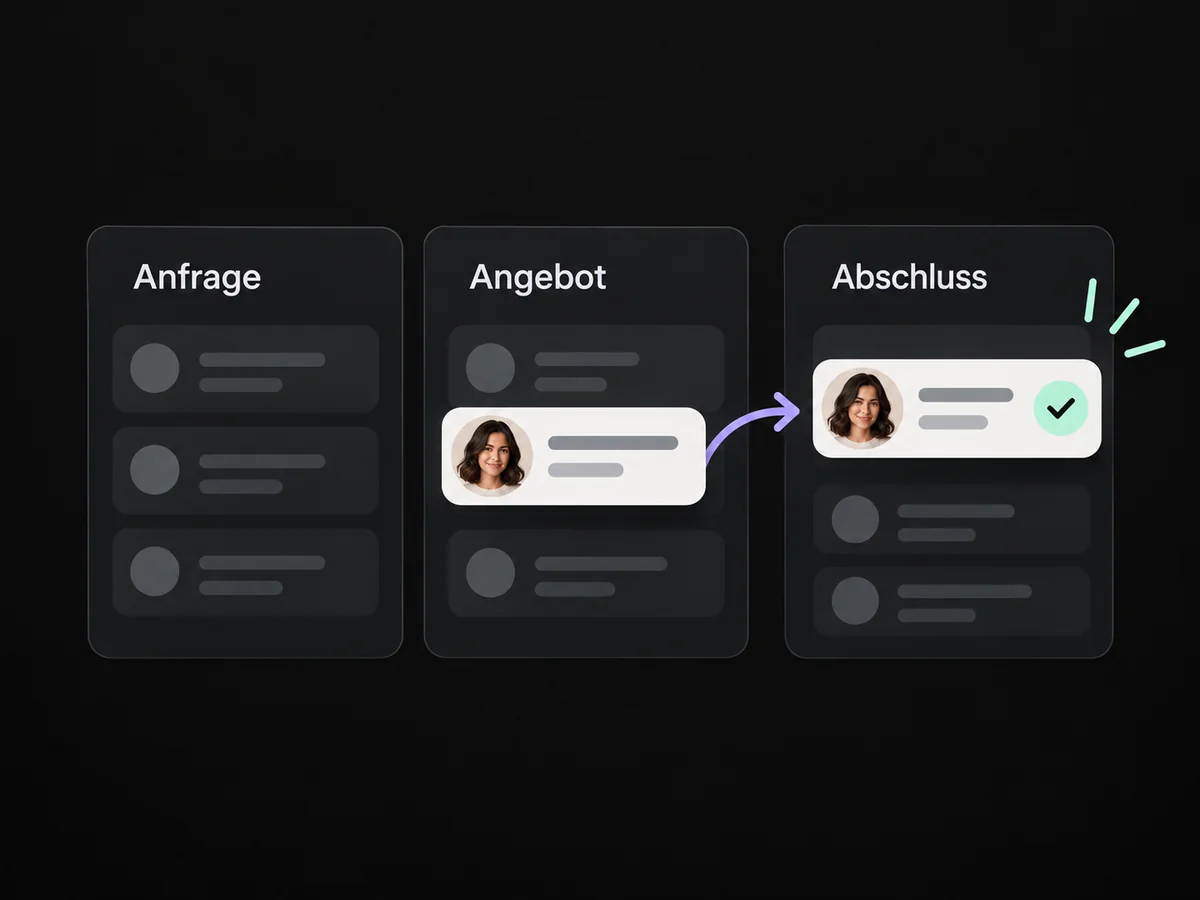
The maintained overview shows which enquiries are in conversation, at offer stage or already decided.
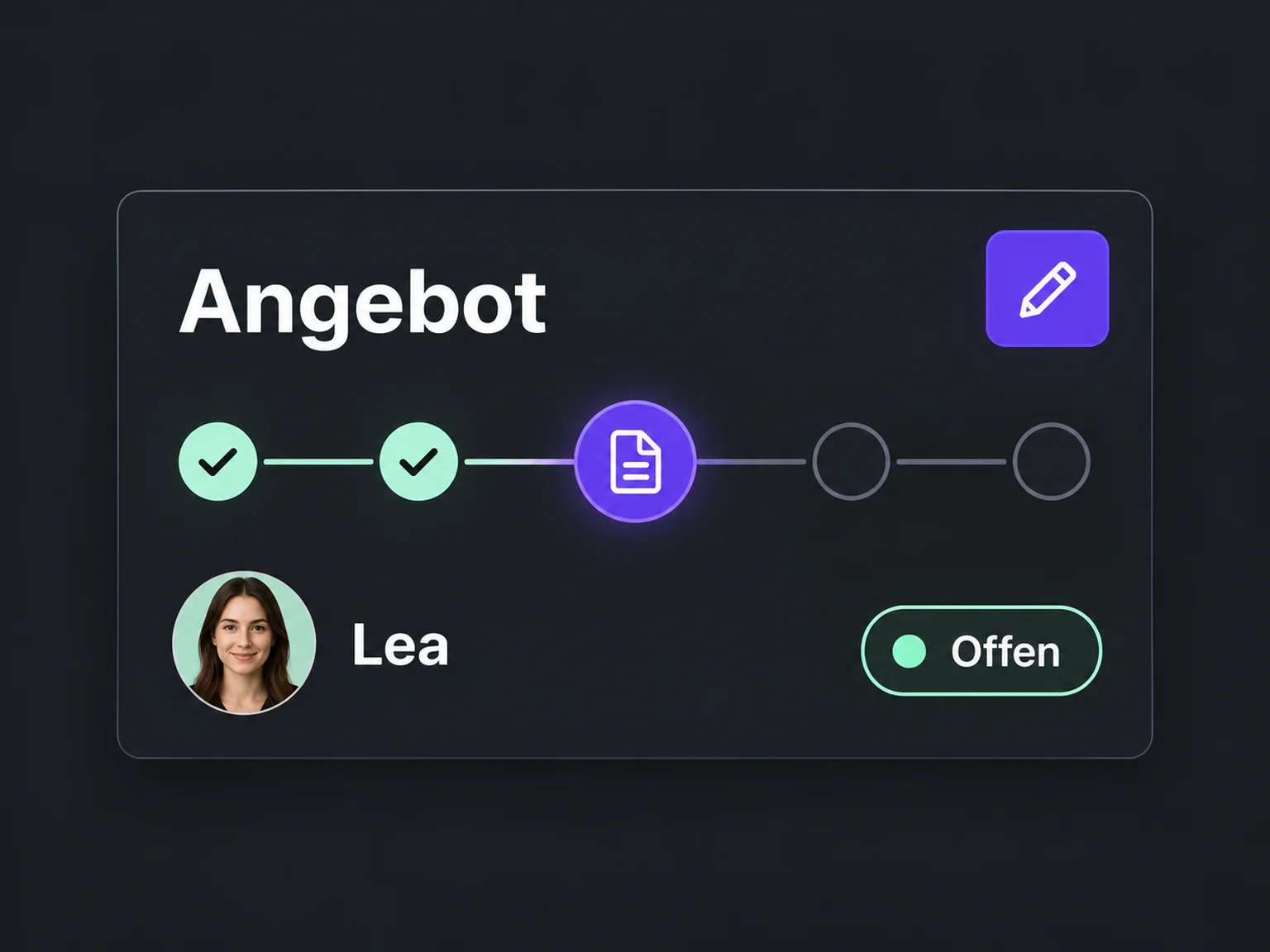
Open offers remain visible in their stage so your team can follow up appropriately.
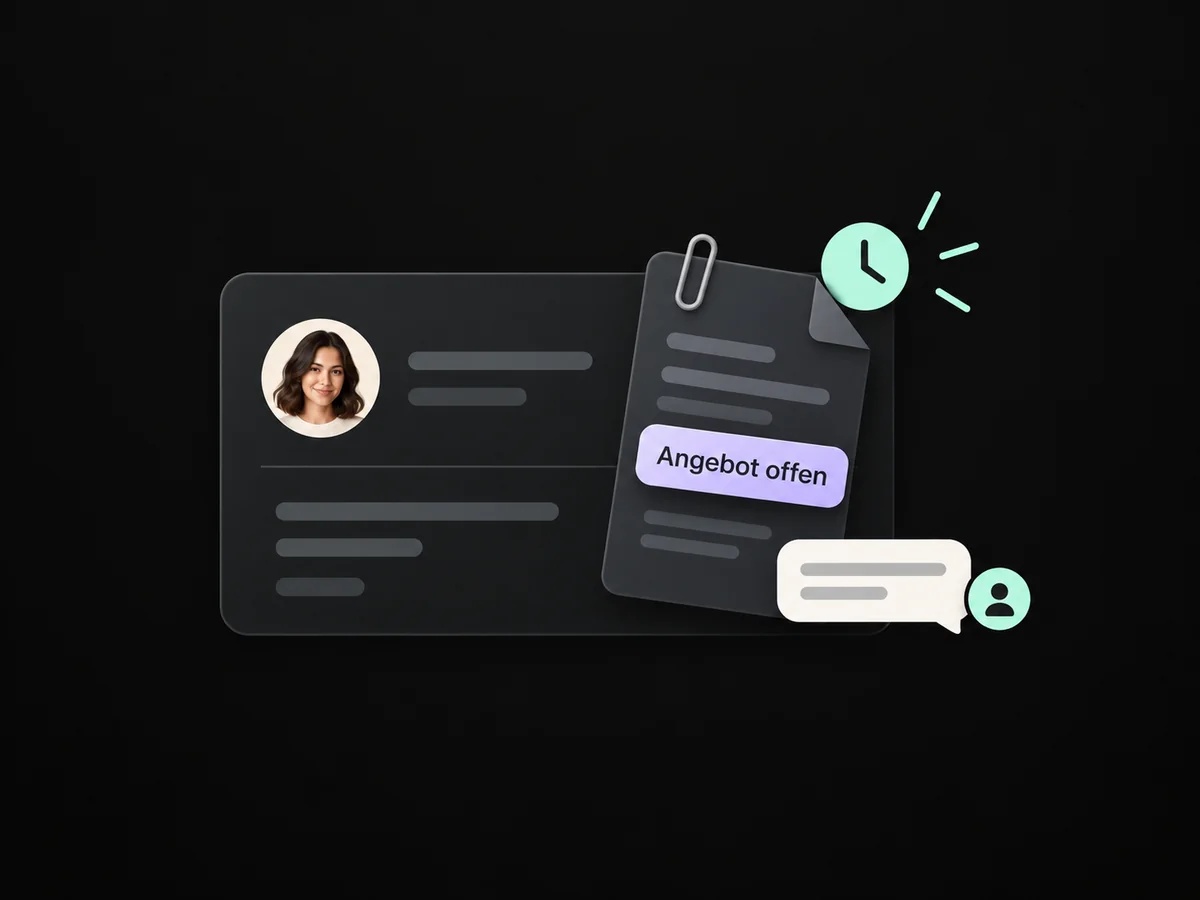
The task and assigned owner show what needs to happen next for each opportunity.
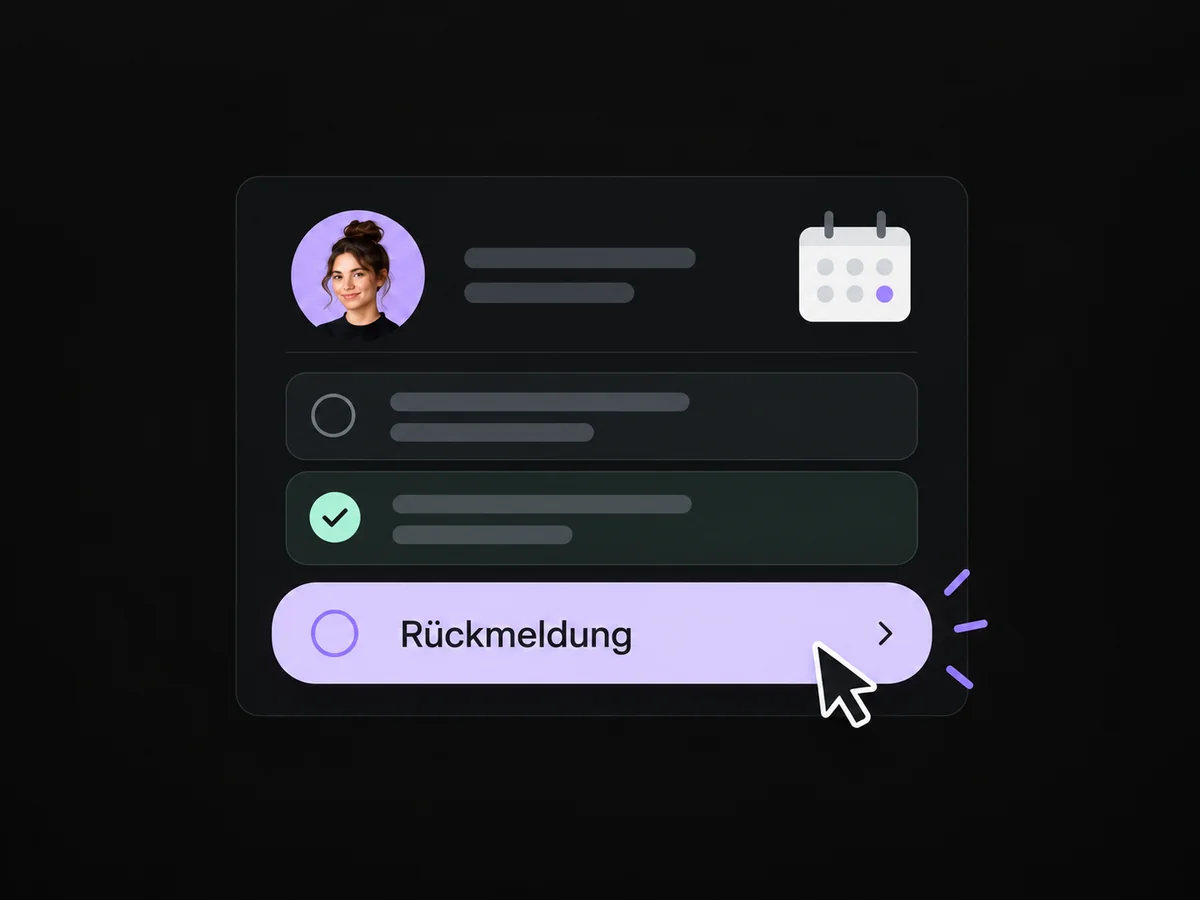
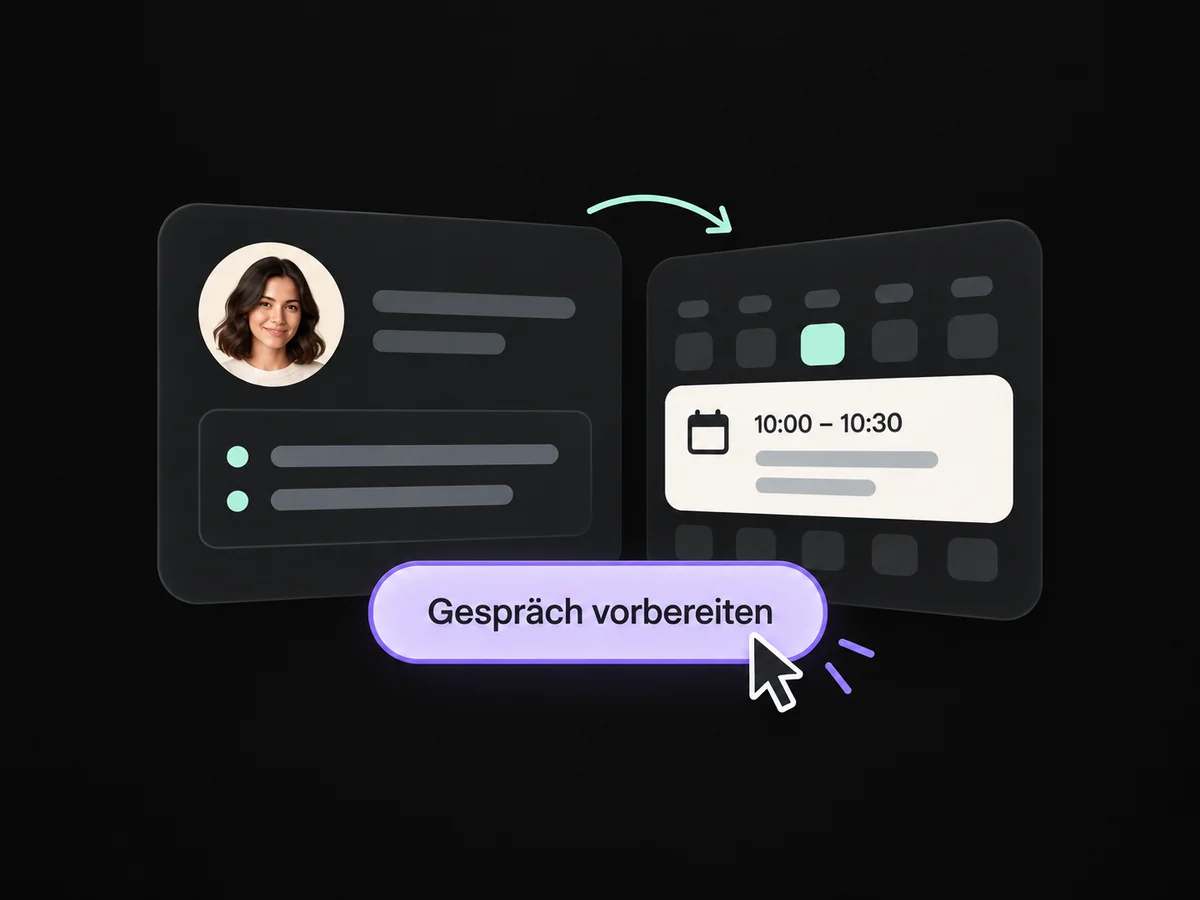
Contact details and notes help tailor advice and offers to recorded needs.
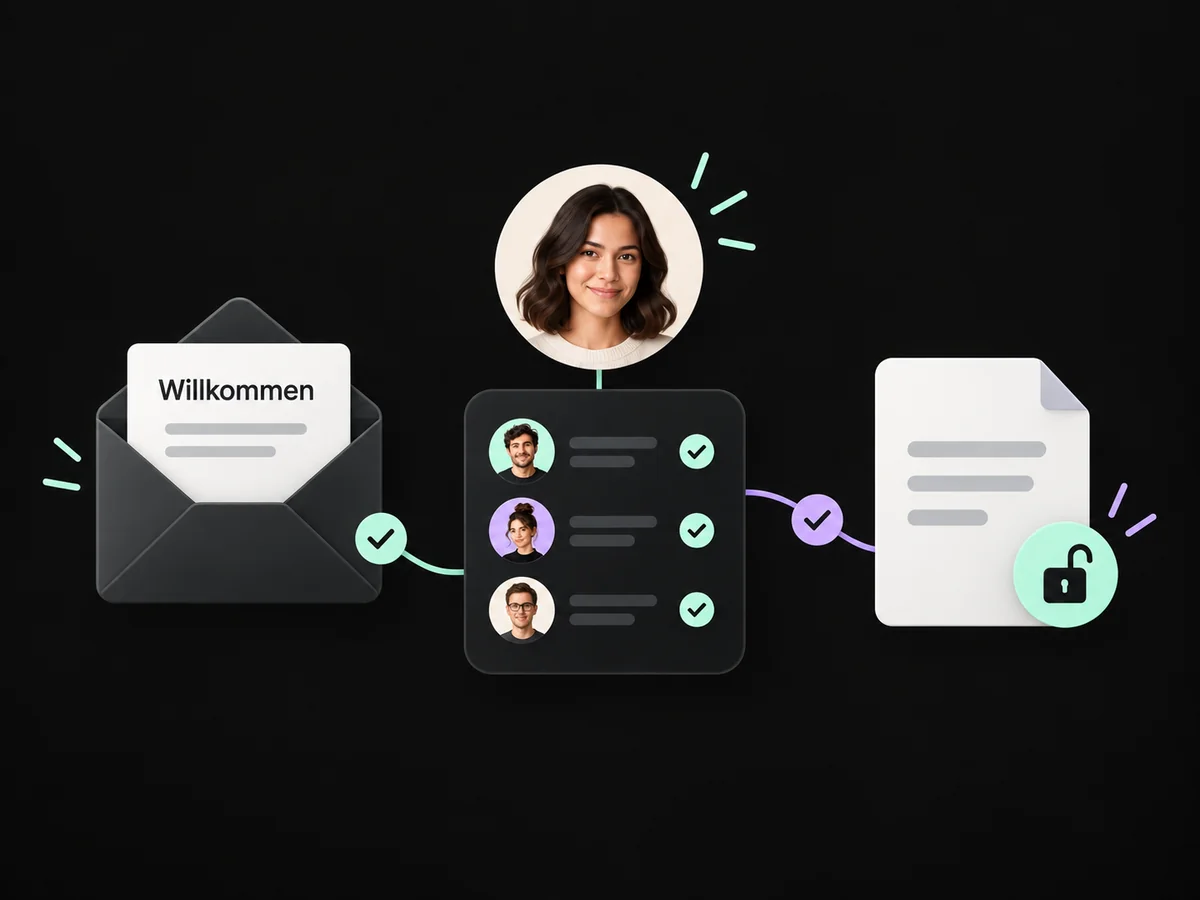
An opportunity recorded as won can start a configured handover to your customer care team.
Simplified examples, not live account data.
We map your sales stages and ownership. Then we define tasks and handovers and test the journey from a new enquiry to a recorded decision.
No. It records your sales decision. Payment must be recorded and checked separately through the relevant payment route. We deliberately configure any connection you need.
We map your sales stages and ownership. Then we define tasks and handovers and test the journey from a new enquiry to a recorded decision.
Yes. We agree who handles each request and which details that person needs. Messages, tasks and ownership are configured to fit. Your team remains responsible for personal advice and decisions.
We check the required features and connections in your account. Together, we review permissions, message templates and any usage costs. Then we test the complete journey with a sample contact.
We’ll show you how this solution fits your business and your team.
Discuss this solution