
01
The contact group fits the reason for calling.
Select contacts using relevant saved details. Check whose situation makes a call appropriate and welcome.
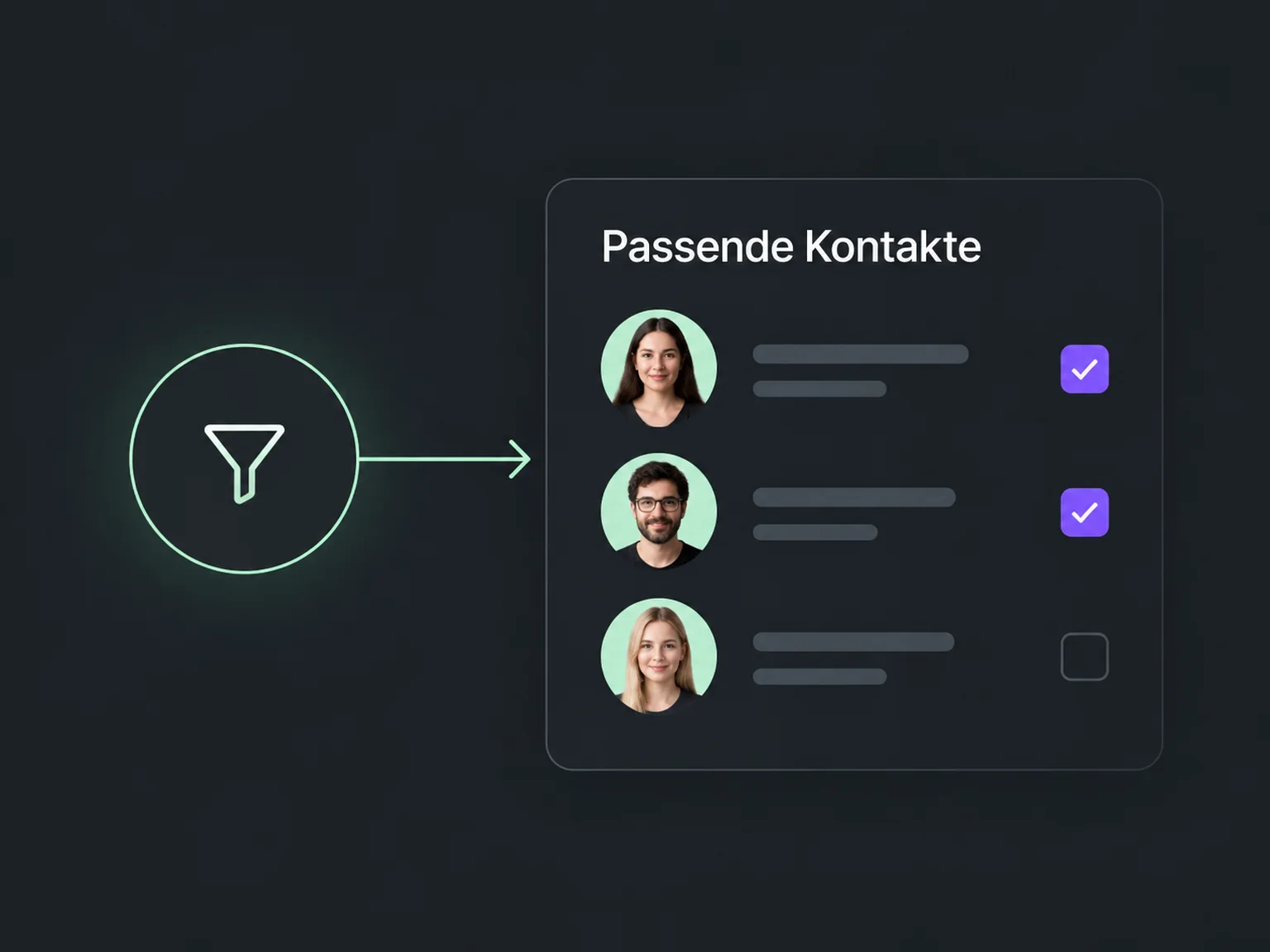

Organise phone follow-ups better
Prepare relevant calls with the key details at hand. ONE LOOP helps your team hold conversations and turn each outcome into a next step.
Research on timely responses and relevant customer care.
1.25 million online enquiries, US · 2011. A conversation with a buying decision-maker.
Lead response study (opens in a new tab)McKinsey Next in Personalization · US consumer survey, 2021.
Personalisation study (opens in a new tab)Select contacts using relevant saved details. Check whose situation makes a call appropriate and welcome.
Call from the contact through a configured number. For available call queues or dialer features, we agree the specific workflow.
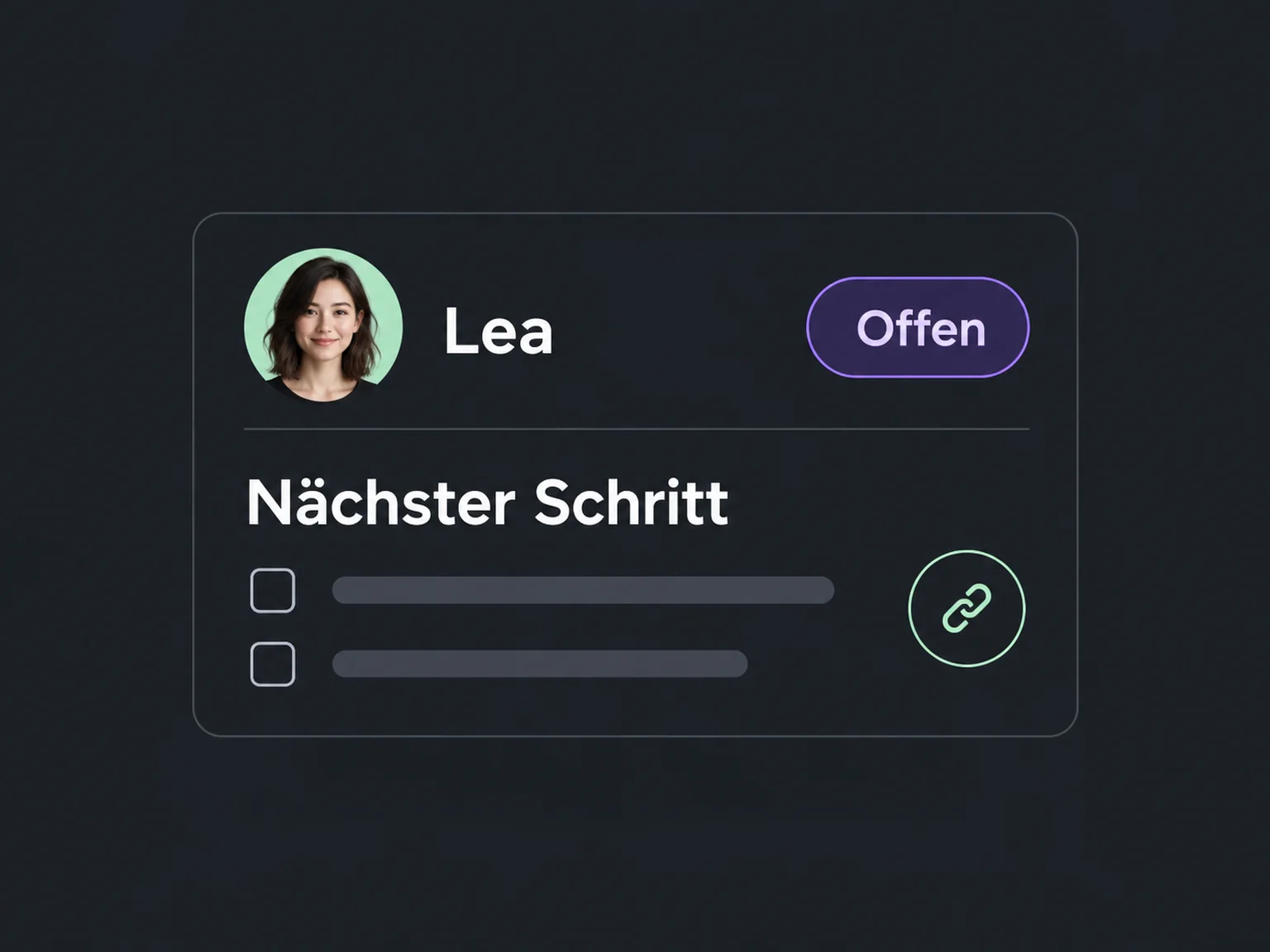
Record the conversation and create the right follow-up task. A reply, appointment or later contact stays traceable.
Assemble a contact group with an appropriate reason and route for calling.
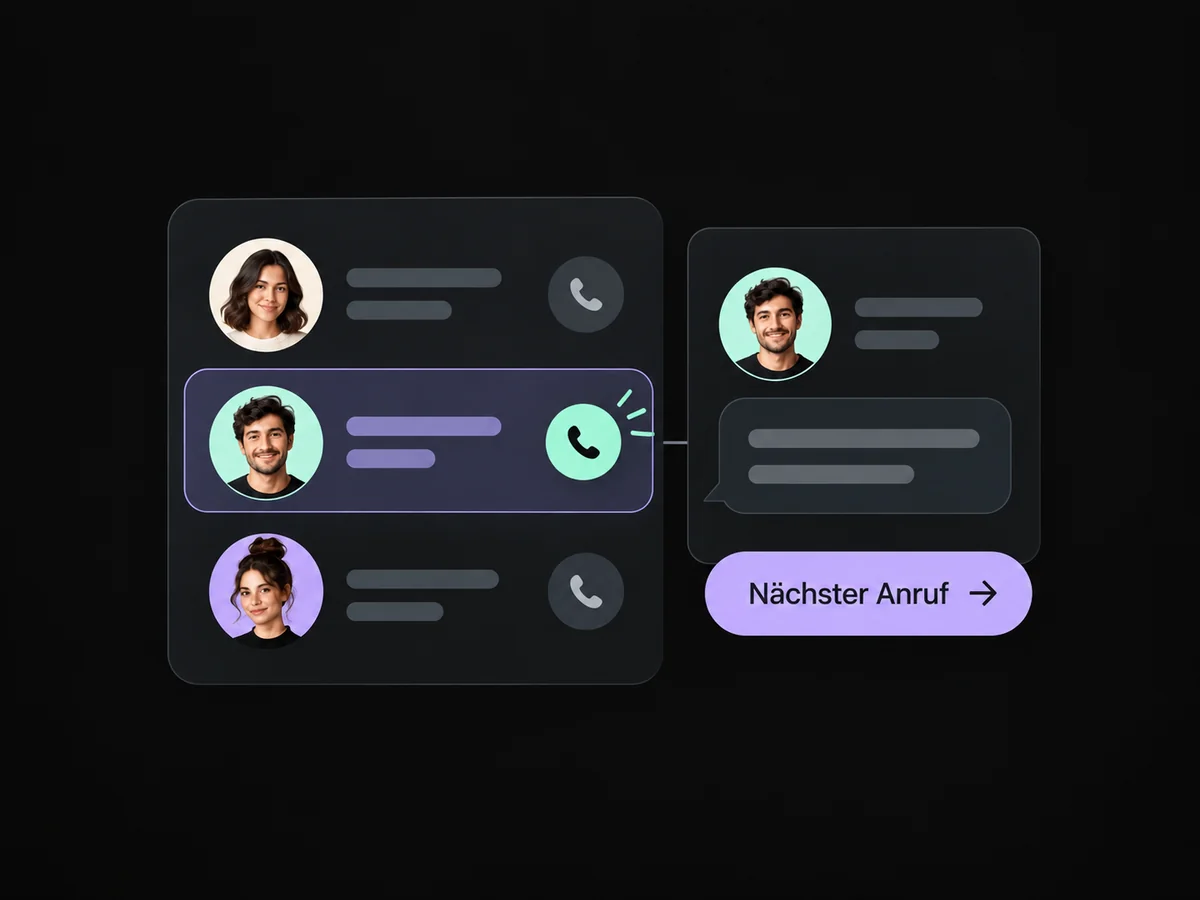
Contact information and previous notes help your team start the call prepared.
Call through the configured number from the contact; available list and dialler features support your process.
Record the call and capture a callback, information or consultation as the next step.
Your team can choose an available appointment during the call and record the booking.
Simplified examples, not live account data.
We check telephony, call lists and available dialer features for your account. Then we set up tasks, outcome notes and follow-up to fit your team.
That is not a general promise of this solution. We check available telephony and dialer features and configure a suitable workflow. Personal calls and clear contact tasks are the focus.
We check telephony, call lists and available dialer features for your account. Then we set up tasks, outcome notes and follow-up to fit your team.
Yes. We agree who handles each request and which details that person needs. Messages, tasks and ownership are configured to fit. Your team remains responsible for personal advice and decisions.
We check the required features and connections in your account. Together, we review permissions, message templates and any usage costs. Then we test the complete journey with a sample contact.
We’ll show you how this solution fits your business and your team.
Discuss this solution