
01
The appointment is remembered in time.
A configured message gives the time and purpose. You decide when to remind and through which supported channel.
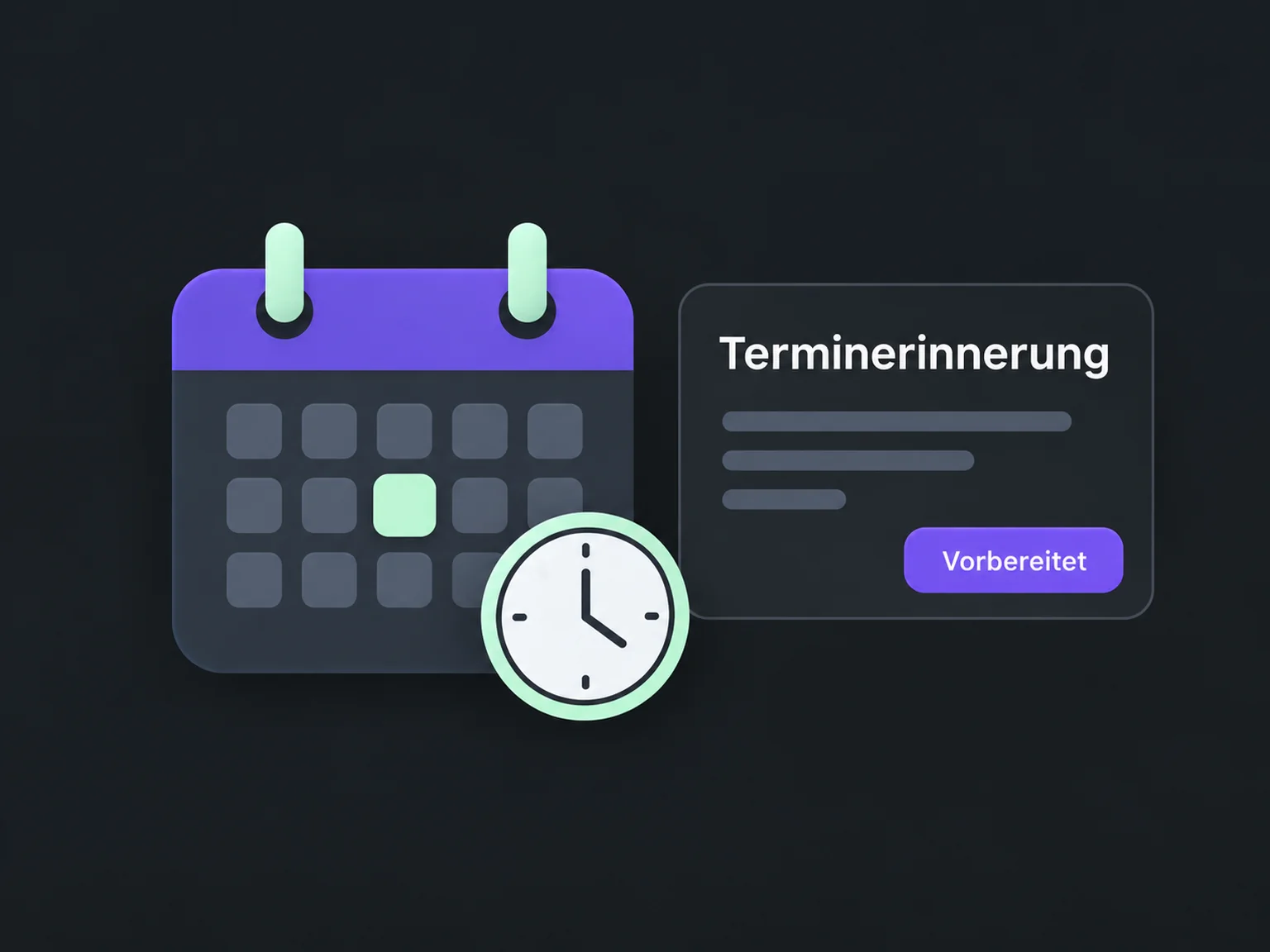

Remind customers and follow up on missed appointments
Keep appointments visible with relevant reminders. When plans change, ONE LOOP helps you handle questions and keep the route to a new appointment open.
Research on timely responses and relevant customer care.
McKinsey Next in Personalization · US consumer survey, 2021.
Personalisation study (opens in a new tab)Survey of 14,300 consumers and business buyers worldwide · 2023.
Customer expectations study (opens in a new tab)A configured message gives the time and purpose. You decide when to remind and through which supported channel.
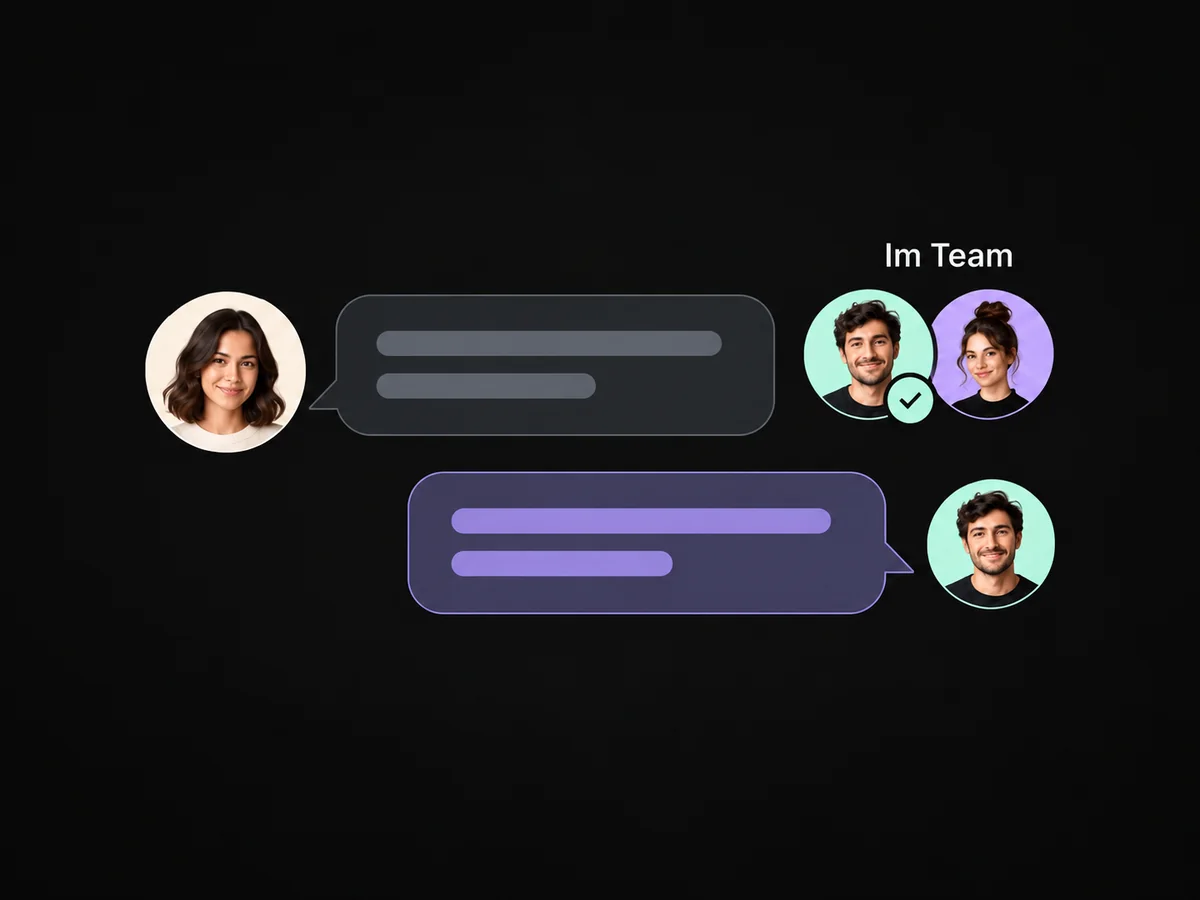
If the person needs a different time, your team can respond. A configured workflow highlights the question.
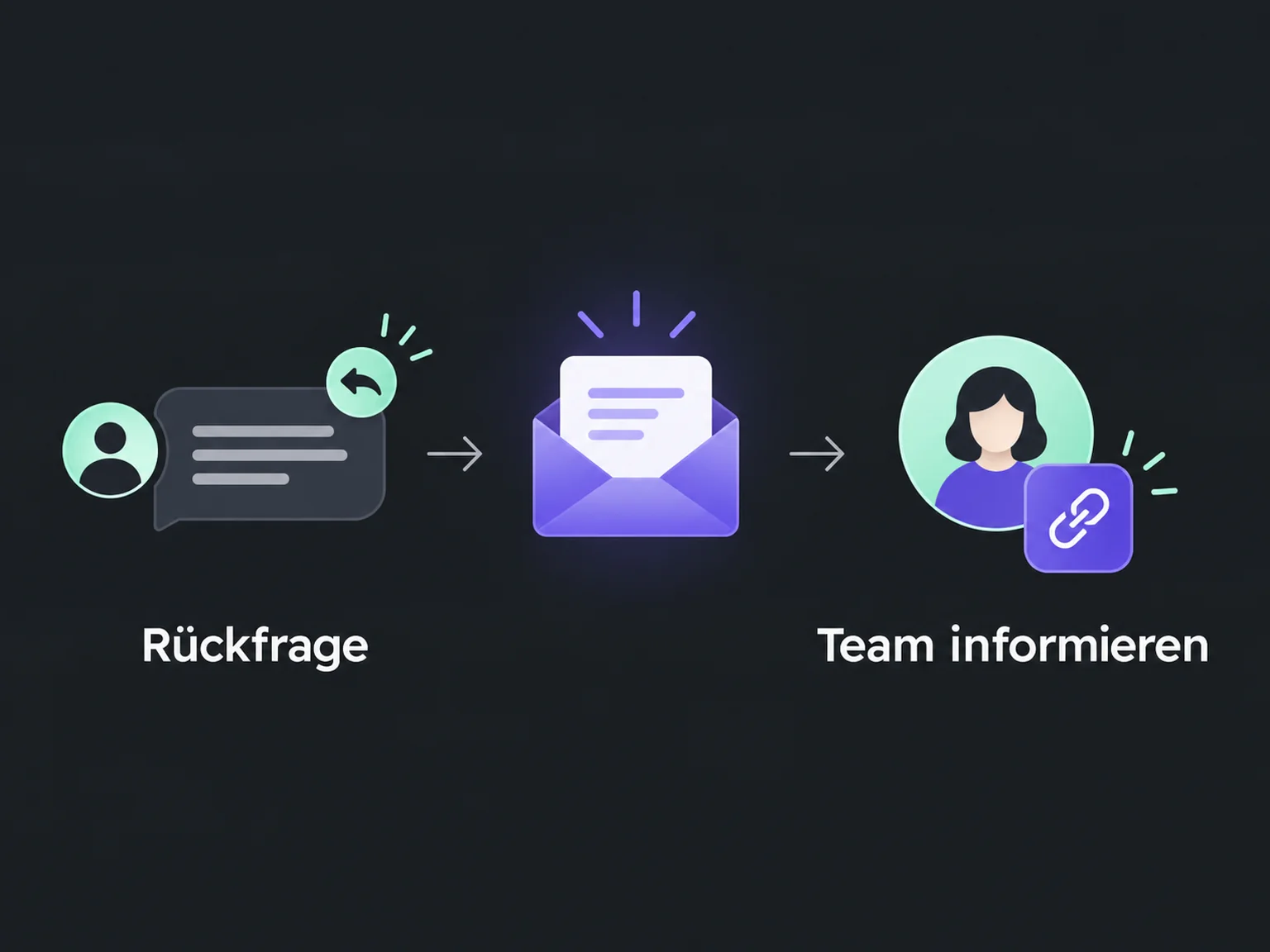
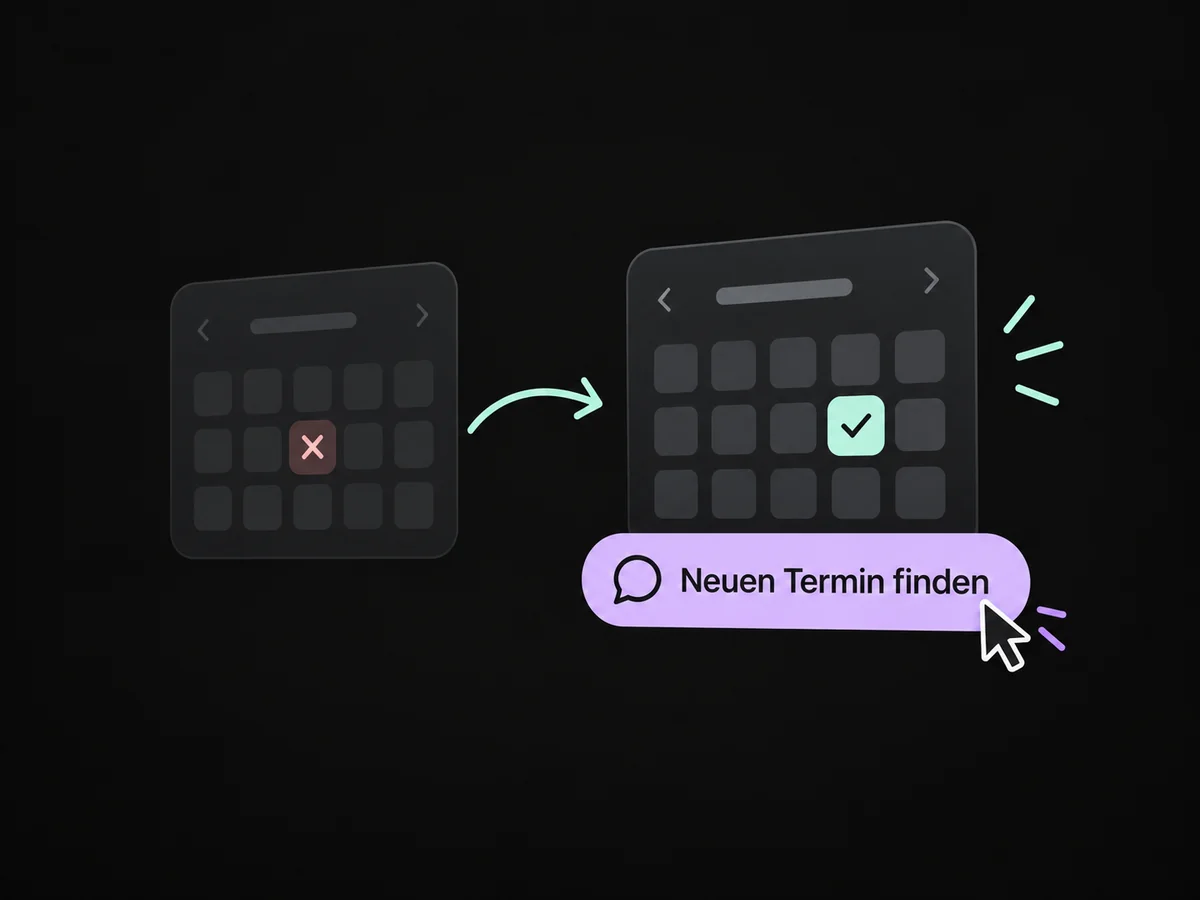
After a cancellation or recorded no-show, your team can offer a new booking link. The person decides when to return.
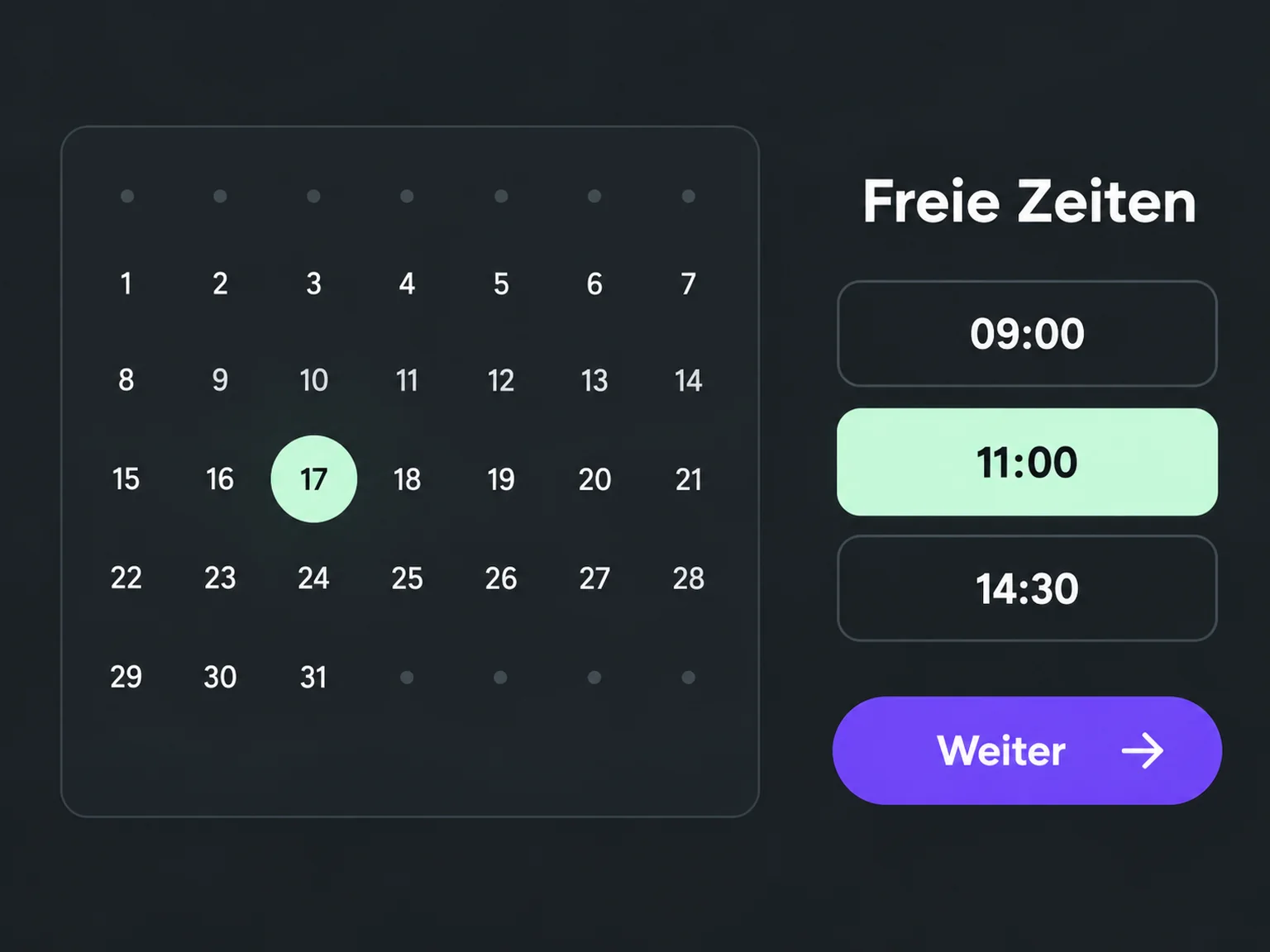
Configured messages remind customers of the time and purpose before the appointment.
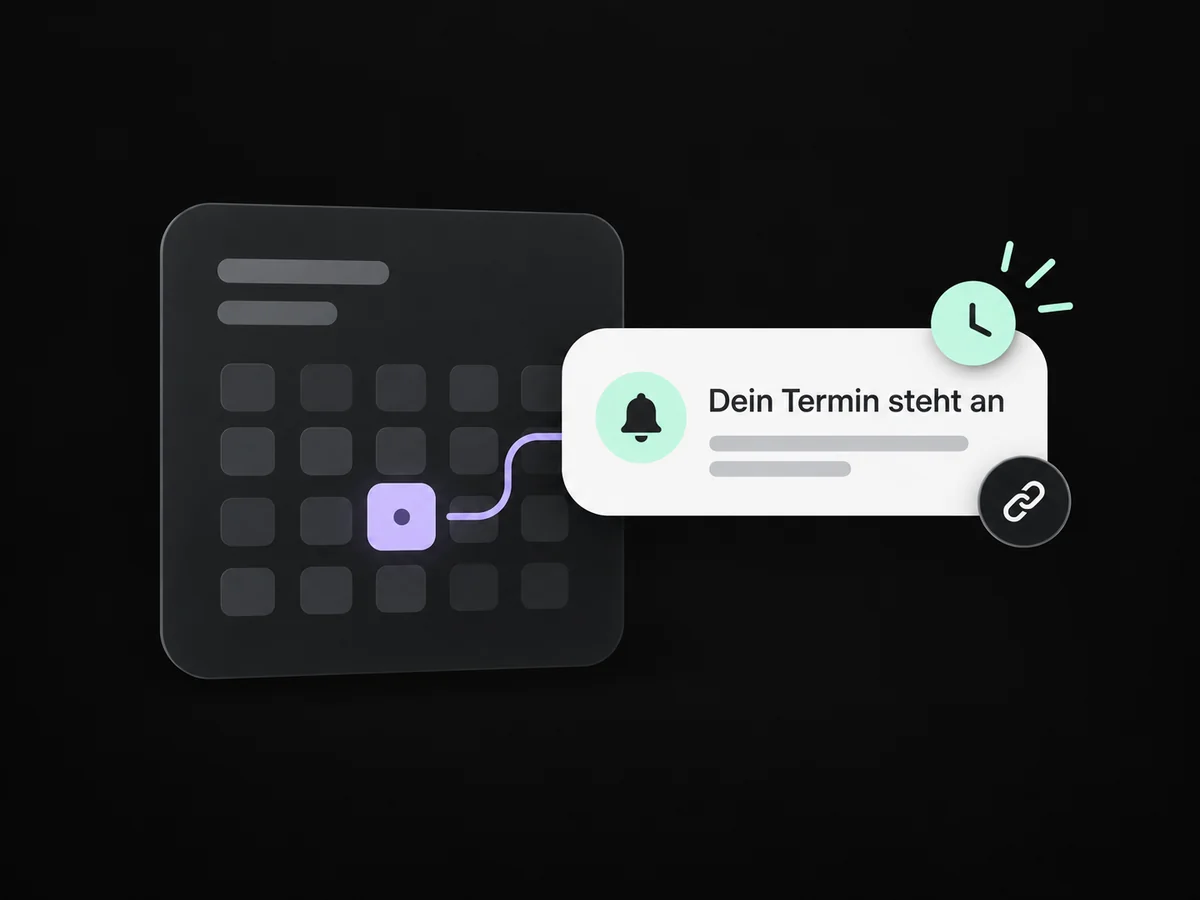
Your team sees questions from connected channels and can agree another time.
After a recorded no-show, you can offer a new booking link.
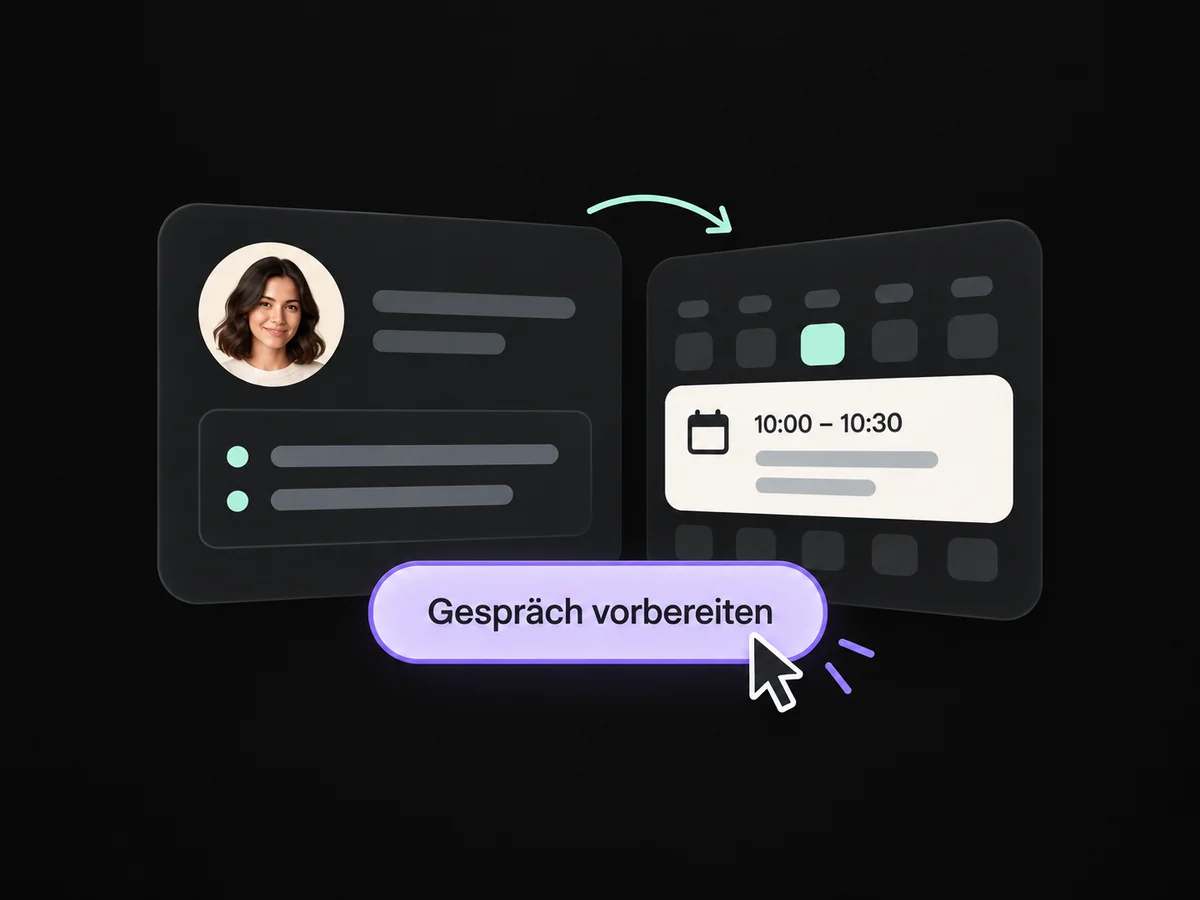
Contact details and notes remain available for the rescheduled appointment.
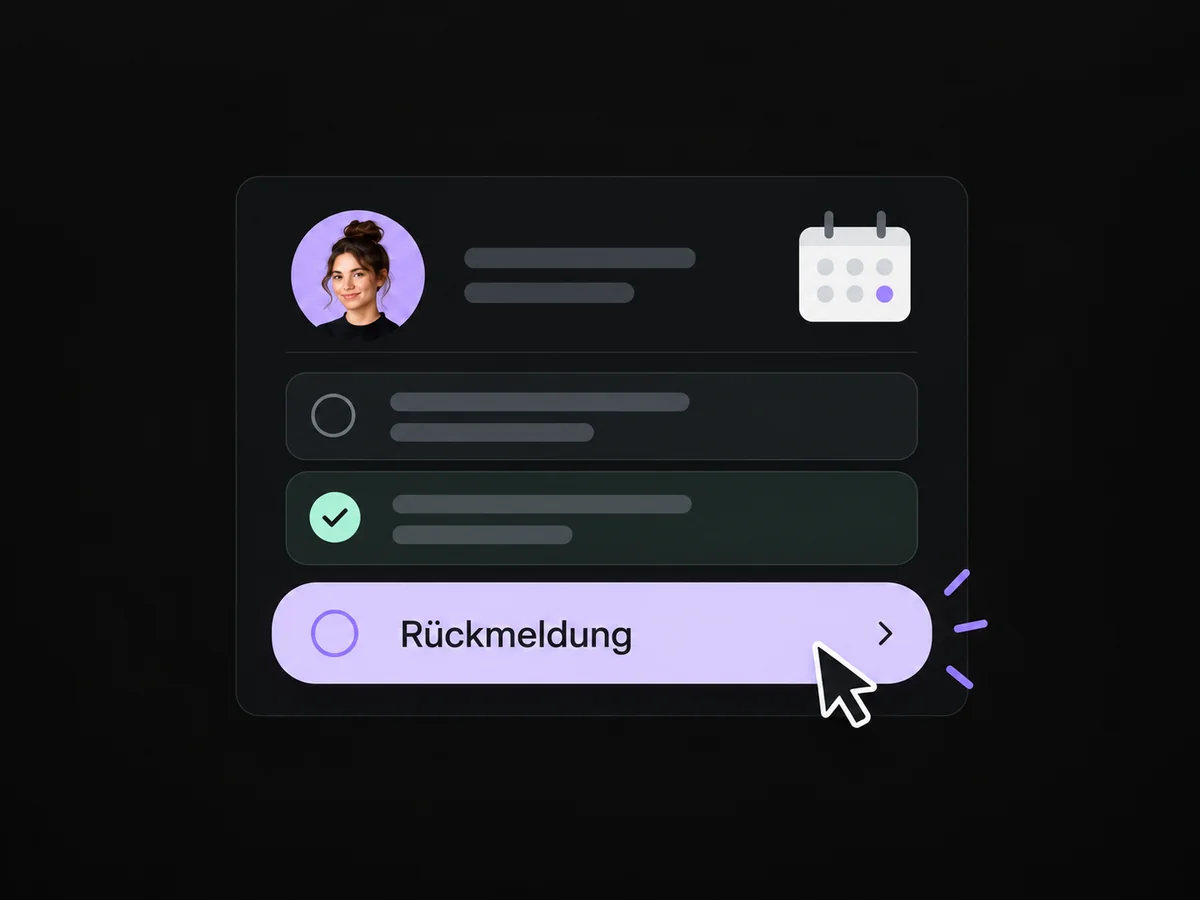
Plan a limited personal follow-up when rescheduling or further advice is needed.
Simplified examples, not live account data.
We agree reminders, cancellations and recorded appointment status. Then we test booking, questions, rescheduling and the no-show workflow.
The correct appointment status must be recorded reliably. A configured workflow can then respond. We agree who maintains the status and which message makes sense afterwards.
We agree reminders, cancellations and recorded appointment status. Then we test booking, questions, rescheduling and the no-show workflow.
Yes. We agree who handles each request and which details that person needs. Messages, tasks and ownership are configured to fit. Your team remains responsible for personal advice and decisions.
We check the required features and connections in your account. Together, we review permissions, message templates and any usage costs. Then we test the complete journey with a sample contact.
We’ll show you how this solution fits your business and your team.
Discuss this solution