
01
The entry point fits the location.
A QR code or link leads to your chosen contact destination. A brochure might link to an offer page, while your business links to an enquiry form.
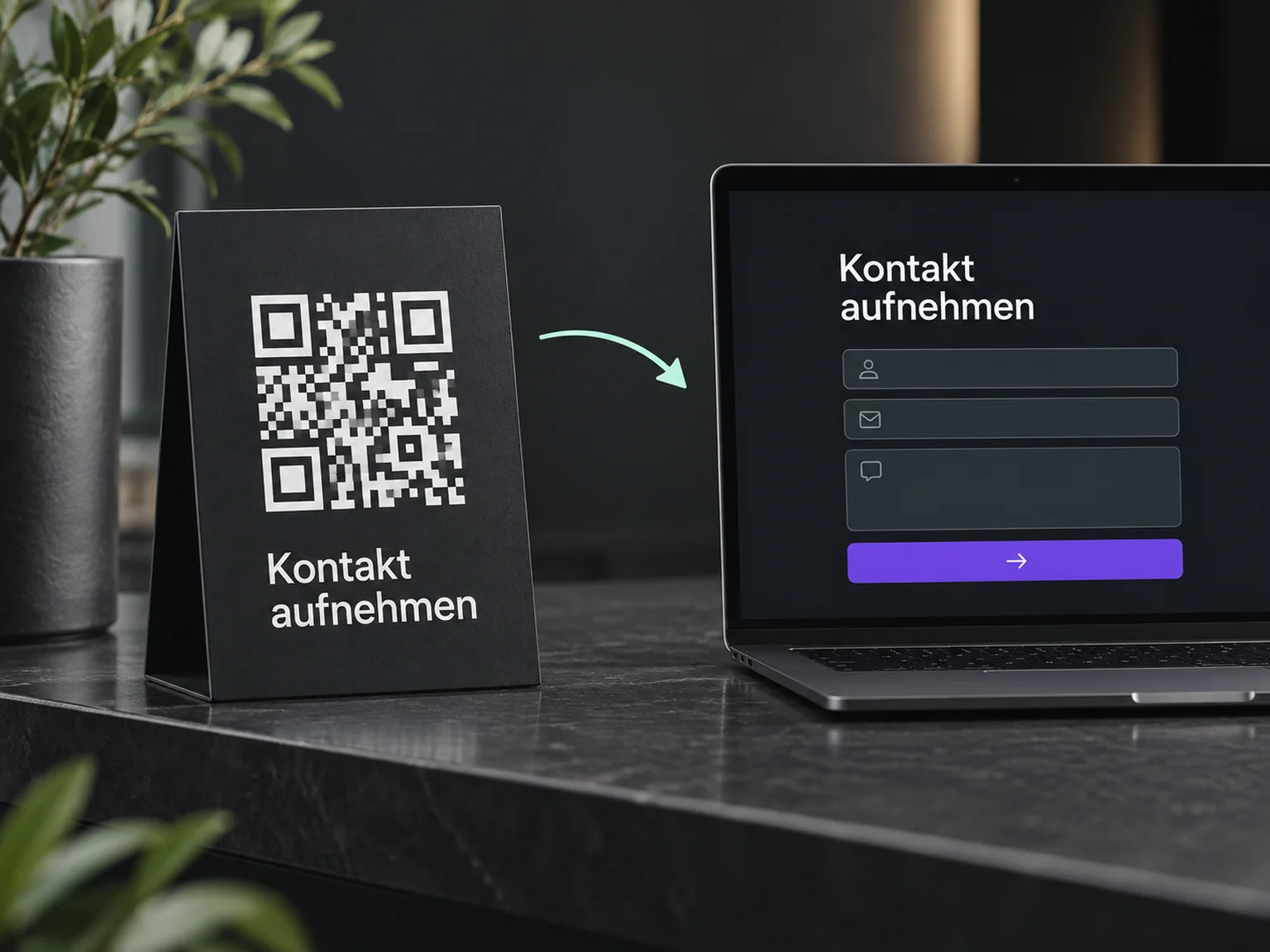

Make first contact easier
Make it easy to reach you on your website, shop window or brochure. ONE LOOP connects that starting point with an appropriate contact route.
Research on timely responses and relevant customer care.
McKinsey Next in Personalization · US consumer survey, 2021.
Personalisation study (opens in a new tab)Survey of 14,300 consumers and business buyers worldwide · 2023.
Customer expectations study (opens in a new tab)A QR code or link leads to your chosen contact destination. A brochure might link to an offer page, while your business links to an enquiry form.
The configured contact widget offers supported channels. Visitors choose the route that fits their question.
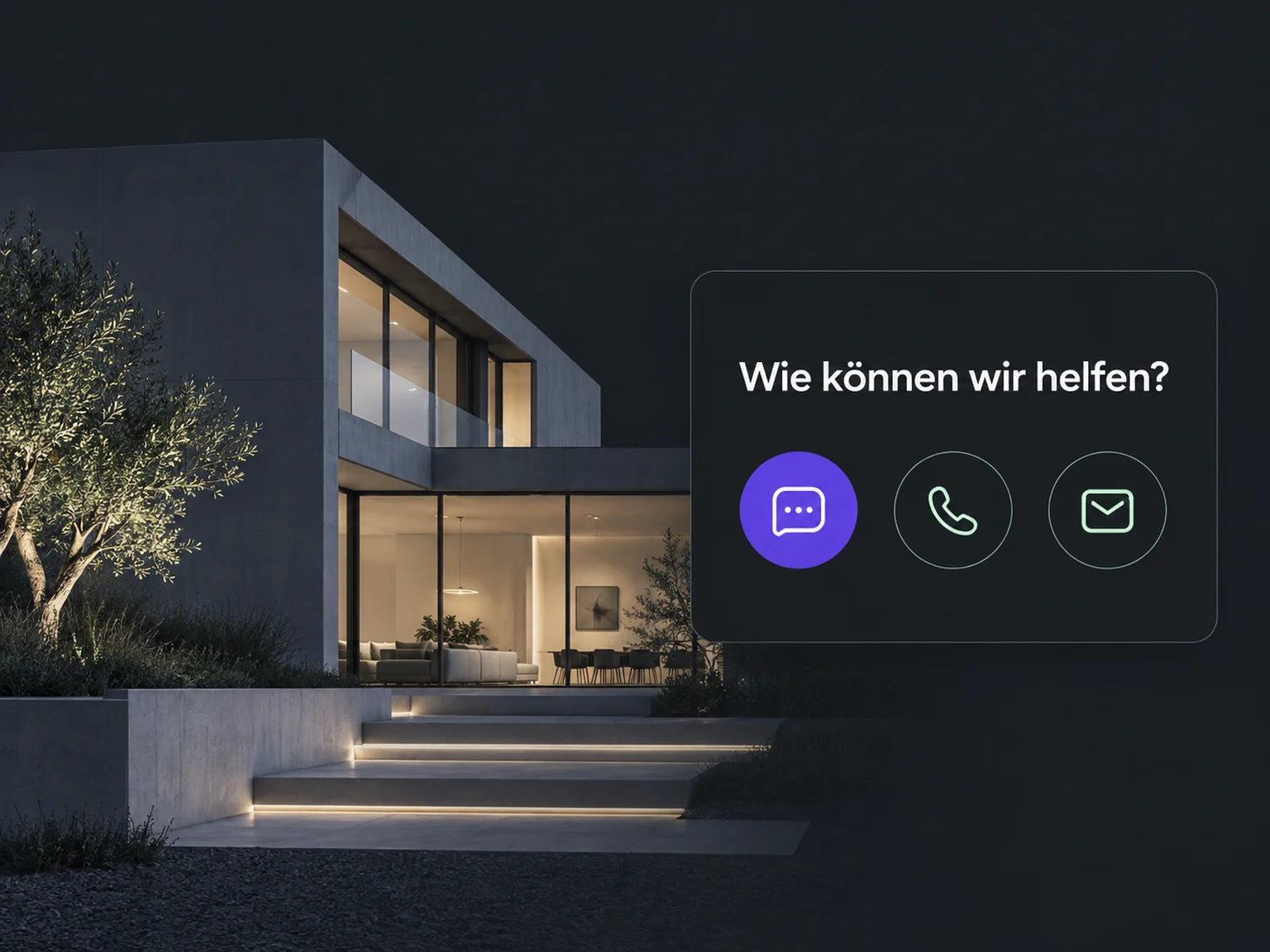
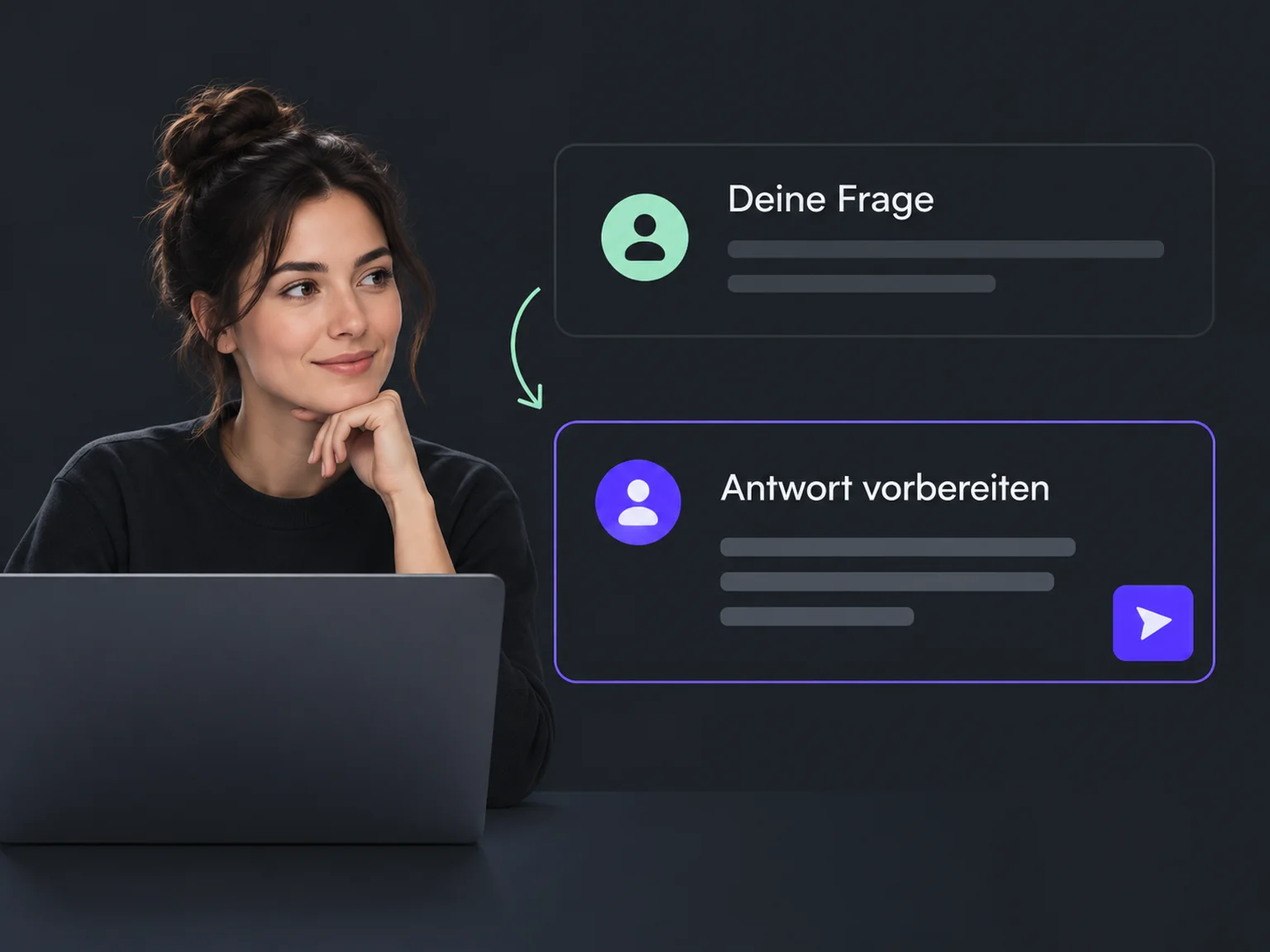
The assigned person takes the conversation and replies with a relevant next step. The entry point goes beyond sharing a link.
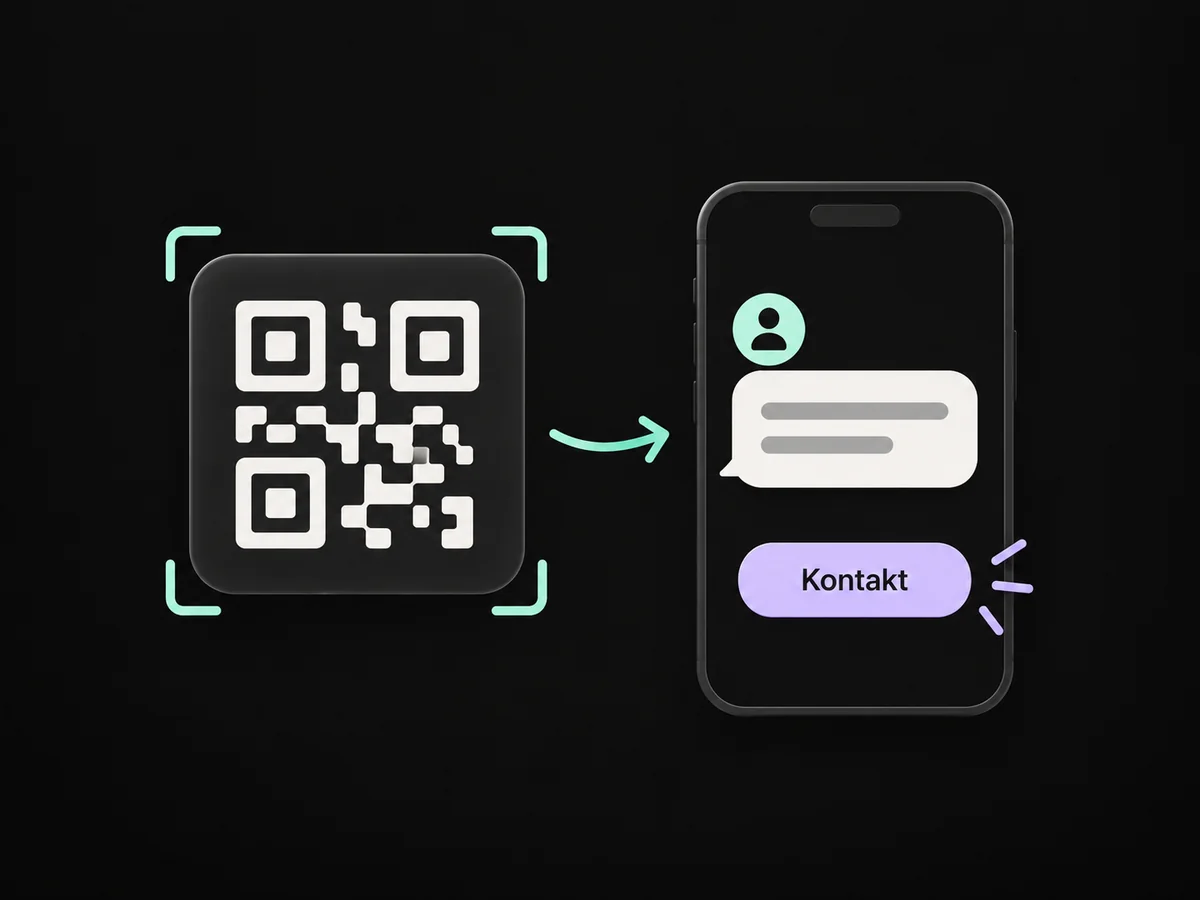
A QR code on a brochure or sign takes people to your prepared contact destination.
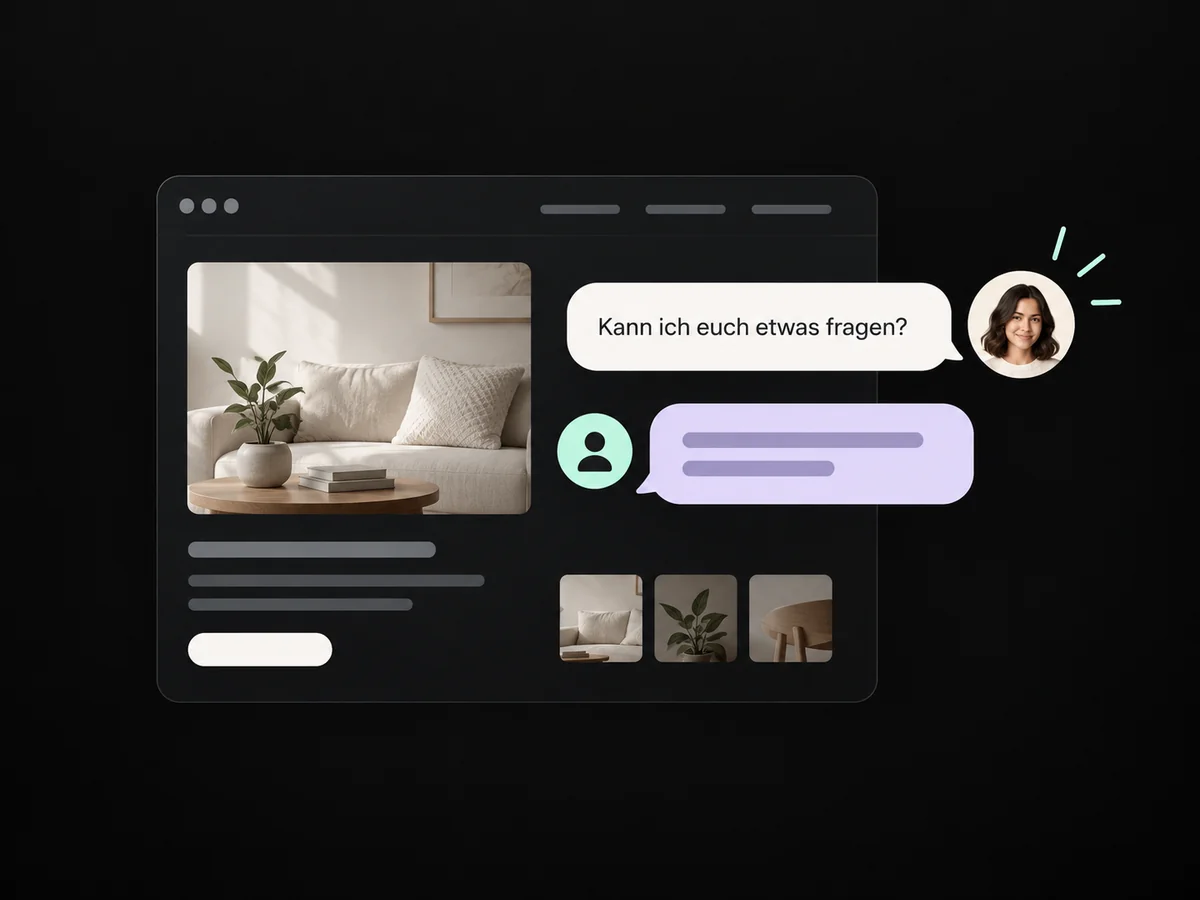
Your configured contact window shows supported channels suited to the enquiry.
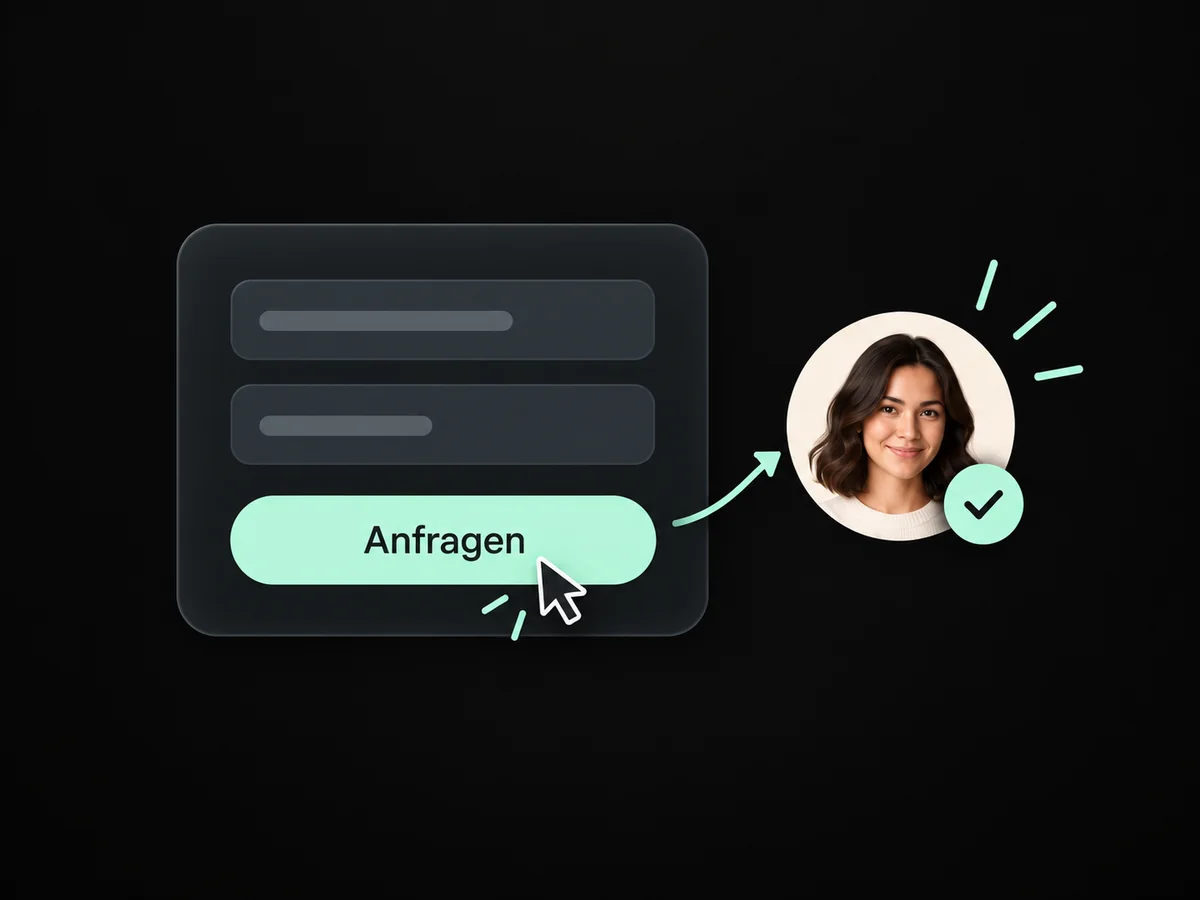
A short form captures the enquiry when someone prefers to submit a request.
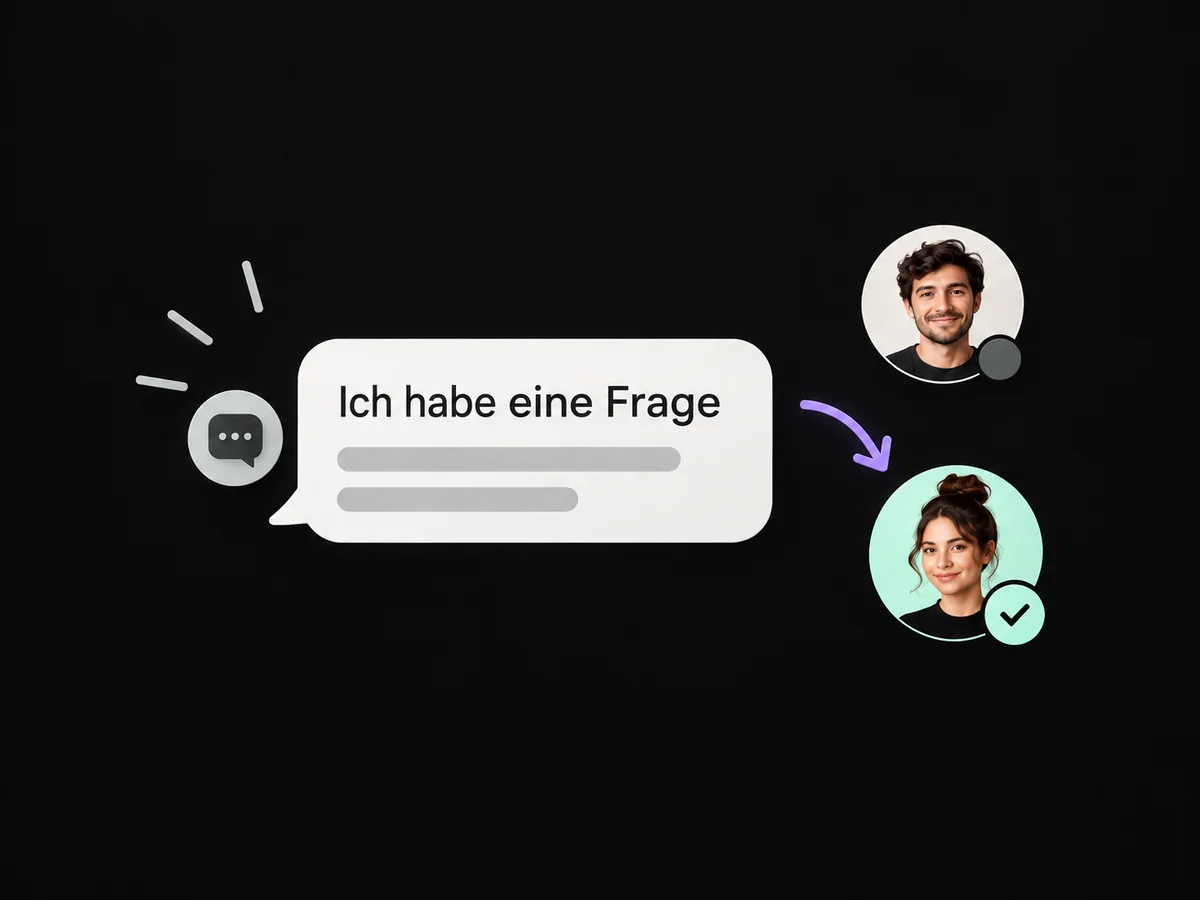
Your team takes over the incoming message and clarifies how it can help.
Offer your booking link in the conversation when an appointment is the right next step.
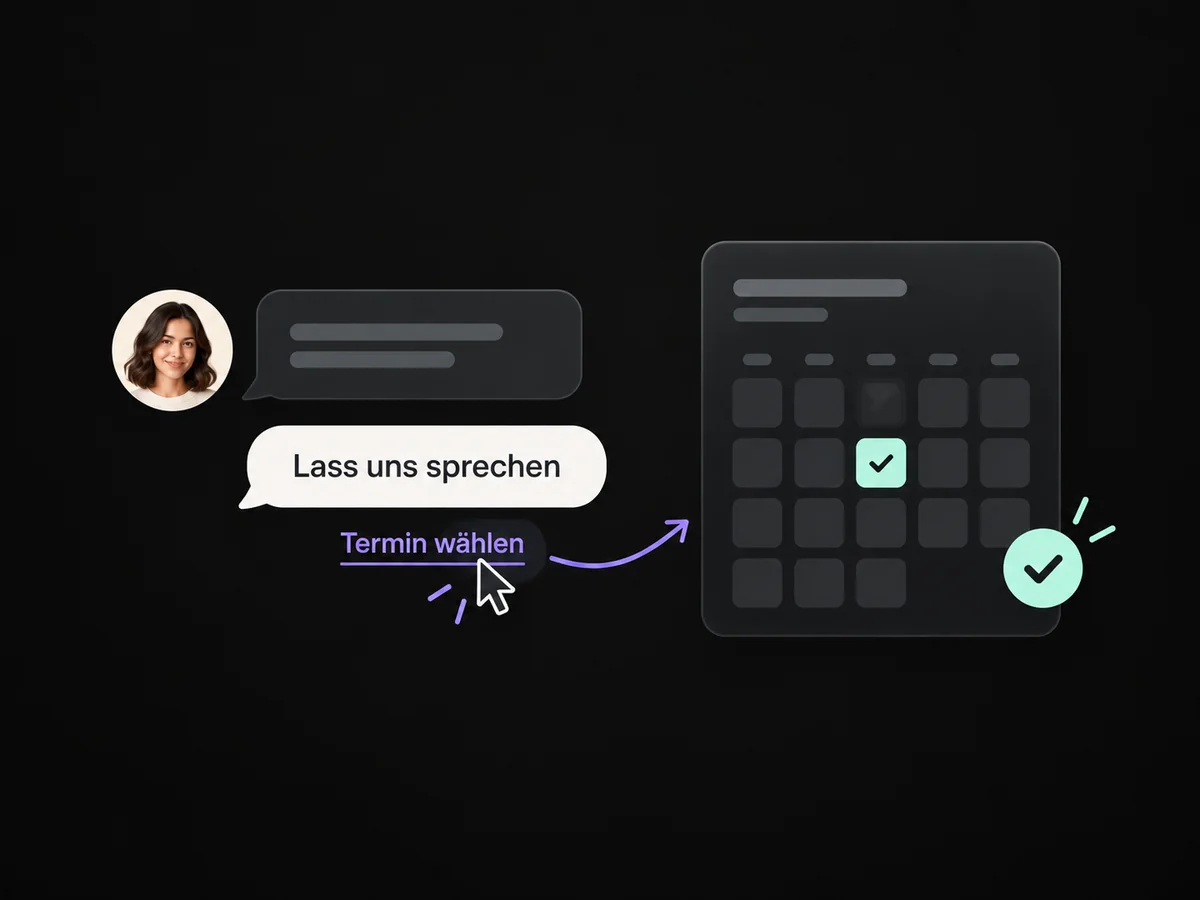
Simplified examples, not live account data.
We choose a suitable destination for each touchpoint and connect the channels you need. Then we test the path from link or scan to your team’s reply.
No. The code opens the chosen destination. A contact is created when the person submits a form or messages through an associated channel. We make that step as simple as possible.
We choose a suitable destination for each touchpoint and connect the channels you need. Then we test the path from link or scan to your team’s reply.
Yes. We agree who handles each request and which details that person needs. Messages, tasks and ownership are configured to fit. Your team remains responsible for personal advice and decisions.
We check the required features and connections in your account. Together, we review permissions, message templates and any usage costs. Then we test the complete journey with a sample contact.
We’ll show you how this solution fits your business and your team.
Discuss this solution