
01
A scan leads to the right offer.
Place a QR code at your stand or business. It opens the page where visitors can learn more or get in touch.
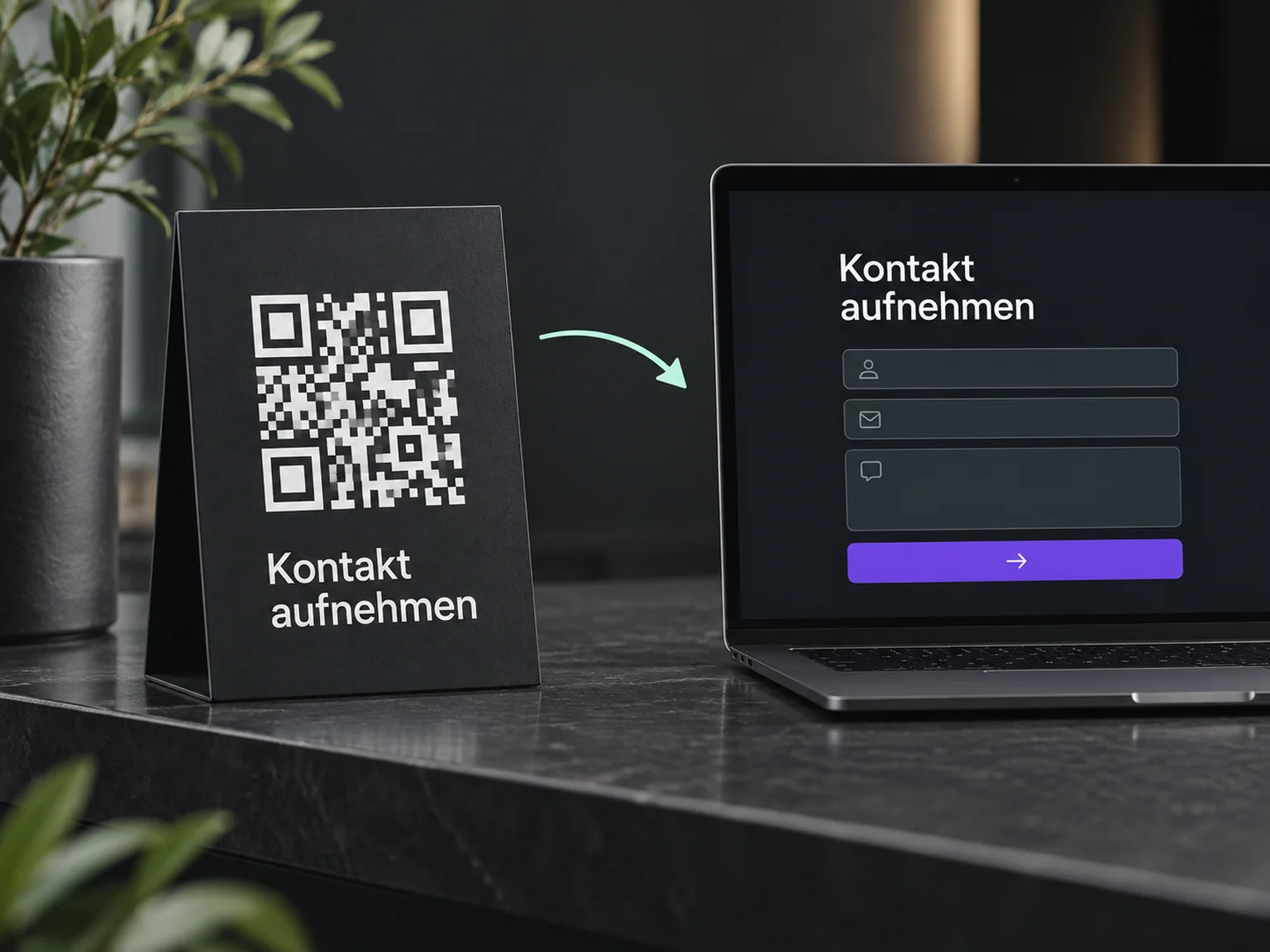

Turn in-person interest into enquiries
Carry interest from the fair into your next conversations. ONE LOOP helps capture enquiries, plan callbacks and follow up personally on the meeting.
Research on timely responses and relevant customer care.
1.25 million online enquiries, US · 2011. A conversation with a buying decision-maker.
Lead response study (opens in a new tab)McKinsey Next in Personalization · US consumer survey, 2021.
Personalisation study (opens in a new tab)Place a QR code at your stand or business. It opens the page where visitors can learn more or get in touch.
A short form records what the person is interested in. The code alone does not capture a contact; the person chooses to submit their details.
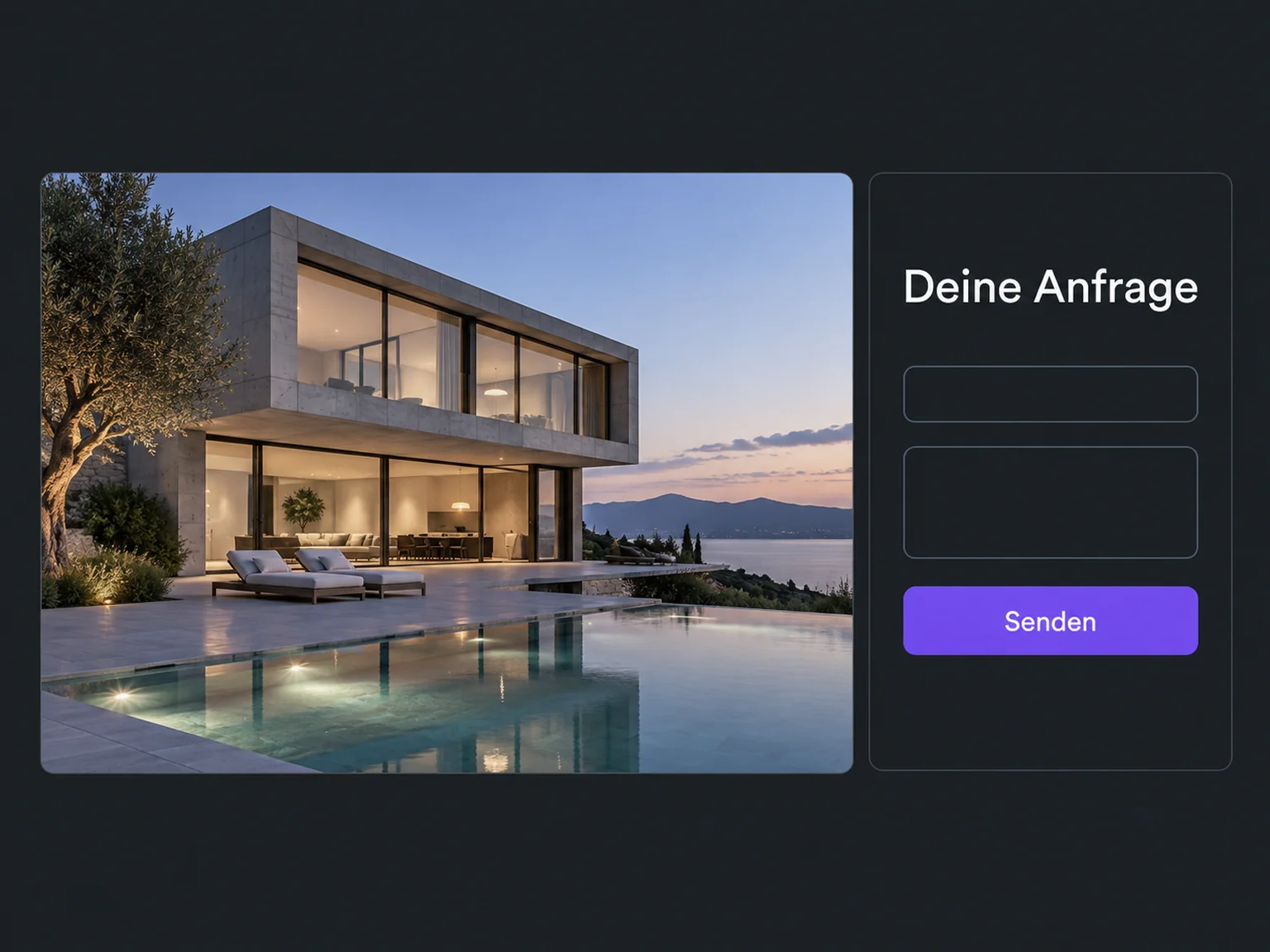
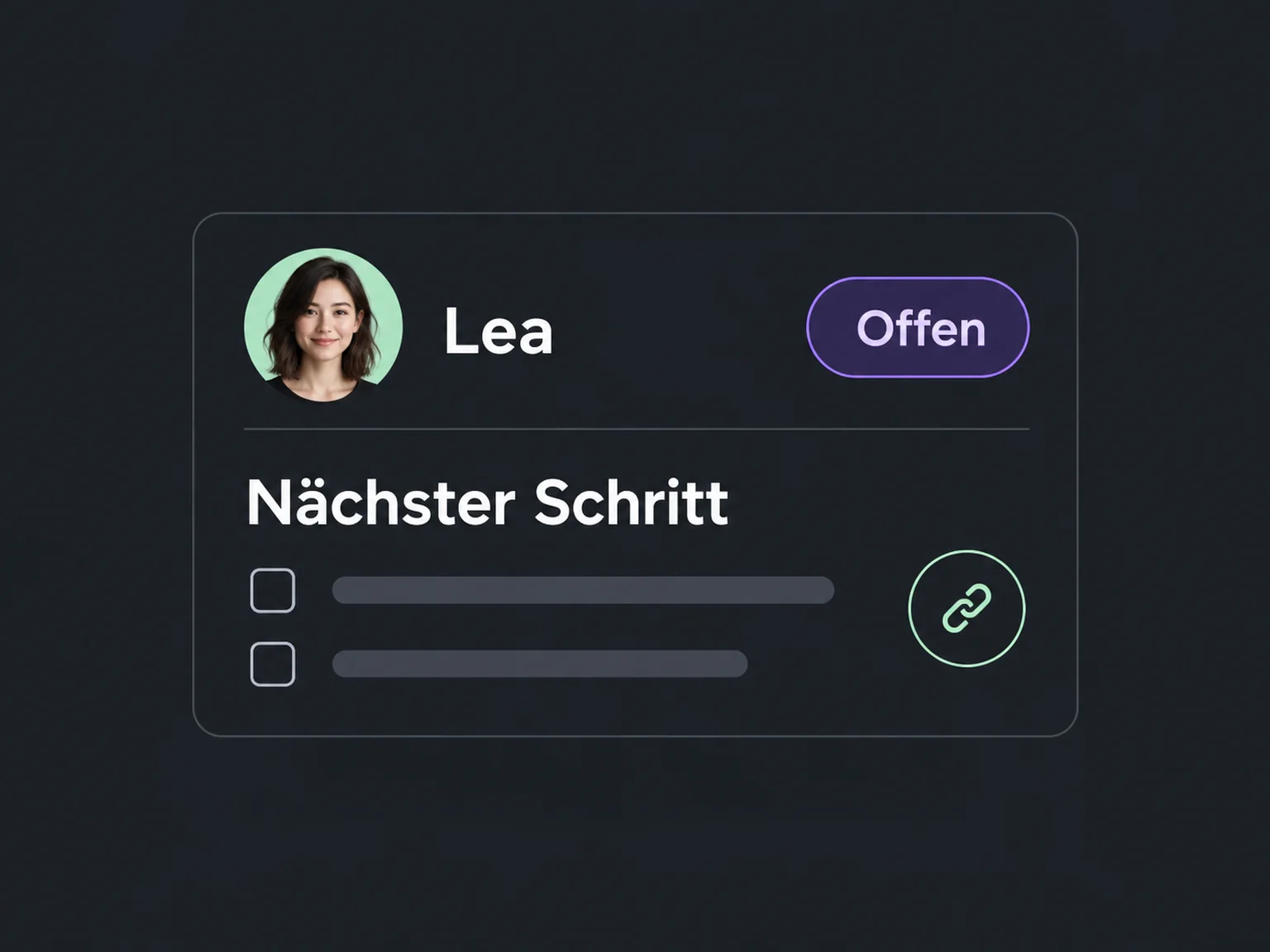
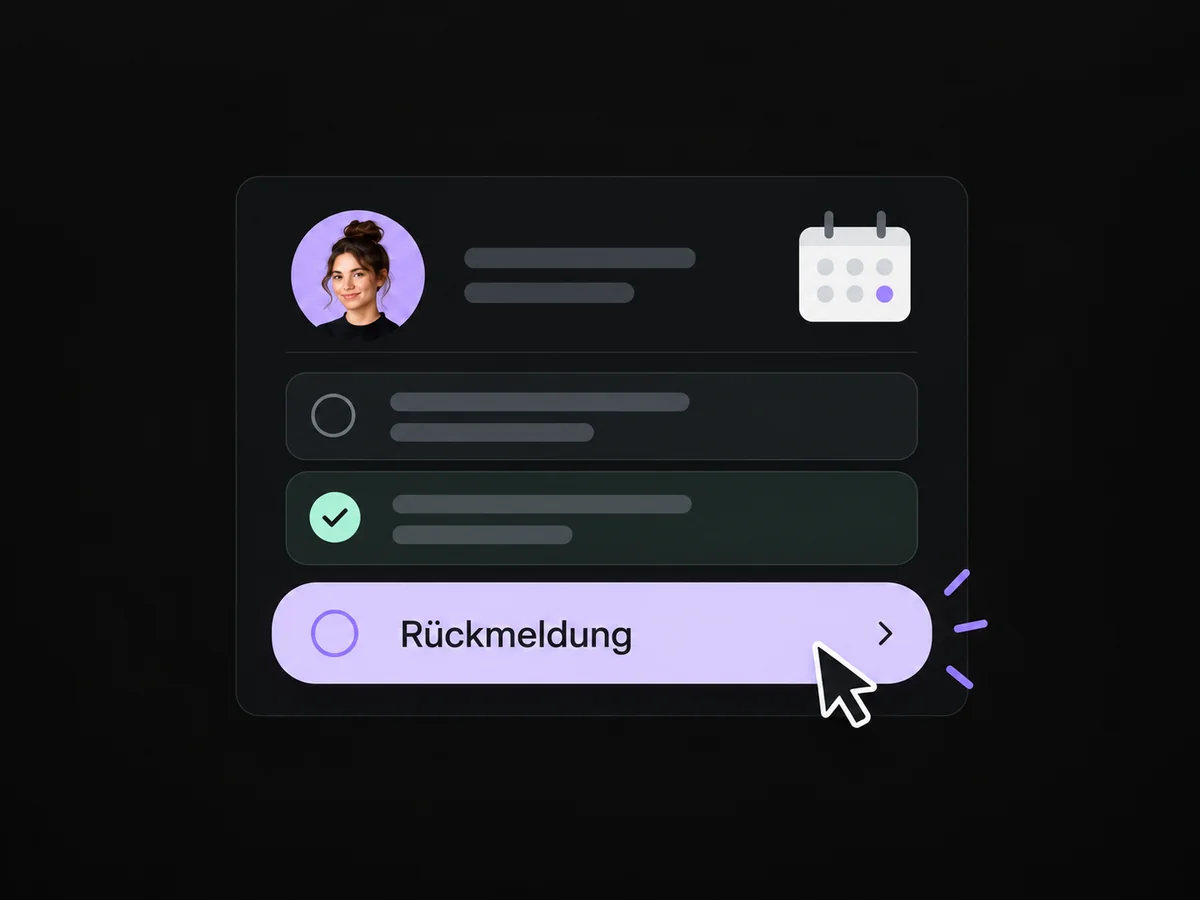
Record a callback task and the conversation topic on the contact. The owner can follow up on the relevant subject.
A QR code takes visitors to your contact form, where they can choose to leave their enquiry.
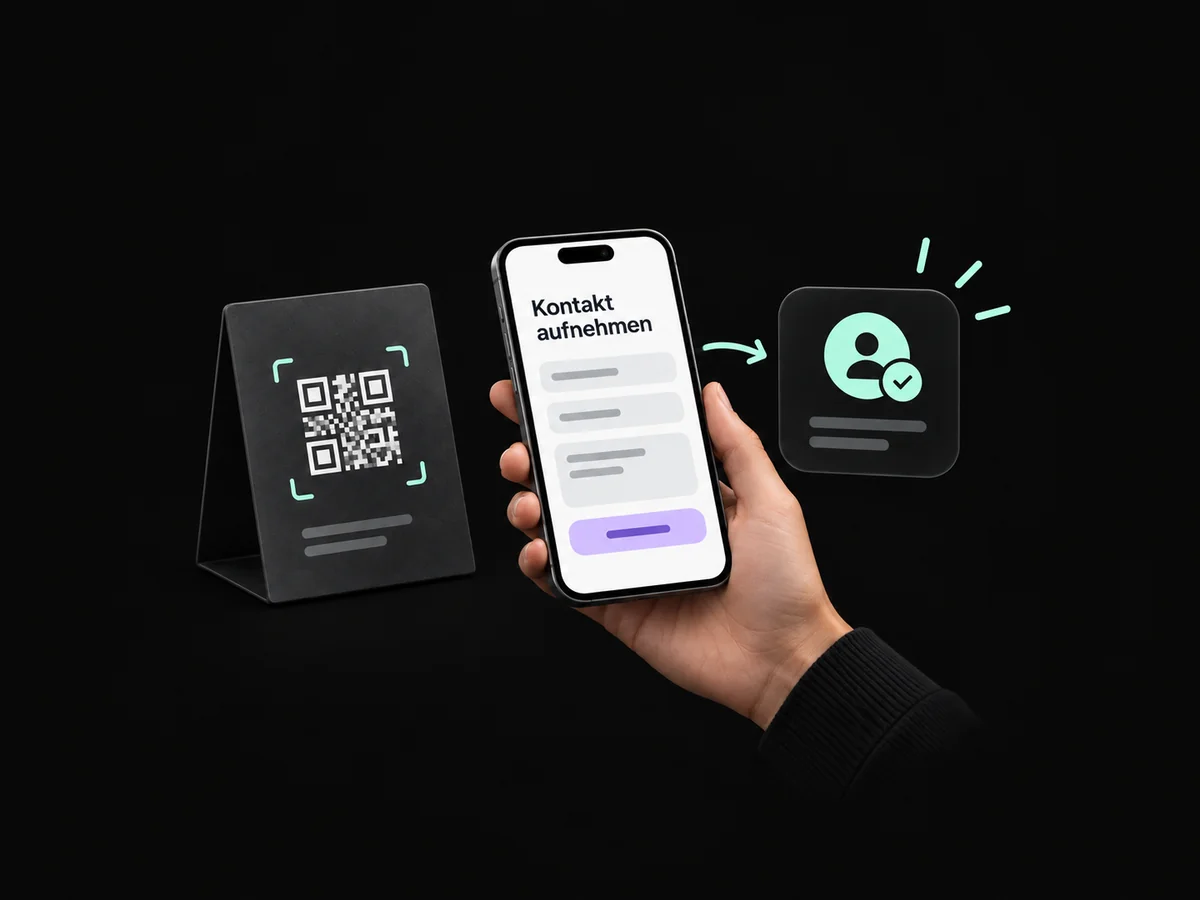
A short form captures interests so you can continue a relevant conversation after the event.
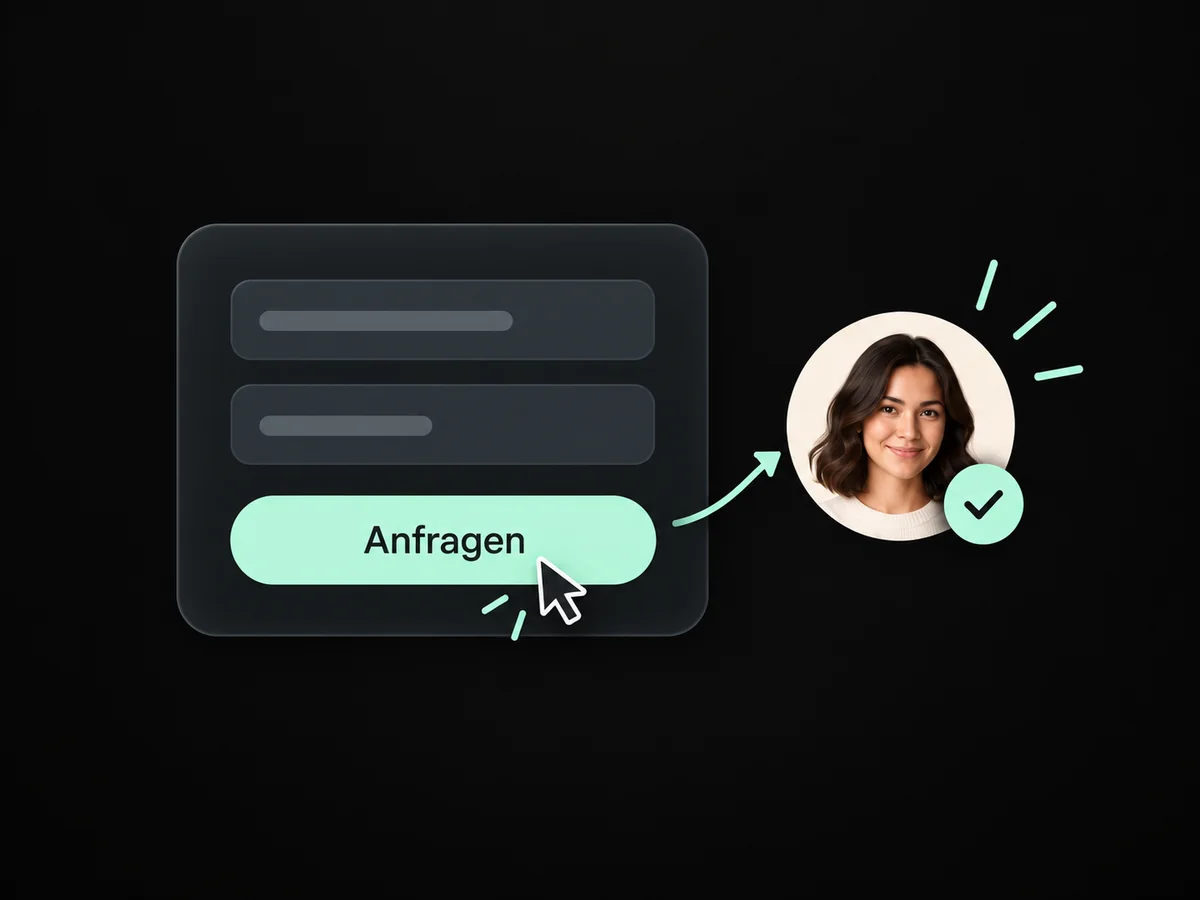
Save the topic and meeting notes in the contact record so your next approach stays personal.
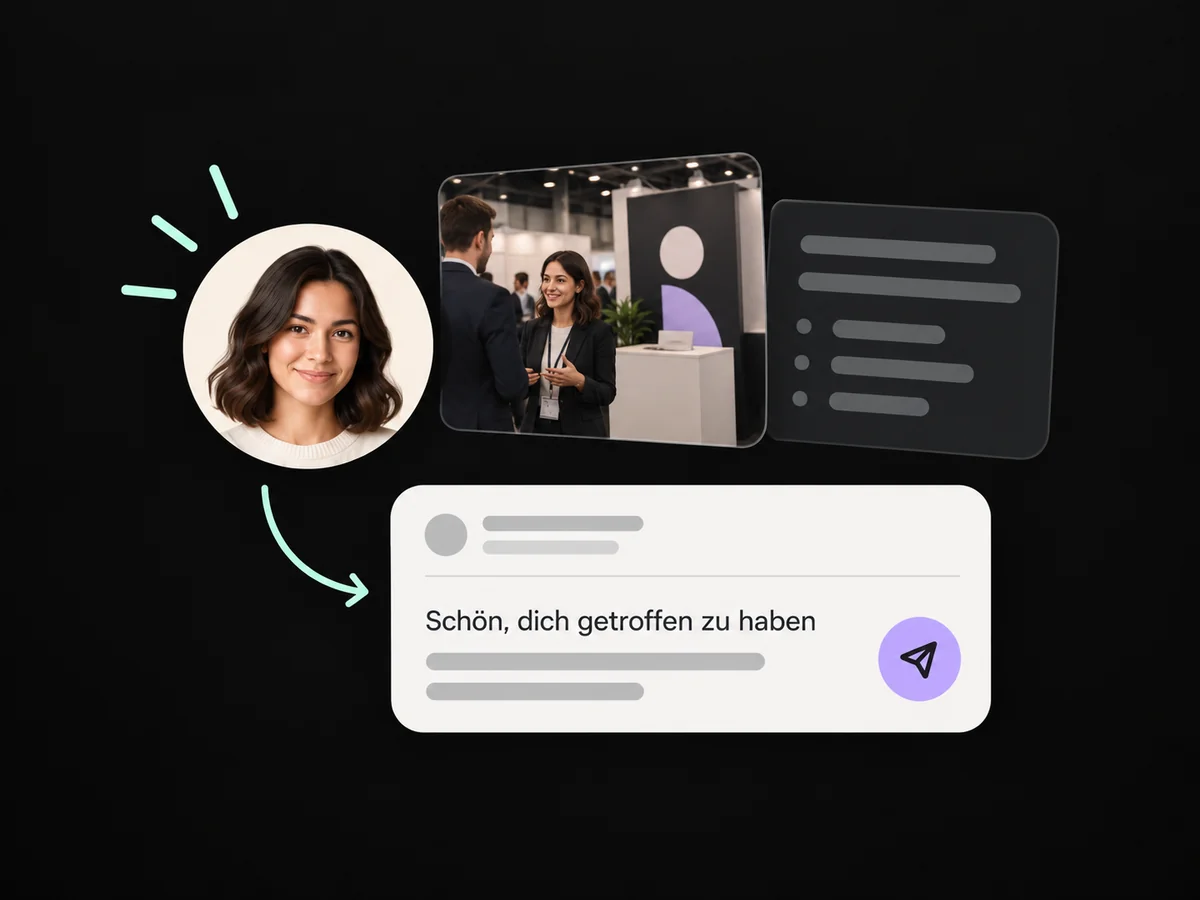
Schedule callbacks for your team so promised conversations do not get lost after the fair.
Send the promised information through the appropriate configured contact route.
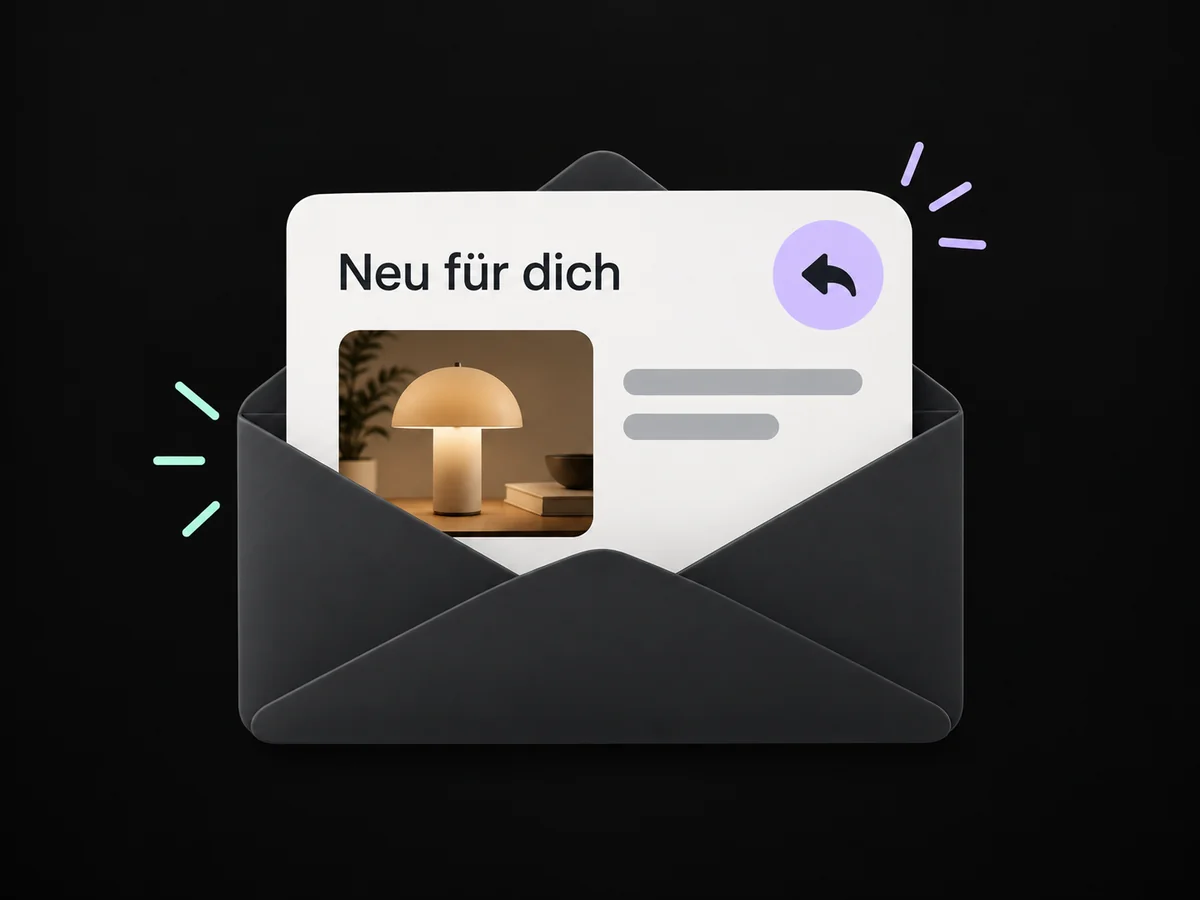
Simplified examples, not live account data.
We choose the event entry point, set up the form and contact mapping, and prepare the next contact. Then we test the scan, submission and team task together.
Yes, when we set up a dedicated entry point or suitable form field for the event. The recorded context helps your team follow up. An anonymous scan cannot simply be linked to a person.
We choose the event entry point, set up the form and contact mapping, and prepare the next contact. Then we test the scan, submission and team task together.
Yes. We agree who handles each request and which details that person needs. Messages, tasks and ownership are configured to fit. Your team remains responsible for personal advice and decisions.
We check the required features and connections in your account. Together, we review permissions, message templates and any usage costs. Then we test the complete journey with a sample contact.
We’ll show you how this solution fits your business and your team.
Discuss this solution