
01
Available times fit your schedule.
Set up meeting length, availability and breaks. Connected calendars and booking rules determine which times are offered.
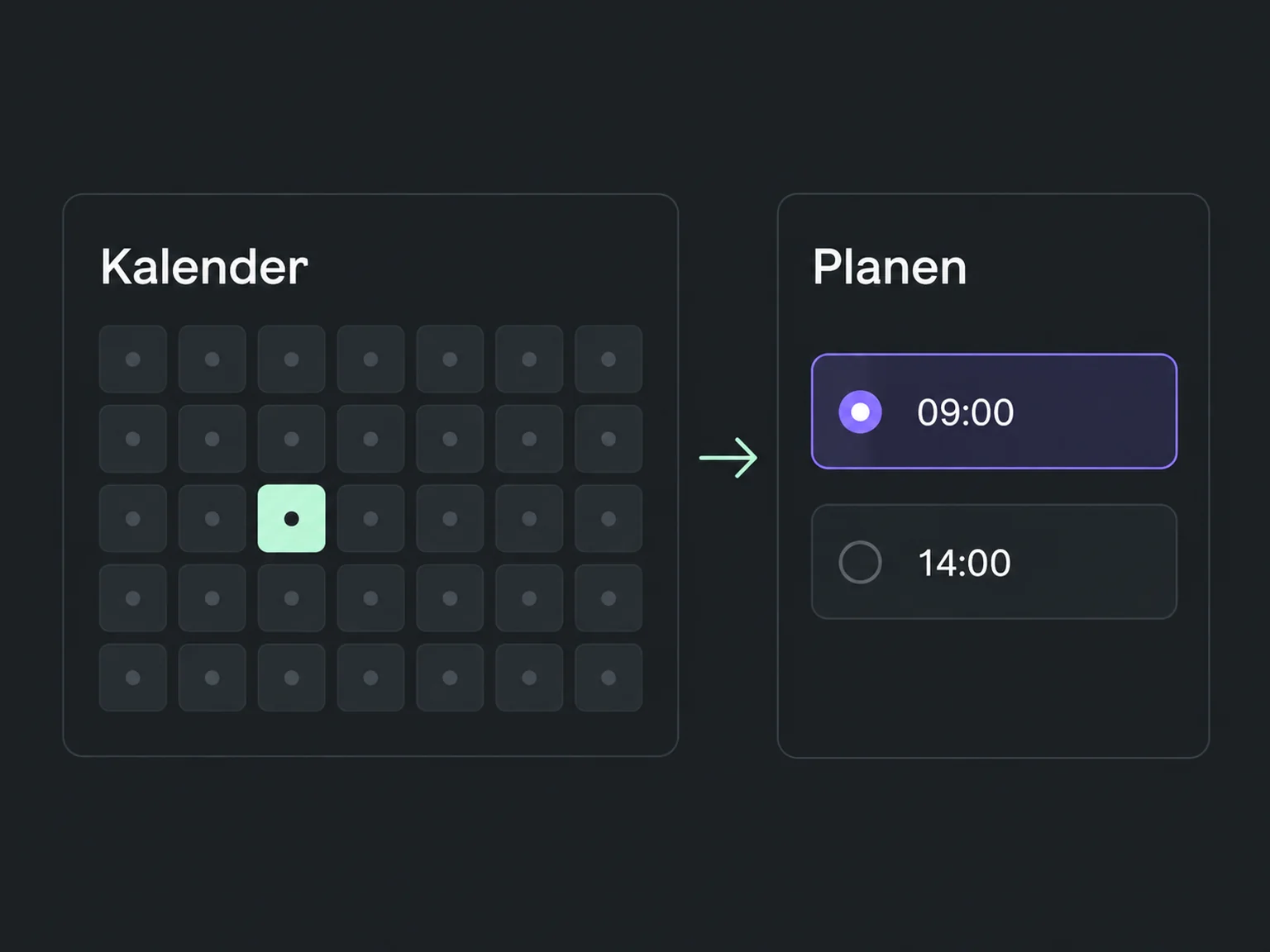

Make it easier for prospects to book
Let prospects choose an available slot themselves. ONE LOOP connects booking, reminders and preparation for less coordination and better conversations.
Research on timely responses and relevant customer care.
1.25 million online enquiries, US · 2011. A conversation with a buying decision-maker.
Lead response study (opens in a new tab)Survey of 14,300 consumers and business buyers worldwide · 2023.
Customer expectations study (opens in a new tab)Set up meeting length, availability and breaks. Connected calendars and booking rules determine which times are offered.
Share the booking link in the conversation or on your website. The prospect chooses an available time and completes the booking.
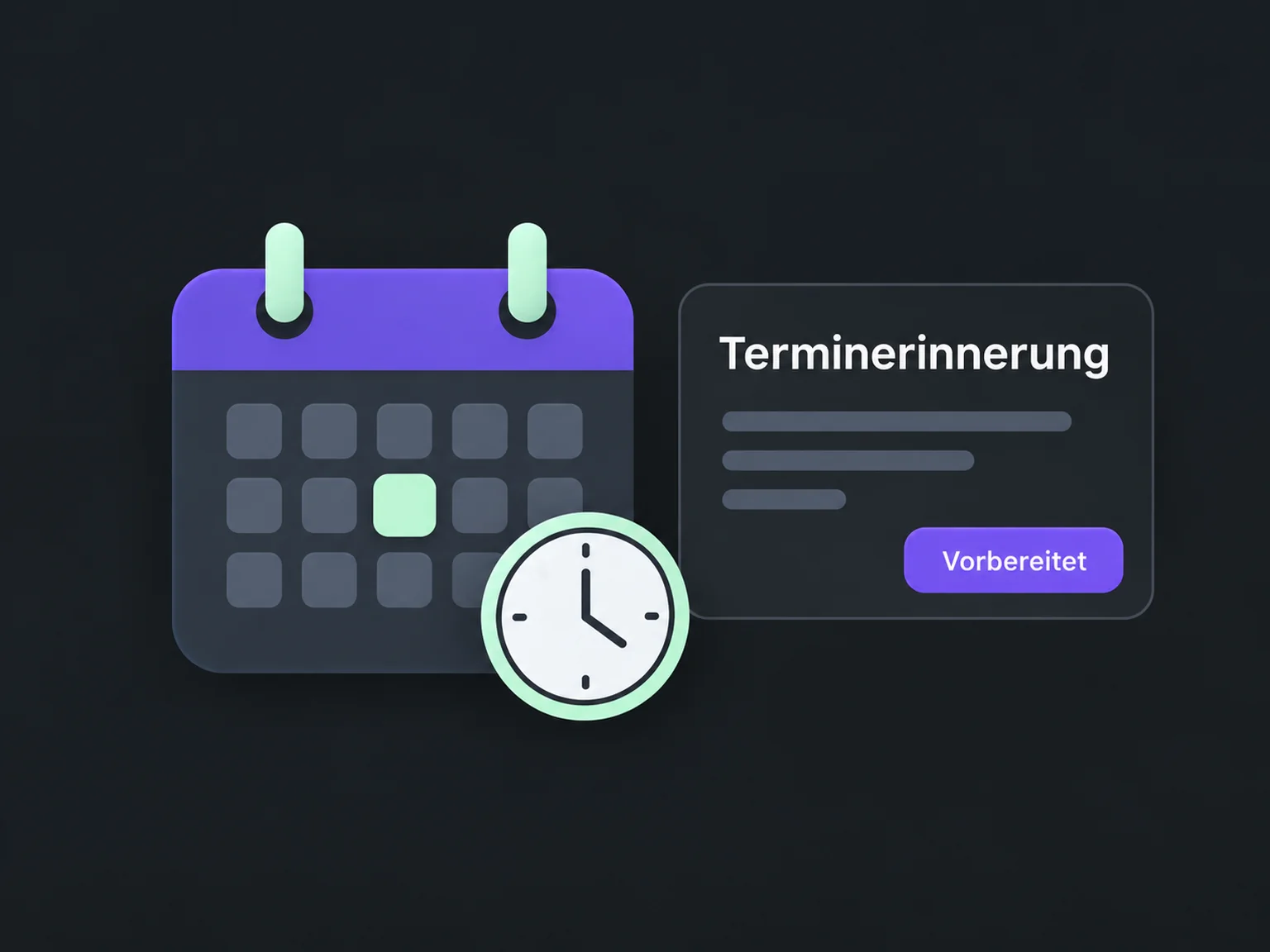
A configured reminder helps keep the time and purpose in mind. Your team can use the details already collected to prepare advice.
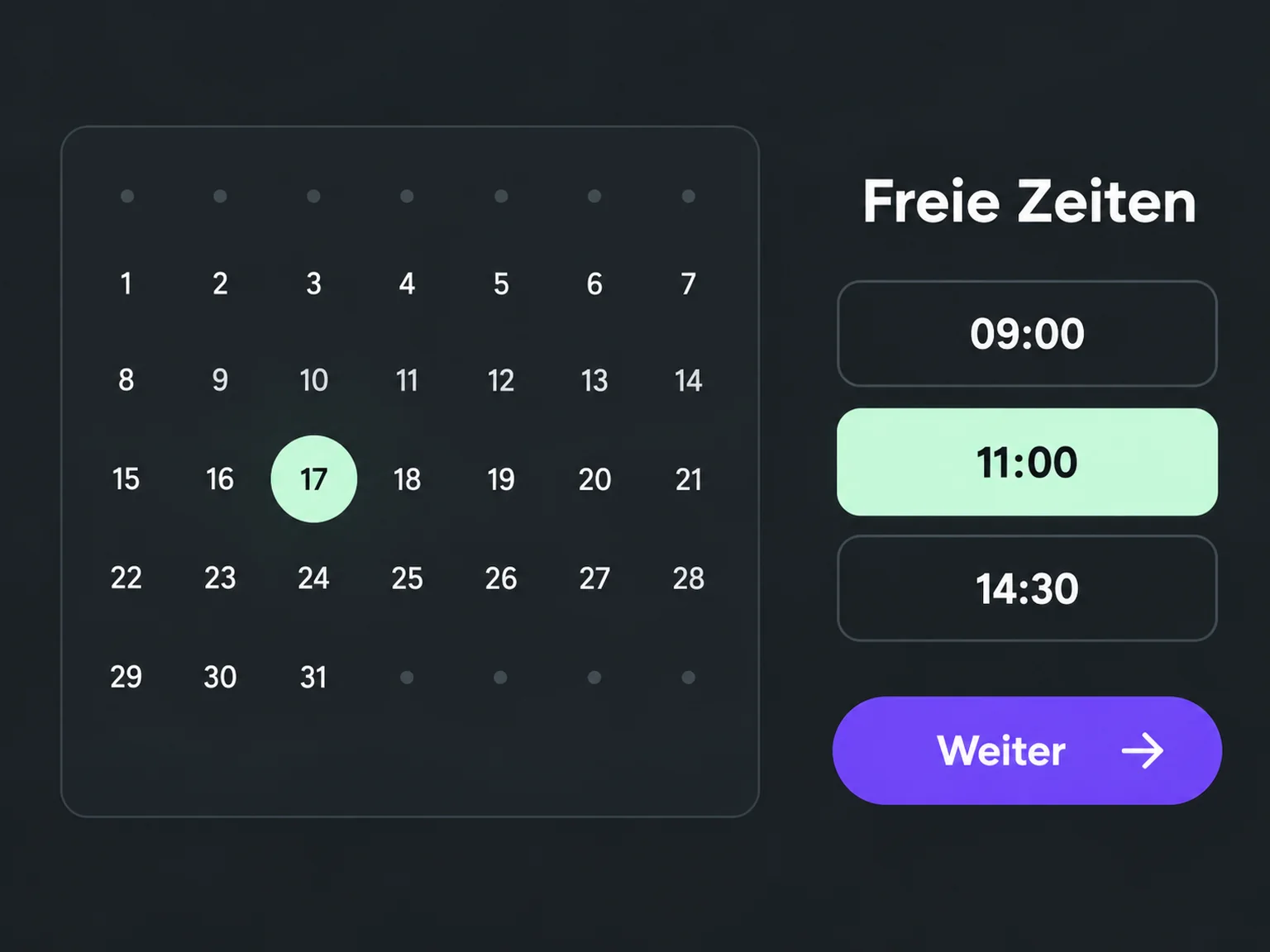
Your booking page shows times based on configured availability and connected calendars.
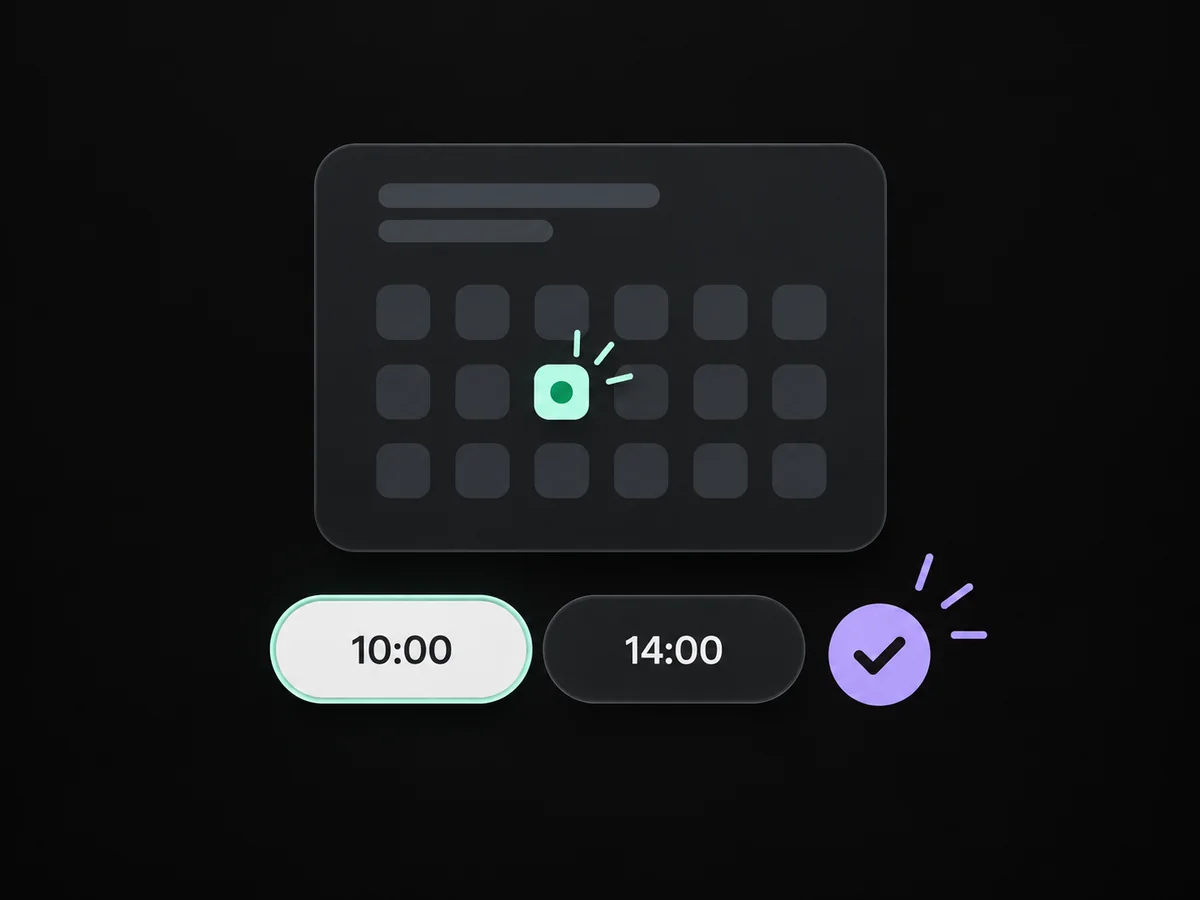
Share the booking link in chat or on your website so the person can book themselves.
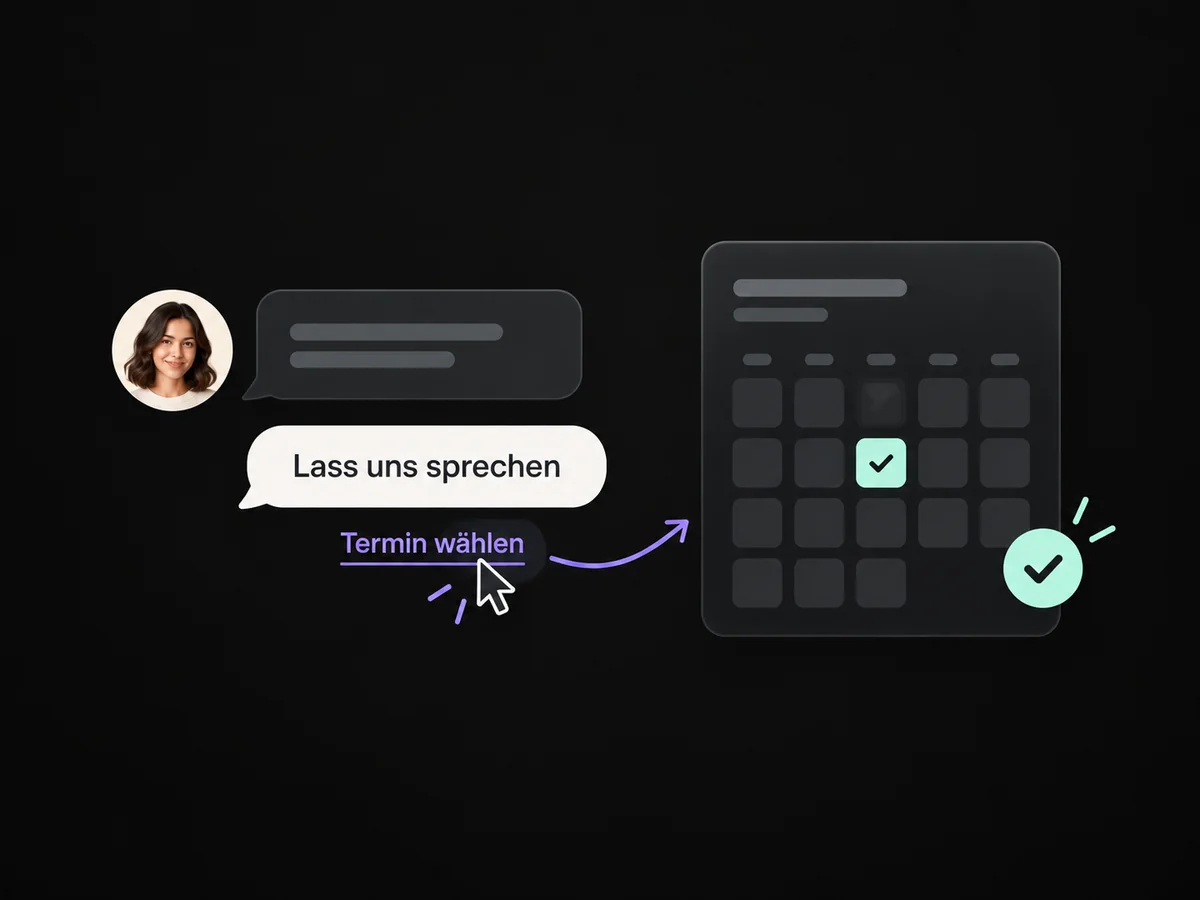
Configured reminders share the time and purpose so both sides stay prepared.
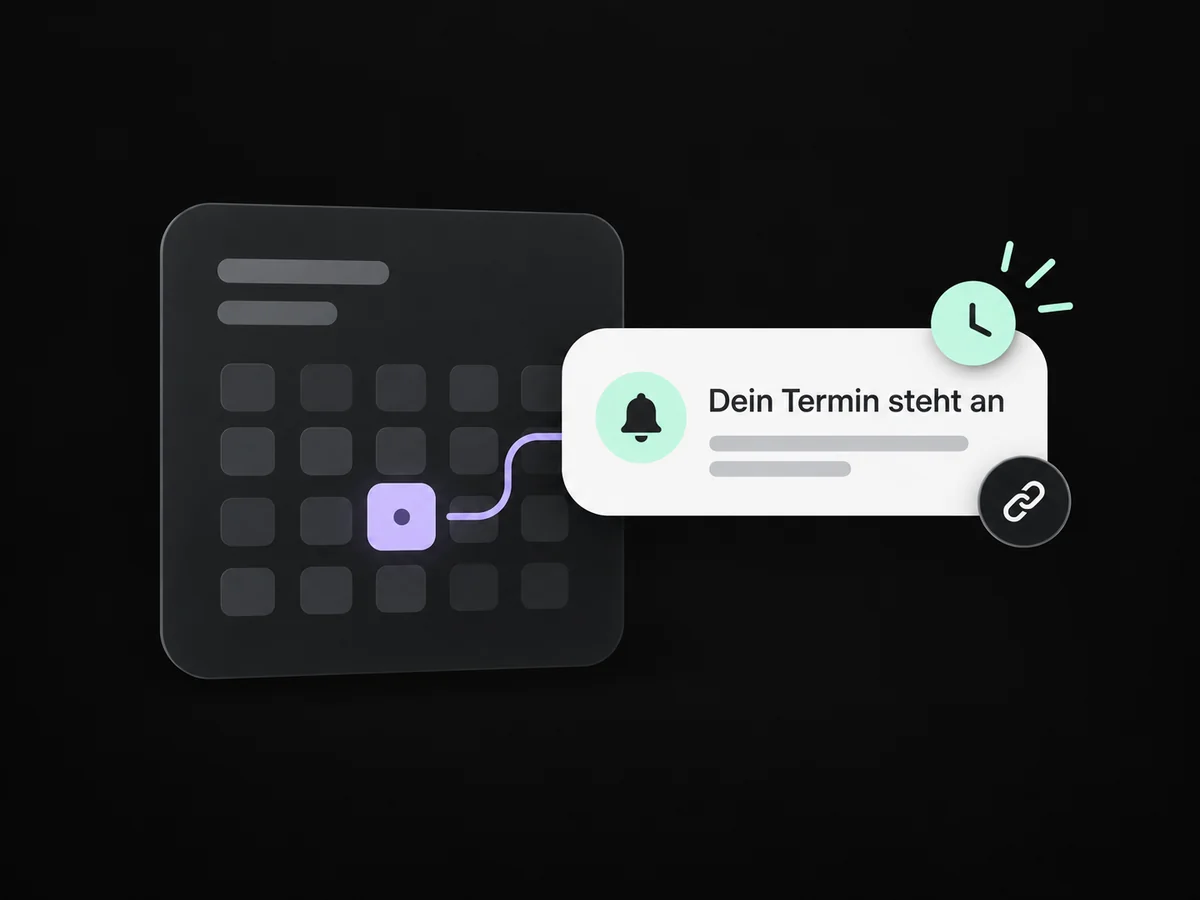
Use recorded answers and notes to prepare your consultation.
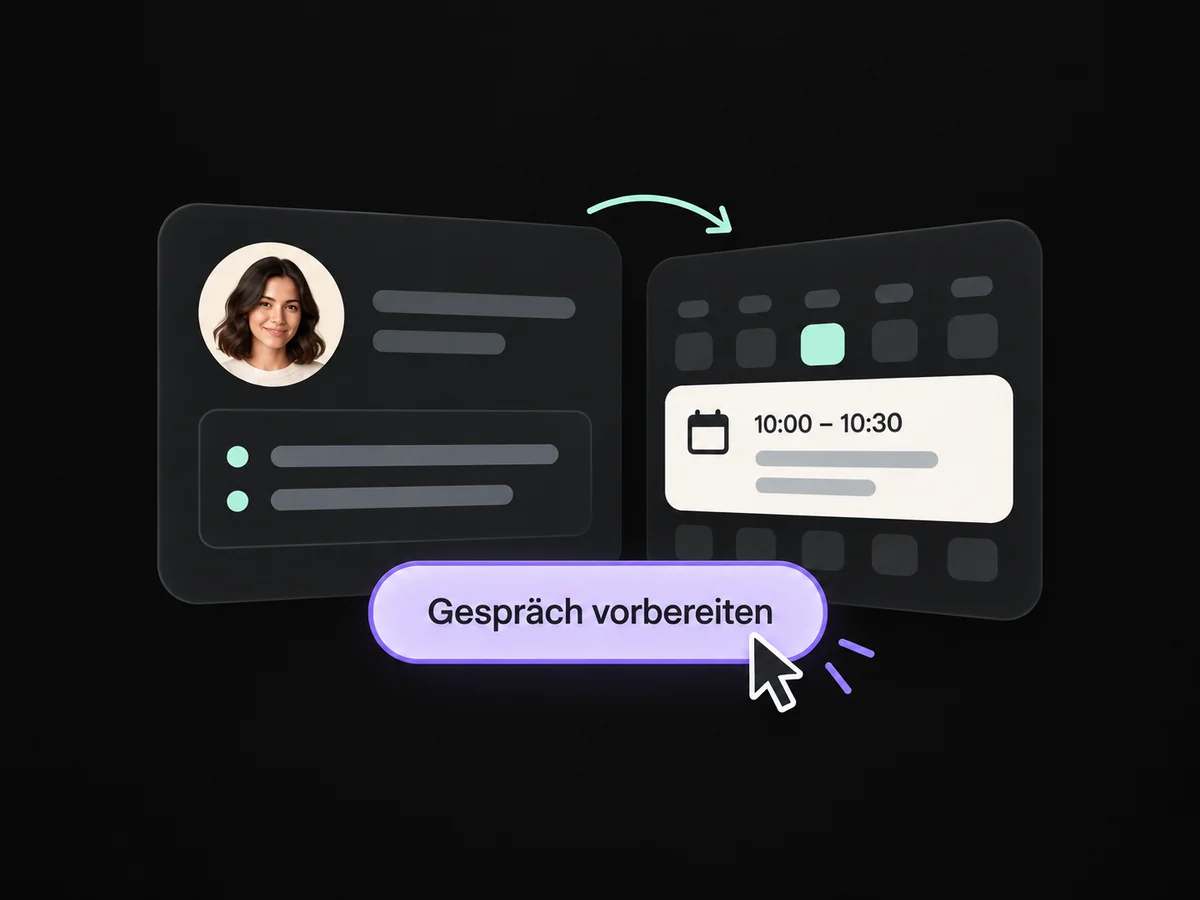
A contact task keeps the agreed response or next step visible.
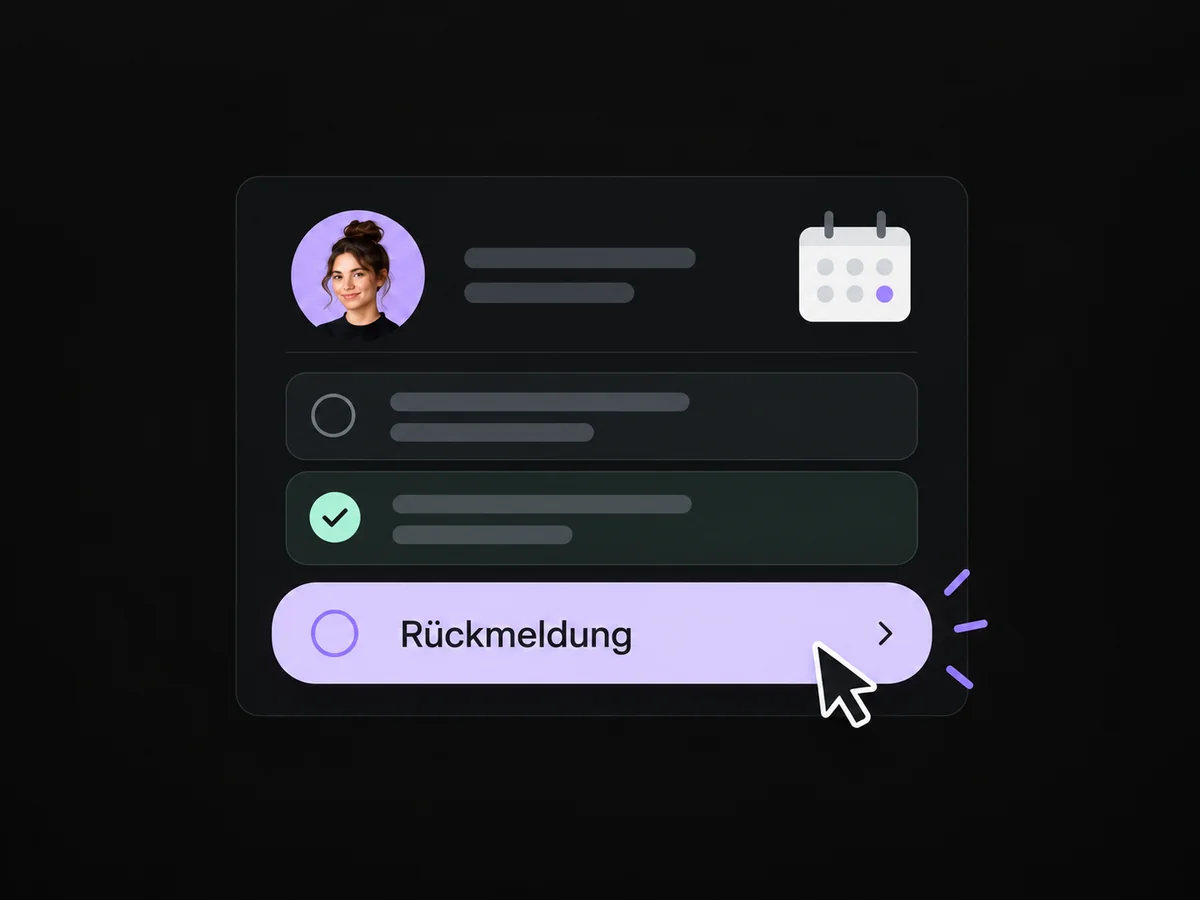
Simplified examples, not live account data.
We configure calendars, availability, booking questions and reminders. A test booking checks confirmation, calendar mapping and rescheduling.
Yes, with suitable available calendar types and an agreed setup. We check ownership, availability and the connections needed for your booking route.
We configure calendars, availability, booking questions and reminders. A test booking checks confirmation, calendar mapping and rescheduling.
Yes. We agree who handles each request and which details that person needs. Messages, tasks and ownership are configured to fit. Your team remains responsible for personal advice and decisions.
We check the required features and connections in your account. Together, we review permissions, message templates and any usage costs. Then we test the complete journey with a sample contact.
We’ll show you how this solution fits your business and your team.
Discuss this solution