
01
The offer gets a next follow-up.
A configured move into the offer stage can trigger a task. Your team knows whose reply is still pending.
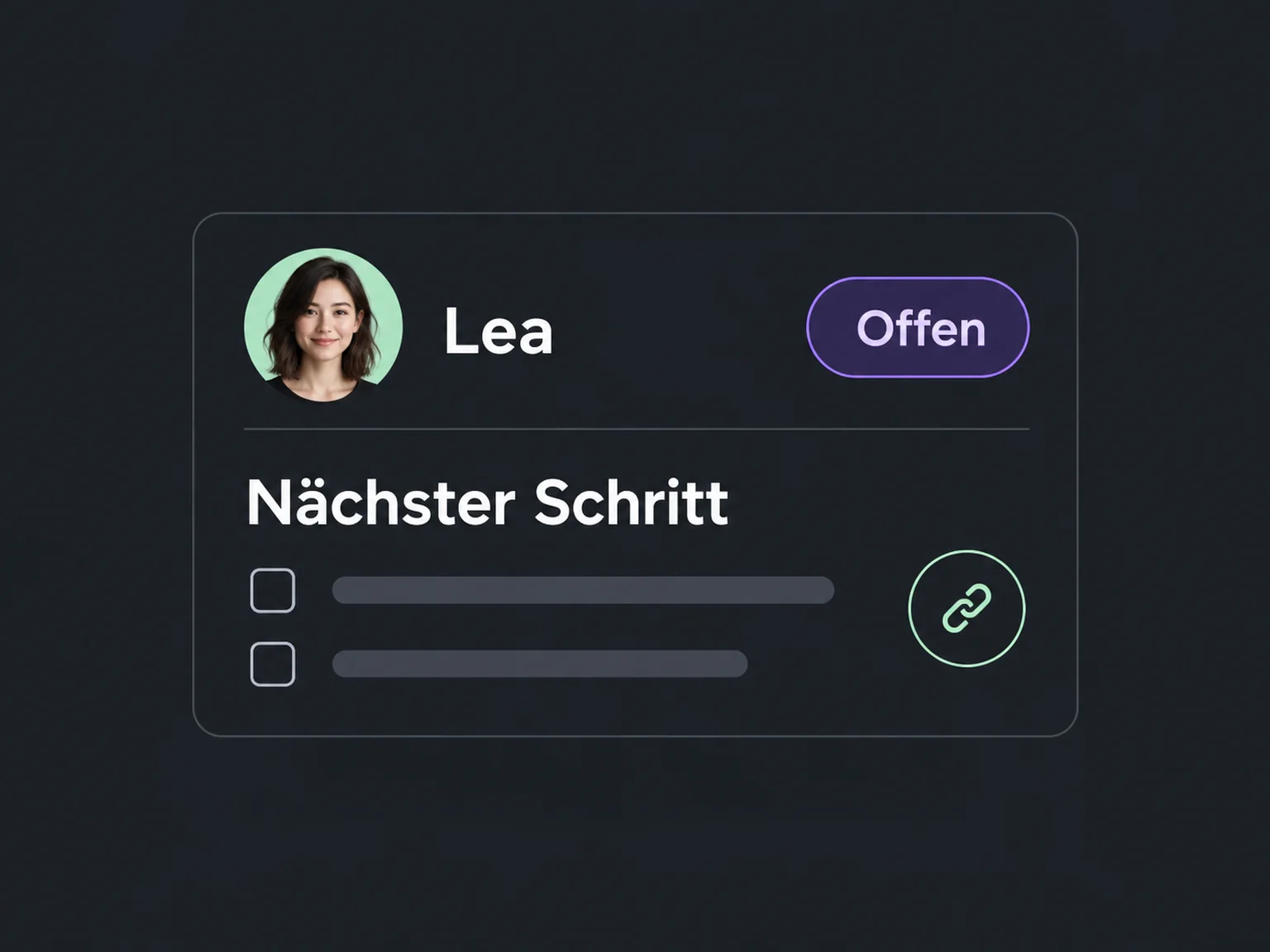

Follow up deliberately after conversations
Follow through on open conversations and offers. ONE LOOP prepares relevant questions and team tasks so you organise fewer reminders yourself.
Research on timely responses and relevant customer care.
McKinsey Next in Personalization · US consumer survey, 2021.
Personalisation study (opens in a new tab)1.25 million online enquiries, US · 2011. A conversation with a buying decision-maker.
Lead response study (opens in a new tab)A configured move into the offer stage can trigger a task. Your team knows whose reply is still pending.
Your configured workflow waits for the agreed time and checks whether the decision is still pending. A relevant question keeps the conversation moving without you planning every reminder yourself.
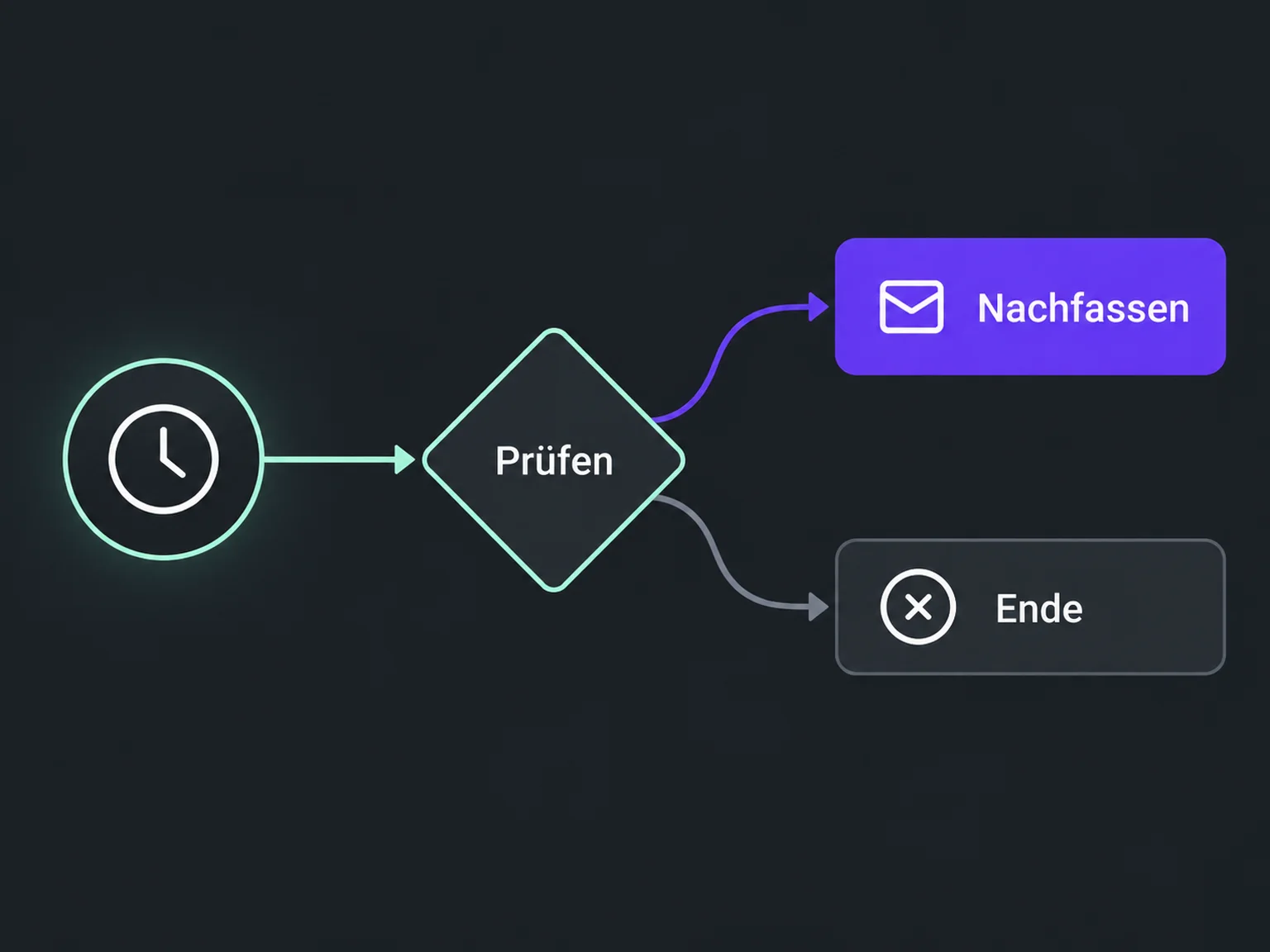
When the opportunity is recorded as won, customer handover can begin. Follow-up rules are configured to account for the new status.
A configured workflow alerts the responsible person to offers still awaiting a decision.
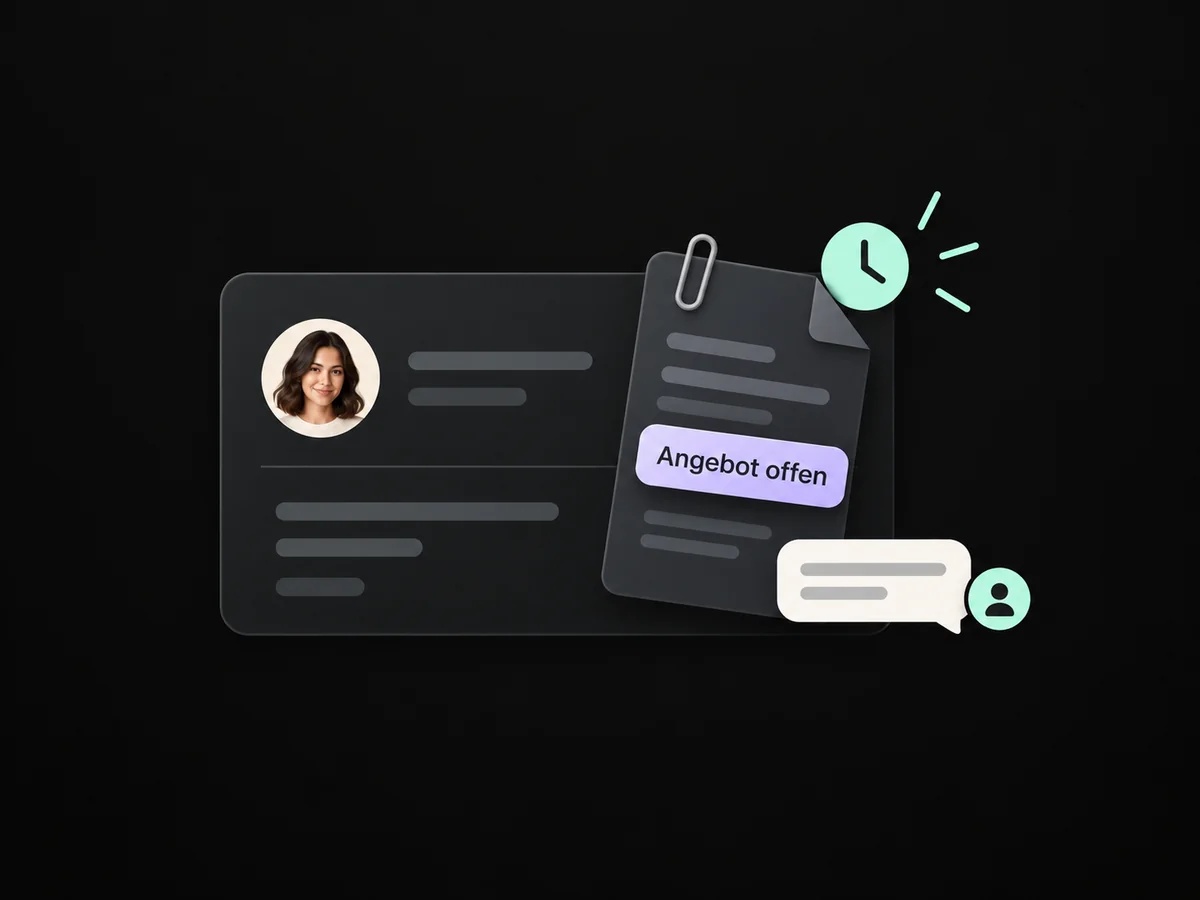
Set waiting periods and relevant questions so the configured workflow prepares the next steps.
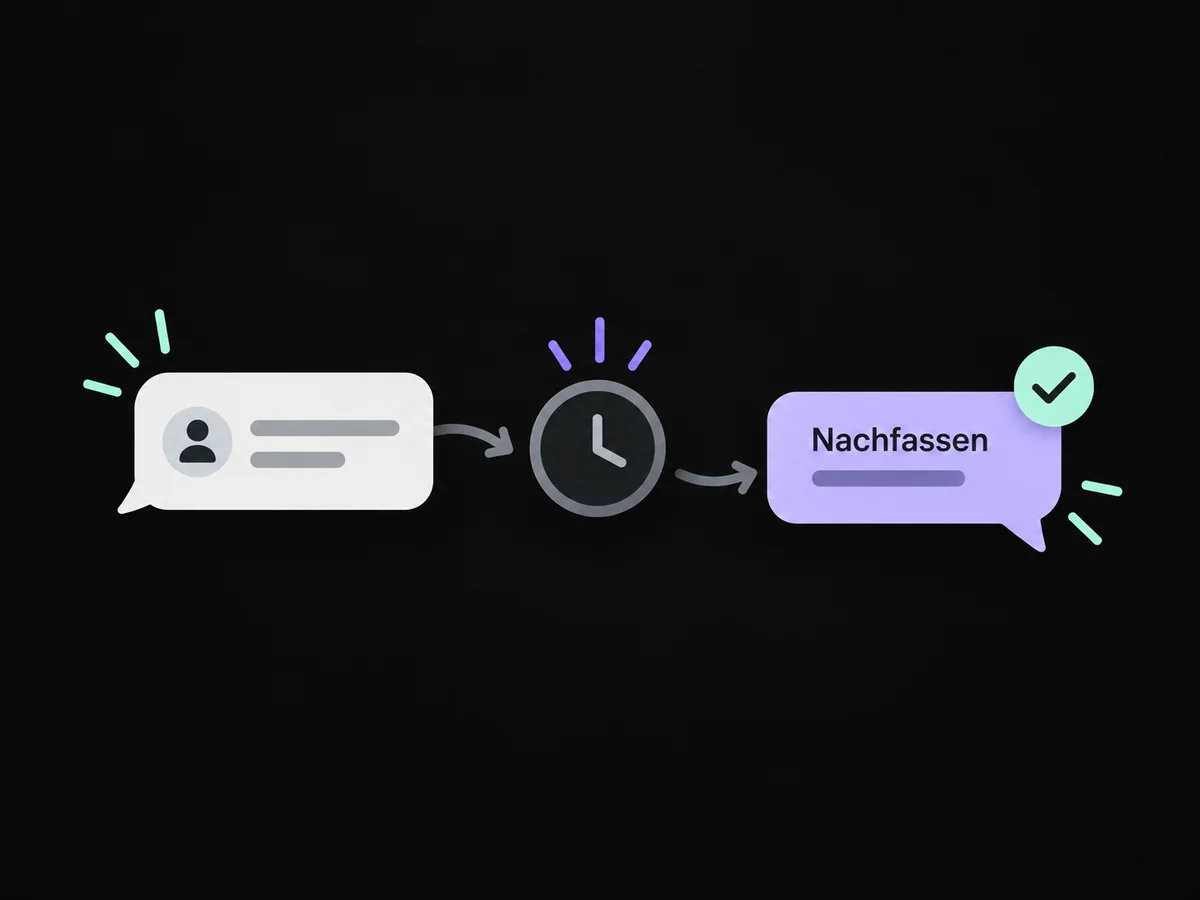
Configured exit rules account for replies and the current opportunity status.
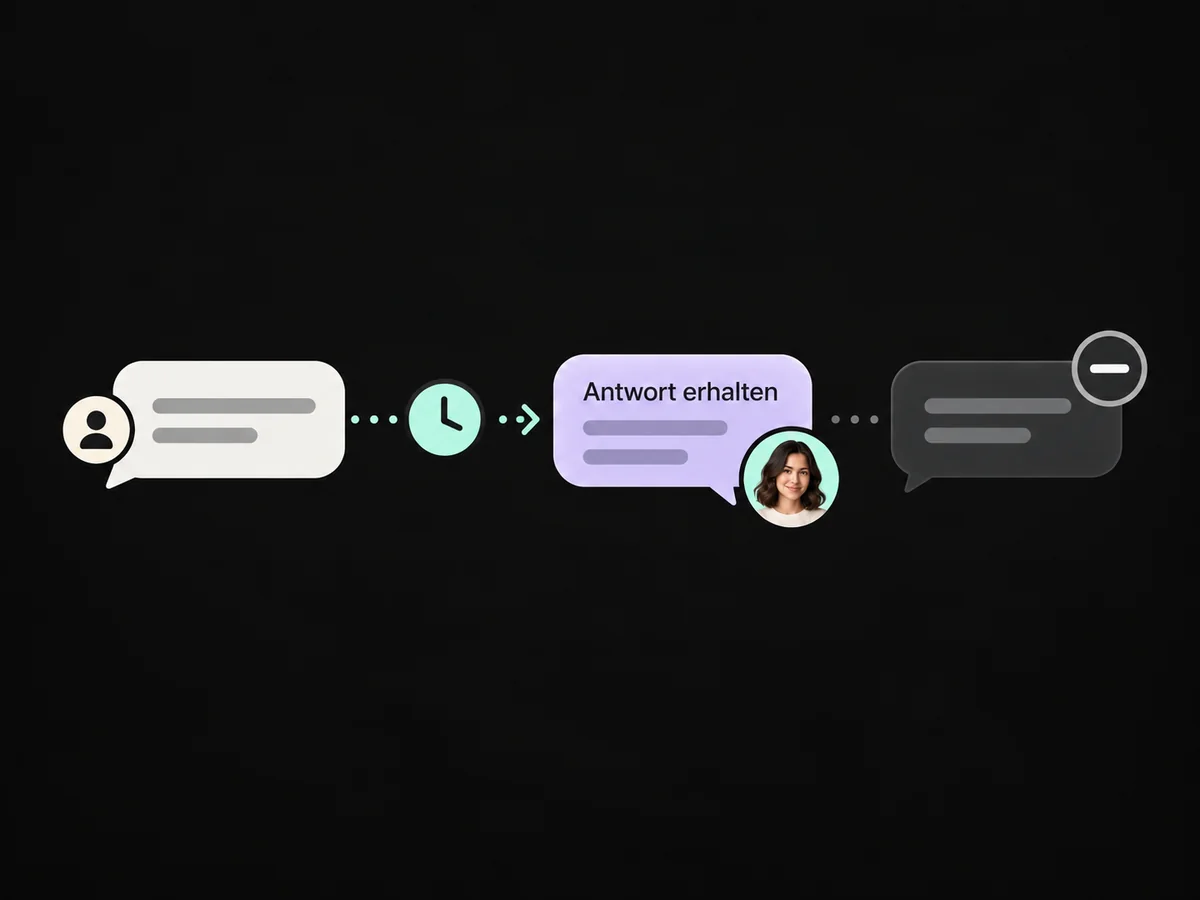
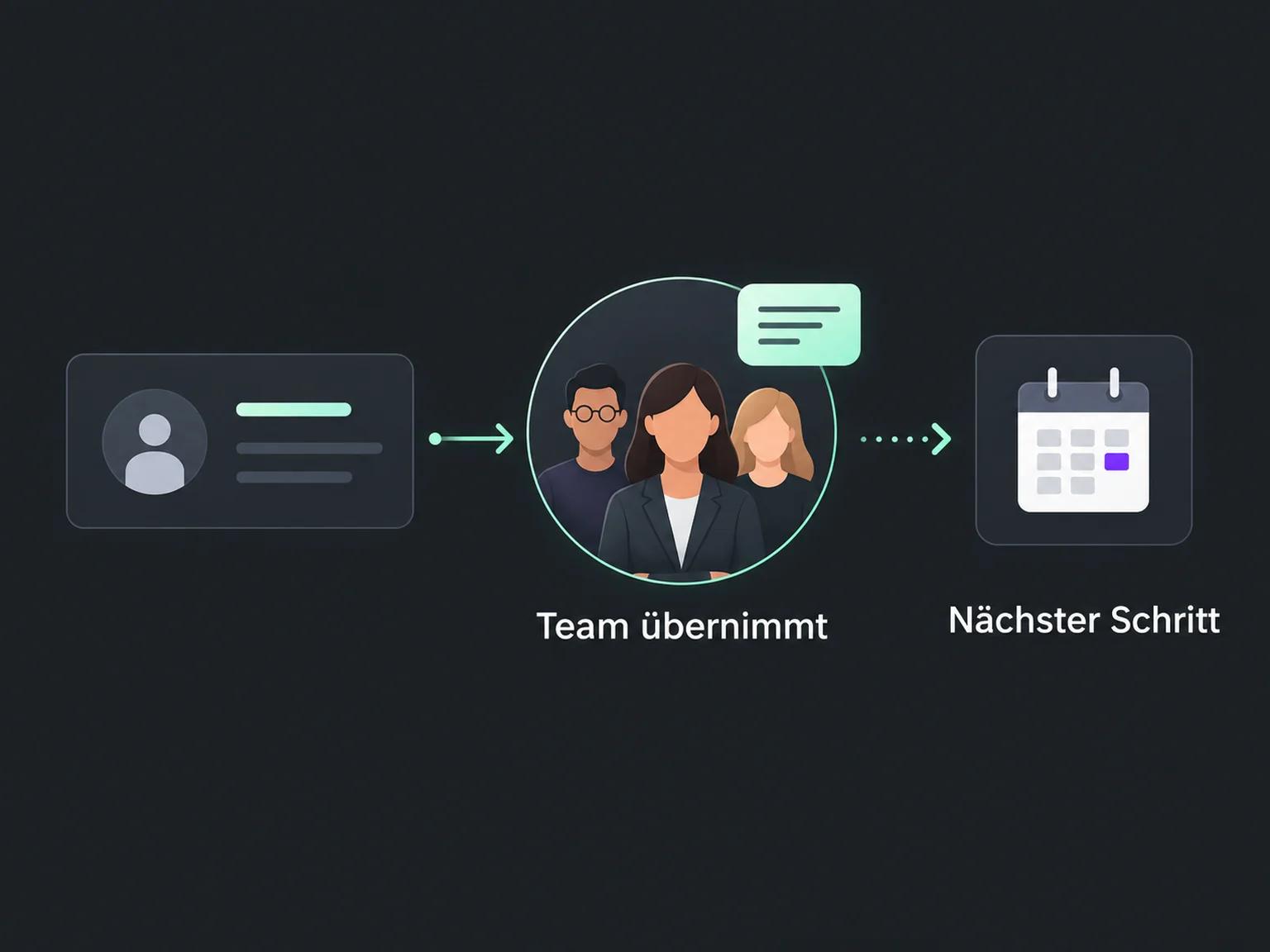
A task shows when a person should follow up on the open decision and give individual advice.
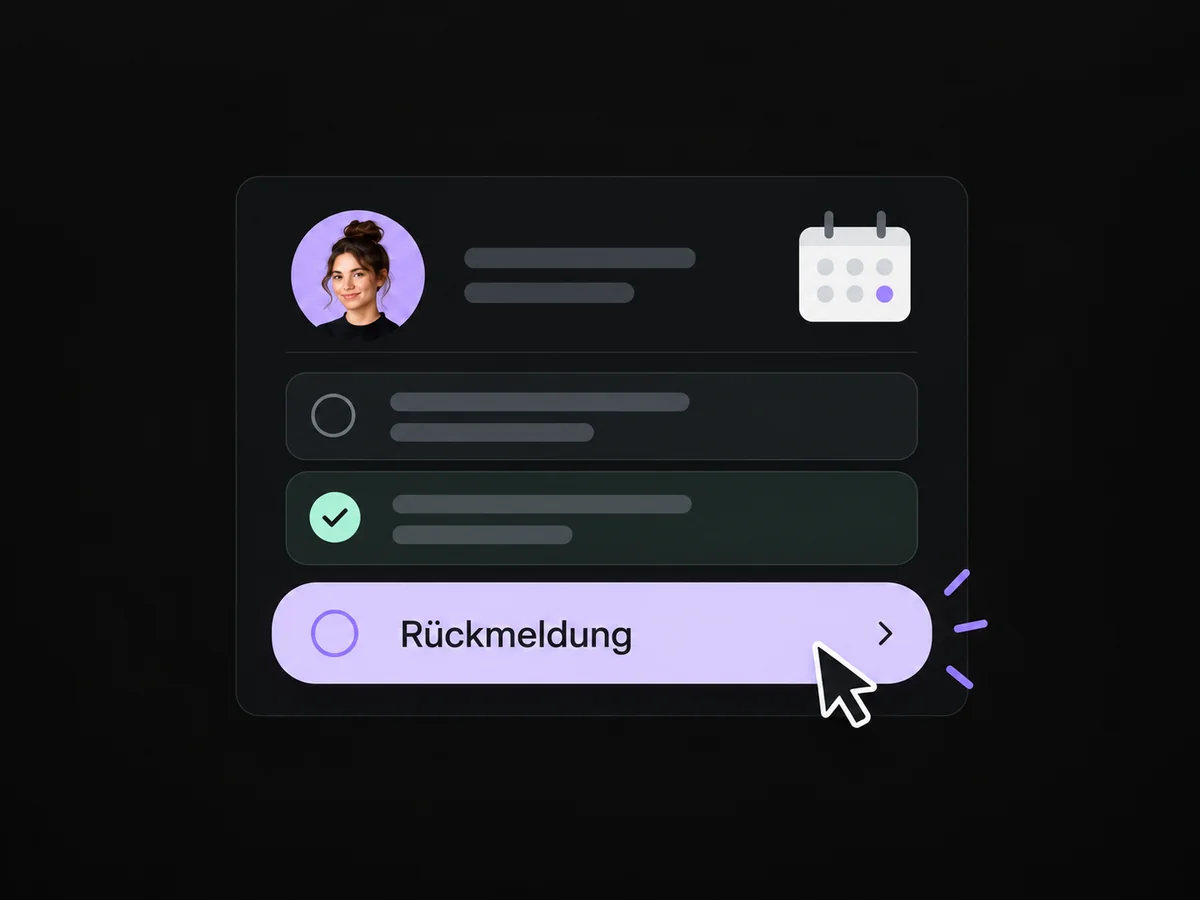
A recorded sale can trigger the prepared customer onboarding instead of further sales follow-ups.
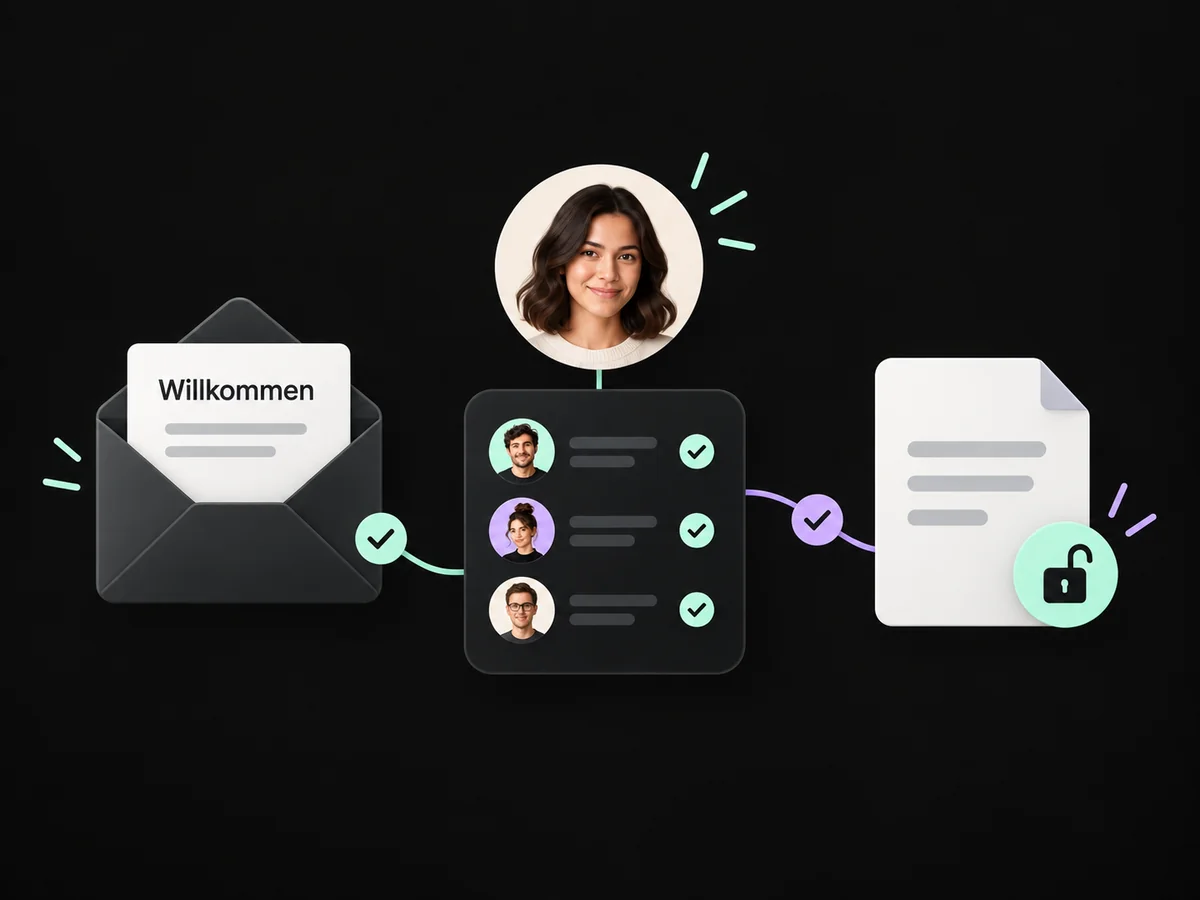
Simplified examples, not live account data.
We define triggers, wait times, messages and exit rules. Then we test replies, wins and no response before activating the workflow for real contacts.
No. A reliable workflow can use checked templates and team tasks. We add AI only for a supported, tested purpose. Your team can take over personal conversations.
We define triggers, wait times, messages and exit rules. Then we test replies, wins and no response before activating the workflow for real contacts.
Yes. We agree who handles each request and which details that person needs. Messages, tasks and ownership are configured to fit. Your team remains responsible for personal advice and decisions.
We check the required features and connections in your account. Together, we review permissions, message templates and any usage costs. Then we test the complete journey with a sample contact.
We’ll show you how this solution fits your business and your team.
Discuss this solution