
01
The offer makes the next step clear.
Show whom you help and how people can reach you. A visible contact route connects your offer to a concrete action.
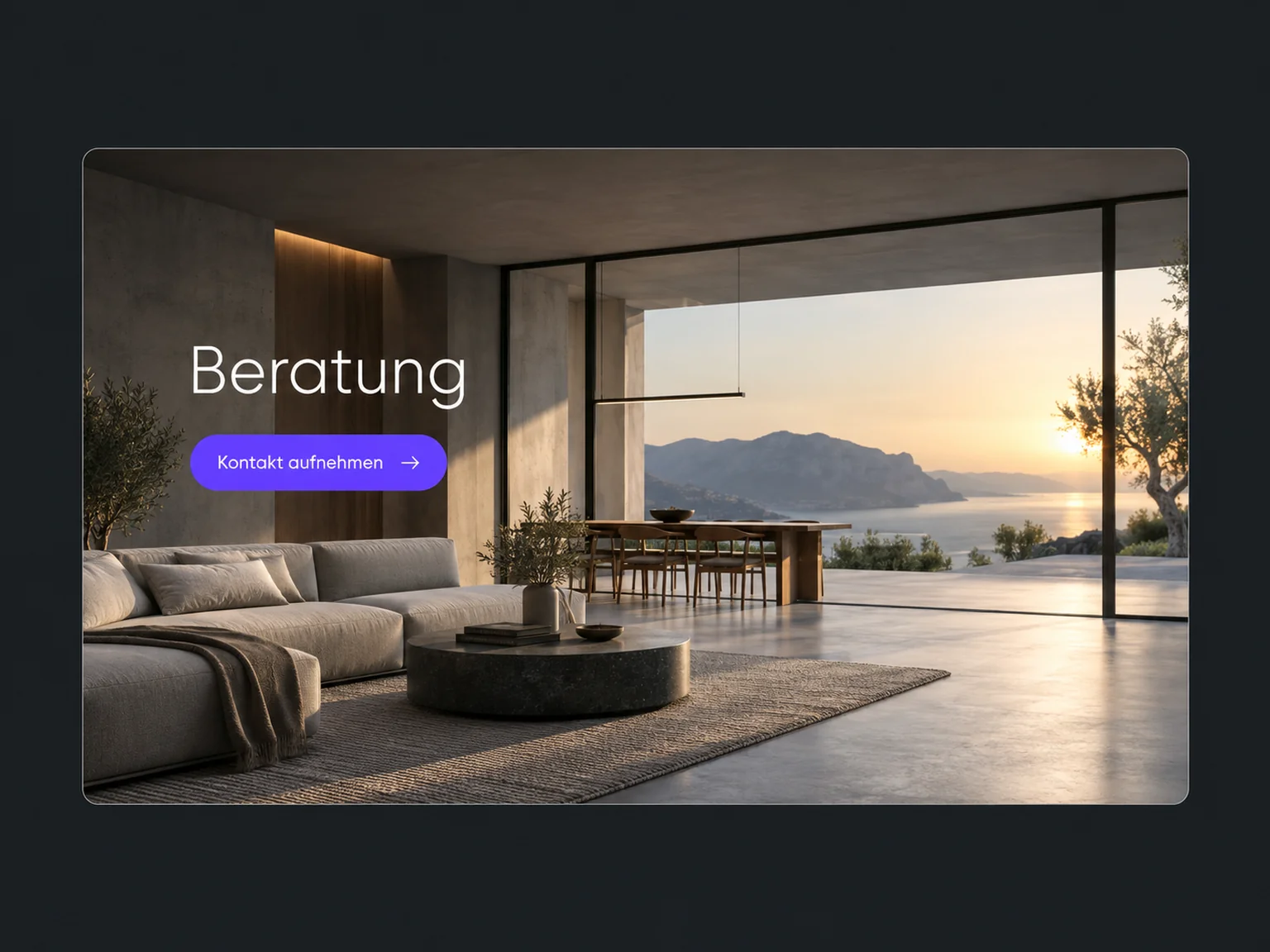

Turn website visitors into enquiries
Give website visitors an easy way to enquire. ONE LOOP connects your offer with a form, chat or appointment and helps interest move forward.
Research on timely responses and relevant customer care.
Survey of 1,002 US adults · 2026.
Local consumer review study (opens in a new tab)1.25 million online enquiries, US · 2011. A conversation with a buying decision-maker.
Lead response study (opens in a new tab)Show whom you help and how people can reach you. A visible contact route connects your offer to a concrete action.
A suitable form asks for the request and contact method. Once set up, you can also use it on your existing website.
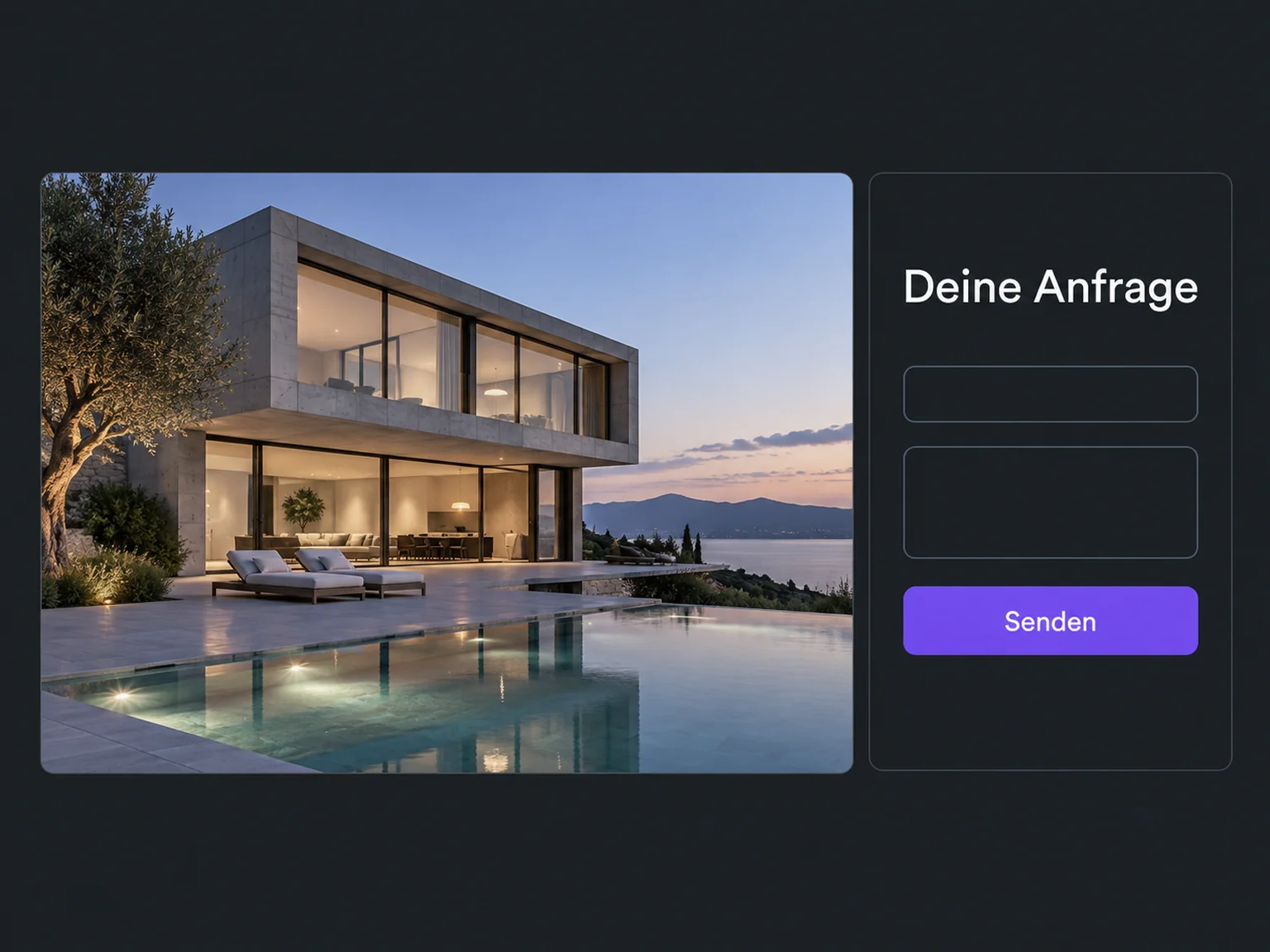
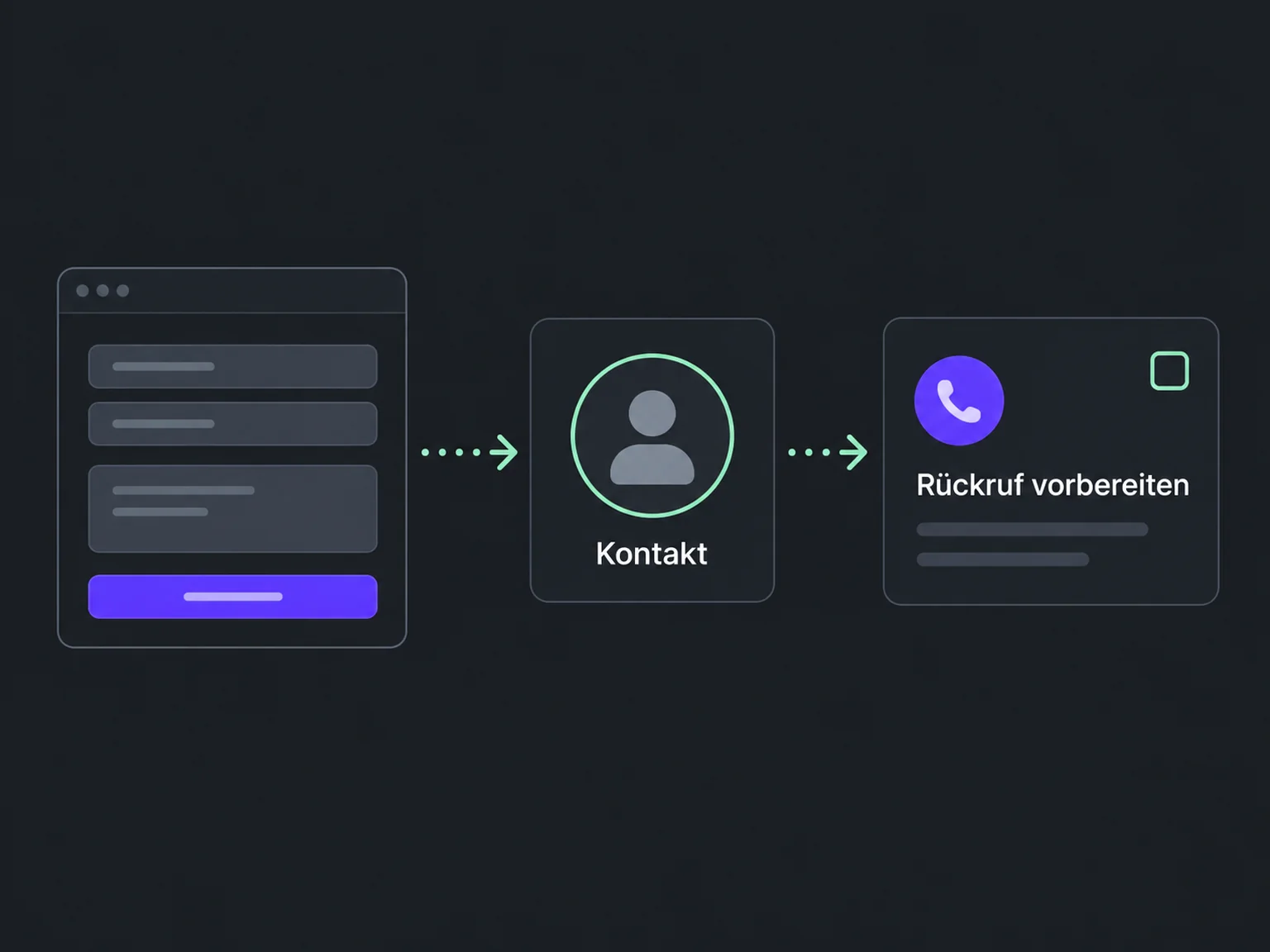
The details are available on the contact. A configured workflow prepares the follow-up so your team can continue the conversation.
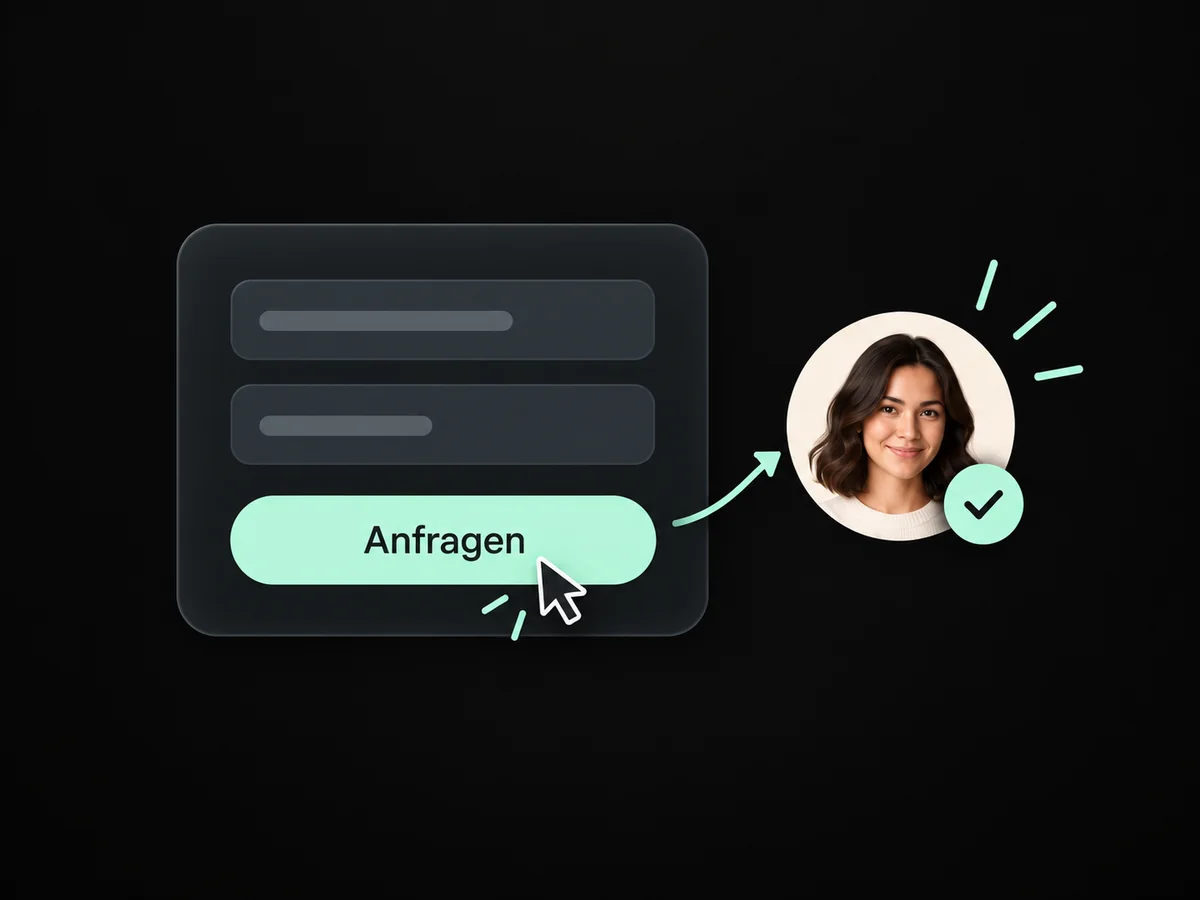
A clear contact route beside your offer makes it easy for visitors to share their interest.
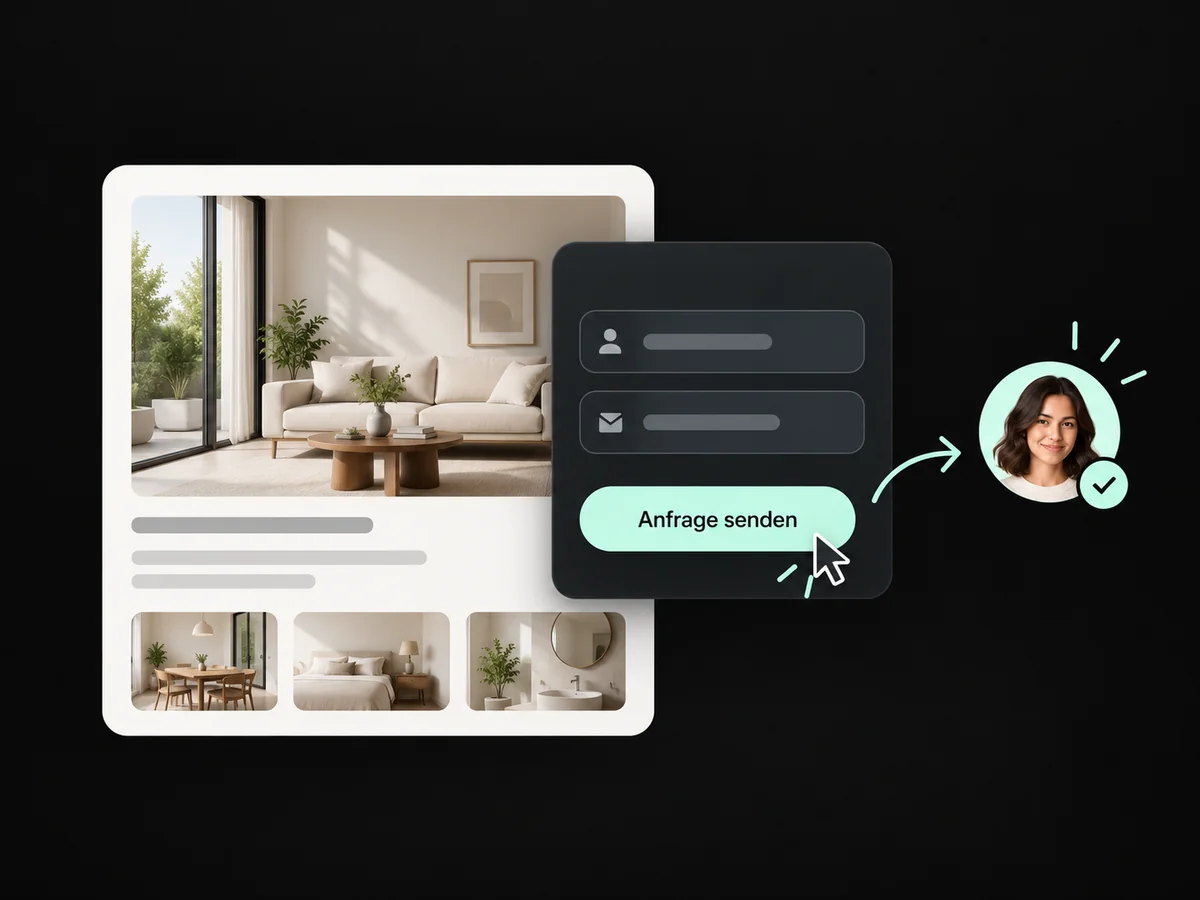
A short configured form captures the enquiry and contact route for your first response.
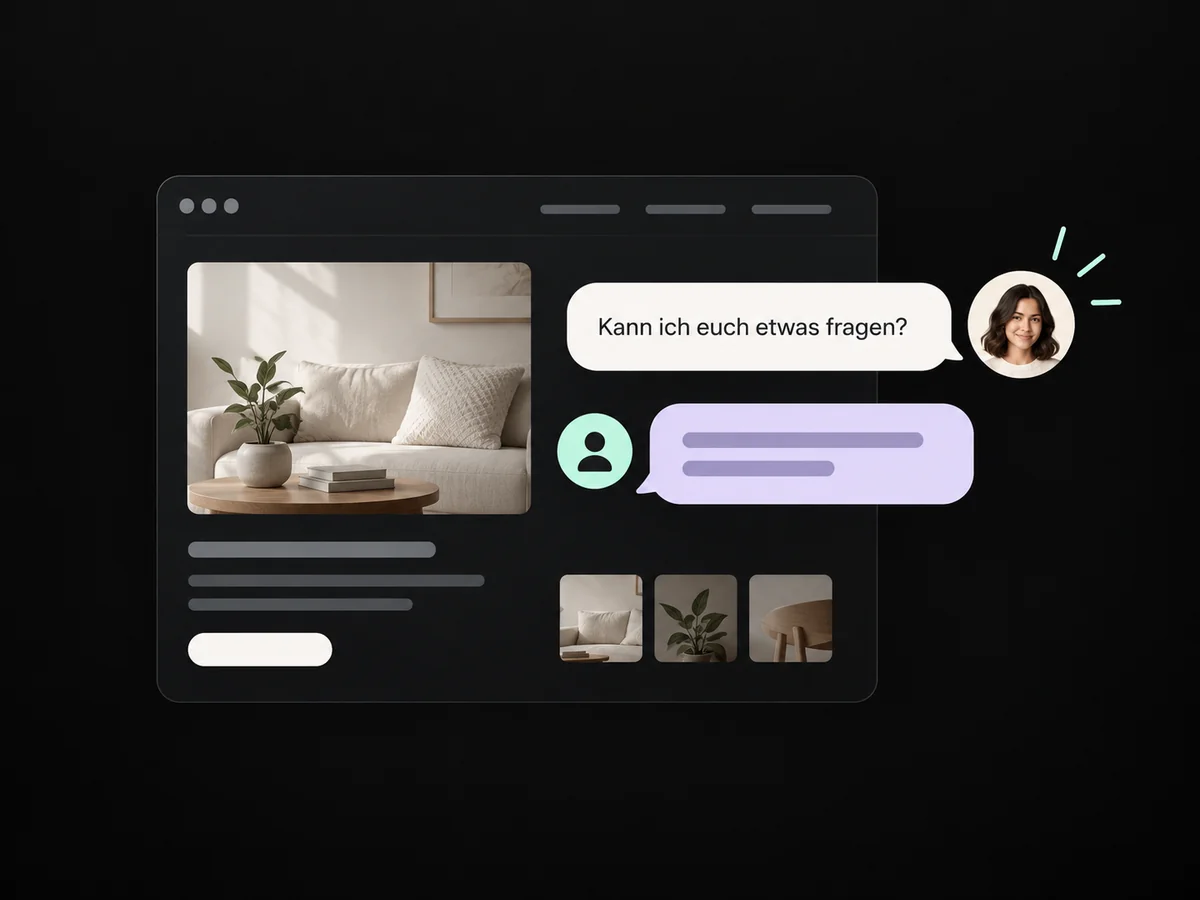
A connected chat window gives visitors a direct route to your team.
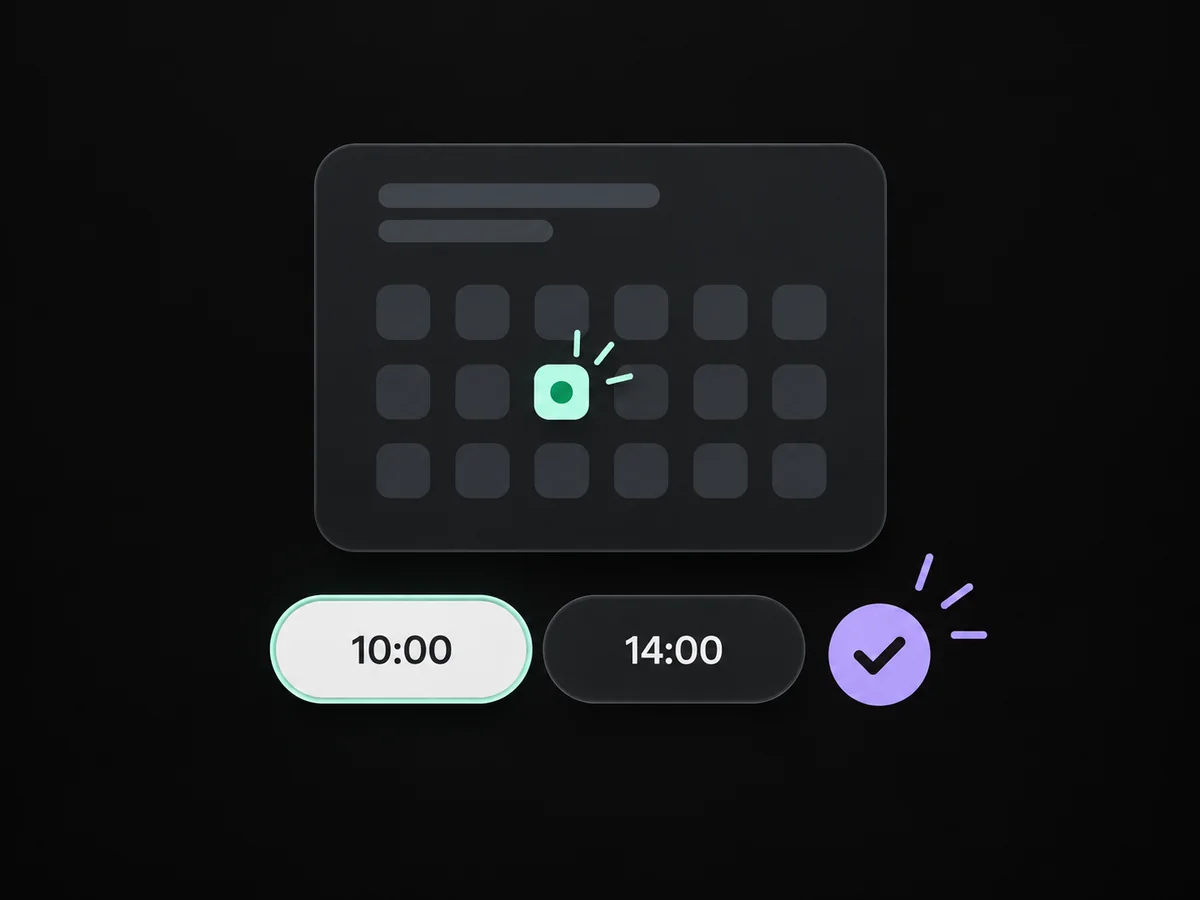
Your booking link shows configured availability so prospects can choose an appointment themselves.
A configured workflow assigns the website enquiry and prepares your team's response.
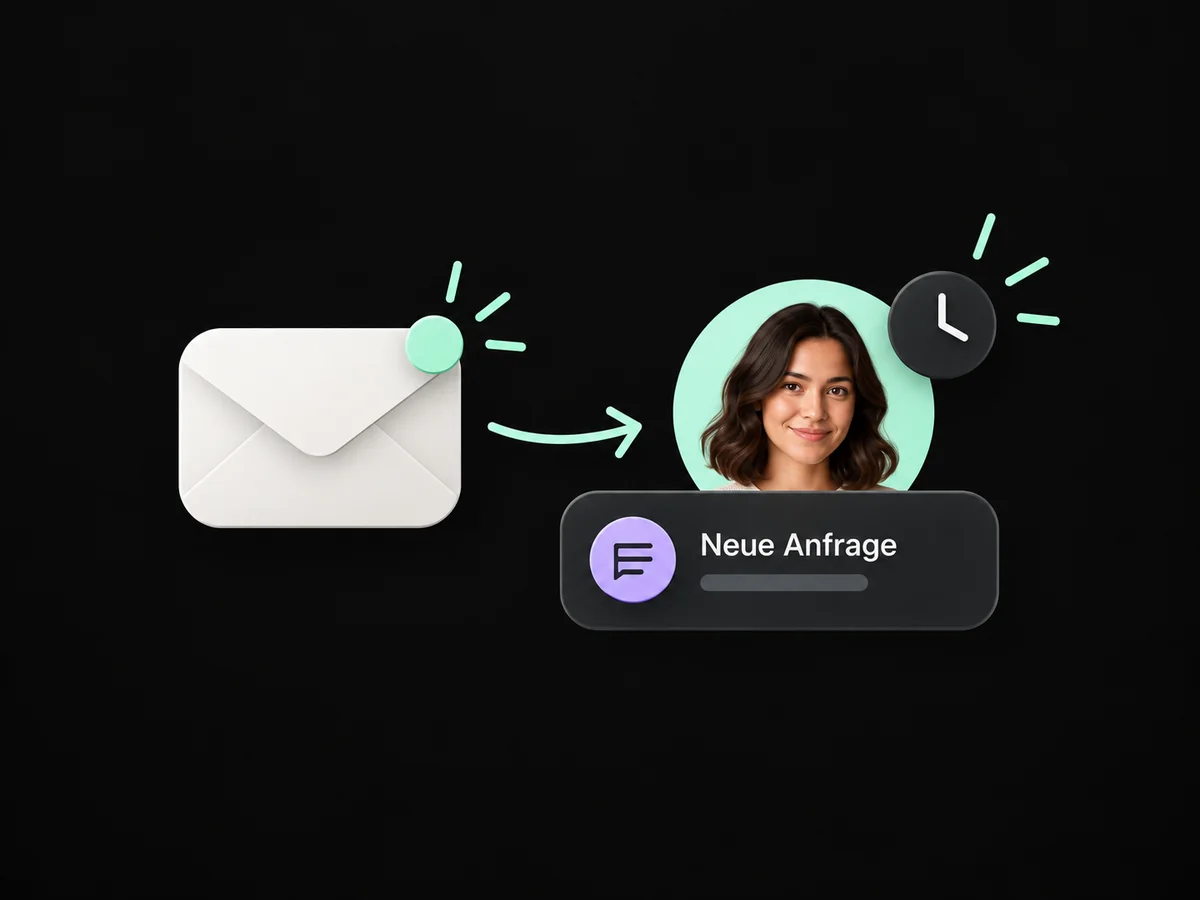
Simplified examples, not live account data.
We choose a form, chat or booking route to fit your offer. Then we connect the entry point to ONE LOOP and test the enquiry through to your team’s response.
No. Depending on your website, you can embed a form, chat widget or booking link. We check the technical options and configure the required connection.
We choose a form, chat or booking route to fit your offer. Then we connect the entry point to ONE LOOP and test the enquiry through to your team’s response.
Yes. We agree who handles each request and which details that person needs. Messages, tasks and ownership are configured to fit. Your team remains responsible for personal advice and decisions.
We check the required features and connections in your account. Together, we review permissions, message templates and any usage costs. Then we test the complete journey with a sample contact.
We’ll show you how this solution fits your business and your team.
Discuss this solution