
01
The post fits your customers.
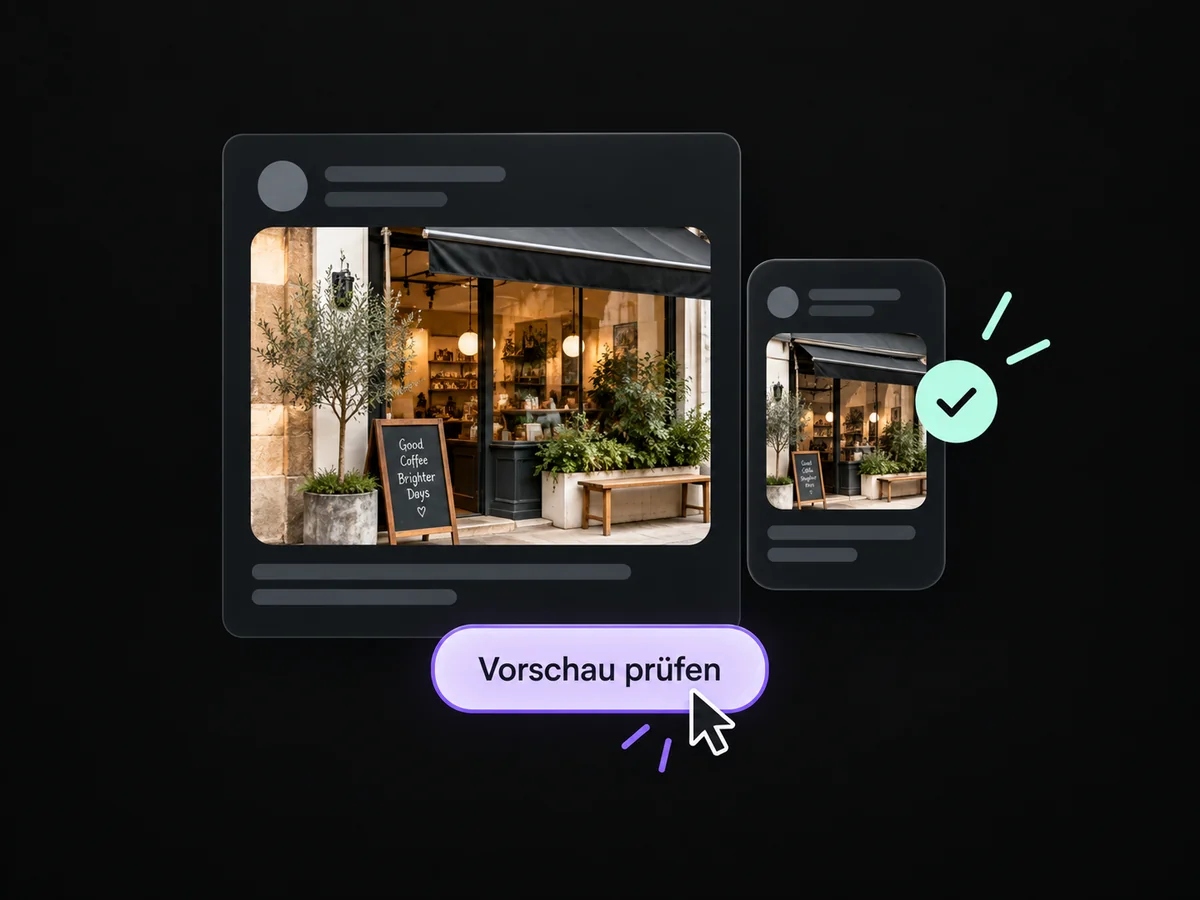
Combine a clear topic with a relevant image. The preview helps check how the post looks in the chosen channel.
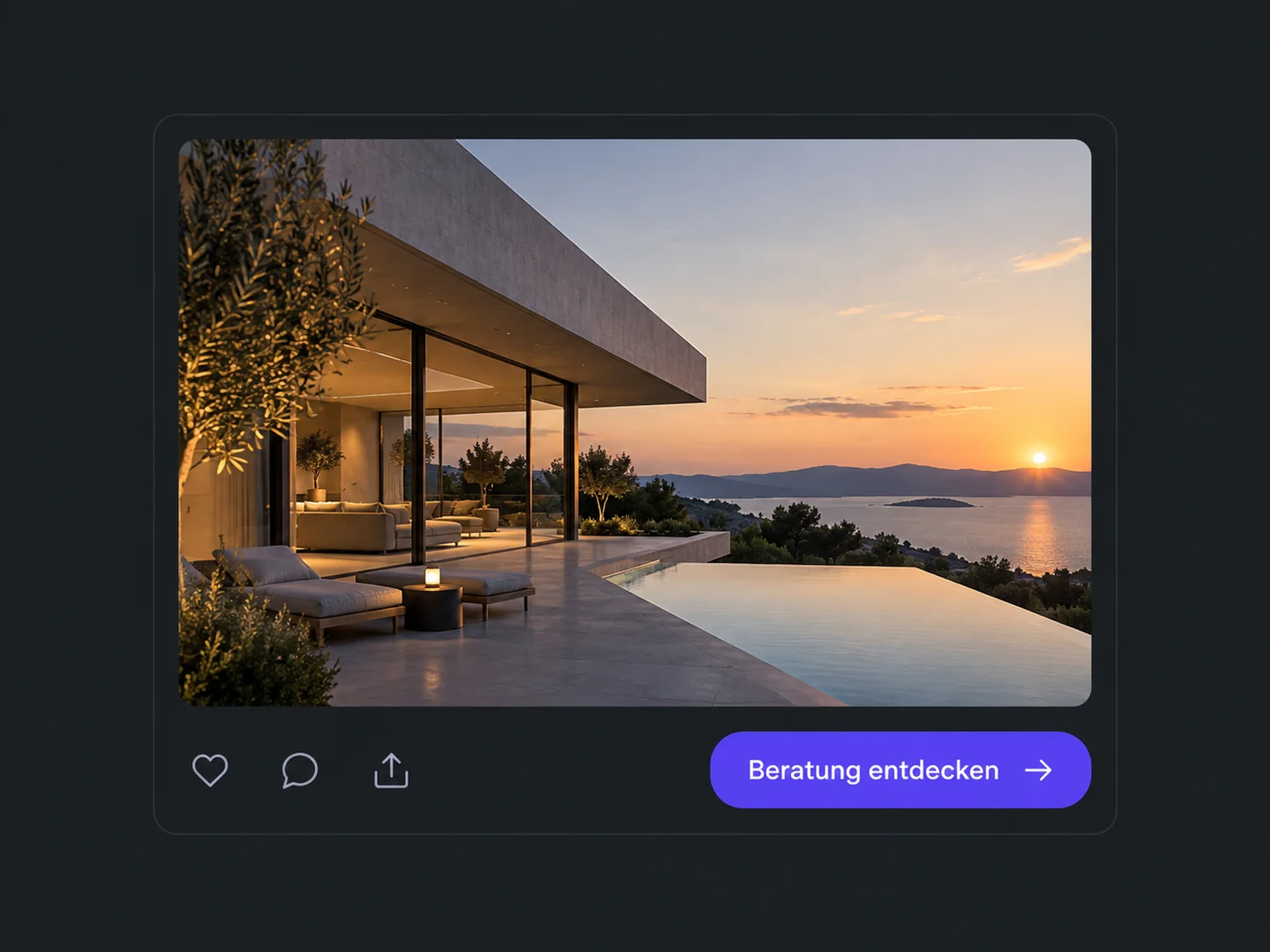

Stay visible with regular posts
Show regularly how you can help customers. ONE LOOP supports preparing and scheduling posts for connected profiles and keeps their status clear.
Research on timely responses and relevant customer care.
McKinsey Next in Personalization · US consumer survey, 2021.
Personalisation study (opens in a new tab)McKinsey Next in Personalization · US consumer survey, 2021.
Personalisation study (opens in a new tab)Combine a clear topic with a relevant image. The preview helps check how the post looks in the chosen channel.
Choose connected profiles and a suitable time. Check supported formats and requirements for each channel.
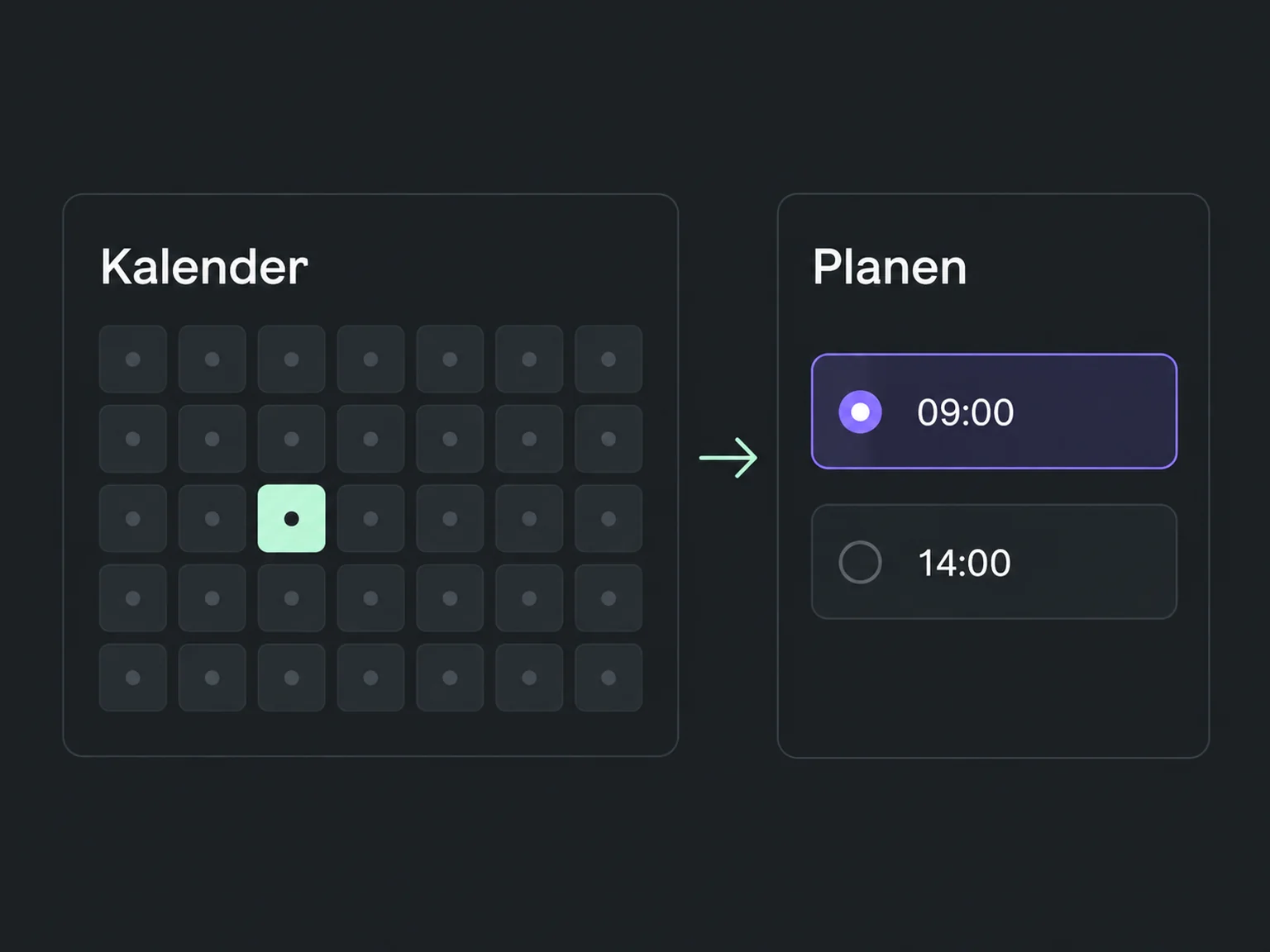
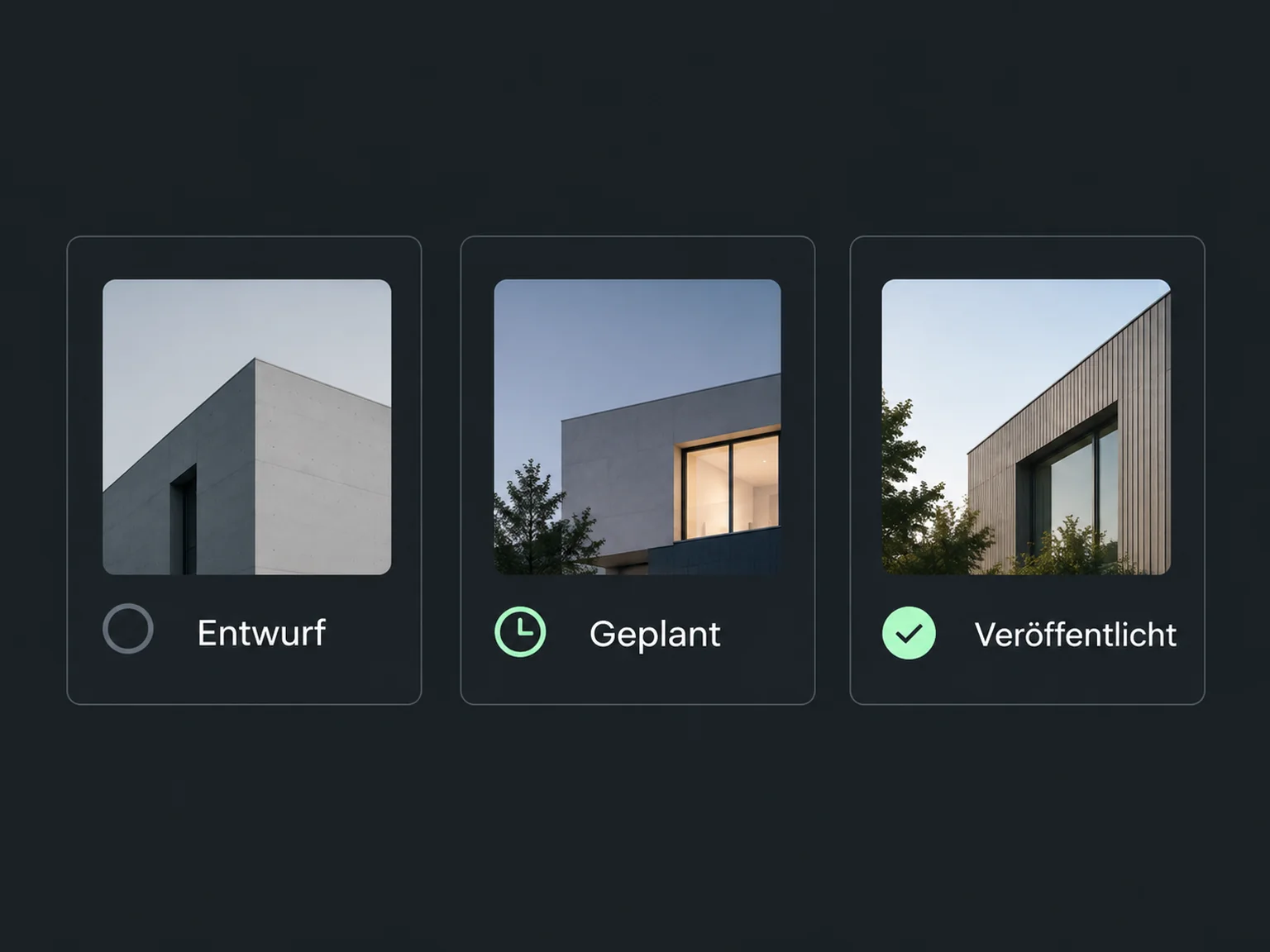
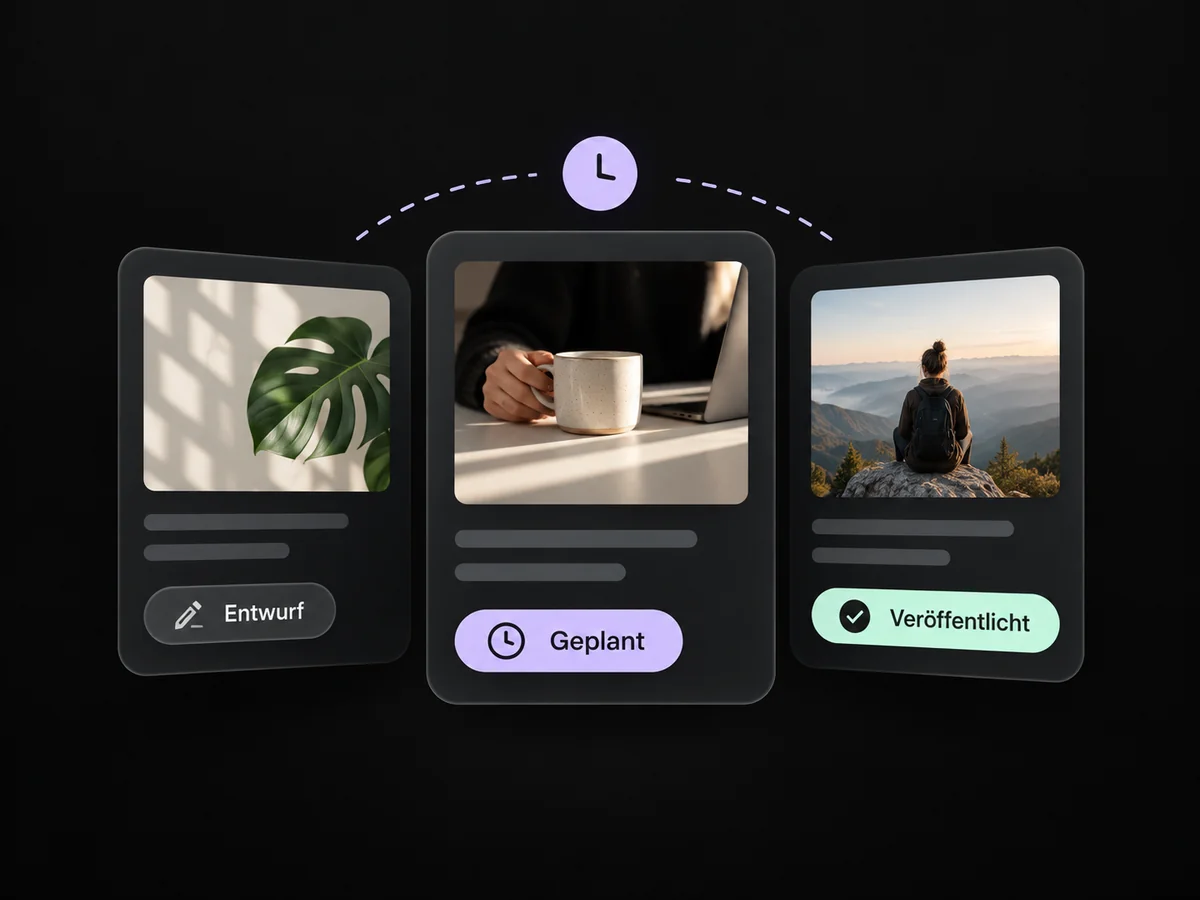
See which posts are drafts, scheduled or published. If publication fails, check the reason.
Prepare useful posts with a relevant image and review them in the channel preview.
Schedule suitable publishing times for connected profiles instead of posting everything on the fly.
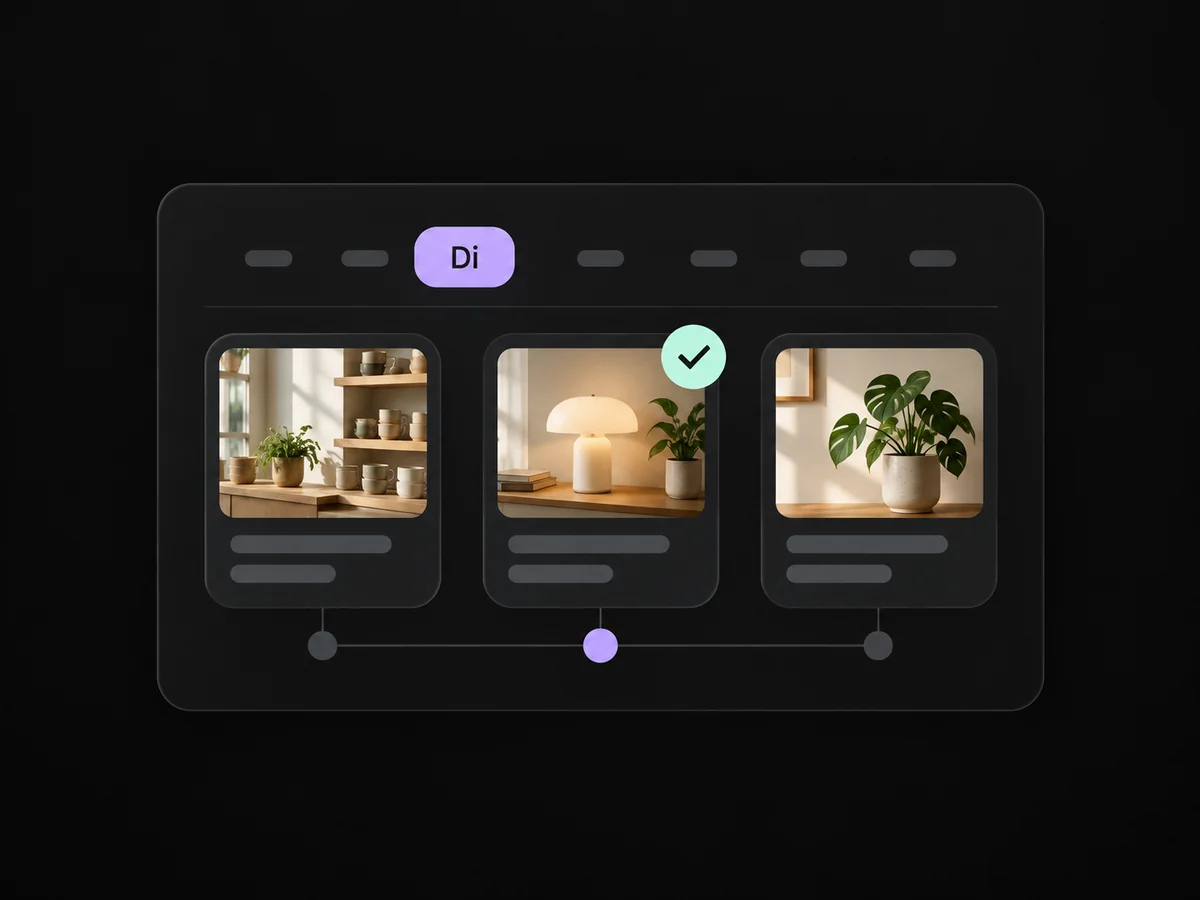
Draft, scheduled and published states show the current status of your content.
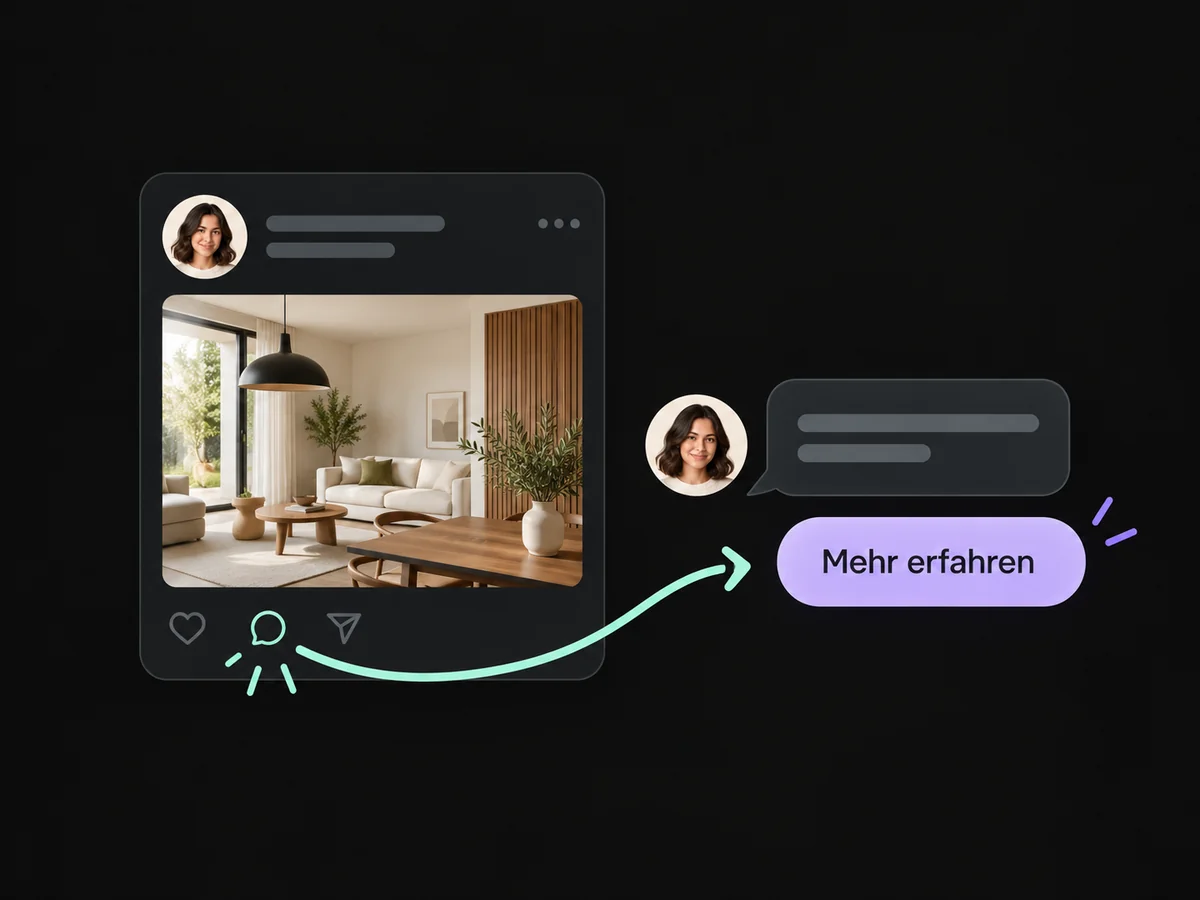
A clear conversation prompt in the post invites prospects to message your connected profile.
Prepare content for supported business profiles and guide readers to your relevant contact destination.
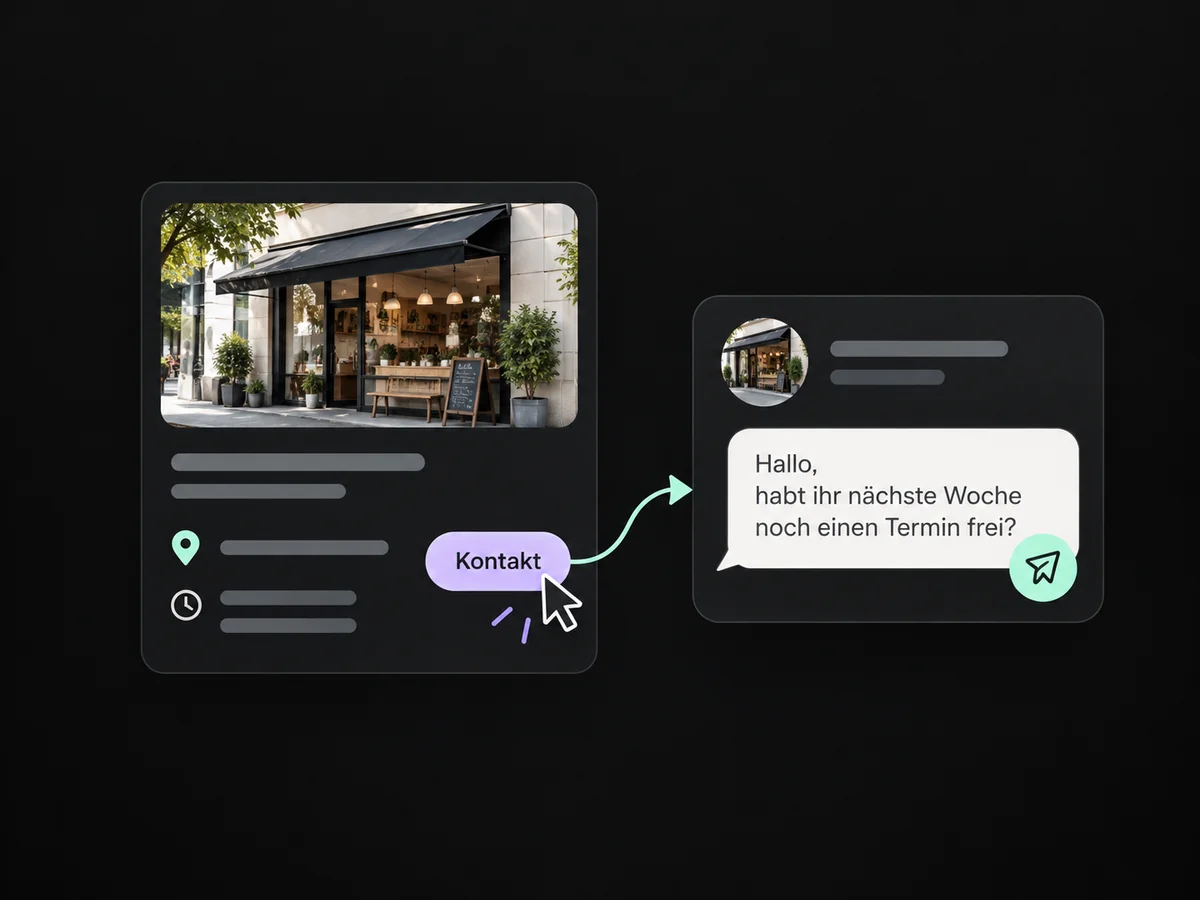
Simplified examples, not live account data.
We connect supported profiles and agree topics and publishing frequency. Then we check formats, permissions and status with a sample post.
Not every profile supports the same formats. We check image, video and text requirements for each channel. Google Business Profiles are used only when the relevant connection and posting feature are available.
We connect supported profiles and agree topics and publishing frequency. Then we check formats, permissions and status with a sample post.
Yes. We agree who handles each request and which details that person needs. Messages, tasks and ownership are configured to fit. Your team remains responsible for personal advice and decisions.
We check the required features and connections in your account. Together, we review permissions, message templates and any usage costs. Then we test the complete journey with a sample contact.
We’ll show you how this solution fits your business and your team.
Discuss this solution