
01
Interest becomes an enquiry.
The person opens the form inside the ad and submits their details. Once connected, the enquiry reaches ONE LOOP.
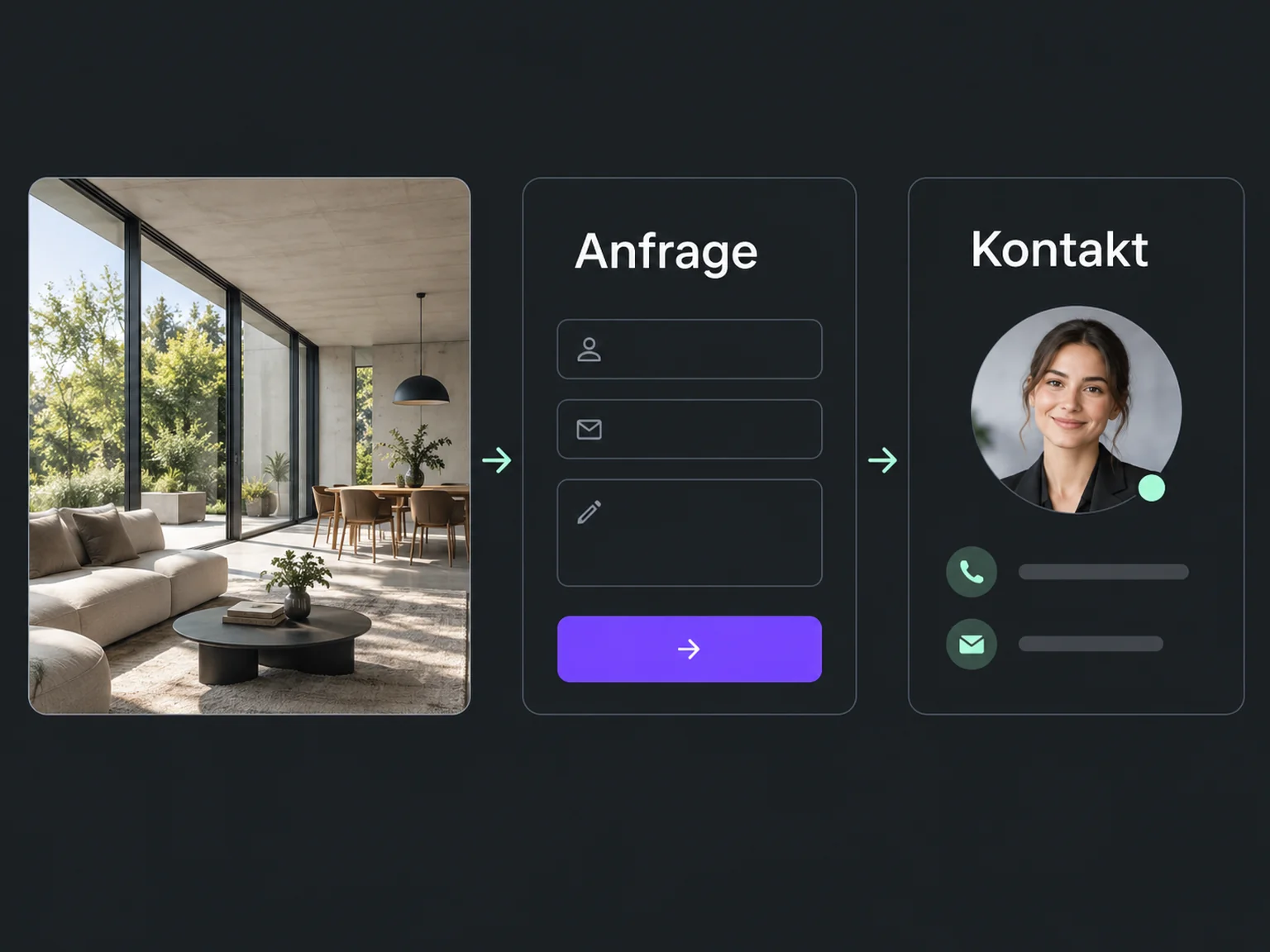

Capture enquiries inside the ad
Let prospects leave their details directly in the ad. ONE LOOP brings connected form enquiries to your team and prepares the first follow-up.
Research on timely responses and relevant customer care.
1.25 million online enquiries, US · 2011. A conversation with a buying decision-maker.
Lead response study (opens in a new tab)McKinsey Next in Personalization · US consumer survey, 2021.
Personalisation study (opens in a new tab)The person opens the form inside the ad and submits their details. Once connected, the enquiry reaches ONE LOOP.
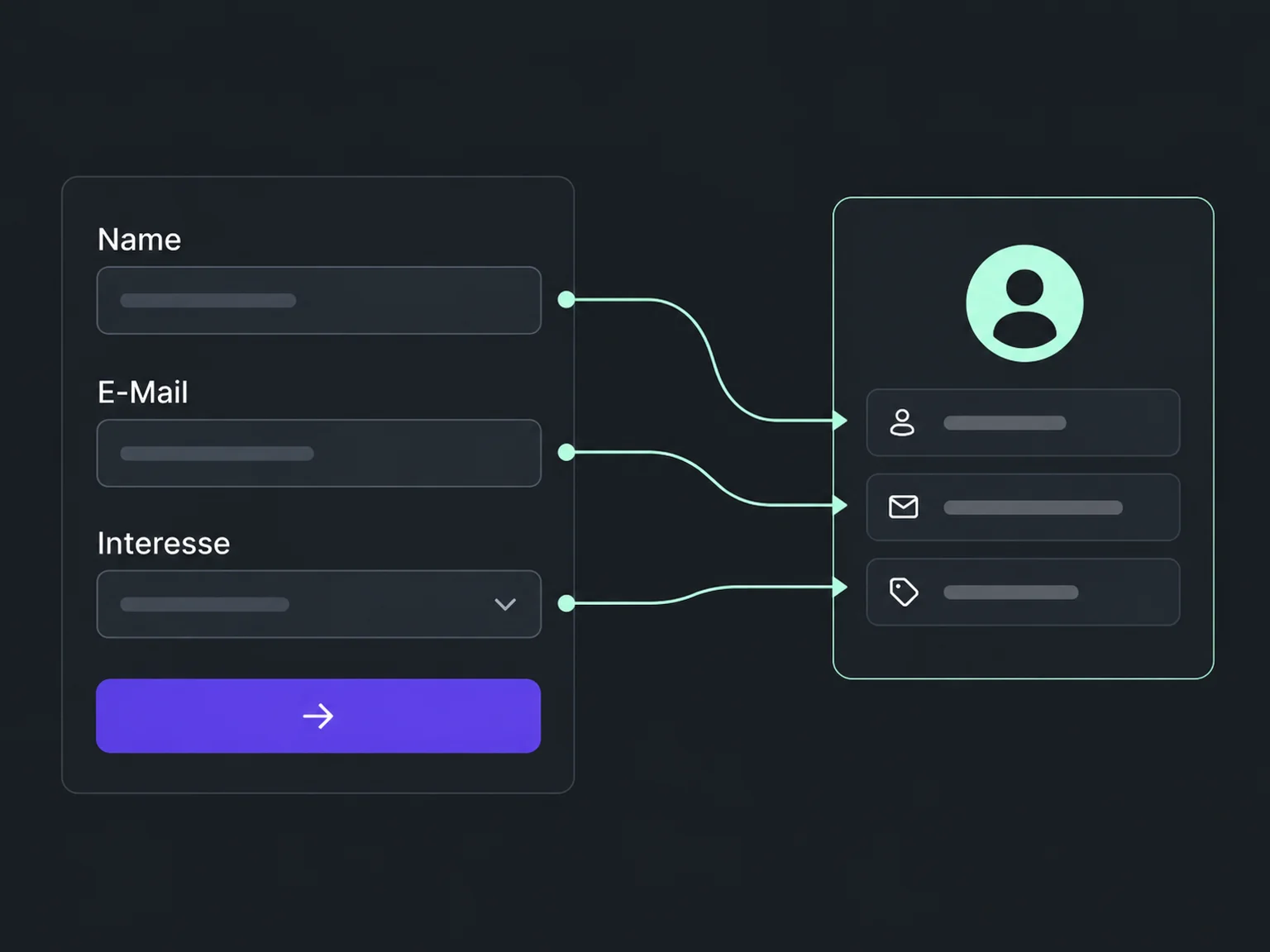
Name, contact method and interest go into the relevant contact fields. You do not need to transfer them from a separate list.
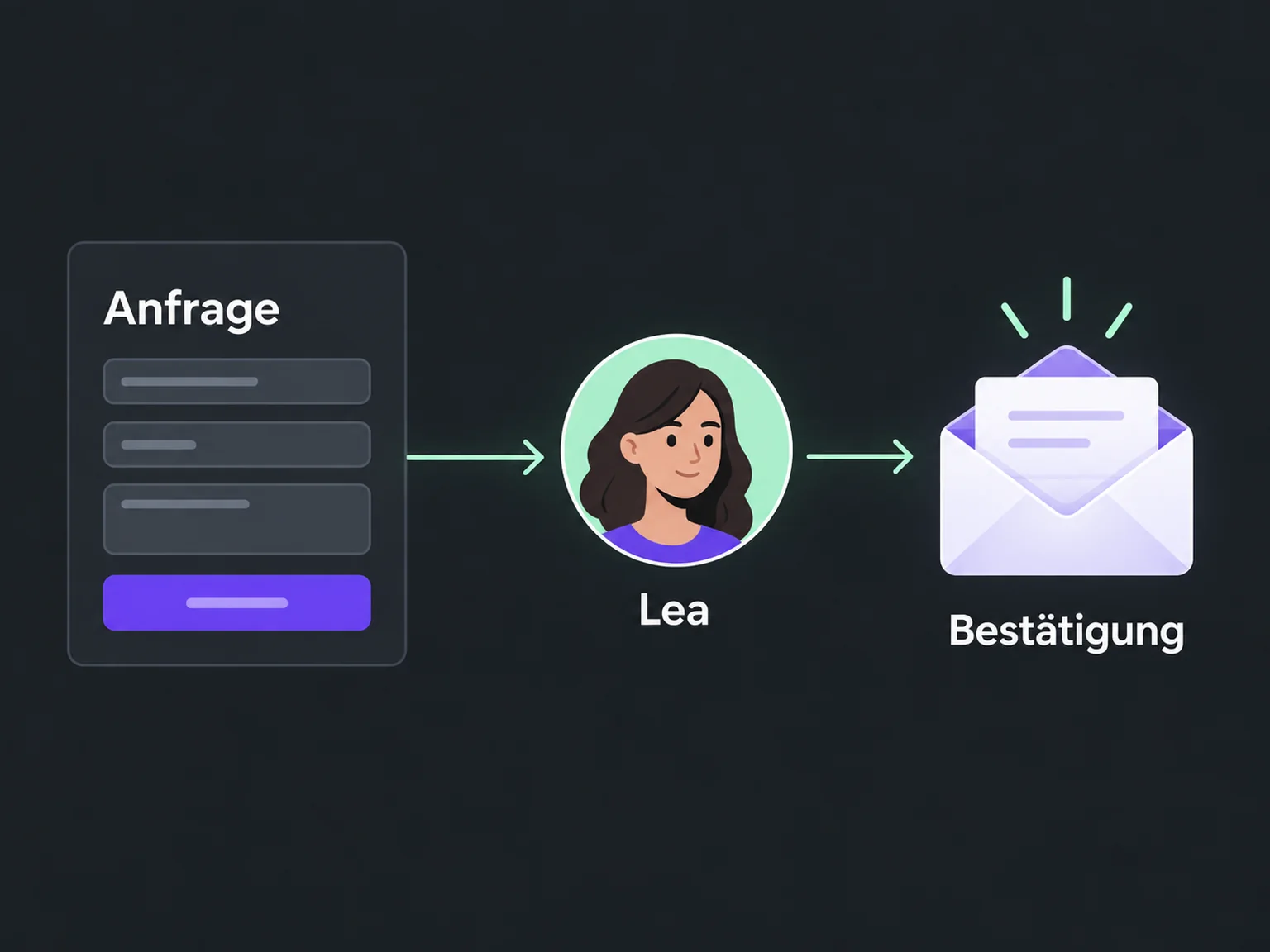
A configured workflow assigns the enquiry and can send a confirmation. Your team follows up on the request and agrees the next step.
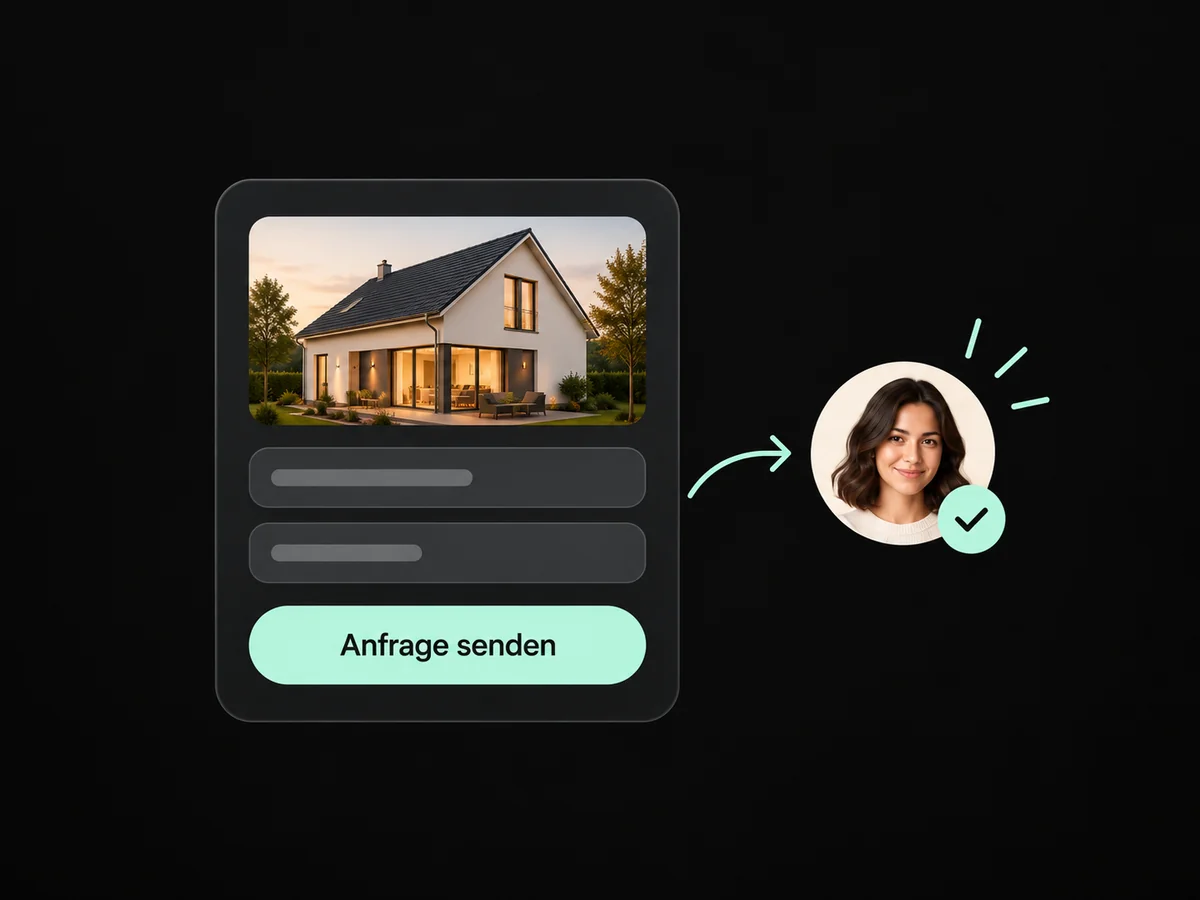
Prospects leave their details in the ad form without first having to visit your website.
Connected form answers populate the relevant contact fields and help your team start the conversation.
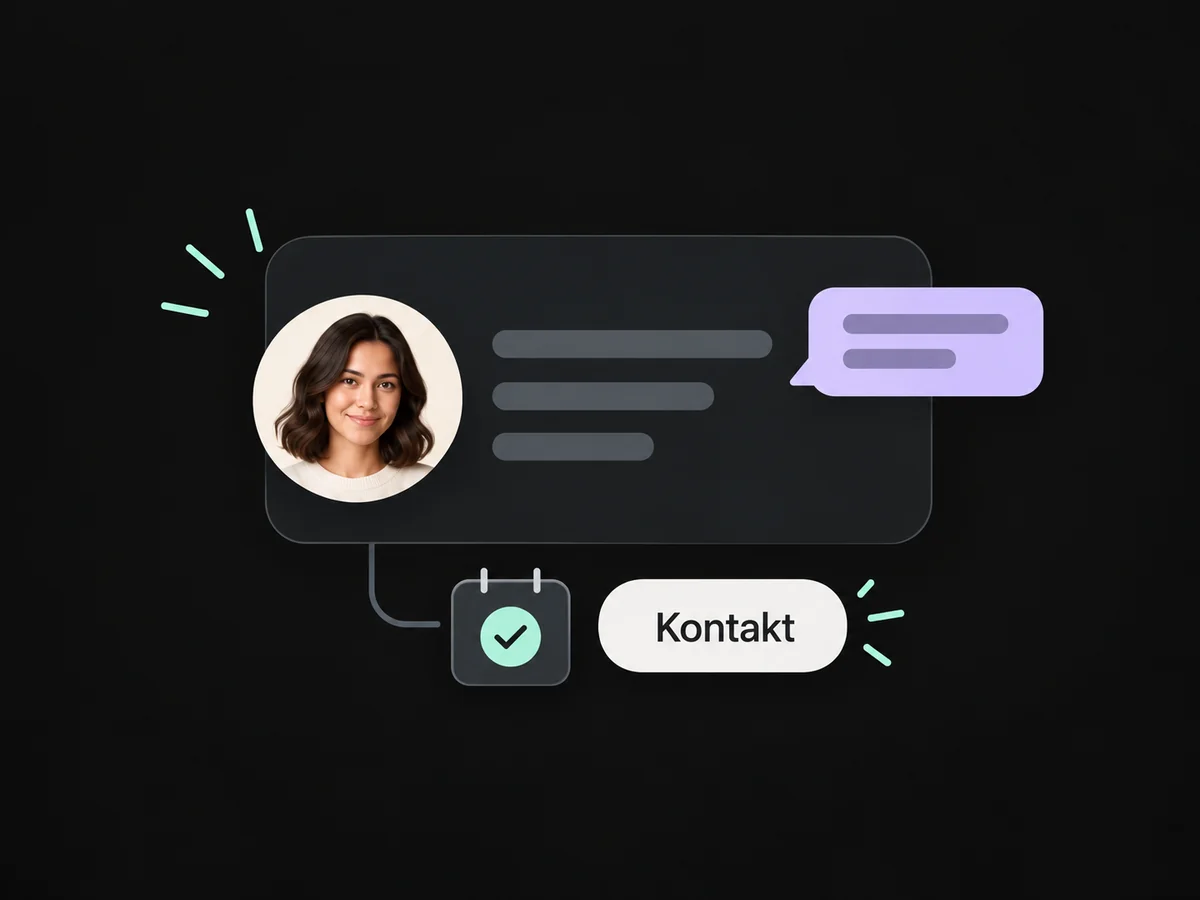
Configured assignment and an internal notification alert the responsible person to the enquiry.
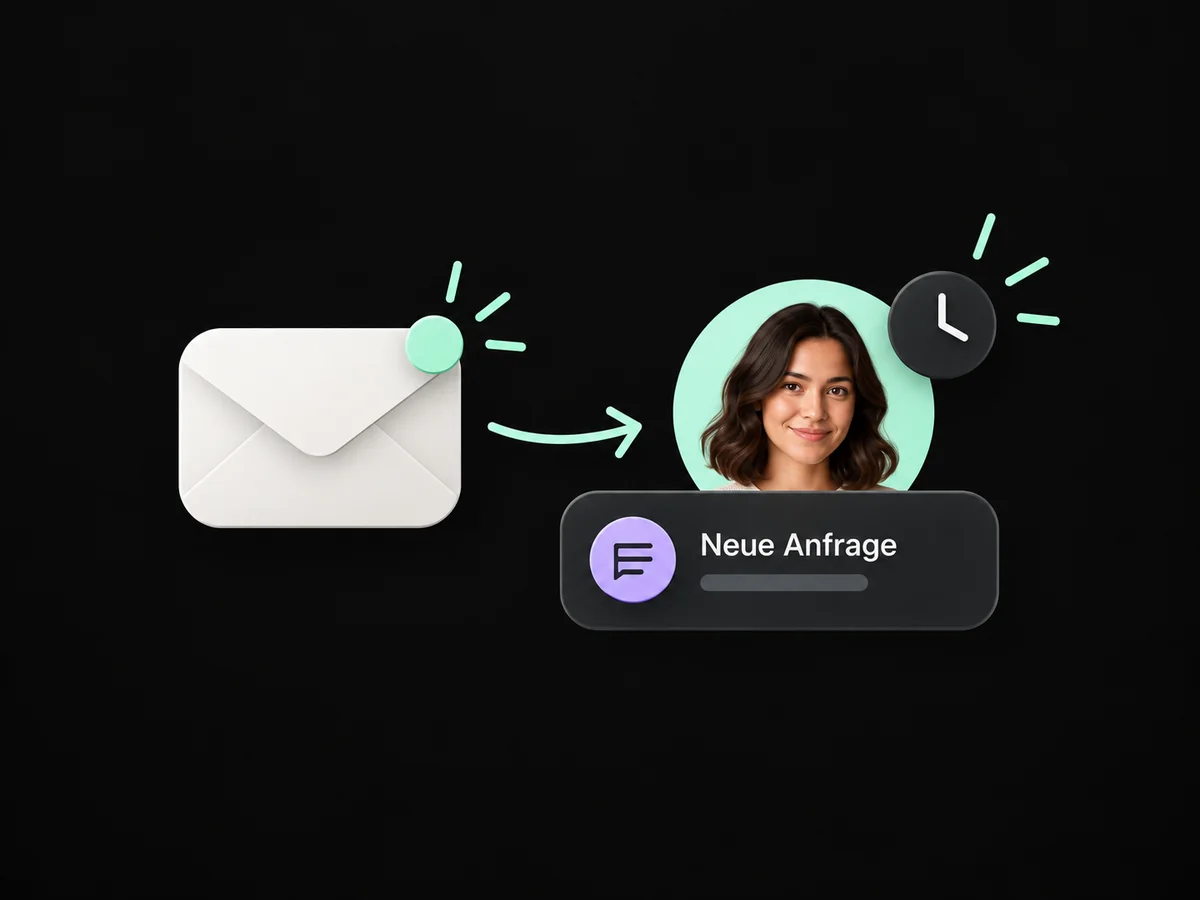
A configured workflow can confirm receipt and prepare the personal follow-up.
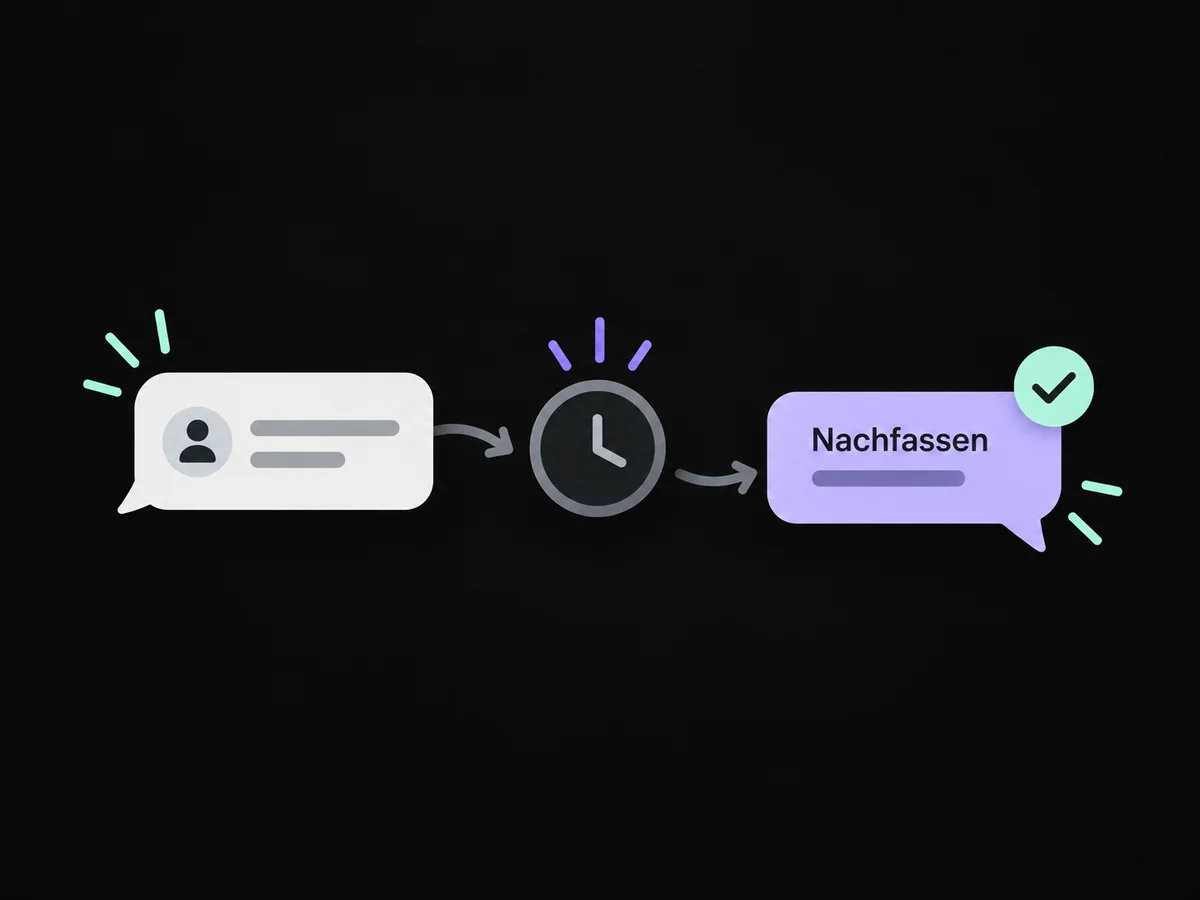
Your team follows up on the stated interest and offers a relevant consultation appointment.
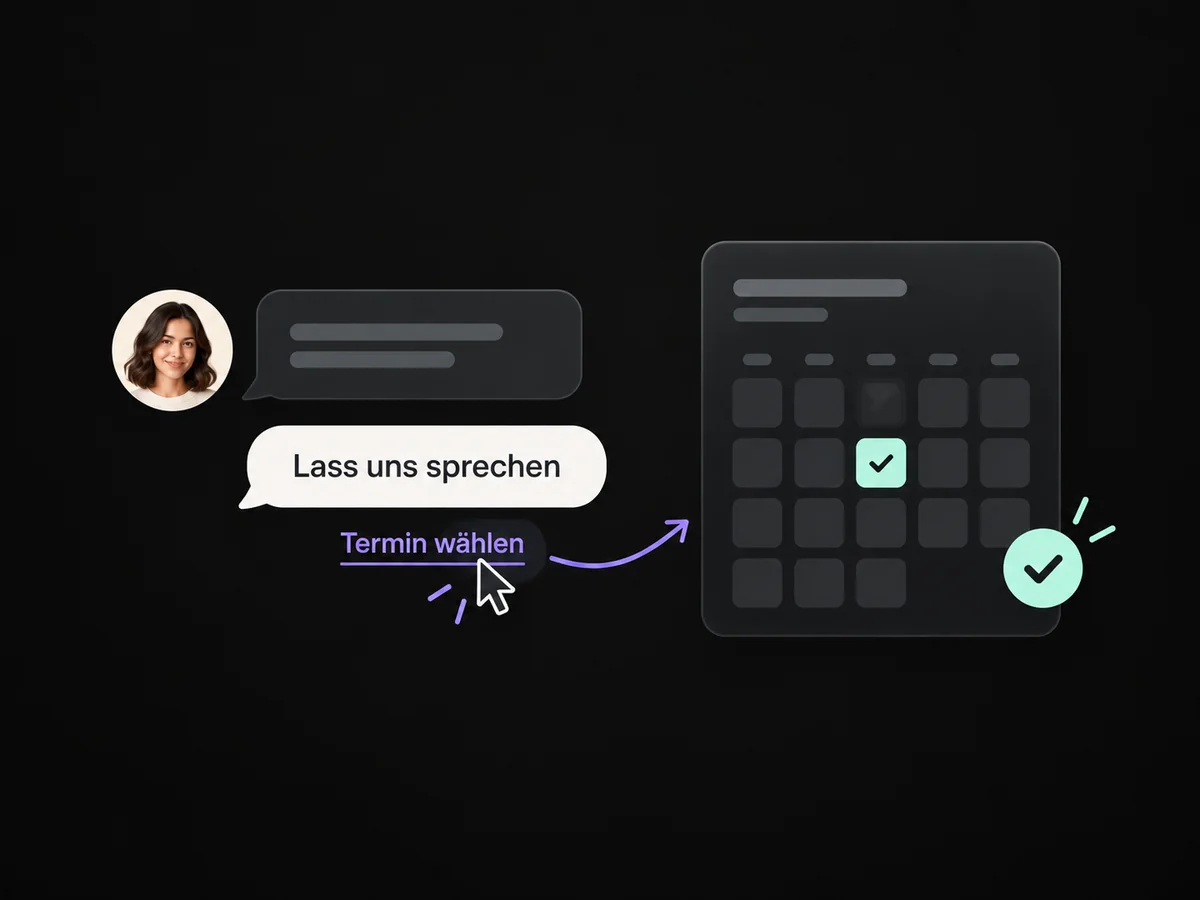
Simplified examples, not live account data.
We connect your supported ad account, map form fields and agree the first response. A test enquiry checks the details, ownership and reply.
No. The person must submit the form. We check which ad forms your account can connect before launch. A form also does not automatically start an AI conversation.
We connect your supported ad account, map form fields and agree the first response. A test enquiry checks the details, ownership and reply.
Yes. We agree who handles each request and which details that person needs. Messages, tasks and ownership are configured to fit. Your team remains responsible for personal advice and decisions.
We check the required features and connections in your account. Together, we review permissions, message templates and any usage costs. Then we test the complete journey with a sample contact.
We’ll show you how this solution fits your business and your team.
Discuss this solution