
01
Members find their starting point.
A configured invitation leads to the right group. You decide who gets access and which content is enabled.

Connect customers through content and discussion
Give customers a place for knowledge, questions and discussion. ONE LOOP helps build a group with relevant content, clear access and personal care.
Research on timely responses and relevant customer care.
Survey of 14,300 consumers and business buyers worldwide · 2023.
Customer expectations study (opens in a new tab)McKinsey Next in Personalization · US consumer survey, 2021.
Personalisation study (opens in a new tab)A configured invitation leads to the right group. You decide who gets access and which content is enabled.
Prepare useful content for your members. Clear sections help them find the next post or relevant guide.
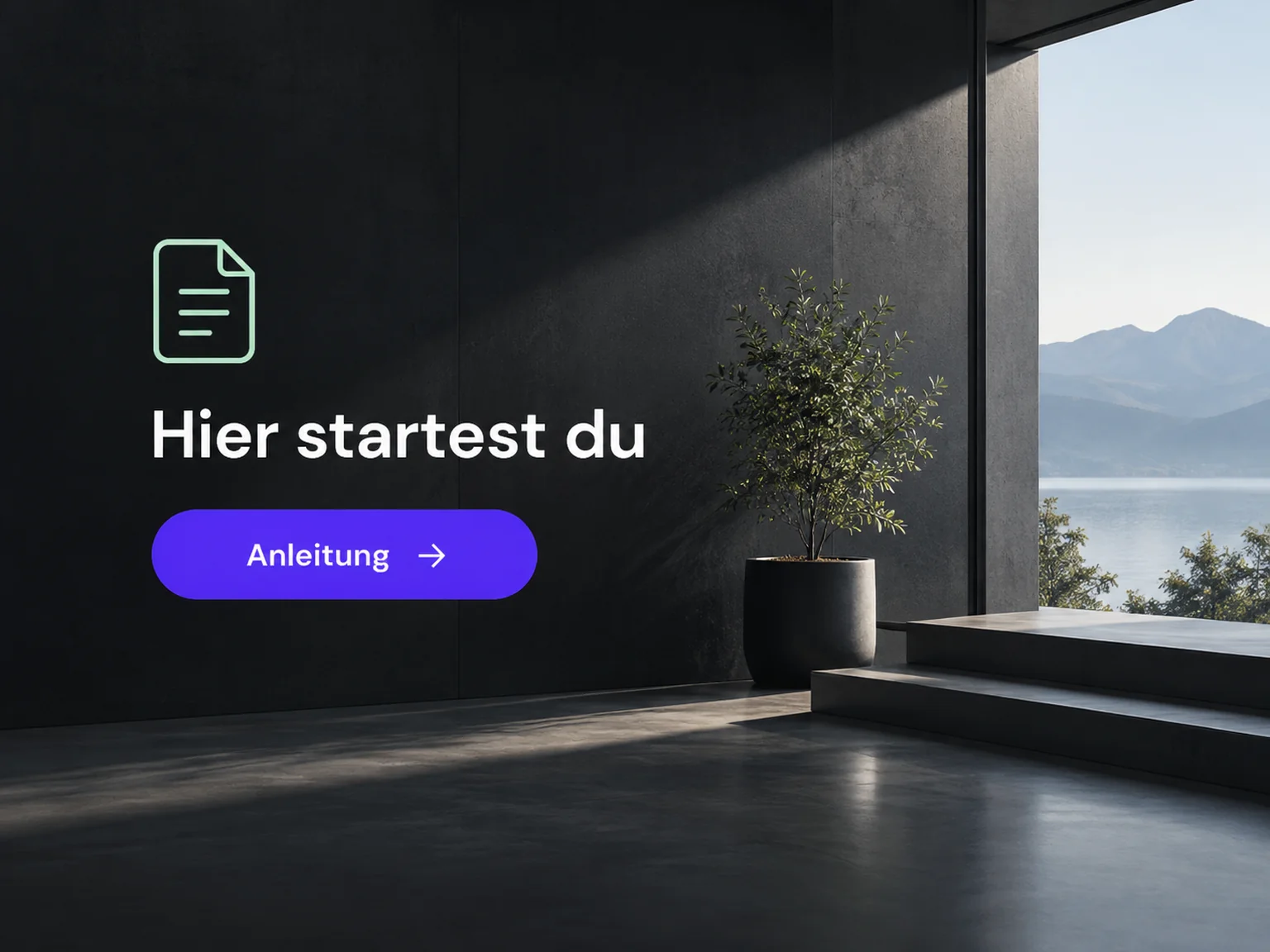
Members can ask questions and share experiences in the enabled area. Your team guides discussion and maintains the group.
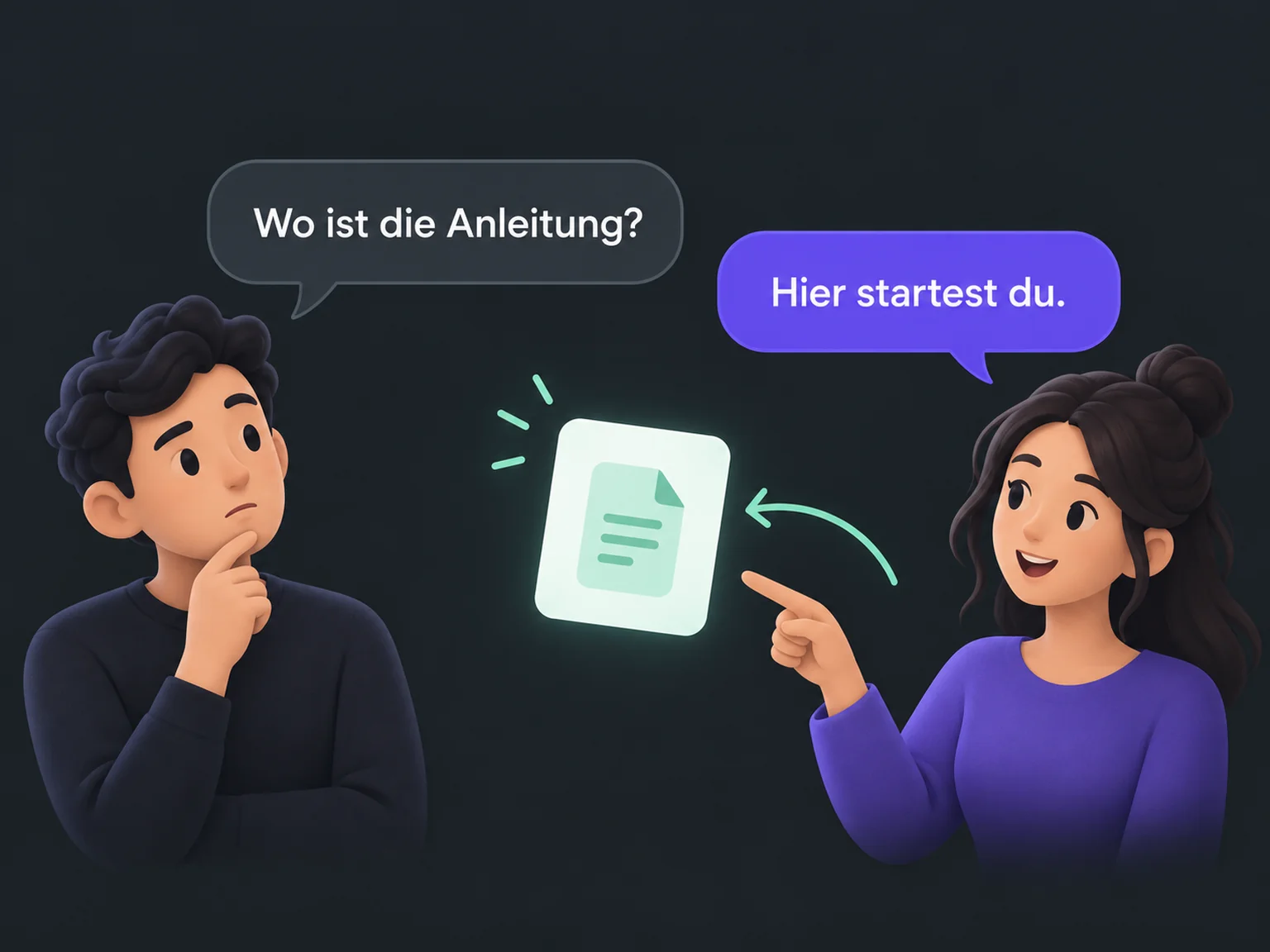
A configured invitation takes members to the relevant group with clear access rules.
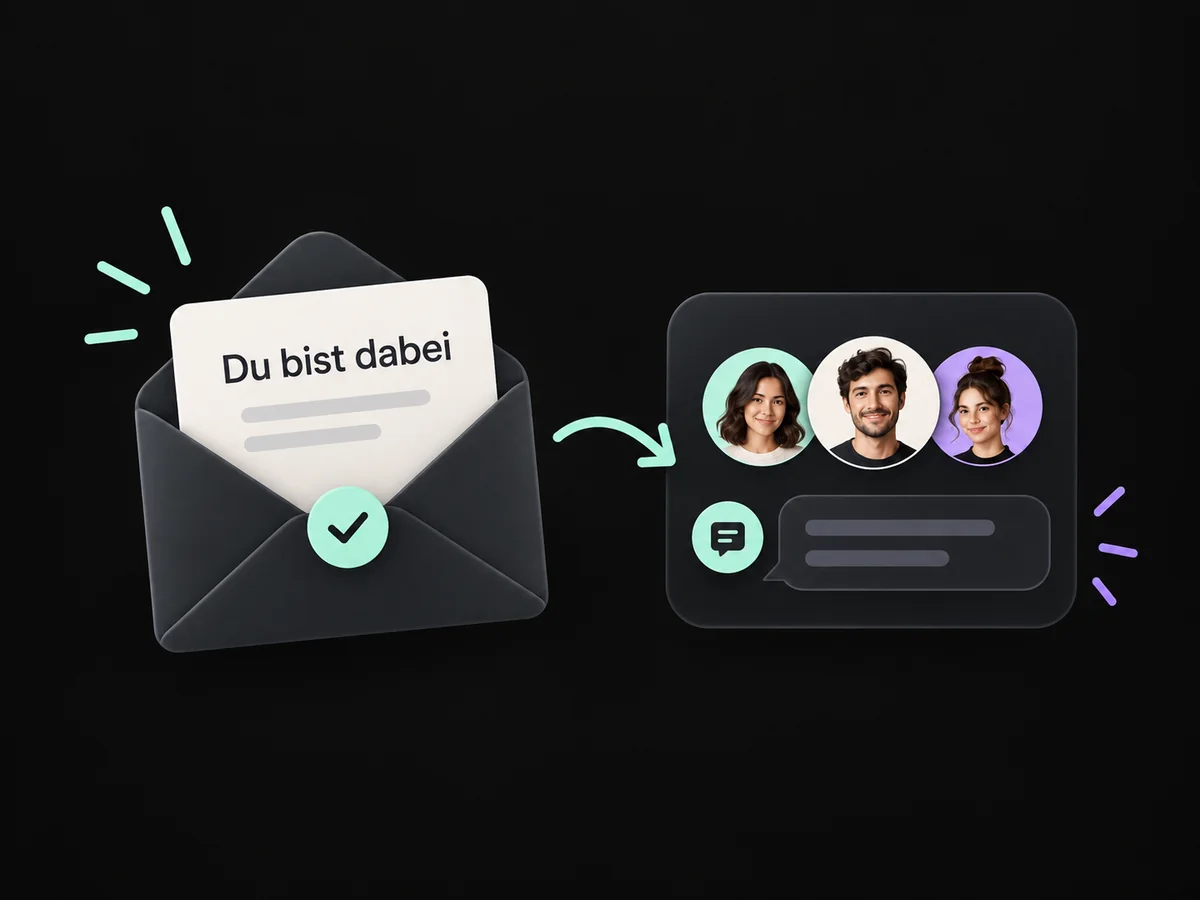
Prepare enabled content and clear sections so members can find the relevant guidance.
Members can ask questions and exchange experiences in the enabled area.
Share configured access and show new members where to start.
Your team guides questions and maintains the group with clear ownership.
Simplified examples, not live account data.
We check groups, content and access rules for your offer. Then we configure invitations, member areas and care and test the journey with a sample member.
That depends on available features and your configured offer. Content, payment routes and access rules need preparation. We also agree expiry, cancellation and access removal.
We check groups, content and access rules for your offer. Then we configure invitations, member areas and care and test the journey with a sample member.
Yes. We agree who handles each request and which details that person needs. Messages, tasks and ownership are configured to fit. Your team remains responsible for personal advice and decisions.
We check the required features and connections in your account. Together, we review permissions, message templates and any usage costs. Then we test the complete journey with a sample contact.
We’ll show you how this solution fits your business and your team.
Discuss this solution