
01
Your campaigns get clear labels.
Use correctly configured campaign links. Source, medium and campaign help classify recorded visits and enquiries later.
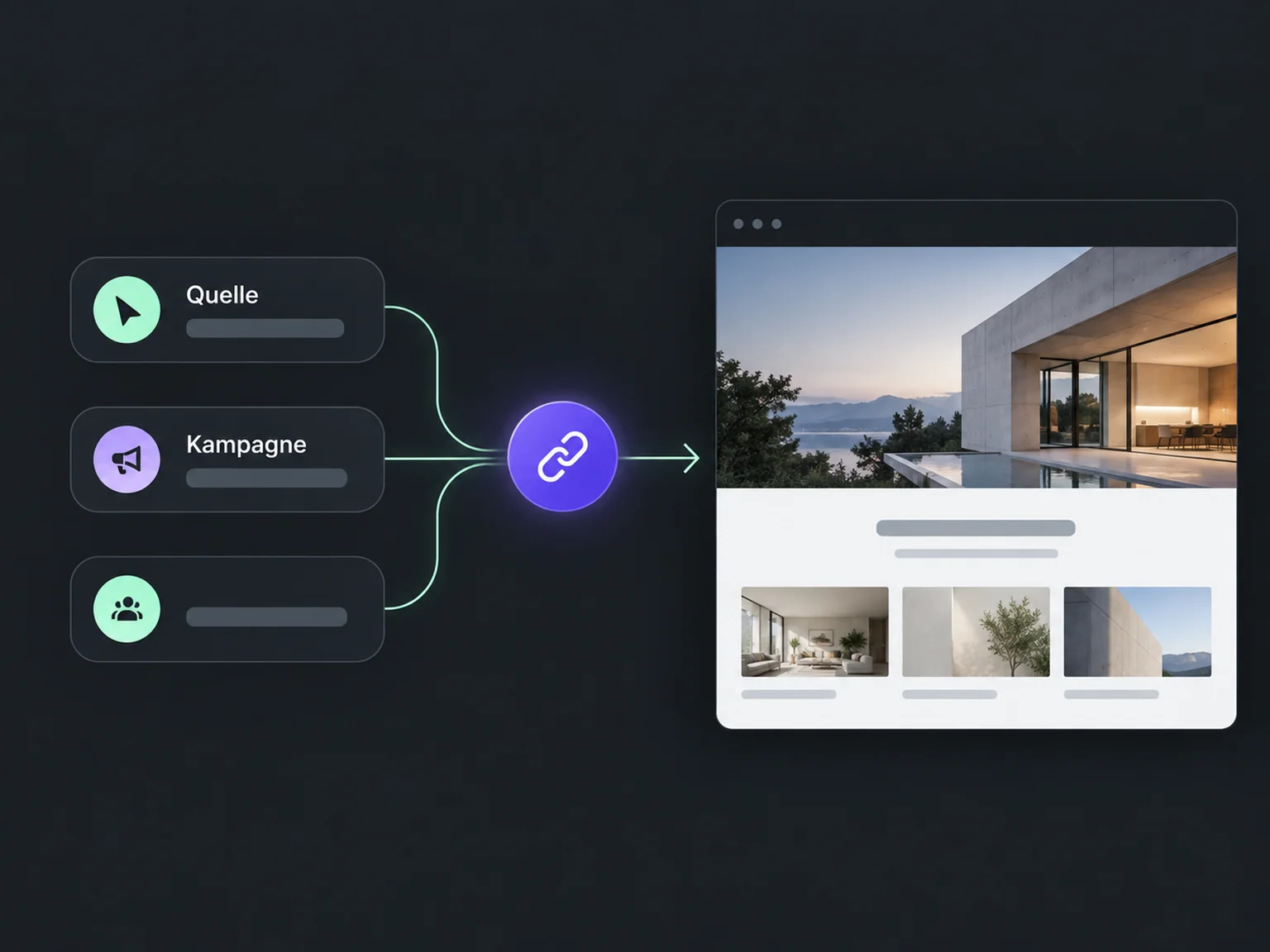

See which campaigns bring enquiries
Find out which activities generate enquiries. ONE LOOP links recorded campaign sources with contacts so you can evaluate your marketing more clearly.
Use correctly configured campaign links. Source, medium and campaign help classify recorded visits and enquiries later.
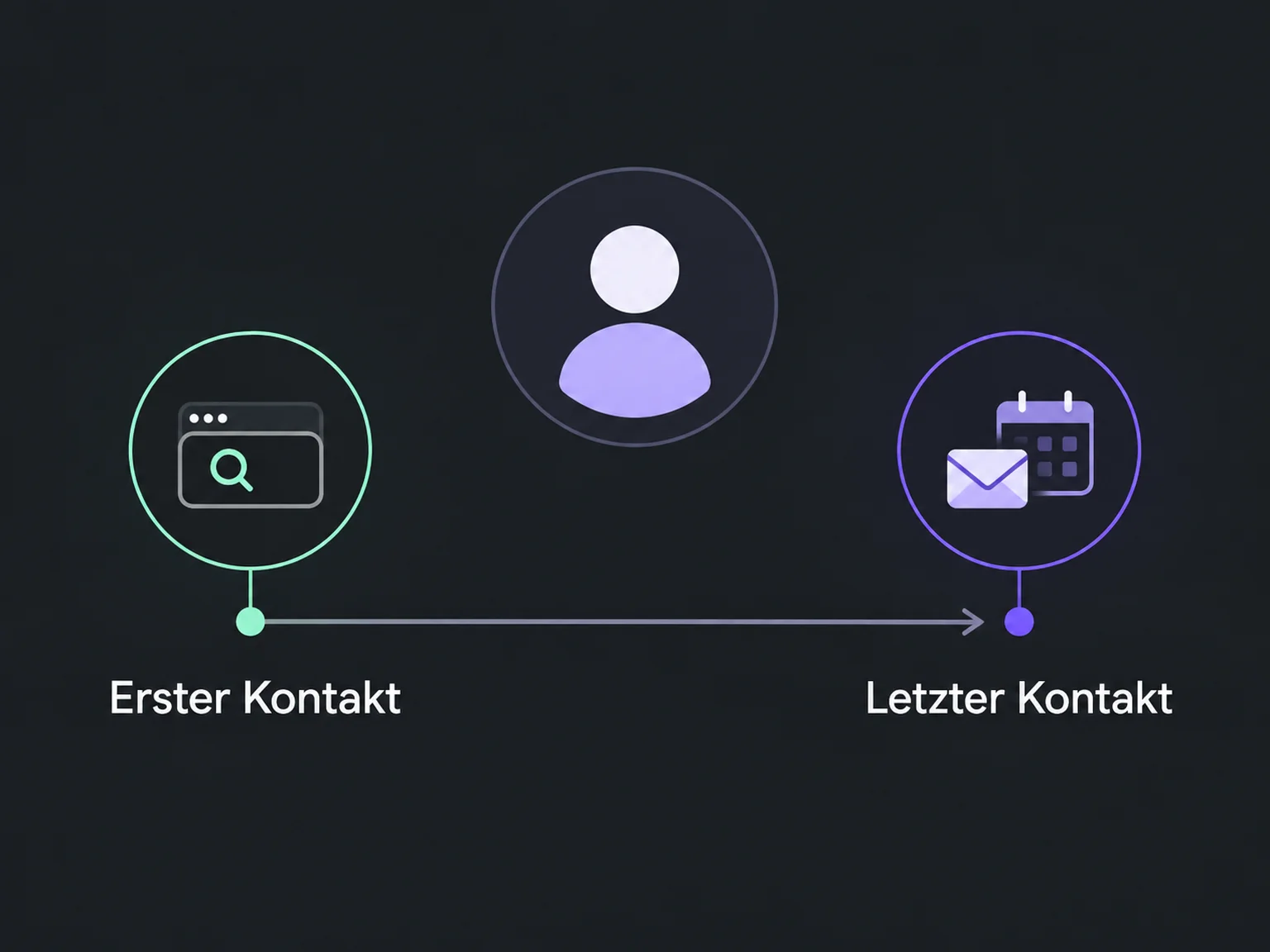
See supported first and latest touchpoints. Your team understands which recorded route a person used to show interest.
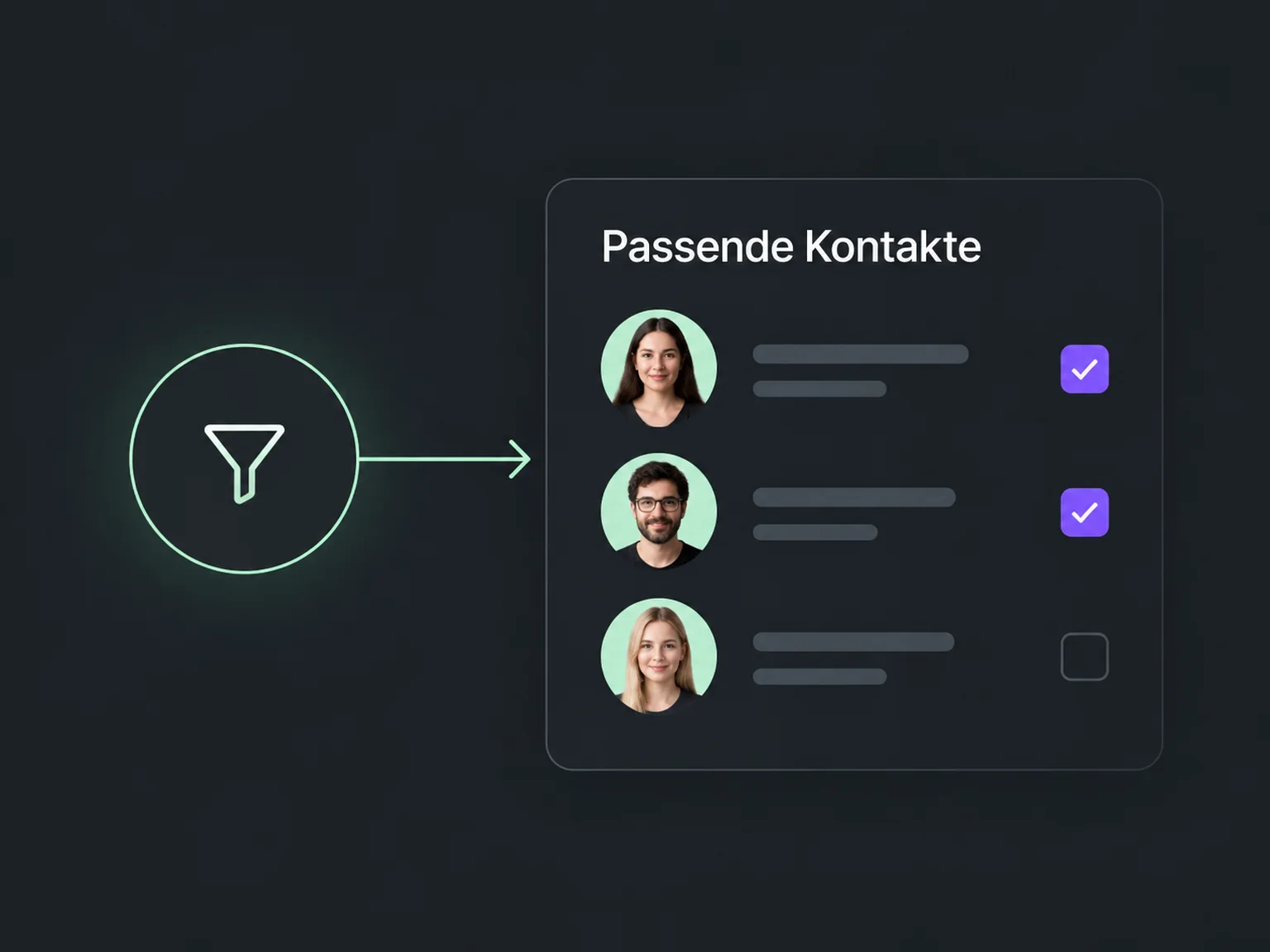
Filter by recorded campaign details and review associated enquiries. This helps you assess specific activities more deliberately.
Recorded sources and campaigns appear in the contact record so you can trace where interest began.
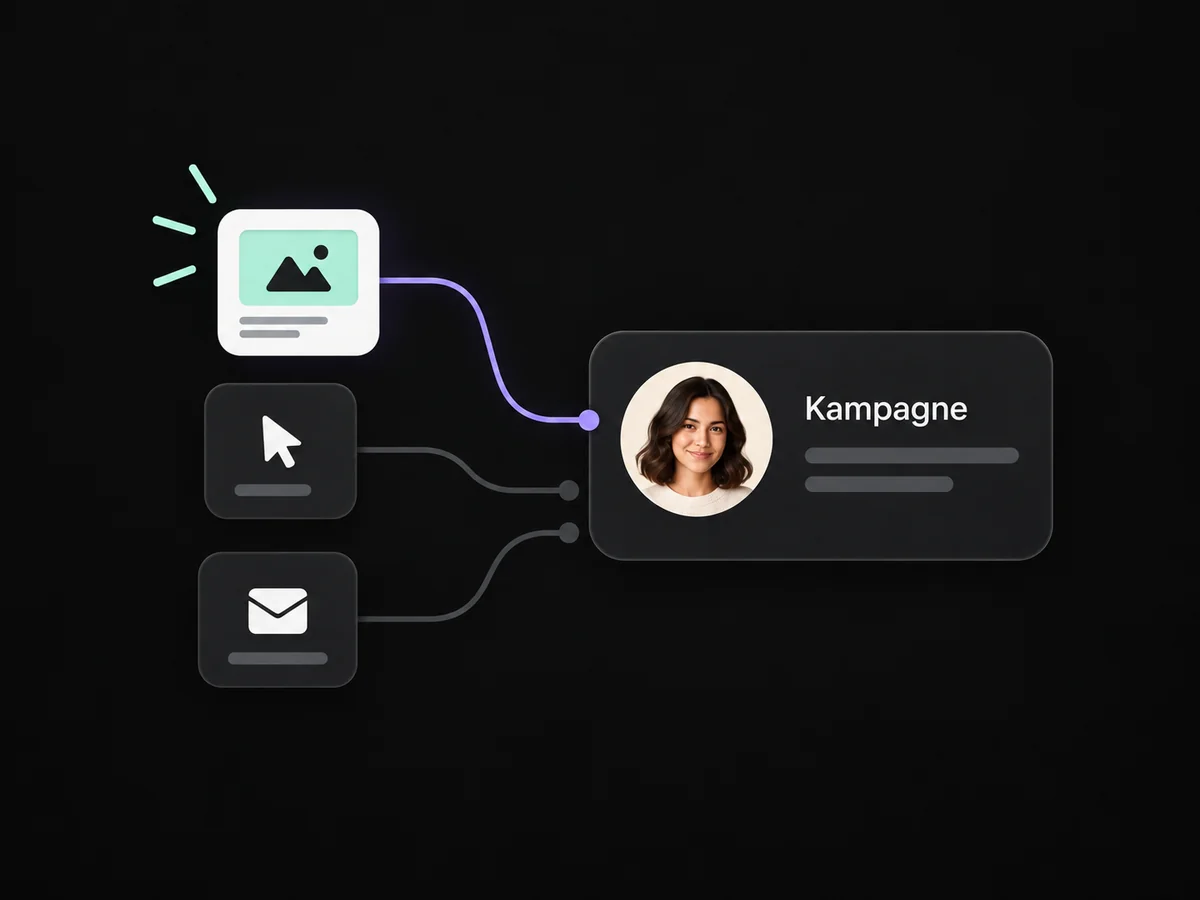
Correctly configured campaign links help associate recorded visits and enquiries with a marketing activity.
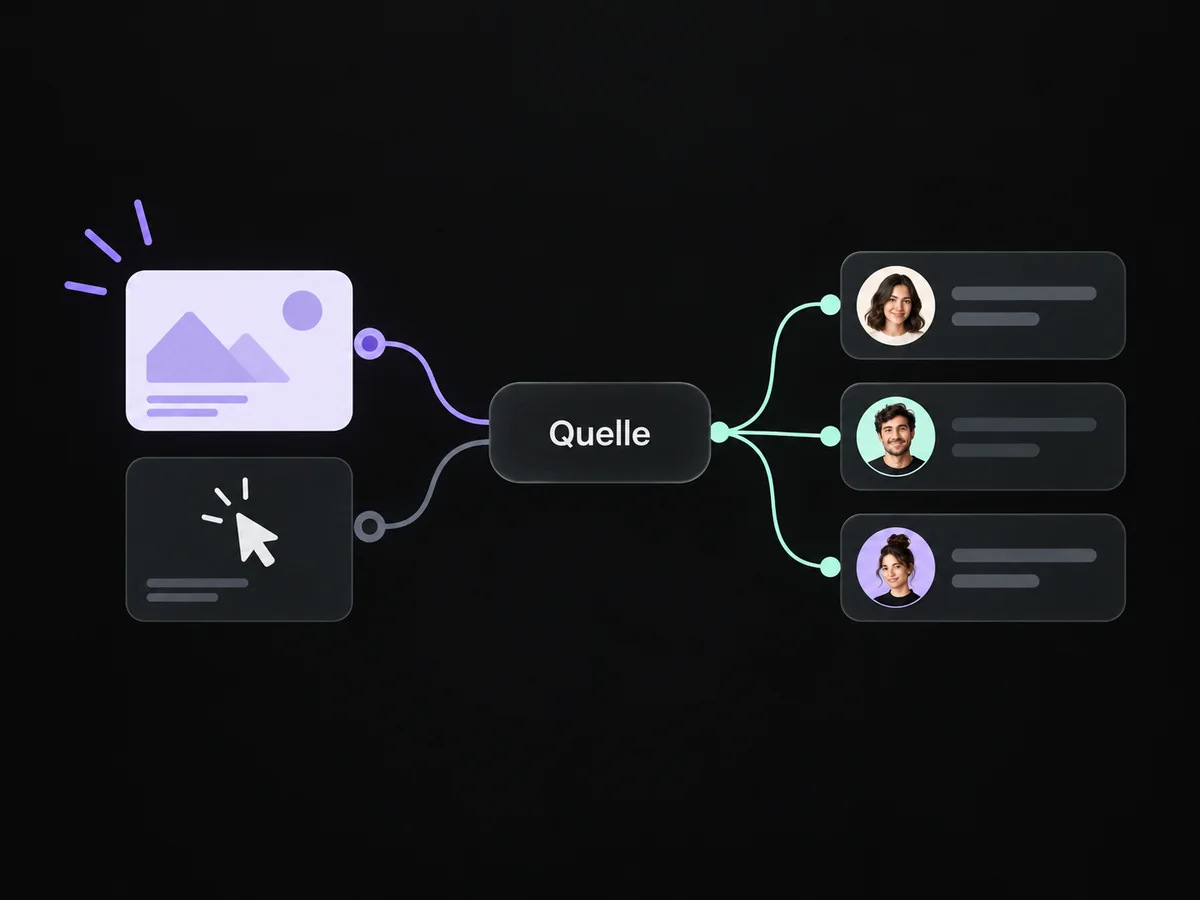
Filter contacts by recorded sources and examine the enquiries each activity generated.
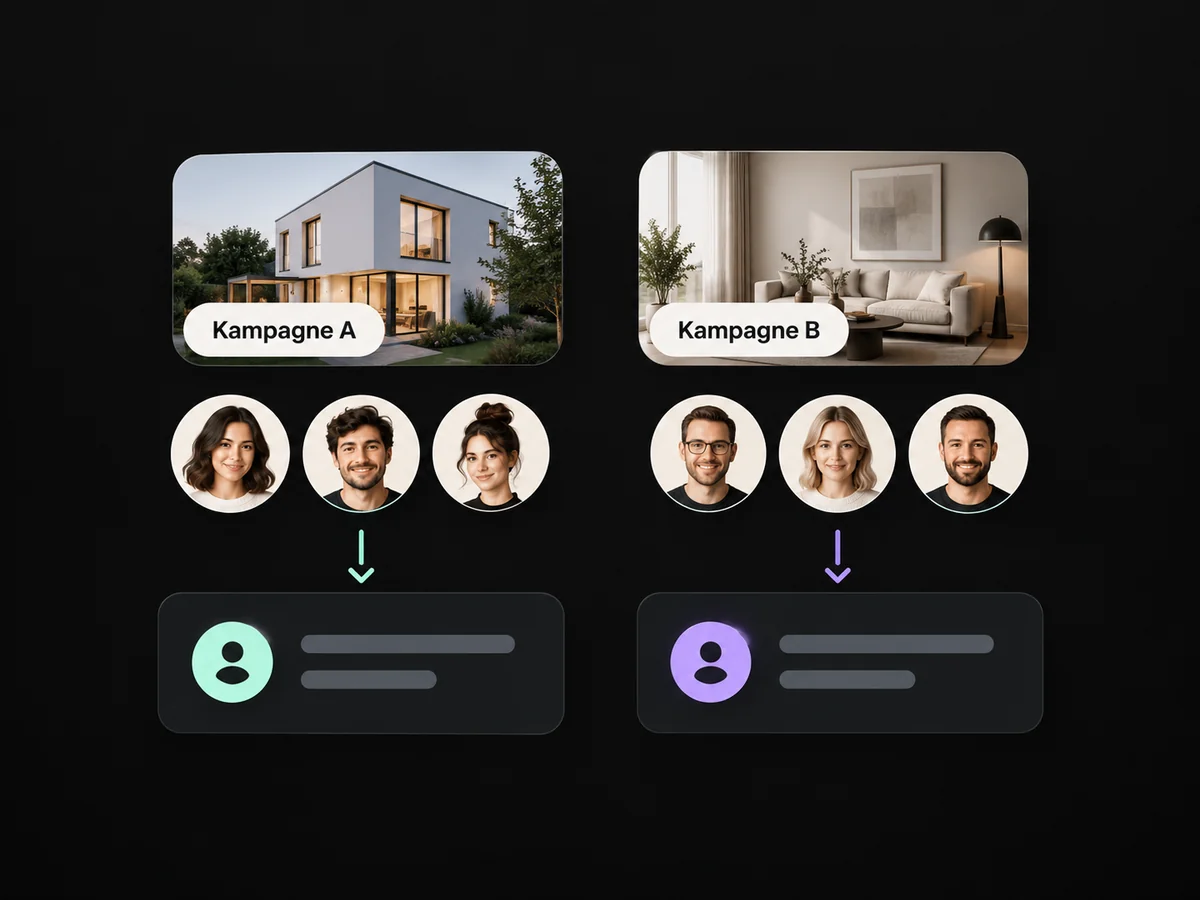
Review associated opportunities and maintained stages to understand what happens to your enquiries.
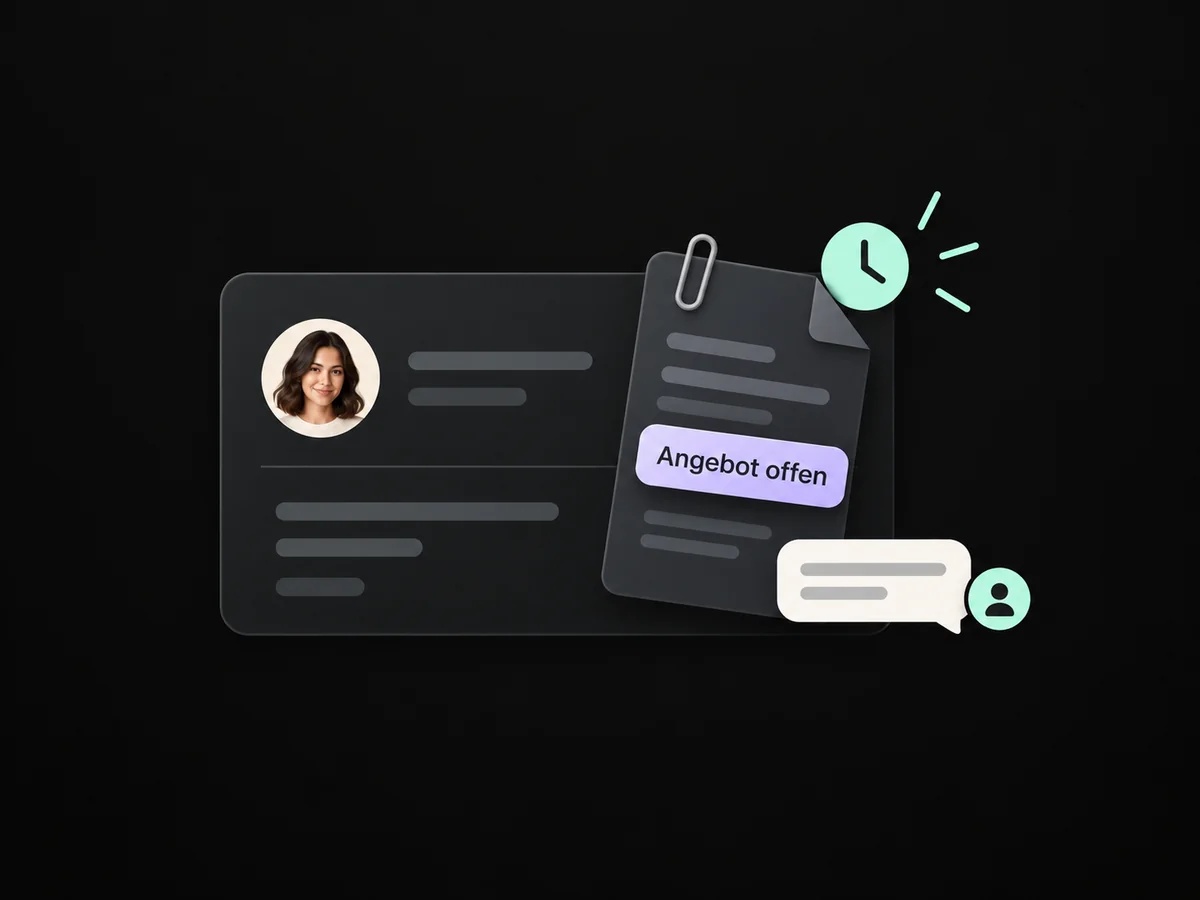
Select enquiries from a recorded campaign and plan your team's personal follow-up.
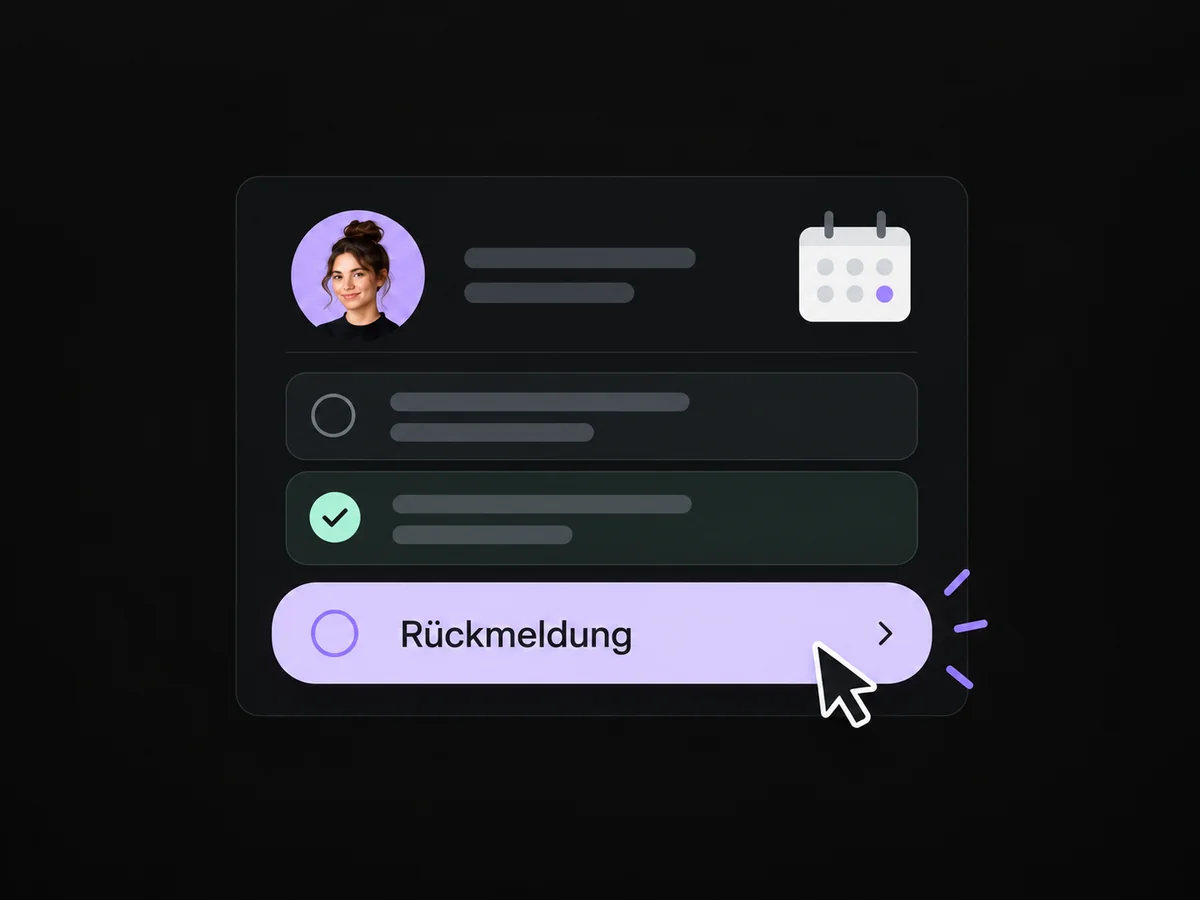
Simplified examples, not live account data.
We agree labels, supported pages and measurement routes. Then we check a sample enquiry from campaign link to saved contact and report.
No. You see the touchpoints your configured measurement captures and associates. Device changes or unconnected sources can leave gaps. We review what the report can tell you together.
We agree labels, supported pages and measurement routes. Then we check a sample enquiry from campaign link to saved contact and report.
Yes. We agree who handles each request and which details that person needs. Messages, tasks and ownership are configured to fit. Your team remains responsible for personal advice and decisions.
We check the required features and connections in your account. Together, we review permissions, message templates and any usage costs. Then we test the complete journey with a sample contact.
We’ll show you how this solution fits your business and your team.
Discuss this solution