
Enquiries & sales
Automate lead follow-up: workflow and templates
Follow up on inbound enquiries reliably without interrupting personal conversations. Includes practical templates, stop rules and a test plan.
Short answer
Automate the next useful step for each enquiry, not a rigid message series for every contact. Assign ownership and a due time, then check again before each message: Has someone replied, booked, declined or taken over personally? If so, pause or end the original sequence.
Key takeaways
- An acknowledgement is not yet a helpful answer.
- Separate enquiries need their own states, even for the same contact.
- Replies, bookings and personal handovers must affect running sequences.
- Measure useful responses and outstanding tasks, not just message volume.
A fast acknowledgement is not the same as useful follow-up
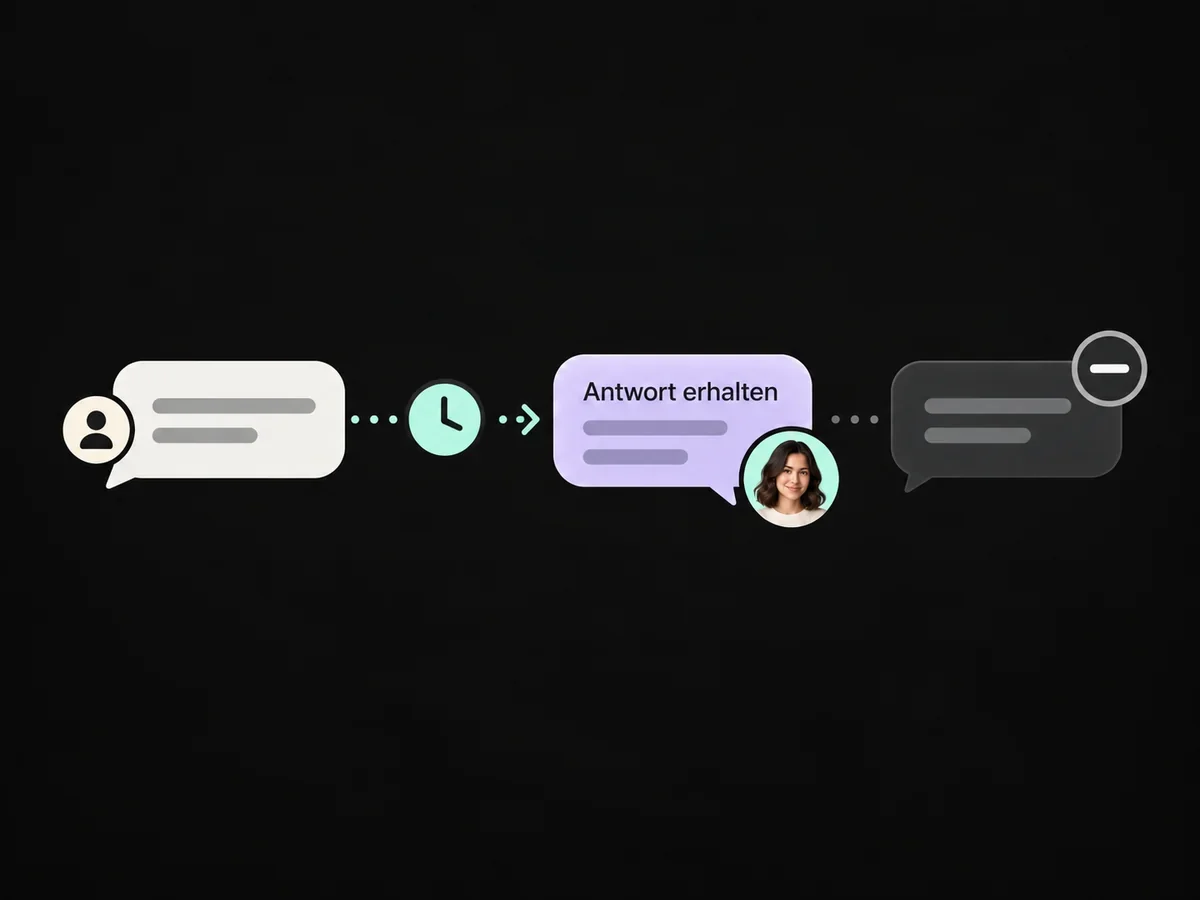
An enquiry arrives, an automated email goes out, and no conversation follows. Speed may not be the problem. The message might not answer the person's question. Nobody may know who should take over. Or a colleague replies personally while the automation sends another message the next morning as though that conversation never happened.
That is why lead follow-up needs more than messages and delays. It needs a visible state: Is this enquiry still open? Who owns it? What has already been clarified? What next step has been agreed?
A public example comes from an event-rental business on Reddit: advertising generates enquiries and the business acknowledges them quickly, but the conversation stops. This does not establish the cause. It does raise a useful question: does the first response help the prospect move forward, or simply confirm that their message arrived?
This guide is for small service teams handling inbound consultation or quotation requests. It presents a concrete process proposal, not a cold-outreach campaign or a supposedly tested customer installation. Check the proposed rules in your own account before sending real messages.
When automated follow-up helps – and when it does not
Automation is useful for recurring steps that should happen reliably: assigning an enquiry, creating a task, requesting missing information or preparing an agreed follow-up. It is less suitable when the right response depends on individual assessment, a pricing negotiation or a sensitive situation.
If a single person handles a few enquiries completely, a shared inbox and a well-maintained task list may be sufficient. A CRM becomes particularly useful when several people, channels or handovers are involved. The key question is not whether you have enough leads. It is whether you can identify the next step for every open enquiry.
External numbers provide context, not a target to copy. The following vendor study illustrates unanswered demo requests. It does not measure your industry or establish the effectiveness of a ONE LOOP automation.
Not every demo request receives a reply
Share of companies reviewed · Report published 25 April 2025
- No reply16 %
- Remaining companies (calculated)84 %
View data table
| Category | Share of companies reviewed |
|---|---|
| No reply | 16 % |
| Remaining companies (calculated) | 84 % |
This chart describes response coverage, not a close rate or an effect of automation.
Source: Chili Piper / Navattic: B2B Buyer First Report 2025 · Report published 25 April 2025. 100 selected B2B SaaS companies; manual demo requests using an alias.
16% reported; 84% = 100 − 16. Vendor study, not representative of the DACH market. A uniform observation window is not specified. Not ONE LOOP results.
The practical response is to measure your own gaps: between arrival and the first useful answer, between that answer and a meeting, or after a proposal. Each gap calls for a different improvement.
The information every open enquiry needs
A contact and an enquiry are not the same thing. One person may ask for a consultation today and an additional service later. If the entire process depends on a single contact tag, these enquiries can overwrite each other's state.
Start with a manageable data structure. The names below are suggestions for your own fields and statuses, not guaranteed default fields in a particular account configuration.
Information | What it is used for |
|---|---|
Enquiry ID and contact | Associates messages and tasks with the correct request. |
Arrival time and source | Shows how long the enquiry has waited and where it originated. |
Request and information already supplied | Avoids asking questions the form has already answered. |
Responsible person | Identifies who must complete the next personal action. |
Status | For example: new, in progress, awaiting a reply, meeting booked or closed. |
Latest customer reply and team activity | Helps identify an outdated message before it is sent. |
Next task and due time | Turns a collection of contacts into an actionable work list. |
Automation paused / contact restriction | Separates personal handling from a restriction on sending. |
A team handover is not an unsubscribe. Someone receiving personal assistance should not accidentally be marked as permanently unreachable. Equally, a contact restriction must not disappear automatically when a normal pause expires.
If a usable address, necessary detail or clear association is missing, put the enquiry in a review queue. An empty first-name field must not become a visible placeholder in a message. A longer sequence will not fix an incorrect email address.
The workflow: from arrival to personal handover
One enquiry. One next step.
Capture
Identify the enquiry, prevent duplicates and assign an owner.
Respond usefully
Answer the question or ask for one necessary missing detail.
Plan the next step
Record the reason, due time and responsible person.
Check again before sending
Is the enquiry still open, and does this message still make sense?
Reply, booking, personal handover or decline?
Pause or end the automated sequence; respect applicable contact restrictions.
Proposed process for inbound enquiries; test it in your setup before sending to real contacts.
1. Capture the request and prevent duplicate starts
Start with a specific event, such as a new consultation request from a particular form. “Contact created” is often too broad: imports and unrelated processes can create contacts too.
Check whether the same enquiry is already being handled. Submitting the form twice should not create two tasks and two messaging sequences. That does not mean suppressing every later request from the same person. The enquiry and its state matter, not just the email address.
The verifiable result of this step is one identifiable enquiry, an owner and exactly one planned next action.
2. Prepare a useful first response
Confirm what you received and offer one small, concrete next action. If the form already contains the subject and preferred timing, do not ask for them again. If information is missing, ask only for what the next decision genuinely requires.
Do not promise a fixed callback time that the team cannot reliably meet. An automatic acknowledgement may go out immediately while personal handling begins during the stated team hours. Keep those two timestamps separate in your reporting.
3. Tie follow-up to a reason and a due date
For this example, assume the person requested a consultation but has not answered a relevant question. A task for the next working day can be an initial configuration. This is an editorial recommendation, not a universally optimal interval. An agreed date takes priority; a longer decision process needs more time.
Before another attempt, the team or automation checks whether a question remains open, whether the next message is useful and whether the contact channel is appropriate. Set a limited number of attempts and a clear closing state. A timer expiring is not, by itself, a reason to send.
4. Check again immediately before every message
A lot can change between enrolment and the next send. The person books a meeting, replies through another connected channel or is taken over by a colleague. The queued message therefore needs a final eligibility check.
The minimum rule is that the enquiry remains open, its due time has arrived, and there is no relevant new reply, booking, manual pause or sending restriction. If a necessary signal cannot be checked reliably, create a task instead of sending automatically.
A reply rule inside one workflow is not necessarily a global stop for every conversation and every other workflow. Check which messages and channels it actually covers. A reply sent from a private, unconnected mailbox must not be assumed to appear automatically.
Four events that must stop the message sequence
Event | What the sequence should do | What happens next |
|---|---|---|
Customer replies | Stop further generic reminders for this enquiry. | Assign the reply to an owner and record the next action. |
Meeting is booked | End the invitation to book that meeting. | A separate appointment process handles confirmation and reminders. |
Team takes over personally | Pause automation and record the reason and time. | A person decides whether to resume and sets a new due time. |
Decline or contact restriction | Stop sending in the existing sequence. | Record the relevant enquiry or channel status; never automatically clear restrictions. |
Consider a concrete example. An enquiry arrives on Monday at 10:00. A colleague replies personally at 10:15. The generic message previously scheduled for Tuesday must not continue unchanged. Capture the handover either through an available team-reply event or through an explicitly set handling status. Tuesday's check must consider that state again.
When one person has several open enquiries, scope matters. Ending an invitation for one consultation should not accidentally remove a legitimate message about another appointment. A general opt-out or channel restriction may, however, affect several enquiries. Configure and test these rules separately.
Three message templates for inbound enquiries
These templates are for people who have already made a relevant enquiry. Replace every square-bracket placeholder and check the content, contact channel and permission to send. A template is not blanket permission for additional marketing messages.
Acknowledgement with a concrete next step
Subject: Your enquiry about [topic]
Hello [name],
We have received your request about [specific request]. [Team member] will handle the next step.
To give you a useful answer, we still need [one specific detail]. You can simply reply to this email.
Our enquiry team is available during [actual team hours].
Best wishes, [Name / business]
If that information is already available, remove the question and explain the actual next step instead. The message should make the process clear, not manufacture a reason to reply.
A relevant follow-up when information is missing
Subject: One detail still needed for your enquiry: [detail]
Hello [name],
We still need [detail] to assess [request]. Once we have it, we can [specific next step].
Is this still something you would like to explore? If your timing has changed, a short reply is enough.
Best wishes, [Name]
This message has a clear reason to exist. It does not claim the person read an earlier email, and it does not invent urgency.
A polite close instead of an endless sequence
Subject: Your enquiry about [topic] – would you still like help?
Hello [name],
As we have not heard back about [open point], we will put the enquiry on hold for now. You will not receive further reminders from this follow-up sequence.
If the topic becomes relevant again, feel free to reply. We can then work out the appropriate next step together.
Best wishes, [Name]
Send this only if the sequence really ends afterwards. A closing message followed by three hidden reminders would contradict its own promise.
Find failures before real contacts are affected
Use your own contacts explicitly designated for testing. A successful normal case is not enough. Pay particular attention to events immediately before a send, where outdated state and parallel workflows become visible.
Test case | Expected result |
|---|---|
New, complete enquiry | One enquiry, one owner and one traceable initial action. |
Same form submitted twice | No duplicate sequence for the same enquiry. |
Reply during a waiting period | The outdated message is no longer sent. |
Reply after an earlier wait step has timed out | The current enquiry still takes the reply into account. |
Personal team reply shortly before a send | Pause or handover takes effect before the next automated message. |
Meeting already booked | No further request to book the same meeting. |
Opt-out or restricted channel | No sending through that channel and no automatic removal of the restriction. |
Arrival outside team hours | No unrealistic promise; the task receives an appropriate due time. |
Delivery failure | The error becomes visible instead of silently scheduling another message. |
If a test fails, inspect the enquiry, triggered workflows, message association and execution log first. Adding a longer delay or another workflow may hide the symptom without fixing its cause. Record which event changed which state, then repeat the same failing case.
Metrics that reveal whether the process is improving
Do not count only messages sent. A system can be very active without creating a useful conversation. These four perspectives are enough to start:
Metric | Clear definition |
|---|---|
Time to first useful response | Time from arrival to the first substantive answer; report automatic acknowledgements separately. |
Overdue open enquiries | Open enquiries whose task due time has passed at a defined reporting point. |
Reply rate for an enquiry cohort | Enquiries with a relevant customer reply divided by the contacted enquiries included in the same observation window. |
Meeting rate for qualified enquiries | Enquiries with a booked meeting divided by qualified enquiries in the same arrival group. Define “qualified” first. |
For response time, distinguish total elapsed time from time within team hours. An enquiry arriving on Friday evening must not be silently compared with one arriving on Tuesday morning. Also identify enquiries that have not yet had enough observation time instead of prematurely counting them as failures.
If the first answer is quick but few people continue, examine the question, next step and suitability of the enquiries. If replies arrive but meetings do not, investigate the next stage. Change one important process element at a time where possible and compare similar groups. A simultaneous advertising change can also affect the result.
Build the first version with ONE LOOP
Start with one enquiry channel, a clear ownership model and a limited follow-up sequence. In ONE LOOP, contact history, tasks, pipeline and appointment handover belong in one connected process. The exact configuration depends on the connected channels and existing account setup.
For each action, first write down the trigger, required information, check, action and expected result. Configure intake and handover before adding several messaging steps. Keep personal or ambiguous replies with the team initially. Automation does not have to decide immediately whether someone is ready to buy.
Once this process works, connect the next stage: follow up on proposals systematically or handle appointment reminders and rescheduling. The ONE LOOP sales platform explains the connected capabilities.
A useful first version has a simple standard: every enquiry has a visible status, owner and next action, and an outdated automation can stop in time.
FAQ
