
CRM
CRM or spreadsheet: when is switching worth it?
When a spreadsheet is enough and when a CRM helps: a decision framework, transparent cost example and practical pilot for small teams.
Short answer
A spreadsheet is enough when you handle a small number of customer workflows yourself, can find the conversation history quickly and give every open enquiry a next step. A CRM becomes worthwhile when several people or channels work together and handovers regularly consume time. The deciding test is whether the team can reliably see who owns the case, what was agreed and what happens next.
Key takeaways
- Handovers and next actions matter more than the number of contacts.
- Excel supports collaboration; a CRM must demonstrate additional value in daily work.
- Time value is neither a guaranteed saving nor additional cash.
- Start with active enquiries and assess the same activities before and during the pilot.
When a contact list stops being enough
A prospect submits a form on Monday, calls on Tuesday and sends a WhatsApp message on Wednesday. Their name is in your spreadsheet. The agreement from the call is in a note, while the WhatsApp reply sits on a different device. A colleague sees only the row and sends a message repeating questions the prospect has already answered.
This is an illustrative scenario, not a customer case study. It shows two different jobs: a contact list stores information; a customer workflow connects information to conversations, responsibility and an action that is due. That connection is the useful starting point for a system decision.
A CRM becomes valuable when the next person can continue the work without first having to ask the previous person.
A well-maintained spreadsheet can be entirely appropriate for a manageable process. Switching becomes interesting when keeping the information connected turns into a recurring job in its own right.
What Excel does well—and what you need to organise around it
Excel is flexible. You can create your own columns, filter data, calculate proposals and build custom analyses. If you already use it, adding a small customer list may not add another licence cost.
Collaboration is possible too. Microsoft documents co-authoring and version history for supported Excel versions and suitable cloud storage. Claiming that Excel has no history would therefore be misleading. Version history explains changes to cells; it does not automatically organise the associated customer conversations. Microsoft: Collaborate on Excel workbooks
You can add reminders and integrations. You then need to decide who maintains those connections and handles failures. Compare the spreadsheet you actually operate with a CRM that has actually been configured. Comparing an untidy sheet with a perfectly set-up CRM tells you little about the real decision.
Job | Excel used as a customer list | A configured CRM |
|---|---|---|
Capture and filter contacts | Good for custom lists | Structured contacts with defined fields |
Calculations and flexible analysis | A particular strength | An export or additional analysis tool may help |
Bring conversations together | Organise links, notes or integrations yourself | Connected channels can appear against the contact |
Assign responsibility and deadlines | Columns, rules and team discipline | Tasks, assignments and appropriate automations |
Manage several opportunities per customer | Requires your own table model | Linked contacts and opportunities, depending on the system |
Detect exceptions | Plan filters and regular checks | Configure views, alerts and control rules |
The right-hand column does not happen by itself. A CRM without operating rules and responsible people can develop the same gaps as a spreadsheet.

A decision framework for your team
Answer these questions using open customer cases from the previous working week. This is an assessment of observable work, not a score with a supposedly scientific buying threshold.
1. Can another person take over a live case?
Open a current lead and ask a colleague to describe the next action. If they first need to search emails, chats or private notes, the process lacks shared context. A CRM with connected channels can help; another contact database on its own will not.
2. Are deadlines actively handled?
A follow-up-date column is useful only if somebody checks it every day. Look for overdue rows and cases without dates. If the list stays current and you manage it reliably yourself, that supports keeping the existing setup. If reminders depend on one person's memory, shared task management deserves a pilot.
3. Does one customer have several active matters?
A customer may have a new proposal, an unresolved service question and a booked appointment at the same time. Combining all three in one row makes the status ambiguous. Separate the contact from the individual matter, whether you continue with tables or adopt a CRM.
4. How much information is entered twice?
For a week, record repeated transfers: form to sheet, sheet to calendar, call note to proposal. Frequent manual transfers give you a concrete pilot candidate. The total number of stored contacts is less informative for this purpose.
Our recommendation is to keep the spreadsheet while the process remains traceable and reliable. Plan a CRM pilot when handovers, outstanding deadlines or duplicate entry repeatedly create real work. If calculation remains your main task, Excel can still be useful after the CRM is introduced.
How common is CRM use among small businesses?
Eurostat reports that, in 2025, a rounded 25% of small EU enterprises and 65% of large enterprises used CRM software. Small means 10–49 employees or self-employed persons; large means at least 250. Businesses with fewer than ten people are excluded. The figures come from the EU ICT usage survey in the specified economic sectors and were published on 20 May 2026. Eurostat: E-business application use in 2025
CRM adoption by enterprise size
Share of enterprises · 2025 survey · published 20 May 2026
- Small: 10–49 people25 %
- Large: 250 or more people65 %
View data table
| Category | Share of enterprises |
|---|---|
| Small: 10–49 people | 25 % |
| Large: 250 or more people | 65 % |
CRM adoption differs by company size. These figures measure neither time savings nor sales performance.
Source: Eurostat · E-business 2025 · 2025 survey · published 20 May 2026. EU enterprises with at least 10 employees/self-employed persons; NACE Rev. 2 C–J, L–N and 95.1.
Rounded source figures. Businesses with fewer than 10 people are excluded; the remainder do not necessarily use Excel.
These figures describe adoption, not effectiveness. They also do not mean that the remaining businesses use Excel. They cannot automatically determine the right purchase for a three-person company. The practical questions above remain closer to your own requirements.
The cost question: subscription plus operating work
Compare three items: recurring software charges, implementation including data transfer, and recurring work. A CRM may also involve messaging, telephony or extra modules. For a spreadsheet setup, include the existing licence, extensions and maintenance of connections you have built.
Consider a deliberately hypothetical calculation. A team spends 15 minutes per working day entering duplicate information and finding call notes. Over 20 working days, that is five hours. At an assumed internal hourly cost of €45, the monthly time value is €225.
That €225 is not a promised CRM saving. If the pilot actually removes only three of those five hours, the released time is worth €135 in this example. Additional recurring charges must be considered separately. Time value is not cash in the bank either: the team must be able to put the available time to useful work.
Record the same activities before and during the pilot. This shows whether the new system reduces work or merely moves it elsewhere.
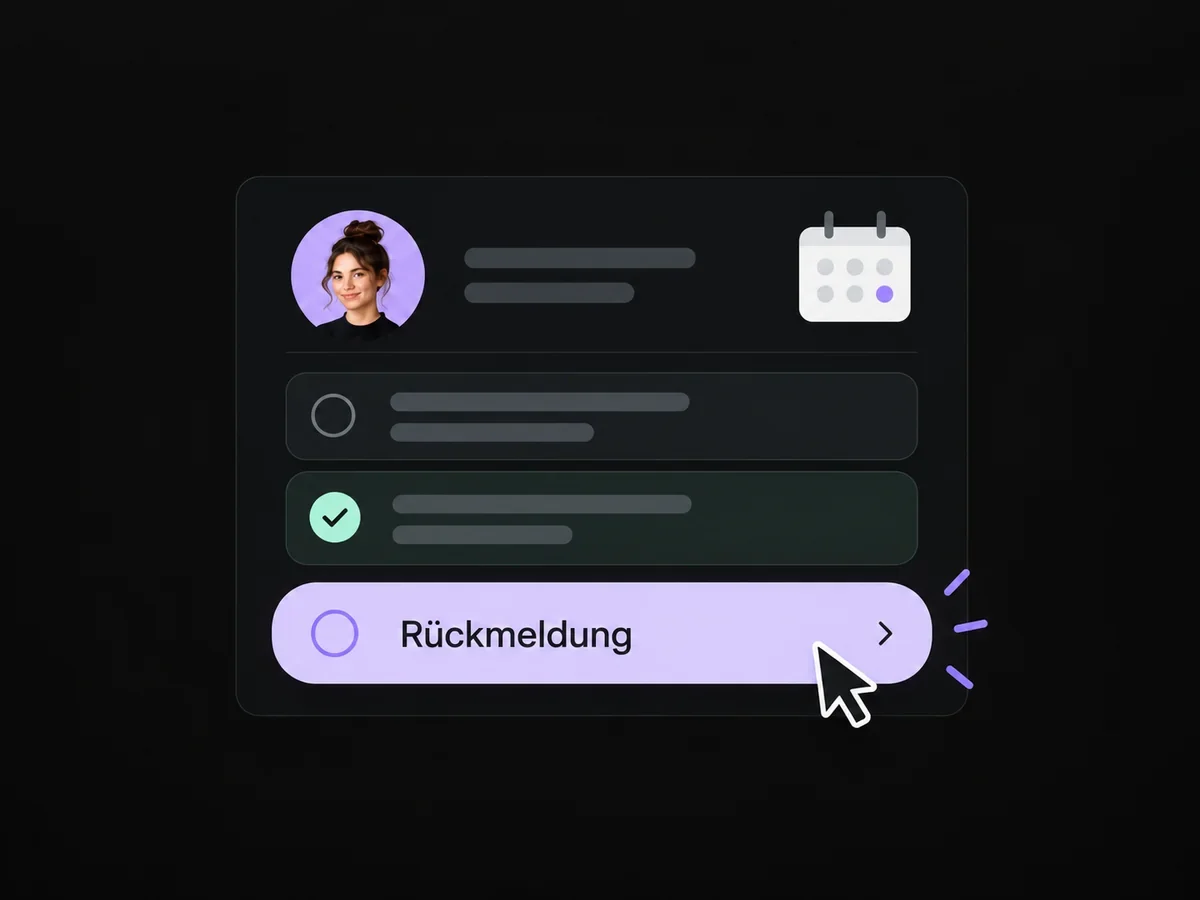
Switch through one manageable pilot workflow
We recommend starting with active prospects and their next tasks. You can plan the full historical import afterwards. The pilot should first establish whether the new system makes one complete customer case easier to handle.
From a customer list to a testable CRM pilot
Check the starting list
Select active contacts, stable IDs and open requests; review ambiguous duplicates separately.
Build customer records
Connect contacts, conversation context and individual matters; rehearse a complete working day.
Assign responsibility
Give each active matter an owner, a next action and a due date.
Review the pilot
Compare handover time, overlooked deadlines and duplicate entry against the starting process.
Contacts missing or tasks invisible?
Limit the pilot, preserve changes and resolve the cause before expanding.
Recommended pilot for active enquiries. Keep the original file as a secured starting snapshot.
Prepare the starting list
Give each contact a stable ID. Keep name, phone number and email in separate fields. Store phone numbers as text with the country code so numerical formatting does not remove leading characters. A separate table for opportunities or requests is useful when one contact has several open matters.
The pilot usually needs these details:
Contact ID and a usable contact channel;
specific request or opportunity;
current, verifiable stage;
responsible person;
next action and due date;
brief record of the latest agreement, with a link to its conversation context.
Do not merge people solely because their names match. Shared family email addresses, company switchboard numbers and similar spellings may refer to different people. Put ambiguous matches in a review list.
Rehearse a complete working day
Test a new lead, a returning contact, a handover and an overdue task. Check that the information arrives and someone can continue the work. A successful import proves only that records were transferred.
Choose one place for active work
Once the pilot starts, the team maintains those selected cases in the CRM. Preserve the original sheet as a secured starting snapshot. Continuing manual updates in both systems makes comparison harder and creates two conflicting versions of events.
Agree on a review date and clear reasons to stop: missing contacts, invisible tasks or a substantially more difficult working day. A secured starting file and an export of pilot changes make a controlled return easier.
How to judge the pilot
Review four questions with the people who use the process daily:
How many active matters have a responsible person and a next action with a due date?
How many commitments became overdue without the team noticing?
How long does a handover take, including finding the conversation context?
How much duplicate entry remains each week?
Compare similar case types and working periods. A quiet holiday month is not a useful sole comparator for a busy campaign week. With a small sample, transparent observations of individual cases can be more informative than an impressive-looking success rate.
When ONE LOOP fits
ONE LOOP is particularly relevant when your customer workflows span forms, inbox, phone, appointments and follow-up. Contact history, responsibility and the next action are configured together. A CRM pilot can therefore cover one complete flow from intake to handling.
If your only need is a flexible calculation sheet, a broad platform implementation would be unnecessary. If you switch between several customer channels every day, a demonstration using your own case is more useful. A ONE LOOP consultation can walk through that process. Our lead follow-up guide explains the work that comes after intake.
FAQ